Web Scraping Compliance: Monitor Safety Rules Daily With Twin.so
Web scraping compliance breaks when a team treats a one-time legal review as a permanent answer. A website changes its terms, adds a login wall, updates a privacy notice, or blocks automated access. Your workflow can remain unchanged while...
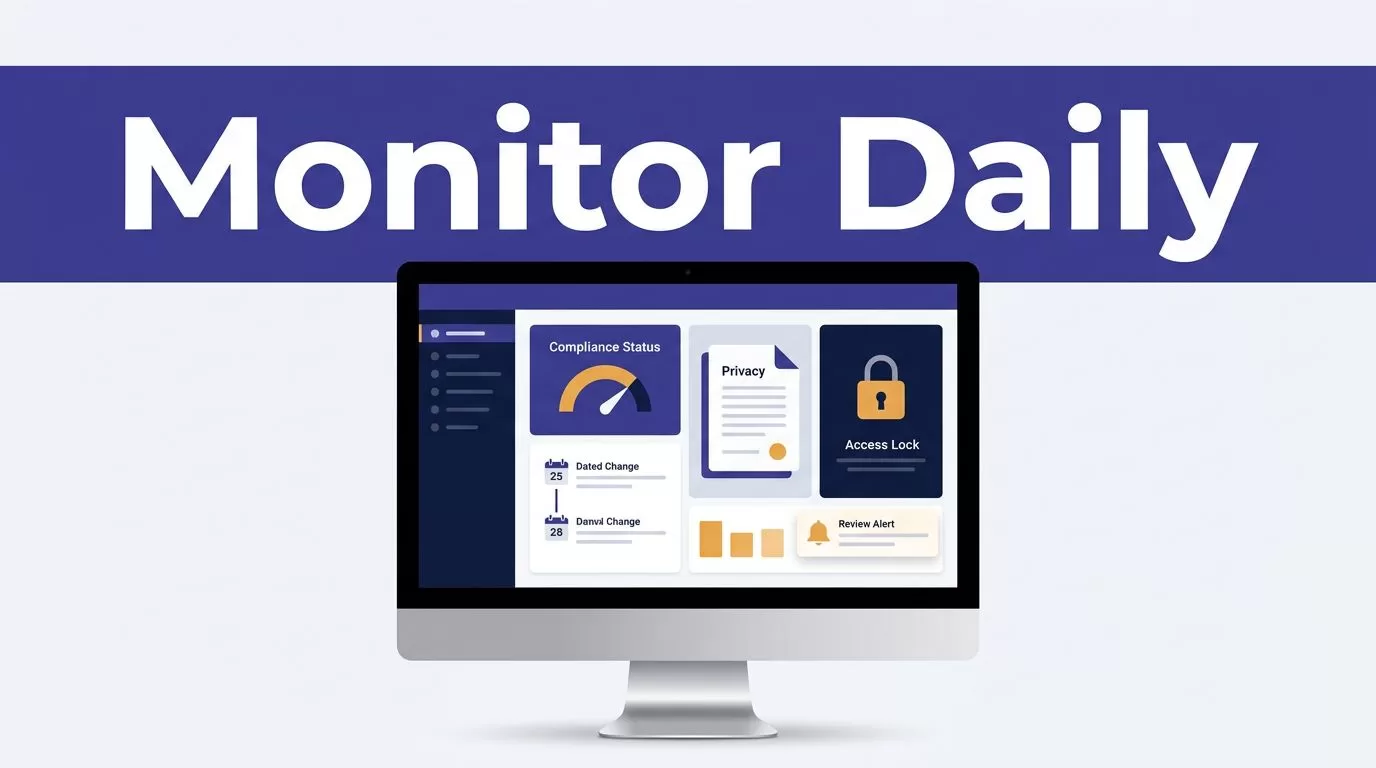
Web scraping compliance breaks when a team treats a one-time legal review as a permanent answer. A website changes its terms, adds a login wall, updates a privacy notice, or blocks automated access. Your workflow can remain unchanged while its risk profile shifts.
Twin.so can help turn that gap into a daily monitoring routine. The platform can collect authorized updates, record evidence, and send changes to human reviewers. It doesn’t decide whether a collection activity is lawful. That decision depends on the facts, jurisdiction, and qualified legal advice.
WHY DAILY MONITORING MATTERS
A compliance review is only accurate for the sources and rules reviewed at that time. A website may move content behind authentication or change the terms that govern automated access. A regulator may publish new guidance that changes how your team handles personal data.
Daily monitoring gives your team an operating record instead of a static policy document. It can show when a source changed, what changed, and who reviewed the result.

Rules change faster than workflows
Twin’s current finance materials describe daily monitoring for references to the FCA, SEC, MAS, VARA, and MiCA. That use case is broader than checking a single law. It involves watching regulator pages, updates, announcements, and related source content.
The same pattern applies to web scraping operations. You can monitor target-site terms, privacy pages, robots.txt files, documentation, and access conditions. The system can flag a change. Your team still decides whether the workflow should continue.
A daily check catches operational changes
A legal review can approve public-page collection on Monday. On Tuesday, the site can add a consent gate or restrict the relevant path. A scheduled check helps identify that change before the next large run.
Treat the monitor as an early-warning system. Don’t treat it as a legal certification.
A source change is evidence that needs review, not proof that a collection activity is permitted or prohibited.
A daily web scraping compliance control loop
The control loop should connect source monitoring, technical restrictions, evidence storage, and human decisions. Each part covers a different risk.
Separate public access from legal permission
The Ninth Circuit’s April 2022 decision in hiQ Labs, Inc. v. LinkedIn Corp. held that accessing publicly available pages likely did not violate the Computer Fraud and Abuse Act under the case’s facts and legal theory. You can review the Ninth Circuit opinion in hiQ v. LinkedIn for the court’s reasoning.
That decision isn’t a universal scraping license. It addressed a specific US appellate court, a specific statute, and public pages without an authentication gate. Contract terms, privacy law, copyright, database rights, trespass claims, and state laws can still matter.
Review personal data separately
A page can be public and still contain personal data. Names, email addresses, phone numbers, account details, employment information, and inferred profiles can create privacy obligations.
For EU operations, review purpose, lawful basis, transparency, retention, security, data subject rights, and cross-border transfers. The EDPB’s Guidelines 03/2026 consultation on web scraping is a current source to track as of August 2026. The guidance is still in consultation, so don’t treat it as a final answer for every use case.
The UK ICO also discusses lawful basis for web scraping in the context of training generative AI models. Its position is specific to that context, not a general approval for every type of scraping.
Treat robots.txt as a technical signal
RFC 9309 defines the Robots Exclusion Protocol and explains how crawlers should interpret robots.txt. It provides a technical convention for site operators and automated clients.
Robots.txt is not a privacy notice, contract review, or GDPR consent mechanism. A missing file doesn’t create permission. A disallow rule should trigger a pause or review, especially when the target is personal data or the site has other access restrictions.
BUILD A SAFE TWIN.SO WORKFLOW
Twin.so works best when the workflow has clear boundaries before the first scheduled run. Start with the source list and the permitted actions. Don’t begin with a broad instruction such as “scrape the web for compliance updates.”

Create a source register
Record each approved source in a simple table or Google Sheet connected to the workflow. Include the domain, exact URL, jurisdiction, source owner, business purpose, review owner, and permitted fields.
Add the source type. Examples include regulator page, website terms, privacy notice, robots.txt, API documentation, or public product page.
Also record the last legal review date. A source without an owner becomes an unmanaged collection target.
Configure an allowlist and exclusions
Use an allowlist of domains and URL patterns. Exclude account pages, customer records, admin paths, checkout pages, private dashboards, and URLs that contain personal information.
Twin’s current guidance for gated platforms says to use only authorized accounts and approved data uses. It also says agents shouldn’t bypass authentication controls, CAPTCHAs, or MFA requirements. Follow that limit in both the prompt and the technical configuration.
Use sensible rate limits. Stop the run when the site returns repeated blocks, unexpected authentication prompts, or a materially different page structure. A failed run should create an exception, not trigger repeated retries.
Preserve evidence with every alert
Store the source URL, fetch time, page title, previous content, current content, and detected change. Keep a screenshot or page snapshot when the team needs visual proof.
Separate observed facts from interpretation. “Terms page changed on August 14” is an observation. “The change prohibits our workflow” is a legal conclusion that needs review.
Twin can send results to channels such as Slack or Google Sheets. Use the destination that gives the assigned reviewer a clear record and a response deadline.
THE DAILY REVIEW CHECKLIST
A daily checklist keeps the workflow consistent. It also gives compliance teams a repeatable audit trail.
Check the source and collection conditions
Run these checks before accepting new results:
- Confirm that each source URL resolves and still belongs to the approved domain.
- Check whether the page moved behind login, subscription, consent, CAPTCHA, or MFA.
- Compare the current terms, privacy notice, and robots.txt file with the previous version.
- Confirm that the requested fields remain within the approved data scope.
- Check for new personal data categories, geographic restrictions, or retention requirements.
- Review blocked requests, repeated retries, missing pages, and abnormal response volumes.
- Record the fetch time, source version, and workflow status.
A change in page content is not always a compliance event. A change in access conditions usually deserves faster review.
Triage alerts by action
Assign each alert one of four outcomes: continue, continue with restrictions, pause for legal review, or stop.
Continue when the source changed only in an irrelevant section and the approved collection scope remains intact. Add restrictions when the page contains a new data field or the workflow needs a narrower URL pattern.
Pause when the terms, privacy notice, robots.txt file, or authentication process changed. Stop when the agent would need to bypass a control or collect data outside the approved purpose.
Log the reviewer, decision, reason, and next review date. This prevents the same issue from returning as a new alert without context.
CONTROL COSTS AND MEASURE QUALITY
Automation cost depends on the workflow, not only the number of pages returned. Twin’s documentation gives rough examples of 15 to 30 credits for a simple automation, 20 to 70 credits for a 100-item scraping job, and 100 to 200 credits for a browser session of about 20 steps. These figures are planning estimates, not guaranteed usage.
Twin’s current pricing pages also show different plan presentations, including Mini, Mini+, and Pro credit tiers, alongside separate starter, growth, and scale descriptions. Verify the active offer, credit limits, and enterprise terms before procurement.
Measure review quality
Track coverage, source availability, alert volume, false positives, time from change detection to human review, blocked requests, and unresolved exceptions.
Measure extraction accuracy separately. A browser run can finish successfully while returning incomplete content or missing a section loaded after scrolling. Compare sampled results with the original page.
Track compliance outcomes too. Useful measures include the number of unauthorized collection attempts prevented, changes reviewed within the service target, and alerts closed with documented evidence.
Keep humans responsible for decisions
Automated monitoring can identify changes and organize evidence. It cannot resolve every question about jurisdiction, contract interpretation, personal data, or lawful basis.
Escalate when the source involves sensitive data, protected content, paid access, cross-border processing, a new country, or a changed authentication barrier. Use qualified legal review before changing the workflow.
If you need help scoping sources, jurisdictions, approval rules, and review ownership before deployment, Book A Call.
CONCLUSION
Safe scraping operations need a daily control loop. Track source changes, separate public access from legal permission, restrict Twin.so to authorized paths, preserve evidence, and route uncertain results to a human reviewer.
The EDPB consultation, the Ninth Circuit’s hiQ decision, RFC 9309, and national privacy guidance all address different parts of the problem. No single source, tool, or automated alert guarantees compliance. A controlled workflow gives your team the facts needed to make the right decision before the next run.
