Optimize Site Layout Elements Using Mida.so
Most websites do not suffer from a lack of traffic. They suffer from a decision problem where visitors arrive, evaluate options, and leave before completing a high-intent action. Website conversion tools give growth teams a repeatable way t...

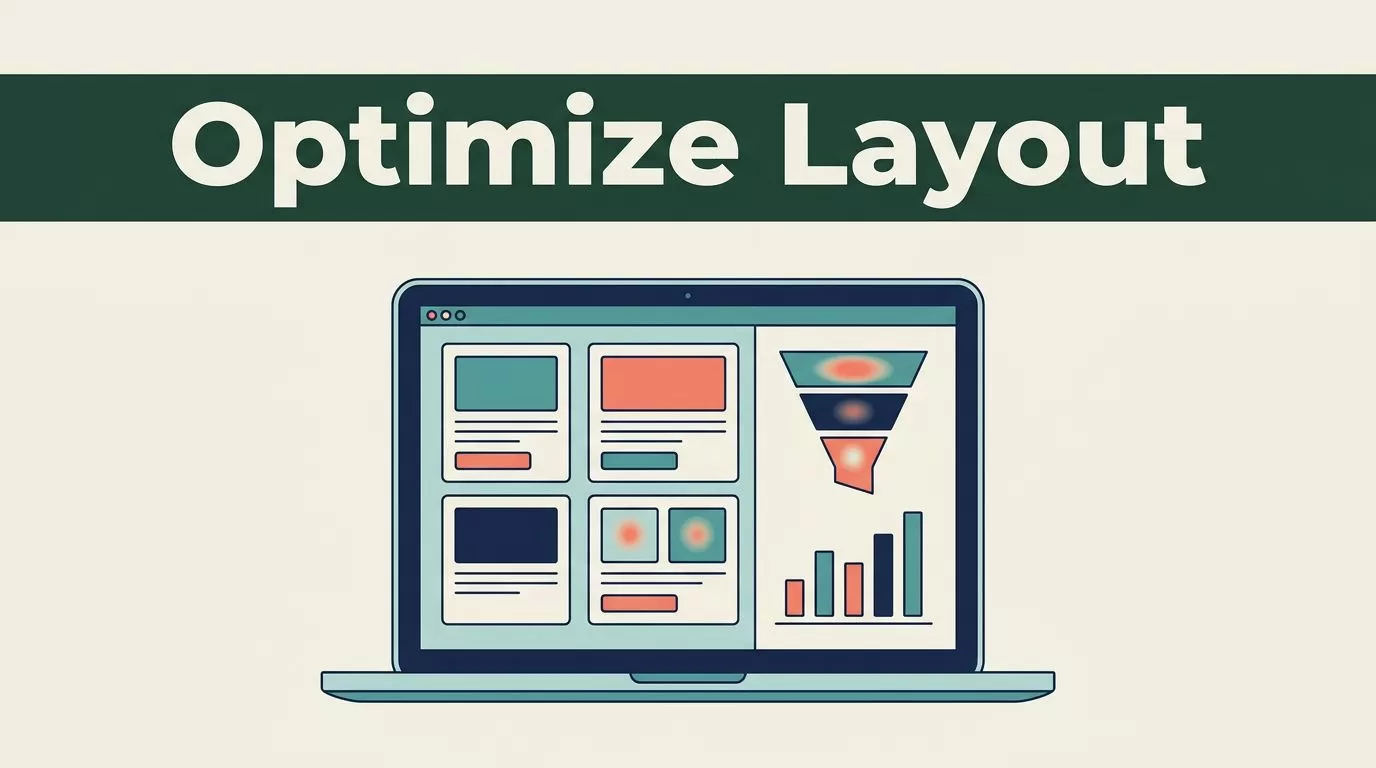
Most websites do not suffer from a lack of traffic. They suffer from a decision problem where visitors arrive, evaluate options, and leave before completing a high-intent action. Website conversion tools give growth teams a repeatable way to find those friction points and fix them. Mida.so helps you connect visitor behavior, conversion data, and controlled experiments in one operating process without slowing down your pages. To capture value quickly, you need to understand how lightweight experimentation platforms work in practice. The following core takeaways outline the operational requirements for running reliable tests.
Key Takeaways
- Record speed and conversion baselines before launching any experiment on your landing pages.
- Keep the platform implementation limited to the pages and audience segments that require testing.
- Write clear hypotheses around buyer objections rather than personal design preferences.
- Judge test results using both statistical confidence and practical business value metrics.
Establishing Baselines Before You Touch the Editor
You cannot improve what you refuse to measure. Before you touch a single line of code or draft a new headline, pull your current conversion metrics directly from Google Analytics 4. Industry research shows that average performance varies wildly by vertical, traffic source, and device type. Mobile visitors rarely convert at the same rate as desktop users, and paid search traffic behaves differently than organic social clicks. Look past your blended store average and inspect specific funnel steps. Calculate your drop-off rates from product views to cart additions, and from cart additions to completed checkouts.


Traffic allocation controls how visitors enter your test. A standard setup uses a fifty-fifty split, giving both experiences equal exposure. Keep your targeting rules precise. If your menu update specifically targets mobile visitors or paid search traffic, configure those audience parameters before launching. Keep your traffic distribution steady and avoid changing audience rules while the test is active. Altering the targeting mid-stream creates a new test condition, corrupting your sample purity and forcing you to restart the measurement period. For a deeper look at how layout choices affect user behavior, explore industry insights on Mida Blog on A/B Testing and CRO.
Designing High-Converting Experiments
Random updates create noisy data. If you change three headlines, shift your button placement, and rewrite your pricing tiers all at once, you will never know which element drove your results. You need to isolate variables to understand what actually moves user behavior. A strong test starts with a specific problem statement and a testable hypothesis. Write your hypothesis before touching the editor. State the exact change you are making, the target action you want to influence, and the behavioral reason behind it.
Build your control version using your live production page. Then create a single variant that addresses your identified friction point. Set the audience before allocating traffic. A test may apply to all visitors, paid campaign visitors, mobile users, returning users, or visitors on a defined page path. Choose the audience based on the hypothesis. Don’t target every visitor because it is the default. Select one primary goal. It could be a completed lead form, a demo booking, a purchase, an add-to-cart event, or a click on a high-intent call to action.
Add secondary metrics only when they help detect a trade-off. A variant might increase button clicks while reducing completed forms. Tracking both events prevents a shallow win from reaching the client report. Confirm that the goal fires once and fires on the correct action. Test successful submissions, validation errors, refreshes, redirects, and mobile interactions.
Refining Core Layout Elements
Website layout optimization requires a structured approach to every visual element on the page. Headlines, calls to action, navigation menus, forms, trust signals, and mobile viewports each carry a specific conversion weight. When you make changes using a visual editor like Mida.so – AI-Powered Lightweight A/B Testing Platform, you bypass lengthy engineering queues and deploy variations instantly.
Headlines need to communicate value within seconds of page load. Test alternative value propositions that address specific customer pains instead of generic brand statements. Calls to action perform best when button text sets clear expectations. Swap vague phrases for action-oriented verbs that tell the user exactly what happens next. Navigation items should guide users toward high-value pages without causing clutter. When updating your layout, test whether moving primary links higher on the page increases downstream funnel progression.
Forms represent high-friction zones across most business websites. Removing unnecessary input fields often lifts completion rates, but you must verify that the resulting leads retain their buying intent. Trust signals such as security badges, customer logos, and verified reviews belong near conversion buttons where hesitation peaks. Mobile layouts require separate scrutiny because desktop success rarely translates automatically to smaller screens. Check that touch targets remain large enough and that text blocks don’t force horizontal scrolling.
Building a Reliable Experimentation Framework
An unmanaged testing schedule leads to conflicting experiments and polluted data. You need an operational framework that governs how tests start, run, and conclude. Start by defining your traffic requirements using a sample size calculator before launching any variation. Running tests on low-traffic pages stretches your test duration and invites seasonal interference.
Establish a fixed testing calendar that respects complete business cycles. A test that only runs over a weekend will miss weekday purchasing behaviors and skew your baseline metrics. Protect your site speed by auditing every script injected for an experiment. Mida is engineered to be lightweight, but your implementation strategy still matters. Treat Largest Contentful Paint and Cumulative Layout Shift as hard guardrails. If a high-converting variant introduces an annoying layout shift or delays your main hero image, reject the update.
Document every active test configuration and verify that your event payloads flow cleanly into your reporting views. Exclude internal company traffic, automated bots, and visitors already enrolled in conflicting experiments to keep your data clean. For practical examples on structuring page-level tests, see the guidance on how to split test collection page redesigns.
Reading Mida.so Results Without Chasing Short-Term Noise
Open your report after launch and inspect the data in a fixed order. This prevents an attractive uplift figure from distracting you from a tracking problem. First, check the traffic split. If your plan is a fifty-fifty test, the visitor counts should remain reasonably close over time. Small differences are normal, but a large gap points to targeting rules, device restrictions, or implementation errors.
Next, check total visitors and conversions. A test with twelve visitors and three conversions has a twenty-five percent conversion rate, but that rate has little decision value. Your interpretation must account for the small sample size. Then review the primary conversion rate for every variation. Keep the raw counts visible because rates based on few conversions can easily mislead your team.
Treat early results as directional rather than final. Review sample size, experiment duration, and segment quality before choosing a winner.
Avoid repeated stopping. If you check the dashboard every hour and stop as soon as the variation crosses your threshold, your false-positive risk increases. The chance result you happened to catch can look like a durable effect. A report needs more than a winning percentage. Start with the primary metric and compare the control with the variant under the same test conditions. Check whether the result is consistent across important segments like mobile visitors, paid traffic, organic visitors, and returning users.
Documenting and Applying Learnings
Every test should end with a clear status label so your team knows what happened. Mark completed tests as won, lost, inconclusive, or technically invalid. Store the result alongside your original hypothesis and recommendation. If the test wins, define the permanent implementation for your development team. If it loses, record what the result rules out.
Keep an experiment log outside Mida that tracks past hypotheses, dates, traffic allocations, and outcome notes. Store the reason for every decision. This prevents your team from repeating the same test six months later because nobody documented what the first result meant. Review connected permissions and user access when team members change roles or your workflow expands. Remove unused access and keep your test and production environments separate.
Conclusion
Website layout optimization works when your team treats conversion as a measurable operating process. Use Mida to connect page behavior and experiment results, then connect those results to demo quality, trial activation, and product-qualified leads. Start with one high-intent page and one clear hypothesis. Measure the baseline, test a focused change, review statistical and qualitative evidence, and keep the result tied to revenue quality.

