How I Build a Wedding Photography Group on Skool
Wedding photographers don’t need another broad forum full of random camera talk. They need a room full of people who understand rain plans, second shooters, timeline delays, and the pressure of delivering a gallery before the honeymoo...

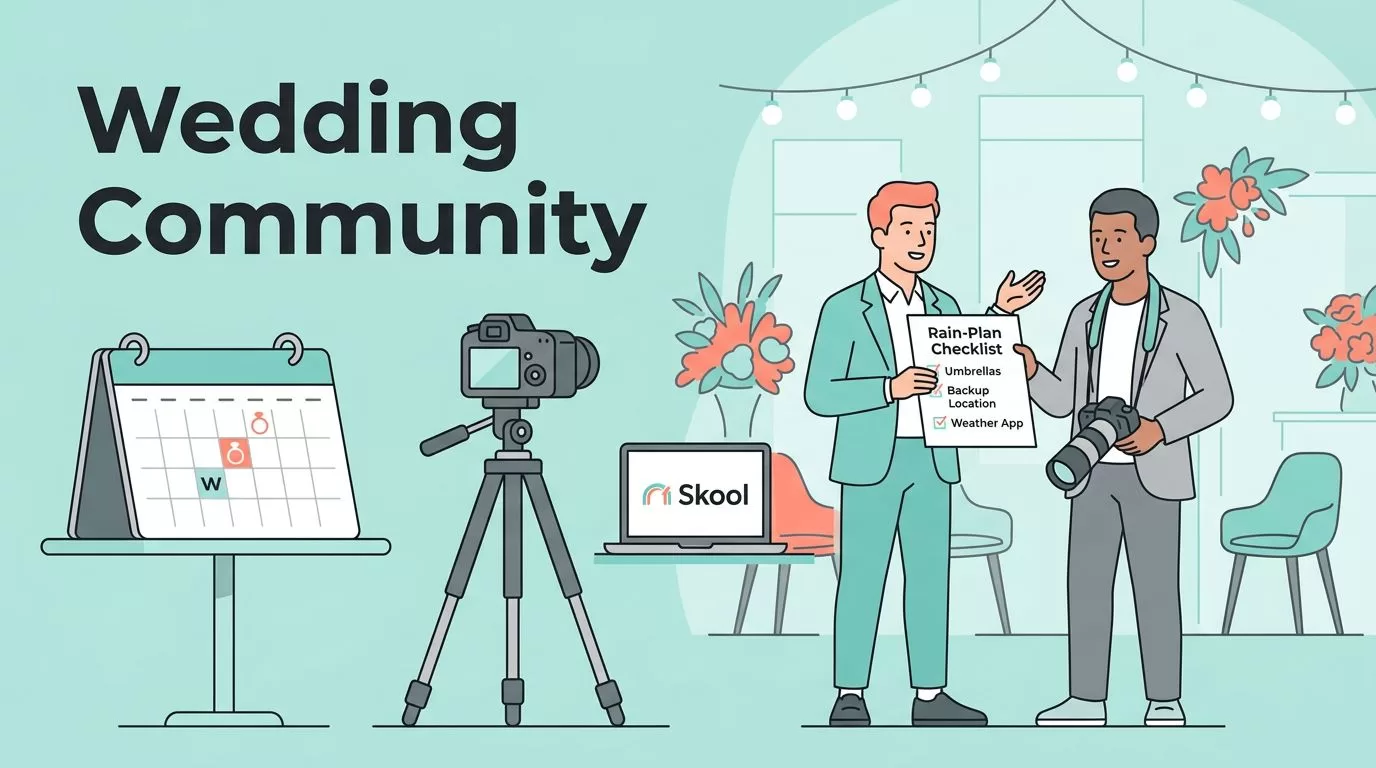
Wedding photographers don’t need another broad forum full of random camera talk. They need a room full of people who understand rain plans, second shooters, timeline delays, and the pressure of delivering a gallery before the honeymoon dust settles.
That’s why I build a wedding photography Skool group around one clear promise, not a catch-all photography club. When I narrow the topic, the conversations get sharper, the offers get easier to buy, and the members have a reason to come back.
Why I keep the group wedding-only
A general photography community attracts curiosity. A wedding-only community attracts urgency. That difference matters because wedding photographers share the same calendar, the same client objections, and a lot of the same mistakes.
If I run a broad group, I end up juggling portrait pricing, sports lenses, real estate workflows, and wedding-day chaos in the same feed. That looks active, but it drains focus. When I keep the group focused on weddings, every post lands closer to a real business problem.
A broad photography group gets comments. A wedding photography group gets action, because the members face the same season, the same deadlines, and the same buyer.
I also like to sanity-check positioning with outside examples before I lock it in. When I want a quick reminder on picking a niche, I compare my idea with this photography niche strategy video. For promotion ideas later, I also keep ShootProof’s social media guide for photographers nearby.
My Skool setup for a clear membership offer
As of July 2026, Skool gives me two plan choices. Hobby costs $9 a month and charges 10% plus $0.30 per transaction. Pro costs $99 a month and charges 2.9% plus $0.30 on sales up to $899, then 3.9% plus $0.30 on sales at $900 and above.
Both plans include the same core tools, which is useful. I get unlimited members, courses, videos, live streaming, the community feed, events, a calendar, and mobile apps. The real difference is fees, admin flexibility, and the custom URL on Pro.
Here’s the version I use when I map the offer.
| Skool plan | Monthly price | Transaction fee | Best use case |
|---|---|---|---|
| Hobby | $9 | 10% + $0.30 | Testing demand, early beta groups, small paid communities |
| Pro | $99 | 2.9% + $0.30 up to $899, then 3.9% + $0.30 at $900+ | Paid communities with real traction, multiple admins, custom URL |
If I expect the group to pass about $1,268 a month in revenue, Pro usually makes more sense. Hobby is fine when I’m proving the idea. Pro fits the moment I stop guessing and start collecting steady payments.
I keep the promise simple. A few names I like are:
- The Aisle Edit
- Bridal Lightroom Lab
- Wedding Storyboard Collective
- The Wedding Day Critique Room
If I want the broader launch checklist, I use my Skool community launch guide as a reference. When I want the membership mechanics in one place, I open my Skool membership site setup guide.
The content pillars I use to keep members active
A wedding group dies fast when the feed turns into random inspiration dumps. I keep mine alive with a few repeatable pillars that touch the work photographers do every week.
Shooting and posing keeps the group practical. I post questions about ceremony angles, family-formal flow, reception light, and how I handle mixed lighting in dark venues.
Editing and delivery gives members something they can use the same day. Cull speed, color consistency, album proofing, and gallery turnaround all fit here.
Sales and client experience keeps the group tied to revenue. I talk about inquiry replies, pricing language, engagement-session upsells, and how I keep couples calm when timelines slip.
Business operations covers the unglamorous parts that protect profit. I share contract clauses, backup gear checklists, second-shooter workflows, and vendor communication habits.


That mix works because it mirrors the actual week of a working wedding photographer. No one wants five identical critique posts. People want useful variety that still stays inside the same lane.
Weekly prompts and live events I run
Skool gives me a community feed, events, and gamification, so I use them together. I don’t make points and leaderboards the whole story, but I do reward useful participation. Helpful feedback, strong case studies, and template uploads deserve attention more than vanity posts.
My weekly rhythm is usually simple:
- Monday critique thread: I ask members to post one frame from a recent wedding and share what they would change in the edit.
- Wednesday workflow post: I drop one process question, like “What do you do first after a wedding day import?”
- Friday booking prompt: I ask, “What inquiry question got the best response this week?”
- Monthly live call: I use Skool events for a Q&A, portfolio review, or hot-seat coaching session.
I keep the prompts short because short prompts get answers. For example, “Show me your best reception light fix” gets better replies than a long, polished essay prompt.
I also like recurring formats. They train the group to return on schedule, and they make the feed feel alive without me inventing a new idea every day. That matters more than cleverness.
What I sell inside the group
A wedding photography community works best when the offer ladder is easy to understand. I don’t bury people in options. I start with one main membership and add a few clear upgrades.
The base membership usually includes weekly critique, monthly live calls, and access to the core course library. That alone can be enough for newer photographers who want structure and feedback.
Then I layer in paid courses that solve one problem well:
- Wedding Day Timeline Bootcamp
- Fast Culling and Color Correction
- Client Experience Systems
- How I Build Vendor Referrals
- Pricing and Booking for Wedding Photographers
These course ideas work because they are tied to real pain points, not abstract theory. A photographer with a messy editing workflow will pay for speed. A photographer with weak inquiries will pay for better sales language.
I also use one-time course purchases when someone wants a narrow fix before joining the full membership. Skool supports multiple pricing tiers and one-time courses, so I can keep the front door simple and still sell depth.
When I need the billing side clearer, I keep my Skool member billing and subscription management guide close by. It helps when I’m setting monthly and annual access or checking how a member sees the plan.
How I price the group and choose the right plan
I price the group based on how much support I want to provide, how many admins I need, and how fast I expect the community to grow. The 14-day trial is useful, but I only use it when the onboarding path is clean and the offer is specific. Skool asks for a credit card on the trial, so I want every step to feel honest and easy to follow.
For a small launch, I often start with Hobby if I’m testing demand with a tight audience and one admin. The low monthly fee keeps the risk down while I learn what people ask for most.
Once the group has traction, Pro wins. The lower transaction fee matters, especially when monthly revenue climbs. Pro also gives me a custom URL and multiple admins, which makes the community feel more established and easier to manage.
If I’m selling a $29 or $49 monthly membership, the Pro math usually improves fast. At that point, I care more about margin, branding, and workflow than about saving a few dollars on the base subscription.
How I fill the first 30 days
The first month decides whether the group feels crowded or deserted. I want the room full of the right people before I try to scale anything.
I usually start with three sources. First, I invite past clients who ask smart questions and may want education later. Second, I reach out to associate shooters, assistants, and second photographers who already understand the wedding workflow. Third, I post short educational clips on the channels where photographers already spend time, then point them to the group.
That last part matters. I don’t spray content everywhere. I pick the few channels that match the audience and keep the message consistent. ShootProof’s social media guide for photographers is a helpful reminder when I’m deciding whether to focus on Instagram, Facebook, Pinterest, or TikTok first.
I also use one strong launch event. A live portfolio review or a “fix my inquiry response” session gives people a reason to join now instead of later. If I can tie that event to a clear result, the offer feels sharper and the group fills faster.
Conclusion
A wedding photography group works when it solves one repeating problem with enough clarity that members know why they belong there. Skool gives me the structure to do that with community posts, courses, events, and paid tiers in one place.
The strongest move is still the simplest one. I pick a narrow wedding-specific promise, build a weekly rhythm around real business pain, and price the offer so it can grow without getting messy.
If I can name the exact problem a member brings to the door, I can build a group worth paying for.

