Deploy a White Label Partner Portal With Rewardful
A partner portal should make affiliates feel like they joined your program, not somebody else’s software. A white label partner portal built with Rewardful gives partners one place to get links, view commissions, and access your progr...
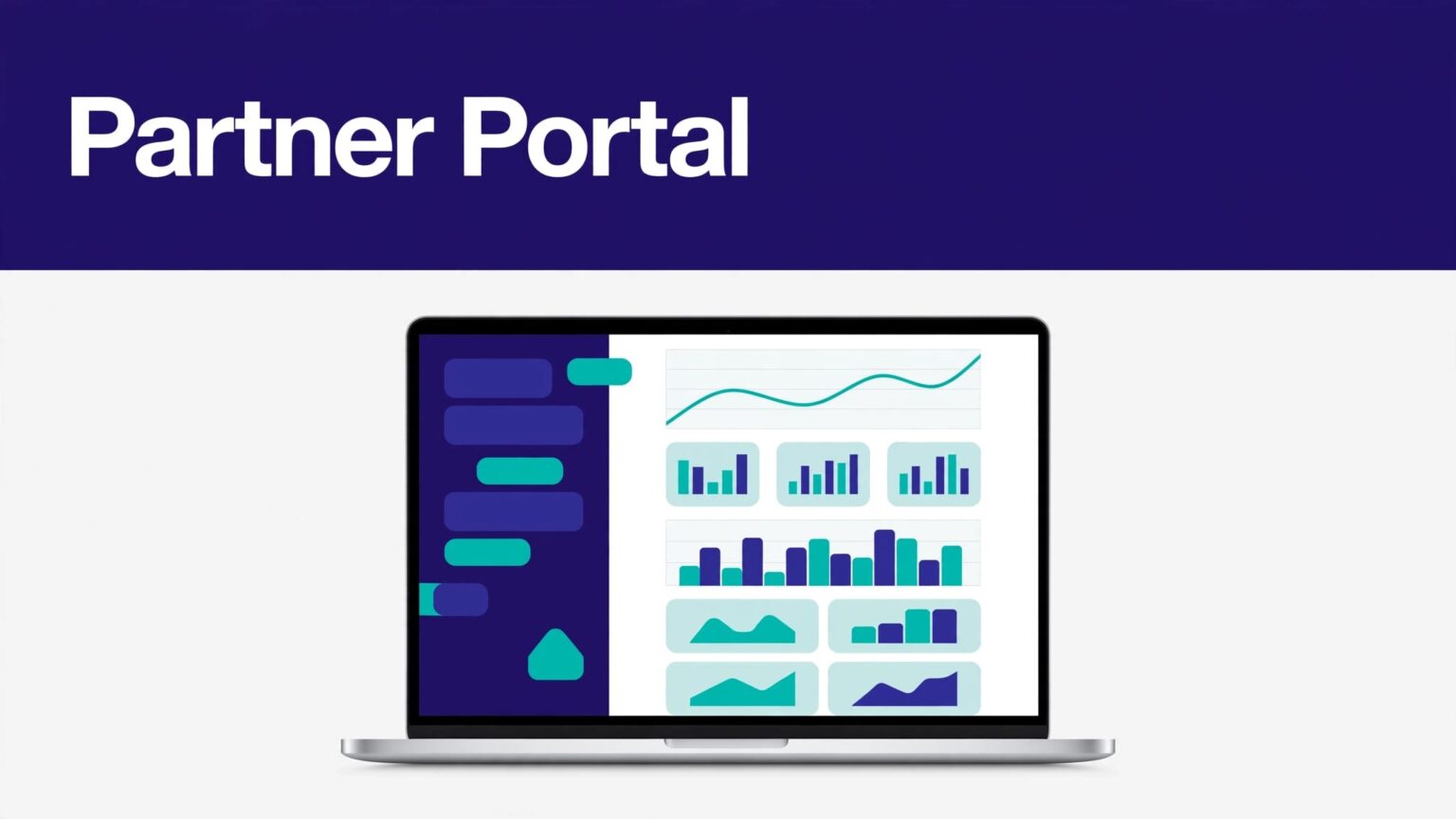
A partner portal should make affiliates feel like they joined your program, not somebody else’s software.
A white label partner portal built with Rewardful gives partners one place to get links, view commissions, and access your program materials under your brand. The job is not only visual. Your campaign rules, checkout tracking, payout process, and support record must also work.
Start by choosing the right deployment model. That decision controls cost, build time, and how much your team owns.
CHOOSE THE RIGHT WHITE LABEL PARTNER PORTAL MODEL
Rewardful can host a branded affiliate portal. It can also support parts of a custom workflow through its API. These are different products with different operating requirements.
Use Rewardful’s hosted branded portal for speed
Rewardful’s built-in portal is the practical option for most SaaS teams. Affiliates can sign up, log in, access referral links, and view program information without your developers building a dashboard.
On eligible plans, you can remove Rewardful branding and configure your own logo, favicon, colors, custom text, links, custom domain, and injected HTML or scripts. Review Rewardful’s affiliate portal branding options before you commit to a page design.
This route works when your main requirement is a credible, branded experience with minimal maintenance.
Build a custom portal only when the workflow requires it
A fully custom branded portal means you build the frontend yourself. You own the navigation, partner profile, login path, reporting views, asset library, and program-specific actions.
Rewardful’s API can support automation. For example, its Create Affiliate endpoint lets your system create normal affiliates or customer referrers on demand. That does not mean Rewardful provides a code-exportable portal or a complete custom dashboard backend.
Use a custom build when the portal must sit inside your product, follow role-based access rules, or combine affiliate data with partner training, deal registration, and co-marketing workflows.
| Requirement | Built-in Rewardful portal | Fully custom portal |
|---|---|---|
| Branded logo, colors, and domain | Supported on eligible plans | You build and maintain it |
| Affiliate links and commission views | Hosted by Rewardful | Requires custom product work |
| Signup flow | Rewardful-managed | You control the flow |
| Portal layout and navigation | Configurable within Rewardful | Fully controlled |
| Ongoing maintenance | Lower | Higher |
A custom domain changes the address affiliates see. It does not turn a hosted portal into a self-hosted application.
SET THE PROGRAM RULES BEFORE YOU TOUCH DESIGN
Portal branding cannot repair unclear economics. Affiliates need to know what they earn, when a commission qualifies, and what can reverse it.
Define campaign economics in plain language
Write the operating rules before you invite anyone. State the commission type, commission rate, cookie period, eligible plans, payout timing, and restrictions.
Avoid vague language such as “earn recurring commission.” Say whether the reward applies to the first invoice, every paid invoice, or a defined number of billing cycles. State whether the calculation uses collected revenue, excluding refunds, taxes, credits, or fees where relevant.
Your terms should also cover:
- Which products and customer types qualify for a commission.
- Whether affiliates can use paid search, coupon sites, email, or their own referral link.
- How you handle refunds, chargebacks, upgrades, and downgrades.
- The minimum payout threshold and payment method.
- What happens when a previously paid commission needs recovery.
Keep this language in the portal and in your affiliate agreement. A partner should not need to open a support ticket to price their work.
Connect payment data and conversion tracking
Rewardful needs a connected payment processor, display currency, campaign, site installation, and checkout conversion tracking before your program can run correctly. Its custom rewards setup guide outlines these initial dashboard requirements.
For Stripe-based SaaS businesses, verify that the right Stripe account is connected. Then run a real checkout test with a test affiliate link. Confirm the subscription, customer, invoice, and commission appear in the expected records.
Don’t use a homepage click as proof that attribution works. The purchase path is the control.
CONFIGURE THE REWARDFUL PORTAL IN A USEFUL ORDER
Build the working version first. Polish comes after the core journey passes testing.
Set portal identity and useful content
Open Company Settings > Affiliate Portal in Rewardful. Add the logo, favicon, brand colors, and portal copy. Keep the copy direct.
Your first portal version needs four content blocks:
- A short explanation of who the program is for.
- Clear commission and payment rules.
- Links to current brand assets, product screenshots, and approved copy.
- A support contact and response expectation.
Add links to a public program page, partner agreement, product demo, and FAQ if those pages exist. Use one source of truth for assets. A stale logo pack or expired promotion code creates unnecessary partner confusion.
Rewardful supports personalized portal text with Liquid variables such as an affiliate’s full name, email, campaign name, referral token, and portal URL. Use personalization for welcome messages and link instructions. Don’t place sensitive data in custom text or URLs.
Treat custom code as production code
Rewardful allows custom HTML head code and custom scripts or CSS on eligible plans. This can support analytics, a live-chat widget, small visual changes, or a noindex tag for login and signup pages.
Keep custom code limited. Every extra script can affect page speed, privacy, and troubleshooting.
Record each addition in a simple change log:
- Script name and vendor.
- Business purpose.
- Portal pages affected.
- Person who approved it.
- Date added and removal date, if temporary.
Test the portal on mobile after each code change. Many affiliates will open links from email or social apps, not a desktop browser.
CONNECT A CUSTOM DOMAIN WITHOUT BREAKING SIGNUPS
A custom subdomain gives your program a credible front door. Use a clear address such as partners.yourcompany.com or affiliates.yourcompany.com.
Configure the DNS record correctly
Rewardful’s documented approach is to create a CNAME for your chosen subdomain and point it to domains.rewardful.com. Do not point the CNAME at your existing getrewardful.com subdomain.
After DNS propagation, verify the CNAME with a lookup tool. Then contact Rewardful to complete activation. The Rewardful getting started collection also covers portal configuration, custom HTML, and custom domain guidance.
Plan for the change before you publish links. Rewardful states that changing the dashboard or signup subdomain makes the old address inactive. It does not provide automatic redirects for the old subdomain.
Protect the migration path
List every location that contains the old portal URL:
- Website navigation and partner landing pages.
- Affiliate welcome emails and lifecycle sequences.
- Paid campaign destinations.
- Sales decks, help-center articles, and social profiles.
- Existing partner bookmarks, where you can reach them.
Send existing affiliates a short notice before the switch. Include the new URL, the date it becomes active, and a reminder to update bookmarks.
Keep the portal domain separate from your main app domain where possible. A portal outage should not create a risk to customer login or product delivery.
TEST ATTRIBUTION, PORTAL ACCESS, AND REPORTING
A clean portal can hide a broken program. Test the complete chain before any broad invitation.
Run controlled affiliate conversion tests
Create a test affiliate account. Open its referral link in a private browser window. Move through the normal marketing site and checkout path. Complete a test purchase using the payment setup your team uses for validation.
Check these points after the expected processing window:
- The referral URL loads and preserves the referral context.
- The test customer appears in the connected payment system.
- Rewardful associates the conversion with the correct affiliate and campaign.
- The commission amount matches the campaign rule.
- A refund or cancellation produces the expected commission outcome.
- The affiliate sees the correct link and account information after logging in.
Rewardful explains that Stripe sends event notifications for new customers, paid invoices, and refunds in its commission payment process. Test all three states if your program pays recurring commissions.
Test failure cases, not only happy paths
Use a second browser and a different device. Test a new affiliate signup, invalid login attempt, password reset, mobile view, and a partner who joins more than one campaign if that applies to your model.
Also test attribution conflicts. Click a test affiliate link, then visit through another source. Your campaign rules should produce a predictable result.
Create a test record with the affiliate ID, campaign, referral URL, test customer email, payment ID, invoice ID, date, expected commission, and observed result. Keep screenshots of the relevant Rewardful and payment records.
A report that looks wrong is easier to fix when support can reproduce it.
LAUNCH WITH A SMALL PARTNER COHORT
Do not launch the program to hundreds of applicants on day one. Start with a controlled group of trusted partners.
Invite a small first group
Choose 10 to 20 affiliates who match your actual buyer. Give them a short onboarding email, the portal URL, their program terms, and one clear first action.
Ask them to confirm three things:
- They can sign in and find their referral link.
- Their link opens the correct landing page.
- They understand the commission and payout rules.
Watch what they ask. Repeated questions point to missing portal copy, weak onboarding, or unclear campaign settings.
Use their feedback to improve the portal before you scale recruitment. Don’t rebuild the design because one partner asks for a feature that does not support the wider program.
Reconcile approved results, not clicks
Clicks show interest. Created commissions show potential. Paid and approved commissions show a finance result.
Track these fields by affiliate, campaign, and reporting period:
| Metric | What it tells you |
|---|---|
| Referred clicks | Whether partners send traffic |
| Approved customers | Whether traffic converts under program rules |
| Cleared commissions | What you owe before payout |
| Refunds and reversals | Whether revenue holds |
| Paid commissions | What finance has completed |
Keep the original commission record when a refund changes the outcome. Add a separate adjustment row with the date, reason, and payout impact. Do not overwrite history.
If you need help mapping payment events, campaign logic, and exception handling across several systems, Book A Call.
LAUNCH CHECKLIST FOR A REWARDFUL PARTNER PORTAL
Use this list before you publish the portal URL or begin outreach.
- Confirm the right payment processor and display currency are connected.
- Create and review each campaign’s commission, cookie, and traffic rules.
- Install and test Rewardful tracking through the real checkout path.
- Add logo, favicon, colors, portal text, support details, and current partner assets.
- Review custom HTML, CSS, analytics, and chat scripts for privacy and performance.
- Point the custom-domain CNAME to
domains.rewardful.comand complete activation. - Replace old portal URLs in emails, navigation, help content, and campaign pages.
- Create test affiliates and validate signups, logins, referral links, purchases, and refunds.
- Document payout timing, reversals, support ownership, and the monthly reconciliation process.
- Invite a limited first cohort and fix repeated onboarding issues before expansion.
FINAL THOUGHTS
A white label partner portal works when the brand, tracking, and payment rules tell the same story.
Rewardful’s hosted portal is the faster route for most SaaS teams. A fully custom portal makes sense only when your product workflow needs control that hosted configuration cannot provide.
Launch with a small group, validate approved commissions against real payment events, and keep a record of every adjustment. That process gives partners a portal they can trust.
