White Label Automation With Twin.so, A Deployment Guide
Clients don’t buy another automation tool. They buy a working process under your brand. A white label automation offer with Twin.so can give agencies a repeatable way to package that process without rebuilding every workflow from scra...
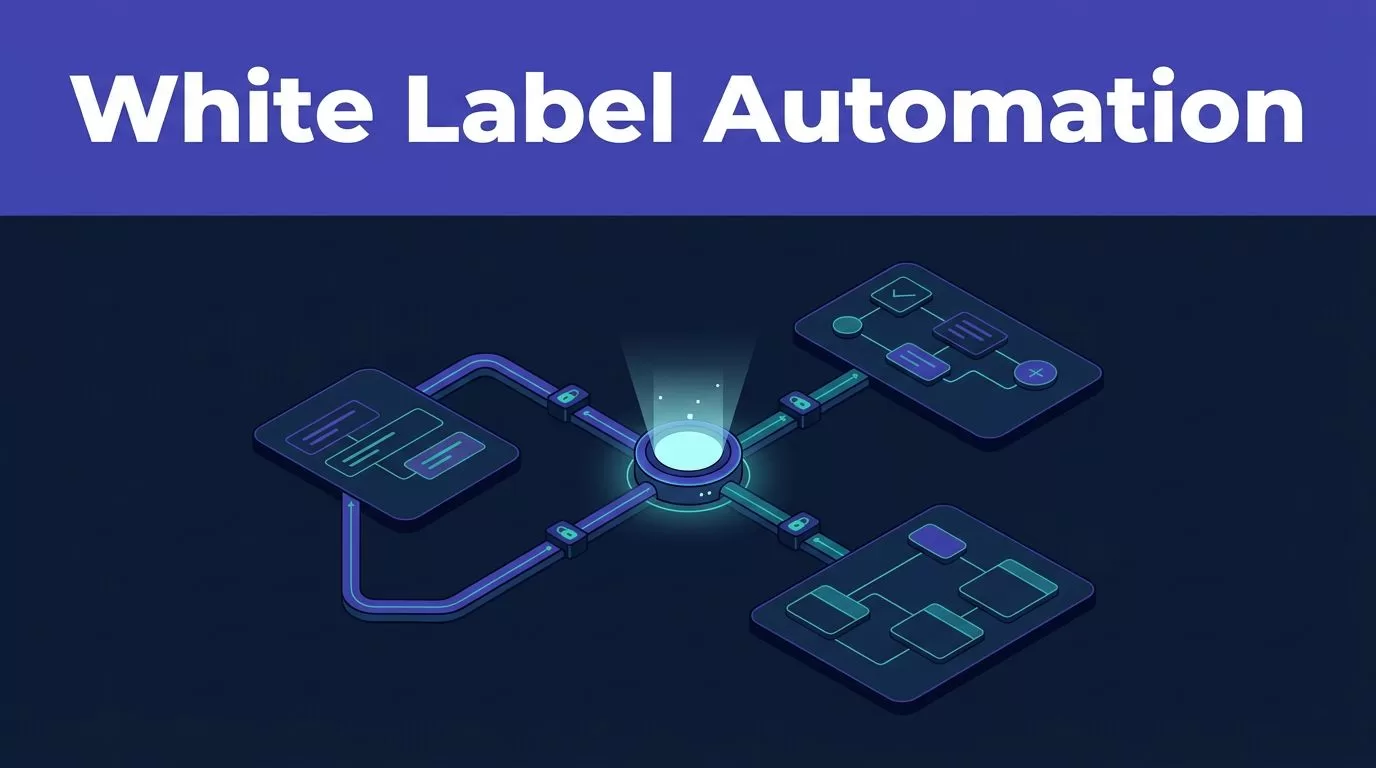
Clients don’t buy another automation tool. They buy a working process under your brand. A white label automation offer with Twin.so can give agencies a repeatable way to package that process without rebuilding every workflow from scratch.
Twin.so isn’t something you should describe as a confirmed reseller program without checking your agreement. Its public agency material supports reusable agents, client-specific connections, and clone-per-client workflows. Treat those capabilities as your delivery engine, then define the branded service around them.
What white label automation means with Twin.so
White labeling has two layers. The product layer covers visible branding, client access, domain choices, and account ownership. The service layer covers what you sell, how you configure it, what the client receives, and who handles failures.
Twin.so’s public agency positioning fits the second layer well. It describes agency workspaces with ready-made agents that can be hired and cloned per client. It also supports separate connections for tools such as GoHighLevel, HubSpot, Pipedrive, Salesforce, Close, and Attio. That lets you reuse the process while keeping each client’s data and credentials tied to the right account.
Public Twin.so material doesn’t clearly promise a dedicated reseller dashboard or a complete white-label admin program. Don’t promise hidden branding, custom domains, or client login controls until Twin confirms them for your plan. White-label software varies widely in these details, as comparisons of white-label AI tools for agencies show.
The safe position is simple: sell your workflow, implementation, support, and reporting. Describe Twin.so as the underlying automation platform unless your commercial agreement gives you broader rights.
This distinction protects your margin and your client relationship. You control the offer. Twin.so supplies the agent infrastructure that runs it.
Twin.so capabilities that support a branded service
Twin.so combines natural-language agent building with API connections and browser actions. You can describe an outcome, connect the required accounts, and test the workflow before assigning it to a client workspace.
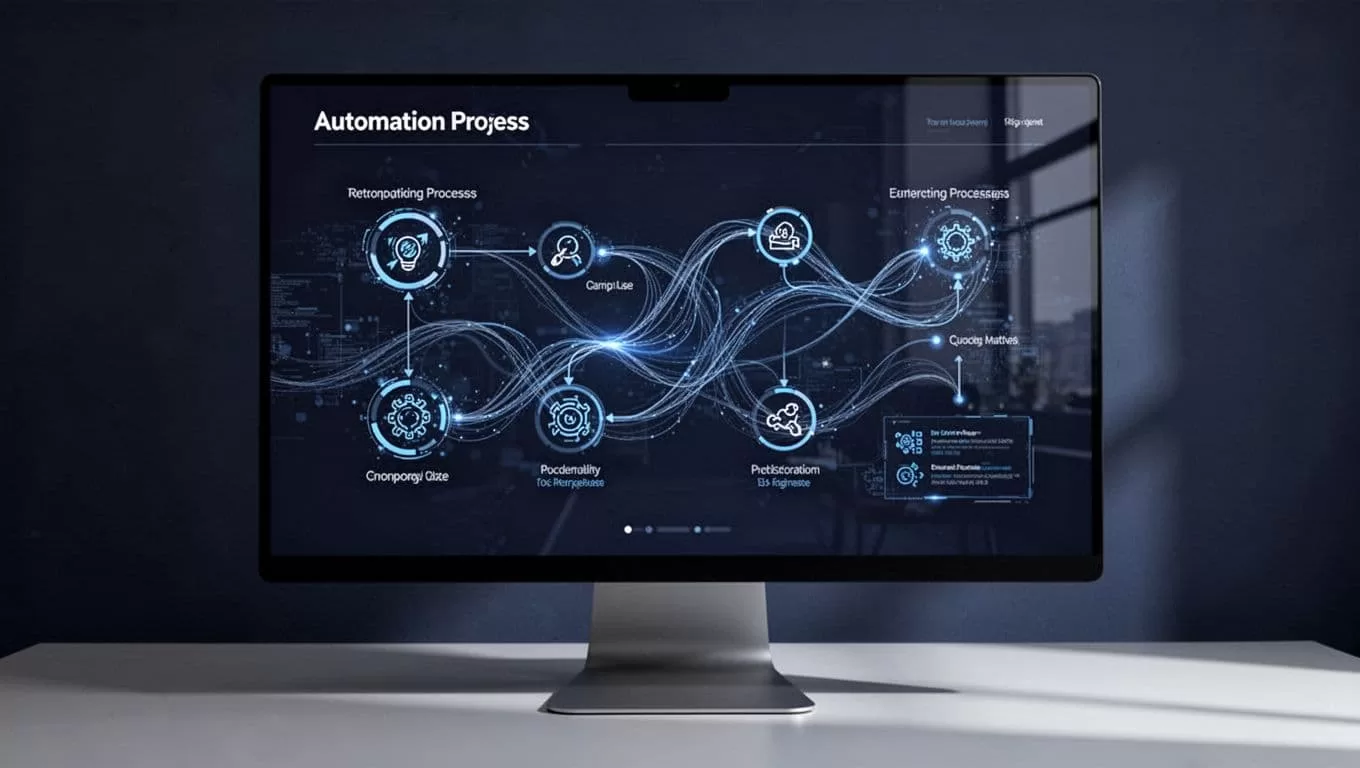
Reusable agents and shared workspaces
The agency use case is built around reuse. Twin.so says you can start with ready-made agents, adapt them, and clone them per client. Workspaces can contain one agent or multiple agents. Multiple agents share workspace context, so separate steps can handle intake, research, CRM updates, or reporting.
The Orchestrator can create, modify, and delete agents from the workspace interface. That matters when an implementation team needs to update a common process without manually editing every client version.
Browser and API execution
A workflow doesn’t stop at systems with clean APIs. Twin.so says its agents can use browser automation for portals, forms, dashboards, and websites, alongside API integrations. Its integration directory lists 41,706 app integrations, but your result still depends on permissions, authentication, page structure, and the client’s software plan.
Triggers can include schedules, email, calls, webhooks, forms, or other events supported by the workflow. This gives you several ways to turn a one-time setup into a managed monthly service. The operating model is similar to white-label marketing automation, but the exact trigger and connector behavior must be tested for each client.
Build the offer before you build the agent
A branded automation service needs a product definition. Start with one repeatable business result, not a long feature list. Lead intake, CRM hygiene, call follow-up, reporting, and content scheduling are easier to sell when the inputs and outputs are clear.
Choose the client-facing promise
Write the offer in operational terms. “We capture new leads, qualify required fields, create or update the CRM record, and send an approval-ready follow-up” is stronger than “AI-powered automation.”
Define four items before you build:
- The event that starts the process.
- The systems Twin.so can read and write.
- The output the client receives.
- The exception that sends work to a human.
This structure helps sales, implementation, and support teams describe the same service. It also gives you a clear test plan.
Set boundaries around branding and ownership
Keep your brand on the proposal, onboarding process, reports, documentation, and support channel. Keep the client’s accounts connected to the client wherever possible. Don’t place several clients’ credentials in one shared setup to save time.
A useful service description separates responsibilities:
- Your team designs, tests, monitors, and updates the workflow.
- The client supplies access, rules, approved messaging, and escalation contacts.
- Twin.so provides the platform capabilities covered by your account and contract.
Branding is only one part of the offer. White-label software comparisons show why client-facing presentation, permissions, and account separation need separate review. If your agency also sells content and remarketing, a related agency service bundle can give the automation a clearer place in the monthly scope.
How to deploy a Twin.so workflow for each client
Use a controlled build process. Clone the logic only after the first version produces the expected output.
- Map the manual process. Write down the trigger, required fields, decisions, system updates, notifications, and human approvals. Capture the current process before removing steps.
- Build an internal prototype. Use test data and a workspace that isn’t connected to a live client account. Describe the desired workflow in plain language, then inspect each action Twin.so creates.
- Connect the source systems. Add the client’s CRM, inbox, spreadsheet, project tool, or browser-only portal. Confirm the account owner, permissions, record types, and write access. Read-only access is safer for the first test.
- Clone the approved agent. Twin.so’s agency workflow supports cloning an agent per client. Clone the tested process, then replace credentials, field mappings, brand instructions, notification destinations, and approval contacts.
- Add exception handling. Decide what happens when a field is missing, a website changes, a duplicate record appears, or an API fails. Route uncertain actions to review instead of allowing the agent to guess.
- Run acceptance tests. Test normal records, incomplete records, duplicates, rejected approvals, failed connections, and repeat submissions. Record the expected result for every case.
- Package the handoff. Give the client a short operating guide. Include the workflow purpose, connected systems, approval points, contact path, and change request process. Keep technical details in your internal runbook.
Twin.so describes agents that can retry and surface exceptions when business systems change or fail. That reduces manual recovery, but it doesn’t remove the need for monitoring. Every client deployment needs an owner.
Practical white label automation offers for agencies
A lead management package is a strong starting point for a marketing or sales agency. The trigger can be a form submission, inbound email, or webhook. Twin.so can then classify the request, check required fields, update a client CRM, and prepare a follow-up for approval.
The agency sells the outcome: cleaner lead handling and faster response coordination. The client gets a process tied to its own CRM and inbox. Your team maintains the workflow, reviews exceptions, and reports on completed actions.
A reporting package follows the same pattern. Connect approved data sources, schedule a recurring research or performance workflow, and return a report in the client’s preferred document or communication channel. Keep the first version narrow. A monthly report with defined metrics is easier to validate than a general “business intelligence agent.”
SaaS providers and consultants can package call follow-up in a similar way. Twin.so has a Call Debrief Writer for SaaS sales that turns a pasted transcript into structured deal notes, a CRM-ready note block, and a follow-up email. The agent only includes commitments stated in the transcript, which gives the team a clear review point before sending.
Price the service around setup, connected systems, ongoing maintenance, usage, and support coverage. Don’t hide platform costs inside an unlimited promise. A small number of well-defined workflows usually produces a better first contract than an open-ended automation menu. If you need help scoping the service, Book A Call before you commit to delivery dates.
Control access, data, and change requests
Client isolation is a design requirement. Use separate connections, clear workspace ownership, and named administrators. Store credentials through the platform’s supported connection process. Don’t copy secrets into prompts, documents, or shared notes.
Limit write actions during the pilot. Require approval for outbound messages, record deletion, financial changes, and any action that creates a legal or customer commitment. Expand permissions only after the workflow passes acceptance tests.
Keep a change log for prompts, field mappings, connectors, schedules, and approval rules. When a client’s CRM changes, you need to know which version ran and what changed afterward. Test browser workflows again when a portal layout changes.
Support terms should state response times, maintenance coverage, usage limits, and client responsibilities. Don’t promise 24-hour monitoring if your team doesn’t provide it. Don’t claim Twin.so has a security, compliance, or branding feature unless you have confirmed it in the current plan and contract.
Conclusion
Twin.so can support a practical white label automation service through reusable agents, shared workspaces, client-specific connections, browser actions, API integrations, and scheduled or event-driven execution. Those features help agencies reuse delivery logic without mixing client data.
The branded offer still belongs to you. Define one outcome, isolate every client connection, test failure paths, and package support as part of the service. Treat Twin.so as the automation engine, then make your agency accountable for the process clients actually pay for.
