How to Open an Australia AUD Bank Account in Australia Using Wise (BSB + Account Number)
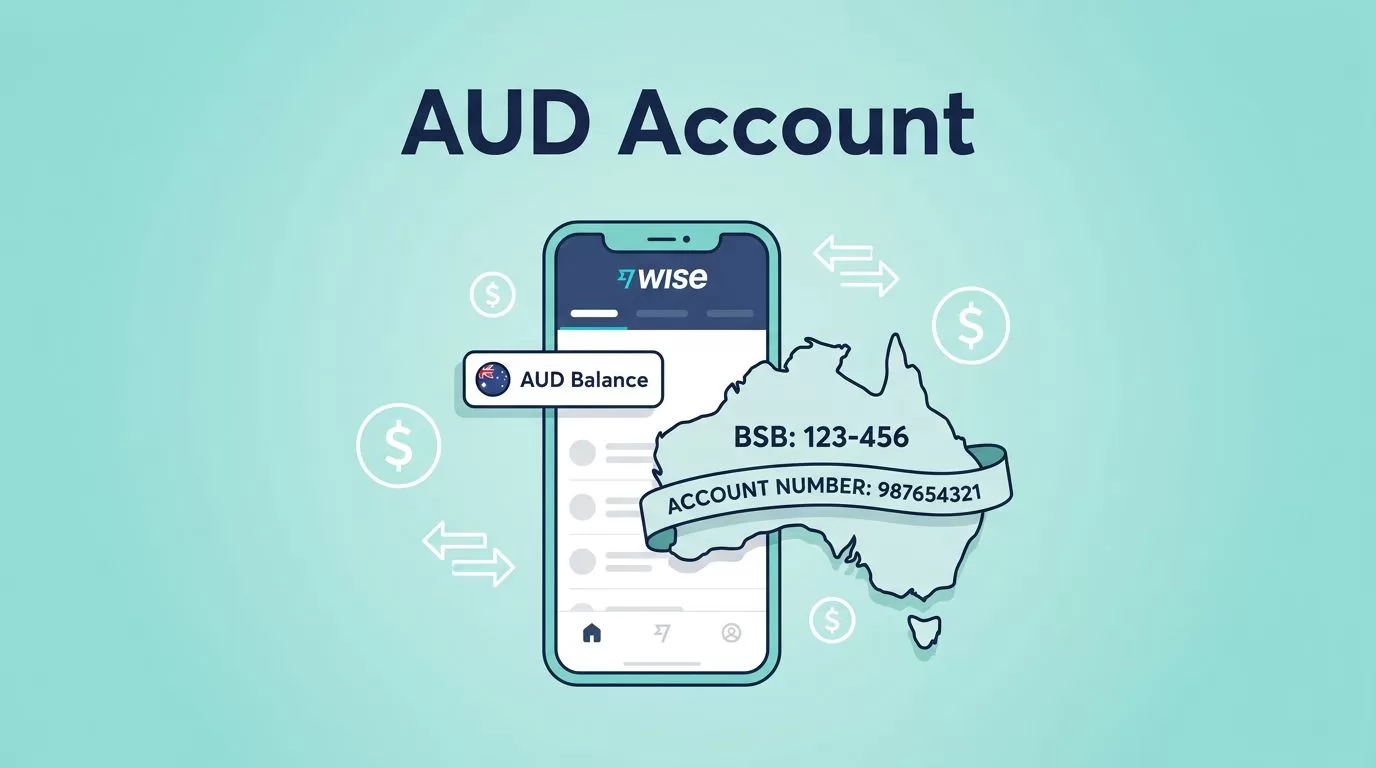
Getting paid in AUD does not require a branch visit. You can open an AUD balance with Wise and unlock Australian bank details. Those details include a BSB and an account number. Clients in Australia then pay you like a local supplier.
Wise is not a traditional Australian bank. You get no interest, no loans, and no cash deposits. You do get a fast way to receive, hold, and send Australian dollars.
This guide covers eligibility, documents, fees, setup steps, and the difference between domestic and Swift payments. Freelancers, remote teams, importers, exporters, and anyone billing in AUD will find the full picture below.
Table of Contents
What a Wise AUD account gives you and what is missing
Wise gives you two separate things. Many people mix them up.
- An AUD balance inside your Wise account. You hold Australian dollars there.
- Australian bank details for the balance. You get a BSB and an account number, so payers send AUD by local transfer.
The second item delivers the practical win. A client in Sydney can pay your invoice from an Australian bank. No international wire is needed.
Wise also states Wise safeguards customer money apart from company funds. Treat this as a safety feature. Do not treat this as a replacement for a bank relationship.
For the official product description, read Australian dollar account details on Wise.
\n| Need | Wise AUD balance with local details | Traditional Australian bank |
|---|---|---|
| Receive AUD by local transfer | Yes, using BSB and account number | Yes |
| Hold AUD and convert later | Yes | Depends on the account |
| Cash deposits | No | Yes |
| Interest or savings products | No | Yes |
| Loans, overdraft, credit | No | Yes |
| Receive transfers from superannuation funds | No | Yes |
| Receive Swift payments from abroad | Yes, only with a registered address outside Australia | Yes |
The takeaway is simple. Wise fits best when you need to receive, hold, and pay in AUD with clear fees. A bank fits better when you need cash handling, credit, or strict bank-only rules.

Australian bank details explained in plain terms
Australian local details have two parts:
- BSB: a 6-digit code. The code routes payments to the right bank and branch network.
- Account number: the number to identify your account for deposits.
A payer with your BSB and account number sends AUD like any other local bill or supplier payment. Australia-based senders face no international payment friction.
Wise may show other details for other currencies. Examples include SWIFT codes. For receiving AUD from inside Australia, the BSB and account number carry the setup.
Limits to know before you start
Do not treat Wise as a full-service bank. Keep these limits in view:
- No interest on your balance.
- No loans or credit products.
- Some features require identity verification, so plan for ID checks.
- Account details can change. Re-check details before you print them on long-lived documents.
- Some payers insist on a traditional bank because of internal policy.
- Transfers from Australian superannuation funds are not supported.
Read the rules on the official help page before you depend on one payment path: receiving money with AUD account details. If any limit blocks your plan, use a bank for those flows and keep Wise as a transfer tool.
Who can open a Wise AUD account
Treat this section as a short pre-flight check. Wise stops the process when profile data does not match your documents.
Eligibility and ID requirements
Australian residents use an Australian address and local ID. This path stays the simplest.
Non-residents can open Wise in many countries and add an AUD balance after verification. Do not trust old forum posts on availability. Check inside the app. Look for the option to get account details for AUD. If you see the option, you qualify.
Availability changes by country and user profile. Regulated finance products work this way. Keep a backup plan. If Wise declines to issue AUD details for your profile, use a traditional bank or another provider.
Documents and information to prepare
Collect everything before you tap verify. Stalls mid-flow waste time.
- Legal name and date of birth: match your ID character for character.
- Phone number: active and able to receive SMS.
- Home address: where you live now, not a forwarding service.
- Photo ID: a passport or national ID. Accepted documents vary by country.
- Proof of address: a recent utility bill or bank statement, if Wise asks.
- Selfie: only when the app prompts you.
The app usually runs faster. The app scans your document and guides camera framing. Desktop works too, but upload mistakes occur more often there.
Wise AUD account fees
Fee details change, so confirm figures on the official pricing page before you commit. Here is what the Wise Australia pricing page lists at the time of writing:
- Receiving AUD by domestic transfer: free.
- Getting account details to receive in 22 currencies: free.
- International Swift payments into AUD details: a flat fee to receive, plus possible charges from correspondent banks.
- Currency conversion: Wise shows the fee in the app before you confirm.
Wise converts currency at the mid-market rate and adds a visible fee. Compare the total cost with your bank before you move large amounts. Business accounts carry separate verification steps and may carry a setup fee. Check the current business pricing for your country.
For the full price list, open Wise Australia receiving fees. For a product summary, read how to use Wise in Australia.
How to open a Wise AUD account and unlock your BSB and account number
You can finish the full setup in one sitting. Verification approval is usually the only pause.
Create your Wise account and complete identity checks
- Go to Wise on the web or install the app.
- Register with your email or an offered sign-in option.
- Enter your personal details: name, date of birth, and address.
- Verify your phone with the SMS code.
- Start identity verification and upload or scan your ID.
- Add proof of address if Wise asks.
- Take a selfie if the app prompts you.
- Wait for approval. Wise often responds within one to two days.
Name matching causes most failures. If your profile says Mike and your passport says Michael, fix the profile before you submit documents. Apply the same rule to punctuation, spacing, and middle names.
Open an AUD balance and get your Australian bank details
- Tap Open or Add a balance. Wording varies by platform.
- Select AUD.
- Open the AUD balance and choose Receive.
- Tap Get account details or similar wording.
- Follow any extra prompt the app shows. Older guides mention an initial top up. Current Wise pricing lists getting details as free, so confirm in your app.
After Wise unlocks the details, you see your BSB and account number. Share both on invoices or with payers to receive AUD by local transfer.
Test with a small transfer
Run a small test before you print details on a high-value invoice.
- Send yourself a small AUD transfer from a known source, or ask a trusted contact in Australia to send a tiny amount.
- Confirm the deposit lands and the payer entered the details correctly.
- Save the payee and repeat with a larger amount if needed.
- Keep any reference field stable. Stable references reduce reconciliation noise later.
Avoid these common mistakes:
- Blurry ID photos with cut-off corners.
- Proof of address older than the allowed window.
- A profile name mismatched with your ID.
- Assuming you can deposit cash into Wise. You cannot.
Domestic transfers vs Swift payments into AUD details
Two payment paths reach an AUD account. Each path has different rules.
Domestic transfers from Australian banks
A payer in Australia needs your name, BSB, and account number. Wise lists no fee and no limit for domestic receipts. Delivery usually takes minutes. Delivery sometimes takes up to one working day.
International Swift payments
Only users with a registered address outside Australia can receive Swift payments into AUD details. Users with an Australian address cannot. Senders need your name, account number, and the SWIFT or BIC code. Senders must pay in AUD. Wise cannot process other currencies on this path.
Delivery usually takes one working day. Delivery sometimes takes up to five. Expect a flat receiving fee and possible correspondent bank charges.
Transfers Wise cannot receive
Wise does not accept transfers from Australian superannuation funds. Ask your fund for a bank account in your own name for these payouts. Some employer and government payroll systems also reject non-bank details, so confirm with the payer first.
How to use Wise AUD details for business payments and invoices
Once you hold a BSB and account number, treat both as payment rails. Connect both to invoicing, subscription billing, and vendor payouts without international payment friction.

Getting paid in AUD from customers and marketplaces
List these items on each invoice:
- Your Wise AUD BSB.
- Your Wise AUD account number.
- Your business name, or your personal name if you bill as an individual.
- A clear instruction: pay by local bank transfer in AUD.
Reconcile payments like any other bank feed. Keep invoice references predictable. Do not change pay-to details mid-project.
Holding AUD also helps planning. Quote a client 10,000 AUD and keep 10,000 AUD until you choose to convert. Exchange rates then stop controlling your margin.
Paying Australian vendors and controlling FX costs
Pay Australian vendor bills from an AUD balance. This approach avoids double conversion. Follow this pattern:
- Receive AUD into Wise.
- Keep enough AUD to cover upcoming vendor invoices.
- Pay vendors with local details when possible.
- Convert the remainder only when you need USD or another currency.
Wise shows the fee before you send. B2B approvals benefit from predictable totals.
Security habits for your Wise account
Finance tools belong inside your security stack. Keep the habits simple:
- Use a strong, unique password and a password manager.
- Enable two-factor authentication.
- Keep your phone locked and your operating system updated.
- Verify payee details by a second channel for first-time transfers.
- Watch for phishing emails posing as verification requests.
- Limit business account access to the people who need access.
Wise AUD account FAQ
Does Wise give me a real Australian bank account? Wise gives you AUD account details with a BSB and account number. Wise is not a bank, so you get no interest, loans, or cash deposits.
Can I receive AUD if I live outside Australia? Yes, in many cases. Complete verification and check the app for the option to get AUD account details. You can then receive both domestic transfers and Swift payments in AUD.
Can I receive Swift payments with an Australian address? No. Users with an Australian registered address receive domestic transfers only on AUD details.
How long do domestic transfers take? Wise lists minutes as the usual time and up to one working day as the maximum.
Are there fees to receive AUD? Wise lists domestic receipts as free. Swift receipts carry a flat fee and possible correspondent bank charges.
Can I get paid by my superannuation fund? No. Wise does not receive transfers from Australian superannuation funds.
Conclusion
Wise lets you open an AUD balance and get Australian bank details with a BSB and account number. You verify your identity, open the AUD balance, request the details, and test with a small transfer. Domestic receipts are free. Swift receipts need a registered address outside Australia and carry a flat fee.
Your next step is short. Sign up, verify, open AUD, get your details, then run a small live payment. Confirm current fees on the official pricing page before you invoice. Then keep your AUD payments boring, which is exactly the goal.
