How I Handle Wise Transfer Delays Without Guesswork
A Wise transfer that feels stuck is usually waiting on one step, not lost. When I’ve seen Wise transfer delays, the fix has almost always started with the tracker, not with panic. The timing can change by route, currency, payment meth...

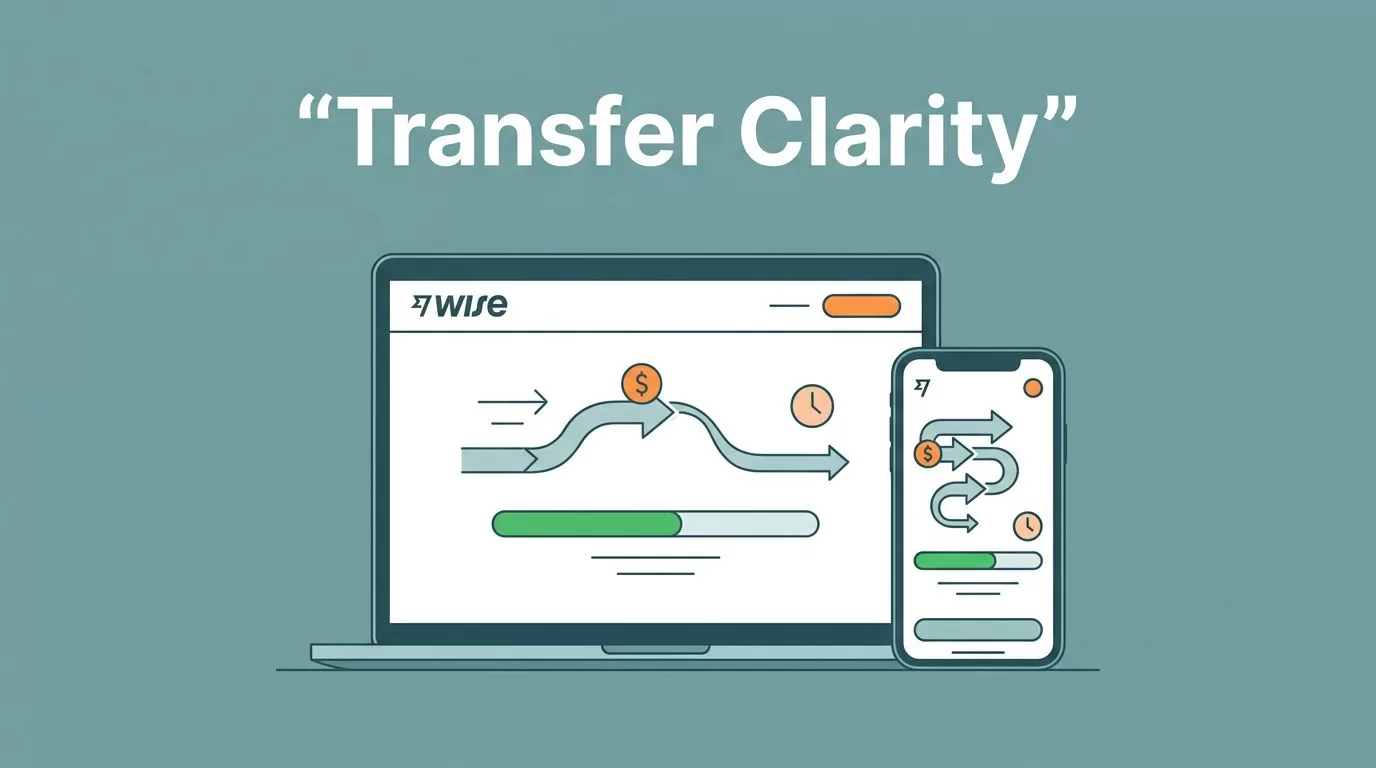
A Wise transfer that feels stuck is usually waiting on one step, not lost. When I’ve seen Wise transfer delays, the fix has almost always started with the tracker, not with panic.
The timing can change by route, currency, payment method, and banking hours. Identity checks, source-of-funds requests, weekends, and intermediary banks can also slow things down. So I start by finding the exact stage where the money paused.
Start with the Wise tracker, not my worst-case guess
I open Wise first and check the live transfer status. Wise’s own Help Centre guide to transfer status shows the same path I use, Home, then Transfers, then the exact payment.


I also check both my app notifications and email. Wise often sends an update before I notice the problem myself. If the tracker says the money is being processed, it usually means Wise is still waiting on the funding leg.
If the transfer looks normal but the app won’t load, I don’t assume the payment failed. I try another device or browser, then I check Wise troubleshooting tips in case the issue is only on my side.
A slow screen can look like a slow transfer. I treat those as two different problems.
When I send or receive business money, I keep my Wise Business guide for overseas client payments open nearby. It helps me compare the transfer details with the invoice, account name, and receiving route.
Find the reason the money slowed down
Wise transfer times vary by route, currency, and payment method. That sounds broad, but it matters a lot in real life. A card-funded transfer on a major route can move in minutes. An ACH-funded transfer can take days before Wise even receives the money.
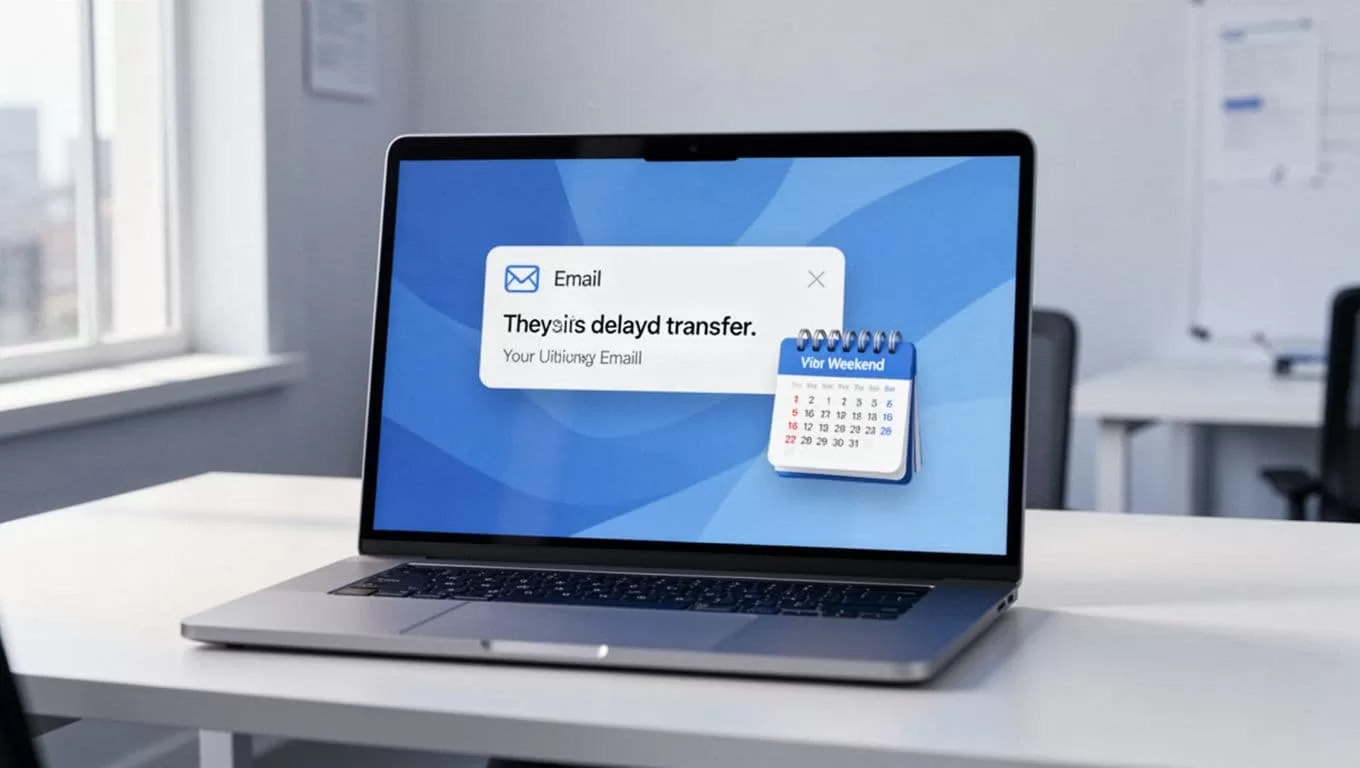
I look for four common causes first.
- Funding delay: If I paid from my bank account, I check whether the bank actually sent the money. A pending ACH transfer is not the same as a completed one.
- Recipient-bank timing: Even after Wise sends the funds, the receiving bank may still need time to post them.
- Verification checks: If Wise asks for identity or source-of-funds documents, I upload them quickly. The transfer can sit still until that review clears.
- Calendar friction: Weekends, public holidays, and early Friday cutoff times can all stretch a transfer.
Intermediary banks can also slow a wire route. That part is easy to miss because Wise may already have sent the money. Still, the recipient bank may need to pass it through one more stop before it lands.
For a second angle on the same problem, I sometimes compare what I see with practical Wise delay fixes. It helps me separate a normal bank pause from a real problem.
Wait according to the route, not my nerves
I give the transfer time based on the route, not on how uneasy I feel. That keeps me from opening support tickets too early.
Here’s the rough timing I use before I escalate:
| Situation | What it usually means | My next move |
|---|---|---|
| Card or Wise balance funding on a major route | Often minutes to a few hours | Keep watching the tracker |
| Bank transfer funding like ACH | 1 to 3 business days before Wise receives it | Check my bank status first |
| Conversion step | Usually under 24 hours, sometimes up to 2 working days | Wait for the status to change |
| SWIFT or intermediary bank route | Can take up to 5 business days | Allow for banking hours and holidays |
If the transfer is still inside that window, I keep waiting. If it’s past the estimate by a full business day, I move to support.
If Wise says the transfer is due today, I still give it the rest of the banking day. Banks move at their own pace, not mine.
Contact Wise support with the right proof
When I do reach out, I send the facts in one clean message. That saves time on both sides.
I include:
- the transfer reference or receipt number
- the amount, currency, and date sent
- the sender bank confirmation, if my bank funded it
- screenshots of the Wise tracker and any alerts
- any identity or source-of-funds request I received
I also confirm the sender and recipient details again. One wrong digit, one old bank account, or one mismatched name can send a transfer into a longer review. If I’m moving client funds, I double-check the details against the invoice before I contact anyone.
Wise usually routes support through the app and Help Centre, so I stay inside the account when I can. That keeps the thread tied to the exact transfer, which matters more than a long explanation.
Set up the next transfer with fewer moving parts
Most delays are preventable when I slow down before I send. I use the right payment method for the route, and I avoid late Friday transfers when I can. I also keep the sender and recipient names consistent across the bank, Wise, and the invoice.
When I send business payments, I review both Wise Business fees 2026 overview and my payment route before I confirm. Fees and timing often travel together. A route that looks cheap at first can still move slowly if it needs extra banking hops.
The cleanest habit is simple. I check the tracker, confirm the bank sent the money, and wait for the right amount of time. After that, I let Wise support take the next step.
Wise delays usually feel bigger than they are. Once I know where the transfer is stuck, the next move becomes clear. The tracker, the bank, and the calendar usually tell the story before fear does.

