A business card should feel like a tool, not a trapdoor. I wanted one card for subscriptions, ads, software, and the odd contractor expense, without mixing everything into my main account.
As of April 2026, the wise virtual card still works for verified Wise Business accounts in 30+ countries, but not in the US. I found the setup simple, yet the details mattered, because eligibility, verification, fees, and limits all depend on the region and account type.
What I checked before I opened anything
My first move was to confirm that my Wise Business account could actually use a virtual card. Wise’s virtual card page still shows the core promise clearly, spend online, in person, and abroad, with a separate digital card number and wallet support.
I also checked whether I had the right account type. If you’re still choosing between personal and business access, I found Wise Personal vs Wise Business for freelancers useful, because the wrong setup can slow everything down later. For business spending, I wanted the account in the company name, with the right permissions in place.
If the account isn’t verified, the card step may be blocked or delayed.
That part matters more than people expect. Wise Business usually wants identity and business verification before cards and higher limits are available. If you want to move fast, I’d read how to verify a Wise Business account without delays first.
I also reminded myself of one big caveat. App wording can change by region or account type, so my dashboard may not look exactly like yours. The action still sits in the same place most of the time, but the button name can shift.
The setup flow I followed in the app
I set aside ten quiet minutes and worked through the steps in one pass. That helped because I didn’t want to stop midway and lose the flow.

- I finished verification first.
Wise asks for business details, IDs, and sometimes proof of authority. I kept my verification guide open so the names, addresses, and company info matched exactly. - I added money to the account.
The virtual card doesn’t help if the balance is empty. I checked the funding route and confirmed I had enough currency available before I moved on. - I opened the Cards area and chose the digital card option.
The wording in my account showed a path like “Cards” and “Get a digital card.” Yours may read a little differently. - I reviewed the card details and wallet options.
Wise lets many users add the card to Apple Pay or Google Pay, which makes it easier to use in supported stores. The virtual card number is separate from a physical card, which helps me keep spending streams apart. - I set permissions before I used it.
If team members need cards, Wise lets the owner set controls and spending limits. That part felt more like putting rails on a train than handing out plastic.
The whole thing felt quick once the account was ready. In 2026, the card itself is typically free to create and use, but the broader business account can still have setup or transfer fees depending on where I opened it.
How I use it for real business spending
I don’t treat the card like a general-purpose wallet. I treat it like a labeled drawer.
For example, I use one card for monthly subscriptions, another for ad spend, and a third for test purchases or one-off vendor tools when I need clean records. That separation saves me time when I check spend later.
Here are the use cases that fit best for me:
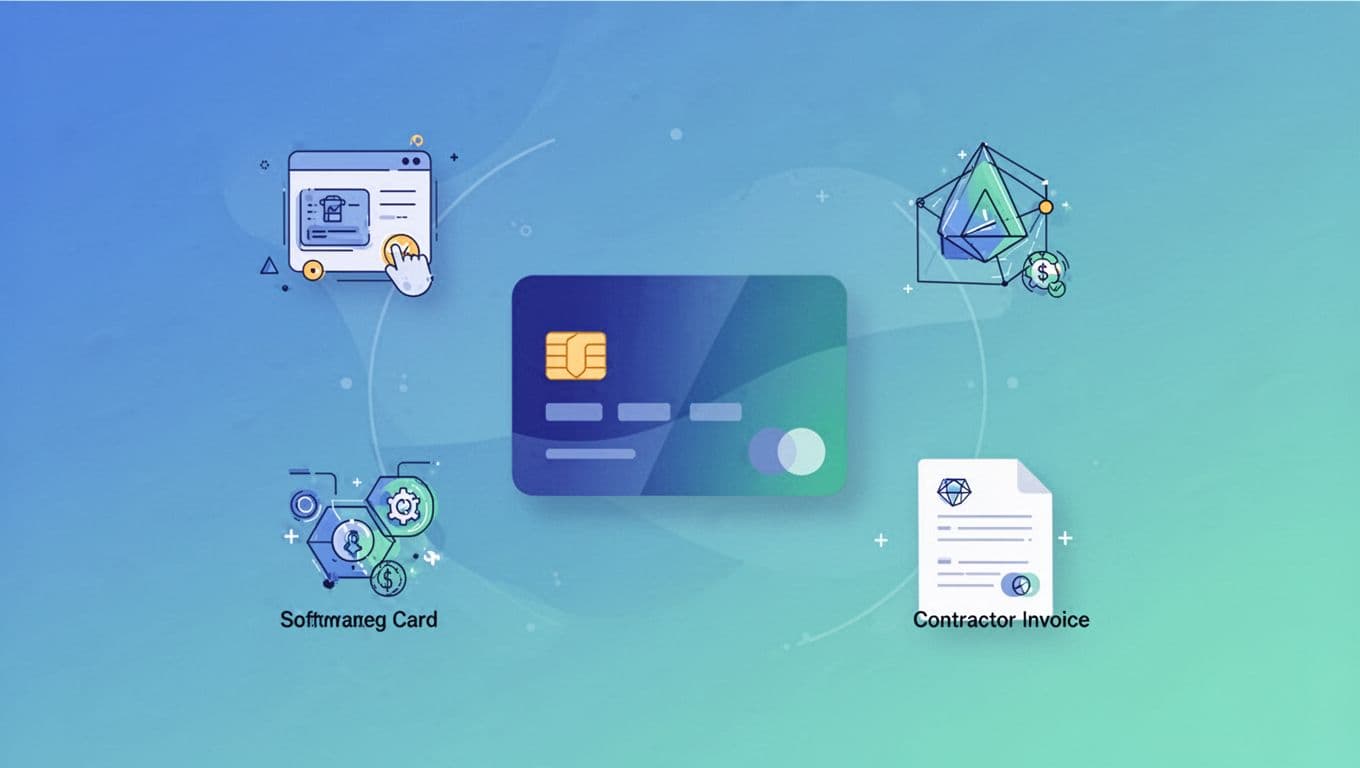
- Software subscriptions: SaaS tools, design apps, AI tools, CRM add-ons, and hosting bills.
- Ad spend: paid campaigns, media tests, and short-term promo budgets.
- Contractor costs: invoice links or payment portals that accept card payment.
- Small vendor tests: one-off purchases when I don’t want to expose my main card.
I like that the card can be frozen fast if I finish a campaign or spot odd activity. That matters when I’m using it on several platforms at once. Wise also tracks transactions in real time, so I can spot a charge before it turns into a mess.
Fees, limits, and the snags I watch for
Before I loaded the card, I skimmed Wise Business fees breakdown 2026. I wanted to know where the money could leak out, even if the card itself looked free on the surface.
Wise’s guide to team spending limits explains the main limit types. In practice, I think about three things, account limits, cardholder limits, and card limits. They can refresh daily or monthly, so I check them before a big spend.
Here’s the simple version of what I watch:
| Problem | What I check first |
|---|---|
| Declined payment | Balance, card status, merchant type, and currency |
| Unexpected fee | Exchange quote, transfer route, and any card or conversion charge |
| Spending overrun | Daily and monthly limits on the account or card |
Most declines I’ve seen come from one of three things, not enough balance, a merchant category Wise doesn’t like, or a card that wasn’t ready for the payment type. Subscriptions can also fail if the merchant tries to place a hold that’s larger than my available balance.
I also keep the card safer than my main bank card. I don’t store the details in shared docs, I freeze it when I’m done, and I avoid using the same card everywhere. That way, if one vendor has a problem, the rest of my business doesn’t feel it.
The setup is easy, but the controls matter more
Once I had the Wise virtual card live, the value came from the controls, not the card number itself. I could separate spend, set limits, and keep close watch on what each charge was for.
That’s why I think the setup works best when I treat it like a system, not a shortcut. If I verify early, fund the account properly, and use tight limits, the card stays useful instead of messy.
For my business, that’s the real win. The card helps me spend with less friction, while still keeping a firm hand on every charge.