YouTube Shorts Strategy With Transistor.fm and Opus
Your podcast already has the raw material for Shorts. The problem is not content volume. The problem is process. If you host with Transistor.fm and clip with Opus, you can turn one episode into a repeatable YouTube Shorts pipeline. The key...
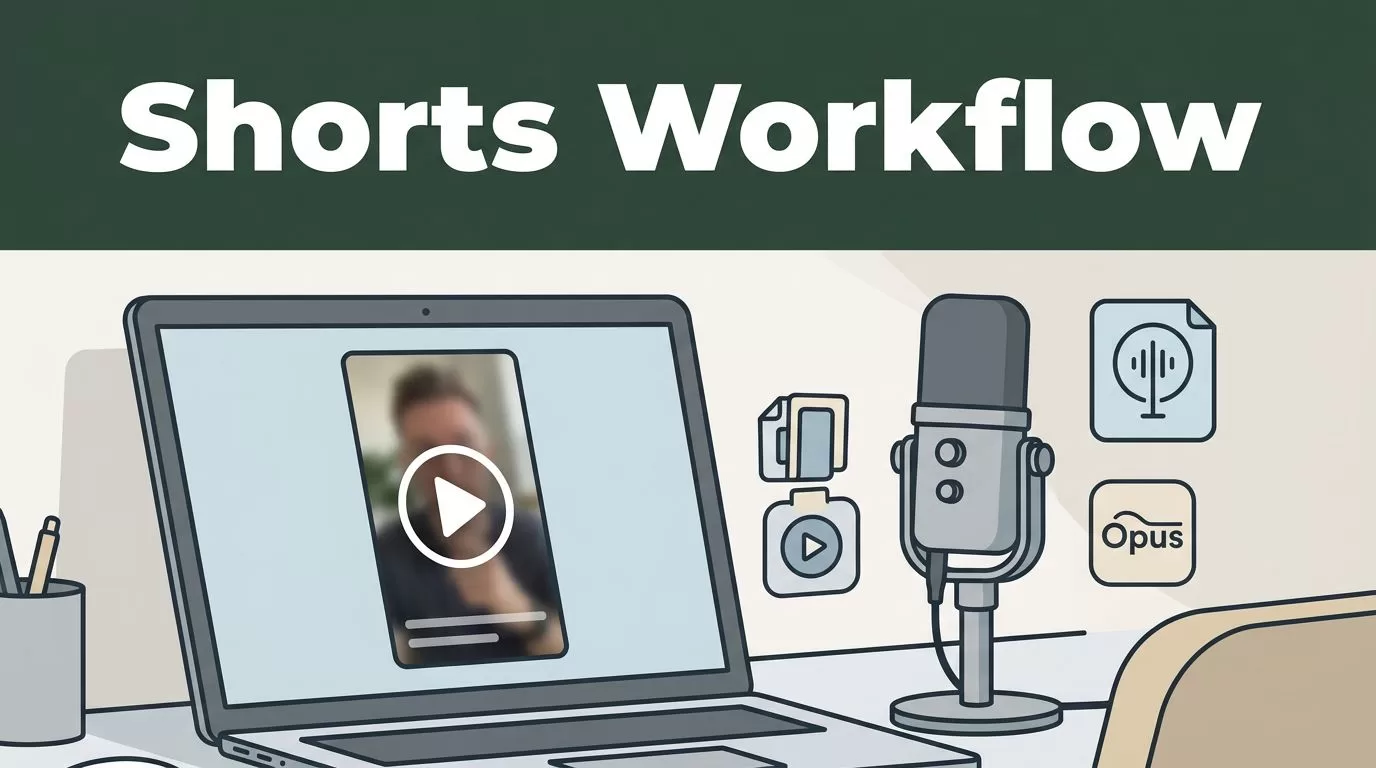
Your podcast already has the raw material for Shorts. The problem is not content volume. The problem is process.
If you host with Transistor.fm and clip with Opus, you can turn one episode into a repeatable YouTube Shorts pipeline. The key is to build the workflow in the right order, then keep your standards tight.
Key Takeaways
- Use Transistor to publish a full video version of the episode first. Opus needs a video source, not raw audio.
- Treat the clip tool as an editor, not a strategy. Choose moments with a clear hook and one clean takeaway.
- Keep Shorts short, vertical, captioned, and easy to scan in the first second.
- Verify current menu names and feature labels in both tools. They can change over time.
- Judge the system by repeatability and watch time, not by one clip that spikes.
Build the Workflow in the Right Order
Start with the full episode. That matters more than most teams admit. Opus can clip a podcast video, but it does not replace your source file.
In Transistor, the current path is the YouTube integration. That lets you turn an audio episode into a YouTube video with a static background image. The realtime setup calls for a 1280 x 720 background image, and you may need to sign in through Google and YouTube to connect the account. Verify the current labels in your account before you document the process, because product menus can shift.
Use this as the basic sequence:
- Publish the episode in Transistor.
- Turn on the YouTube integration.
- Add the background image for the video version.
- Post the back catalog if you want older episodes available for clipping.
- Copy the YouTube link and feed it into Opus.
That order keeps the system clean. Transistor is the source. YouTube is the video host. Opus is the clipping layer.
If you are still deciding how you record and host, compare the rest of your stack before you lock it in. A broad look at Riverside’s recording tool overview is useful if you want to sanity-check your capture workflow first.
One more point. Do not overbuild the first version. You do not need a full content ops department to ship Shorts. You need a stable path from episode to clip.
Turn One Episode Into a Shorts Queue in Opus
Once the YouTube video exists, move into Opus. The current workflow uses the “Clip Anything” style interface. Paste in the YouTube URL, tell the system that the source is a podcast, and set your clip length before you generate anything.
The safest range is under 60 seconds. The realtime setup points to 30 to 59 seconds or less than 30 seconds, which fits the Shorts format. That keeps the clip tight and easier to finish. A 47-second clip with a clean point of view usually beats a 58-second clip that wanders.
Use topic guidance when the tool asks for it. Give Opus the lane you want. If the episode covers pricing, say pricing. If it covers acquisition, say acquisition. If it covers audience growth, say that. The model works better when you point it at the right slice of the conversation.
Then review the results manually. Do not trust the first pass. AI clipping is fast, but it still misses context, trims too early, or cuts off a strong setup.
Do not let the clip tool choose your strategy. Let it do the first cut, then make the final call yourself.
Opus also auto-generates captions, which you should keep on. Many Shorts viewers watch muted, so captions are not decoration. They are part of the experience. If the tool gives you line breaks or caption styles, check them before you publish. The exact options can change, so verify the current editor in your account.
You may see marketing claims about output volume, including batches of many clips from one long episode. Treat that as a capacity signal, not a promise. Your real gain comes from reviewing fewer weak clips and publishing more usable ones.
Choose Clip Candidates That Have a Real Hook
Not every good podcast moment becomes a good Short. That is the filter. You want a clip that starts with tension, delivers one point, and ends before it drifts.
The best candidates usually have one of these shapes:
- A sharp claim that sounds incomplete without context.
- A short answer to a question people already ask.
- A contrast, like what most teams do versus what actually works.
- A fast story with one clear outcome.
Skip the long intro, the sponsor read, and the loose banter before the actual point. Those parts help the episode. They usually hurt the Short.
Think like a skeptical viewer. If the first line does not give them a reason to stay, cut it. If the payoff takes too long, cut it. If the clip needs three minutes of background to make sense, cut it again.
Your best Shorts will usually sound like this:
- “We stopped doing X, and conversion went up.”
- “The mistake starts before the launch.”
- “This part of the workflow saves the most time.”
That kind of opening tells the viewer what problem the clip solves. It gives them a reason to keep watching.
If you want an outside signal on where creators are placing Opus in their stack, the Transistor video podcast update is a useful reference point for how podcast teams are thinking about video distribution.
Write Hooks, Captions, and Titles as One System
Shorts do not win on editing alone. They win when the first line, the on-screen text, and the title all point in the same direction.
Hooks That Stop the Scroll
The hook has one job. It has to tell the viewer what they will get in the next few seconds. No warm-up. No long setup.
Use direct openers. “Here is the part most teams skip.” “This is where the episode gets useful.” “The problem starts before the edit.” Those lines work because they remove uncertainty.
Keep the opening honest. Do not promise a huge result if the clip only delivers a small one. False hooks get clicks once. Then they train the wrong audience.
Captions That Stay Readable
Captions need to be easy to scan on a phone. That means short lines, clear contrast, and clean timing. If the caption block gets busy, the viewer stops reading and starts dropping off.
Review these details before you publish:
- Line length stays short.
- Important words are not buried in the middle of a long sentence.
- The captions do not cover faces or key visual movement.
- Timing matches the speaker, not the transcript alone.
If the current Opus editor gives you style options, pick the simplest one that stays legible. Fancy caption treatment does not fix weak content. Clean captions support good content. That is all.
Titles That Set the Frame
Shorts titles should not try to do too much. They should describe the point, not the whole episode.
Use plain patterns like these:
- “How we fixed the first drop-off point”
- “What made the clip perform better”
- “The part most podcasts skip”
Keep the title short and front-loaded. The first few words matter most. If the title reads like a note to yourself, rewrite it. The viewer should understand it without effort.
Distribute the Shorts Without Adding Busywork
Once the clip is ready, move fast. You want a batch process, not a one-off project.
If Opus gives you scheduling or direct publishing options, use them. If not, export the clips and load them into YouTube Shorts Studio. Either way, the rule is the same. Do the upload in batches and keep the source date tied to the episode.
You should also think about where the Short fits in the rest of the content system. YouTube is the main target because the full episode already lives there. TikTok and Instagram Reels are secondary if your audience actually uses them. Do not spread the workflow across three platforms unless you can maintain it every week.
Track a few simple signals:
- First-second retention.
- Average view duration.
- Comments that repeat the clip’s core point.
- Traffic back to the full episode.
Do not overreact to one weak clip. Shorts growth is uneven. One clip can stall while the next one pulls in steady views for weeks. The win is not one viral spike. The win is a process that keeps producing publishable cuts.
If you want the cleanest version of this system, standardize it. Use one Transistor setup, one background image style, one Opus review checklist, and one title pattern. Repetition beats improvisation here.
Conclusion
A good YouTube Shorts strategy is built, not improvised. Transistor gives you the source video. Opus gives you the first cut. Your job is to tighten the filter, shape the hook, and publish only the clips that say one useful thing fast.
If you keep the workflow simple and repeat it every week, one podcast episode stops being one asset. It becomes a content queue that keeps working after the publish button is pressed.
