How To Migrate Business Email From Zoho To Google Workspace
Moving business email can feel like carrying glass across a crowded room. One bad step and people miss messages, calendars drift, and new mail lands in the wrong place. When I handle a zoho to google workspace move, I keep the order simple....

Moving business email can feel like carrying glass across a crowded room. One bad step and people miss messages, calendars drift, and new mail lands in the wrong place.
When I handle a zoho to google workspace move, I keep the order simple. I prepare accounts first, copy old mail while Zoho still receives new mail, then switch MX only after I verify the data. That approach keeps downtime low and surprises rare.
Suggested slug: zoho-to-google-workspace
Table of Contents
- What I prepare before the move
- The migration option I trust most
- My step-by-step Zoho to Google Workspace process
- How I move contacts, calendars, aliases, and groups
- My post-migration checklist and fixes
- FAQ
What I prepare before the move
Before I migrate a single mailbox, I line up access, storage, and backups. If those pieces are shaky, the rest of the project wobbles.
I make sure I can edit DNS for the domain, because the MX cutover is the final switch. I also need admin access in both Zoho Mail and Google Workspace. Then I verify the domain in Google Workspace and create every user account I plan to migrate. Matching addresses matter, because they reduce confusion and stop mapping errors.
Mailbox size also shapes the plan. A ten-user team with light inboxes is one kind of job. A legal team with years of attachments is another. Before I commit, I compare storage and features in these Google Workspace pricing plans.
This is the prep list I use:
| Check | What I confirm |
|---|---|
| Domain access | I can edit MX, SPF, DKIM, and DMARC |
| Admin rights | I have admin access in Zoho and Google |
| User prep | Each Google account exists before migration |
| Backup | Key mailboxes are exported or backed up |
I also turn on IMAP in Zoho, because most mailbox migration methods need it. If sign-in fails, two-factor authentication is often the reason. For source-side admin context, Zoho’s mail admin migration help is a useful reference point.
The migration option I trust most
For most businesses, I use an IMAP-based migration into Google Workspace. It fits real business mail better than manual forwarding, and it keeps the move organized.
Here’s the quick comparison:
| Option | Best for | Main downside |
|---|---|---|
| IMAP migration into Google Workspace | Most small and mid-sized teams | Needs proper admin prep |
| Manual forwarding or import | Very small mailboxes | Slow, easy to miss data |
I never switch MX first. I copy historical mail before I point new mail to Gmail.
My step-by-step Zoho to Google Workspace process
I use this sequence when I want the least disruption:
- Verify the domain in Google Workspace and create all users, aliases, and groups first.
- Turn on IMAP in Zoho Mail and confirm every mailbox can authenticate.
- Start the initial mailbox migration from Zoho into Google Workspace while MX still points to Zoho.
- Prioritize the largest mailboxes early, because they take the longest and expose quota issues fast.
- Run a second sync for recent messages after the bulk copy finishes.
- Change MX records to Google only after I confirm sample mailboxes look right.
- Update SPF, DKIM, and DMARC, then reconfigure mobile and desktop mail apps.

As of March 2026, that order is still the safest pattern for low downtime. Old mail moves first, new mail stays on Zoho during the copy, and the final cutover becomes a small step instead of a cliff edge.
How I move contacts, calendars, aliases, and groups
Email is only half the job. People notice missing contacts or broken aliases even faster than they notice an old newsletter folder.
For contacts, I export from Zoho and import into Google Contacts. For calendars, I export and import them into Google Calendar before cutover day if possible. That gives users time to spot missing shared events.
Aliases should exist in Google Workspace before MX changes. If sales@, billing@, or help@ matters to the business, I recreate those first. The same goes for groups and distribution lists. I also test who can send to each group, because outside posting rules and member permissions can trip people up after the switch.
If I keep primary addresses unchanged, users settle in much faster.
My post-migration checklist and the fixes I use most
After cutover, I verify mail flow, search, and identity settings before I call the project done.
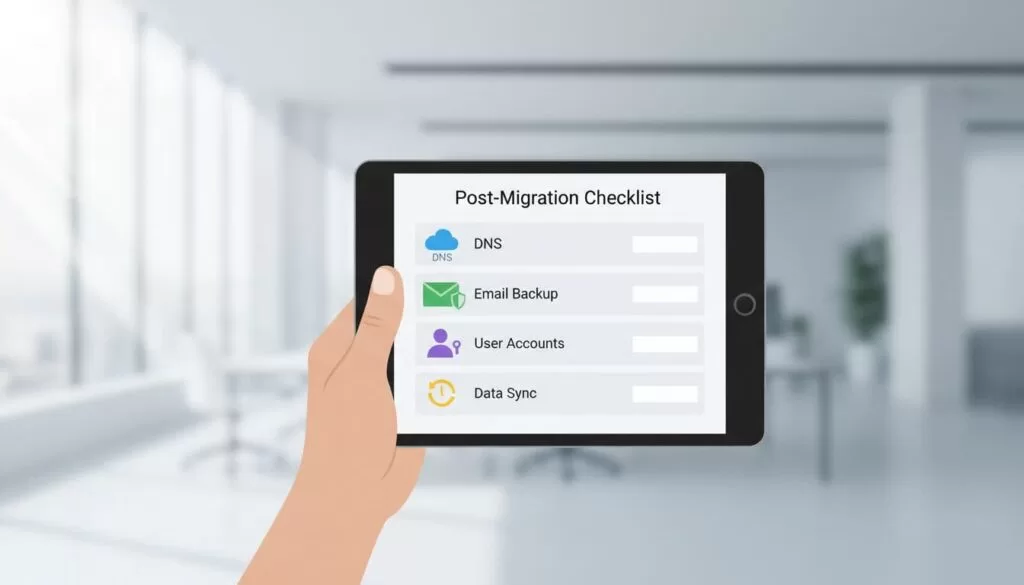
My short checklist looks like this:
- Test sending and receiving on primary addresses and aliases
- Spot-check old mail, recent mail, and large attachments
- Rebuild signatures, filters, forwarding, and mobile apps
- Confirm SPF, DKIM, DMARC, groups, and shared calendars
The common errors are usually boring, which is good news. Auth failures often mean IMAP is off or 2FA blocked the login. Missing folders often trace back to special folders that didn’t map cleanly. If new mail still lands in Zoho, DNS hasn’t fully propagated or MX was entered wrong. Duplicate mail usually means a full pass ran twice instead of a delta sync.
When I want a quick read on odd edge cases, I check this Google Workspace Admin Community thread on Zoho migration.
FAQ
How long does a Zoho to Google Workspace migration take?
It depends on mailbox size, attachment volume, and how many users I move at once. Small teams can finish the same day, while larger mailboxes often take a staged rollout over several days.
Can I migrate with no downtime?
I can get very close. The trick is to pre-stage old mail first, keep MX on Zoho during that copy, then run a final sync and switch DNS.
Should I cancel Zoho right away?
No. I keep Zoho available until I verify email, contacts, calendars, aliases, and group delivery. A short overlap gives me a safety net.
A clean migration is mostly about order, not luck. If I prepare access, copy data before cutover, and verify every layer after the switch, zoho to google workspace becomes a controlled move instead of a fire drill.
