How to Check the Remitly Cameroon Exchange Rate
A small change in the exchange rate can reduce the amount your family receives in Cameroon. The fee may look low, but the payout can still be weak if the currency conversion is poor. Check the Remitly Cameroon exchange rate before you send...
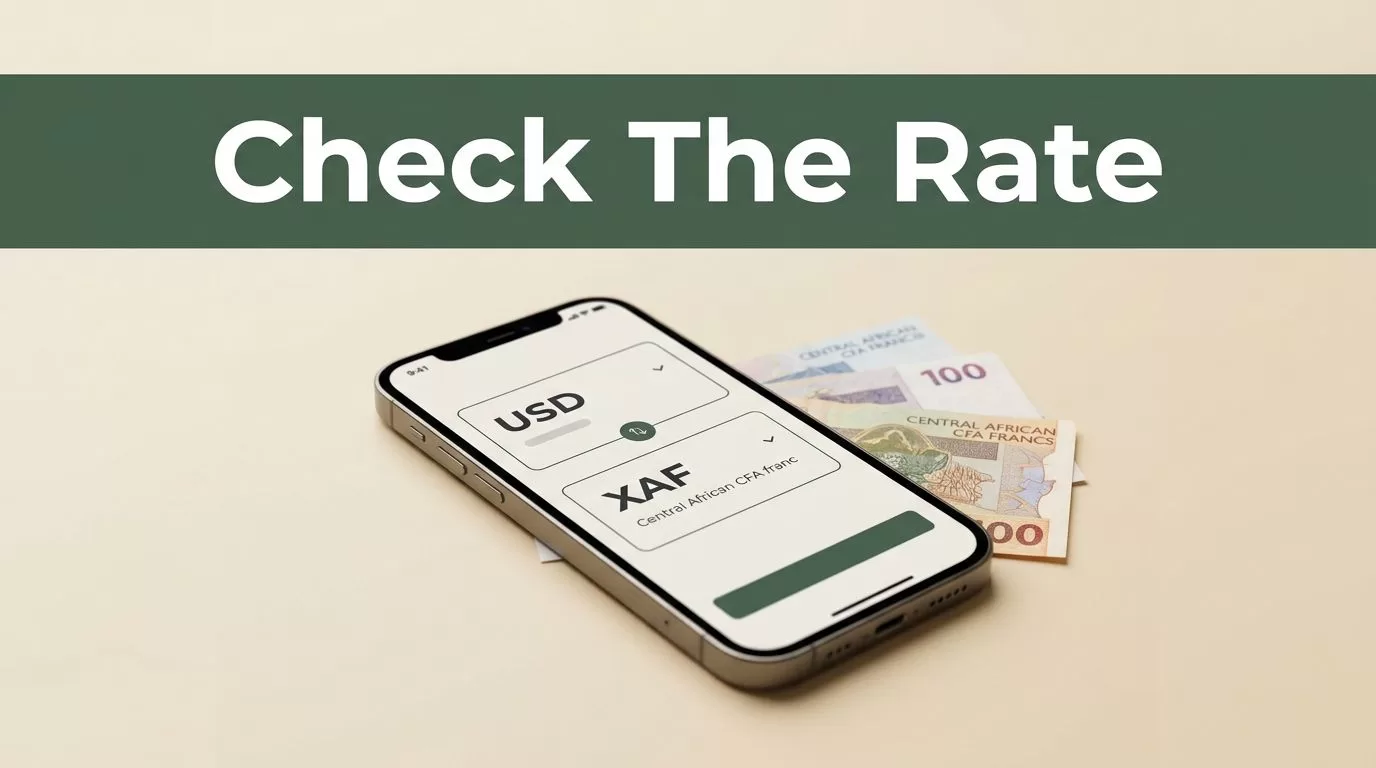
A small change in the exchange rate can reduce the amount your family receives in Cameroon. The fee may look low, but the payout can still be weak if the currency conversion is poor.
Check the Remitly Cameroon exchange rate before you send money. Review the total amount charged, the recipient’s payout in Central African CFA francs (XAF), and the delivery estimate together. Then confirm the live quote in the Remitly app or website.
Remitly Cameroon exchange rate: where to find the live quote
Cameroon uses the Central African CFA franc, identified by the currency code XAF. When you send money, Remitly converts your sending currency, such as USD or EUR, into XAF based on the route and transfer details.
The rate isn’t universal for every customer. It can change based on your sending country, transfer amount, payment method, delivery option, and account status. A new customer may also receive a promotional rate that doesn’t apply to later transfers.
Start with Remitly’s official Cameroon pricing page. Enter your sending country, destination, transfer amount, and preferred delivery method. The quote should show the rate, fee, amount charged, and amount the recipient receives.
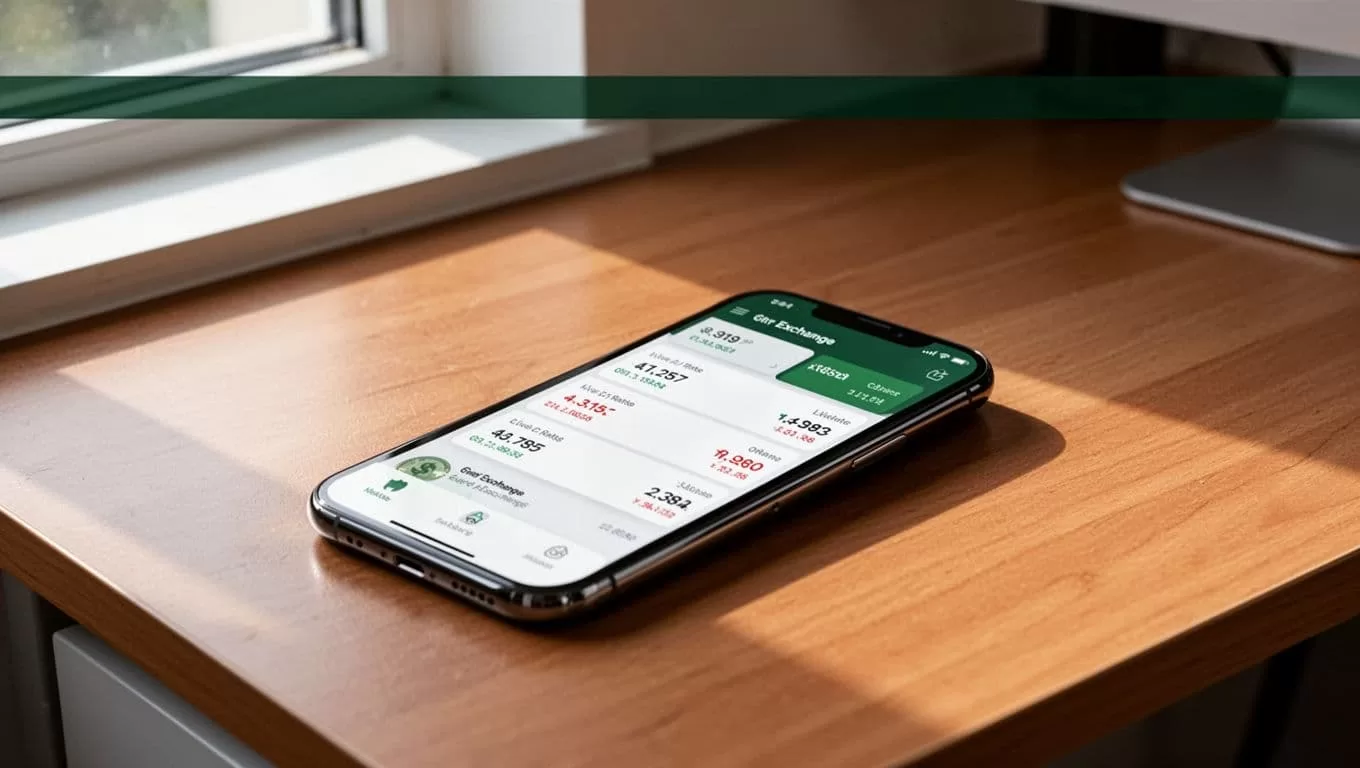
What the live quote includes
The exchange rate shows how much XAF you receive for each unit of your sending currency. The recipient amount is more important because it reflects the final value after the quote is calculated.
Review these items before continuing:
| Quote item | What to check |
|---|---|
| Exchange rate | The current conversion into XAF |
| Transfer fee | The service charge added to the transaction |
| Total charged | The amount debited from your payment method |
| Recipient payout | The exact XAF amount sent to Cameroon |
| Delivery estimate | When the money should become available |
Don’t copy a rate from an old search result or third-party calculator. Remitly updates quotes, and the number on your final review screen controls the transaction.
How to check the rate before sending money
Use the same process each time. This reduces mistakes and makes comparisons easier.
- Open Remitly and select Cameroon. Choose Cameroon as the destination country. Confirm that the receiving currency is XAF.
- Enter the transfer amount. You can usually enter the amount you want to send or the amount you want the recipient to receive. Switching between these options can change the displayed figures.
- Select the payment method. Bank account funding, debit card, credit card, and other supported methods can produce different fees or delivery times.
- Choose the delivery method. Available options may include bank deposit, cash pickup, or mobile wallet delivery. The recipient’s access and the final payout can depend on this selection.
- Add the recipient’s details. A bank deposit may require the bank name, account type, account number, legal name, and contact information. Cash pickup usually requires the recipient’s legal name and contact details.
- Review the final quote. Check the rate, fee, total debit, XAF payout, and estimated delivery time before you authorize payment.
You may need to create an account and complete identity verification before sending. Remitly can request government-issued identification as part of its compliance process. The official Cameroon transfer page shows the available route and quote flow.
Compare the XAF payout, not the rate alone
A high displayed rate doesn’t always produce the best transfer. A provider can show a low or zero fee while applying a less favorable exchange rate. Another provider may charge a small fee but deliver more XAF overall.
Use the same conditions when comparing services:
- Send the same amount in the same currency.
- Use the same payout method.
- Compare the same recipient amount.
- Keep the payment method consistent.
- Check the quote at roughly the same time.
For example, compare the total cost and recipient payout for a bank-funded Remitly transfer against another bank-funded service. Don’t compare it with a card-funded express transfer. Different payment and delivery options can make the result misleading.
The Remitly Cameroon exchange rate is only one part of the calculation. The amount received in XAF tells you what your family can actually use. That figure should guide the decision.
Remitly’s USD to XAF currency converter can help you view a route-specific quote. Still, open the app or website immediately before sending because exchange rates and promotions can change during the day.
Fees, promotions, delivery times, and limits
Remitly’s U.S. pages currently advertise no fees on all transfers to Cameroon and a special rate for a first transfer. The published pricing also indicates that the promotional rate can apply to the first $500 sent. Transfers above that amount may use the regular rate under the listed payment conditions.
These offers are not permanent guarantees. They may depend on your sending country, account, transfer size, payment method, or new-customer eligibility. A quote that appears on a public landing page can also differ from the quote shown after you sign in.
Review the fee line even when it shows zero. The exchange-rate margin can affect the payout more than a small service fee. Look at the total charged and recipient amount together.
Delivery estimates can also change. Bank processing, identity checks, weekends, public holidays, incorrect recipient information, and local payout network availability can delay a transfer. The estimate shown after you select the payment method is more useful than a general claim about delivery speed.
Transfer limits are route-specific. Your account history, verification level, payment method, and sending country can affect the maximum amount. Check the limit before preparing a large transfer.
Verify the recipient before confirming payment
A wrong recipient detail can delay the transfer or send it to the wrong account. Check the following before you press send:
- Match the recipient’s legal name with their identification or bank record.
- Confirm the bank name, account type, and account number for a deposit.
- Verify the phone number and pickup details for cash collection.
- Ask the recipient to confirm the information through a trusted contact method.
- Save the transaction reference after payment.
If the money hasn’t arrived by the displayed estimate, check the transaction status and any message requesting more information. Ask the recipient to check their account or contact the payout provider. Don’t create a duplicate transfer until Remitly resolves the first transaction.
Conclusion
The Remitly Cameroon exchange rate changes with the route, amount, payment method, promotions, and market conditions. Check the live quote immediately before sending.
Focus on the total XAF payout, not the rate or fee in isolation. Confirm the recipient details, delivery estimate, and final amount charged before you authorize the transfer.
