Meter Reading Automation With Twin.so
Meter reading automation reduces repetitive portal work, but it doesn’t remove the need for data controls. Twin.so can help collect readings from websites, apps, and operational systems. Your team still needs to define what counts as...
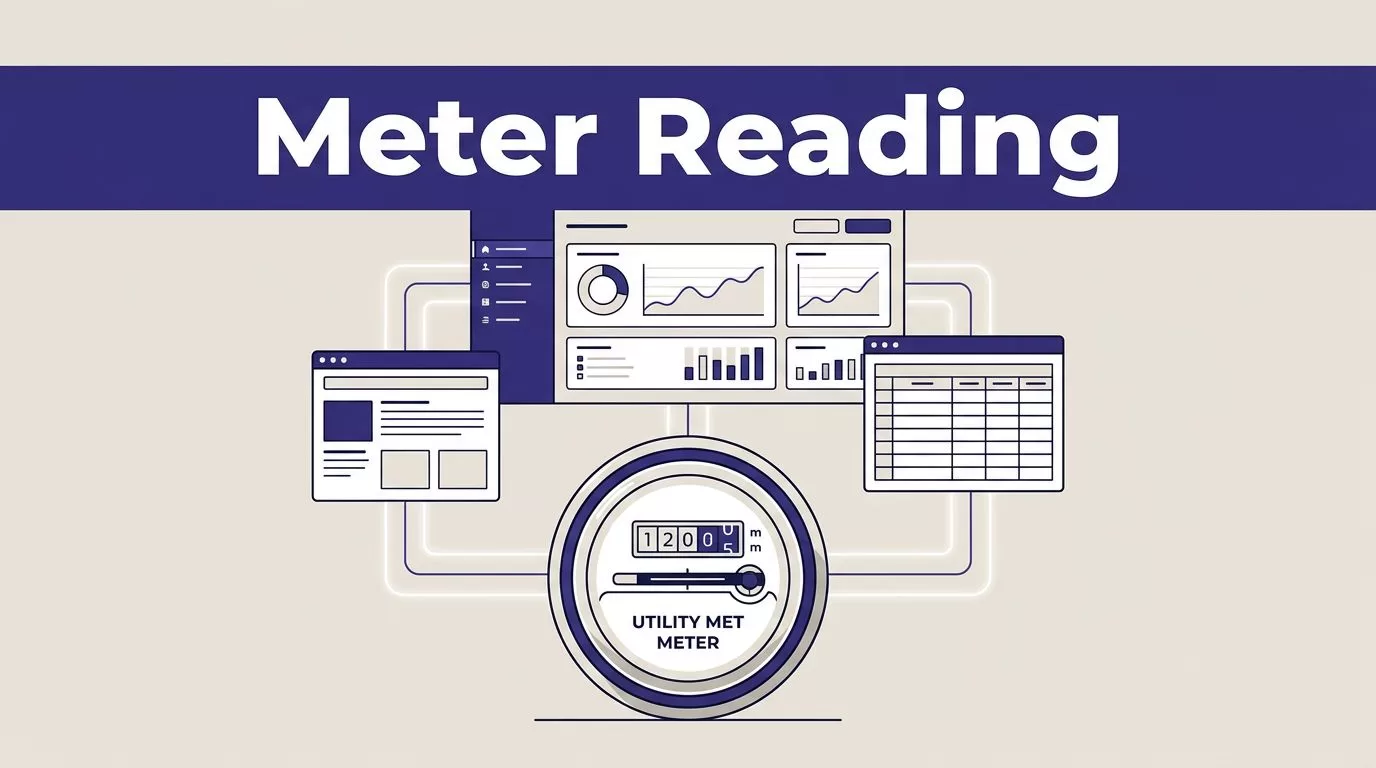
Meter reading automation reduces repetitive portal work, but it doesn’t remove the need for data controls. Twin.so can help collect readings from websites, apps, and operational systems. Your team still needs to define what counts as a valid reading and where approved results should go.
The practical model is simple: collect the reading, check it against known rules, then send only usable records to the correct system. Twin.so fits best when staff currently log in to utility portals and copy values into spreadsheets, billing tools, or internal databases.
What meter reading automation with Twin.so can handle
Twin.so is an AI agent platform for work across apps and websites. Its public materials describe three connection paths: native app connections, external APIs or webhooks, and websites without APIs.
That creates a useful option for utility companies, property managers, and energy operations teams that depend on supplier portals. A portal may contain the required reading, but no practical API may be available.
Use it for portal-based collection
Suppose a property operator collects monthly electricity readings for 600 sites. An employee signs in to a supplier portal, searches for each account, opens the meter record, copies the current reading and read date, and pastes the values into an operations database.
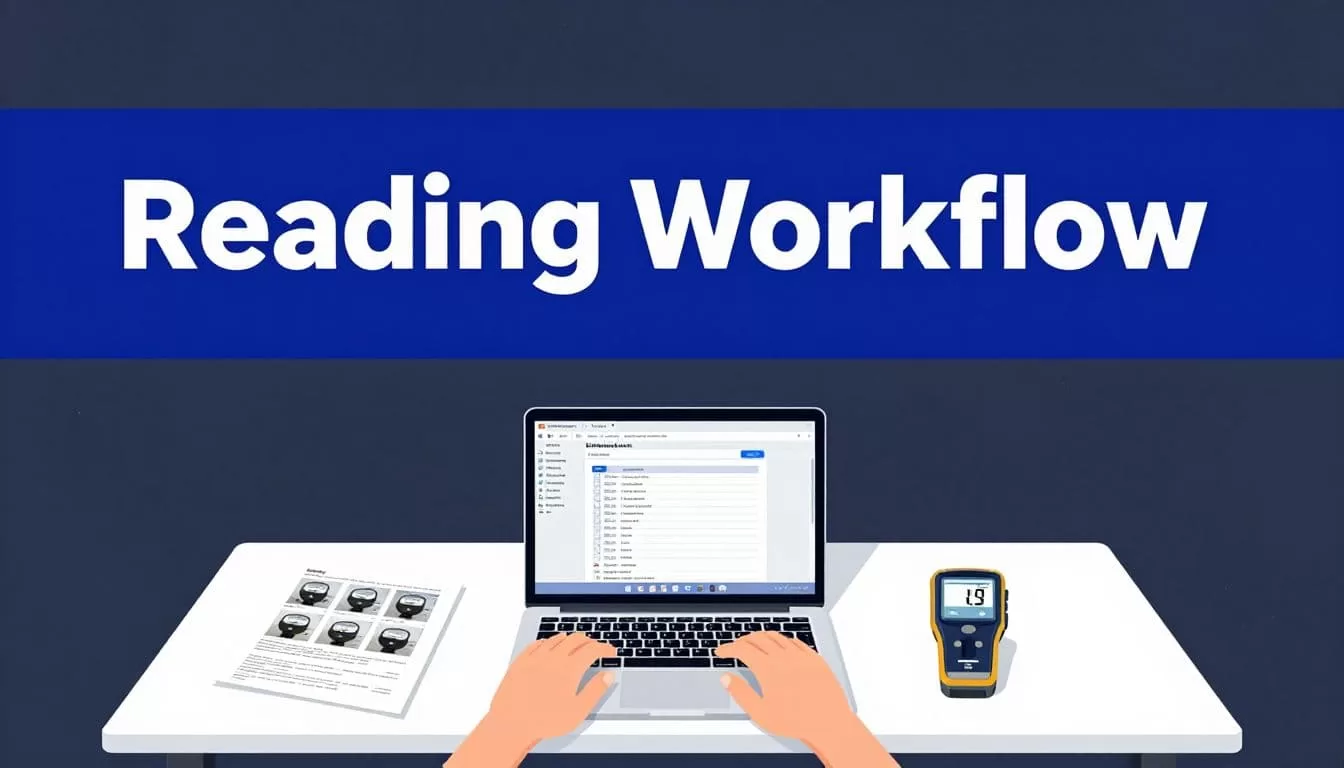
A Twin.so workflow could handle the repetitive navigation:
- Receive an account or meter identifier.
- Open the approved supplier portal.
- Sign in through the configured access method.
- Find the matching account and meter.
- Extract the current reading, unit, and timestamp.
- Return a structured result with a pass or exception status.
- Send approved records to an API, webhook, queue, or review table.
Start with Twin.so’s no-API browser automation when the source is a portal without a usable API. The browser agent can navigate pages, extract visible data, and complete multi-step actions.
Don’t treat it as a complete metering system
Twin.so doesn’t replace an AMI platform, meter data management system, billing engine, or customer information system. It collects and moves information between systems.
The current public materials also don’t clearly document dedicated meter-reading connectors or OCR for photographs of meter faces. If field staff submit images of analog dials or LCD displays, don’t assume Twin.so can reliably read those images. Test the exact image workflow or use a dedicated meter-reading tool before adding Twin.so to that process.
Twin.so is a stronger fit when the reading already appears as text inside a portal or application.
Map the reading workflow before you build
An agent should have one narrow job. Do not start with a broad instruction such as “collect all utility readings.” Define the source, fields, checks, destination, and failure path first.
This prevents a common automation problem: a workflow that completes the browser steps but returns inconsistent data.
Define the output record
Create a fixed output structure before configuring the agent. A useful record can include:
- The customer, property, or account ID.
- The meter ID and utility type.
- The reading value and unit.
- The date and time shown by the source system.
- The collection timestamp.
- The source portal or record reference.
- A status such as
approved,review, orfailed. - A short exception reason when the record isn’t accepted.
The output should be usable without manual rewriting. A billing or operations system should receive a predictable record, not a paragraph generated by an agent.
Use Twin’s integrations directory to review possible app and API connection options before selecting the handoff method. If your target system isn’t listed, check whether it accepts REST requests, webhooks, or file-based imports through an existing process.
Write the data rules in plain language
Your rules should describe what the agent must collect and what it must reject.
For example, an electricity reading may pass only when the account ID matches the requested account, the value is numeric, the unit is kWh, and the reading date falls within the expected collection window.
Add comparison rules where historical data is available. A new reading should usually be equal to or higher than the previous reading. Meter replacement, rollover, solar export, and estimated readings can create valid exceptions, so don’t reject every decrease automatically.
Keep the rules separate from the browser instructions. One part of the workflow collects the value. Another part checks the value.
Build the Twin.so collection flow
Build the smallest useful version first. Use a limited account set and read-only access. Confirm the returned data before adding more sources or write actions.
Choose API access before browser access
If the utility portal or vendor provides a supported API, use it when practical. API requests are easier to test, monitor, and repeat than page navigation.
Use browser automation when the API is missing, incomplete, or unable to expose the required reading. Twin.so’s product guidance presents browser work as a fallback for websites that don’t offer a usable API.
This choice affects cost and reliability. A portal redesign can break selectors or change the page flow. An API usually provides a more stable contract.
Give the agent a controlled collection task
The agent instructions should identify the exact fields and the expected behavior when something changes.
A useful task definition might say:
- Search only for the supplied account ID.
- Confirm the meter ID before extracting the value.
- Return the displayed reading and unit exactly as shown.
- Return the source date, not the date when the agent ran.
- Stop if the account or meter can’t be matched.
- Never invent a value when the page is blank, blocked, or unclear.
- Mark the record for review when multiple readings appear.
Avoid instructions that allow the agent to guess. A missing reading should produce an exception, not a plausible-looking number.
If the workflow runs on a schedule or starts through a webhook, keep the input and output contracts stable. The job that sends account IDs should know what result to expect from every run.
Send results through a controlled handoff
Do not write directly into billing or customer-facing systems until the workflow has passed testing. Start with a staging table, review queue, or separate API endpoint.
The handoff should include the raw value, normalized value, source date, collection time, and validation status. Store the exception reason with rejected records. This gives operations staff enough context to correct a source problem without repeating the entire collection run.
A successful browser session isn’t the same as a successful business transaction. The final test is whether the right reading reached the right account in the right format.
Validate every reading before it reaches billing
Validation is where meter reading automation becomes an operations process instead of a copy-and-paste shortcut.
Twin.so can collect the source data, but your rules should decide whether the result is safe to use.
Accept records only when the fields agree
Check the account ID and meter ID against the input request. Confirm that the value is numeric and that the unit matches the utility record.
Then compare the reading with the previous accepted value. Flag an unusually large increase, an unexpected decrease, a missing decimal, or a read date outside the collection period.
Add a duplicate check. The same account and meter should not be submitted twice for one billing period unless an authorized correction is being processed.
Keep estimated readings separate from actual readings. If the source labels a reading as estimated, return that status instead of treating it as a normal field reading.
Route exceptions to people
A review queue should receive records when:
- The portal returns an error or timeout.
- The account cannot be found.
- More than one meter matches the account.
- The reading is blank, estimated, or outside the expected range.
- The source page changed and the required field is missing.
- Authentication or additional verification blocks the run.
The exception should include the account, meter, failure stage, and source message. Staff can then resolve the issue without inspecting every successful record.
Control reliability, access, and operating cost
Browser-based collection has more moving parts than a direct data connection. Plan for failures before production use.
Treat browser automation as the weaker link
Twin.so’s own web-agent guidance describes browser automation as its most expensive and least reliable execution mode. That doesn’t make it unusable. It means you should avoid using it for unreviewed, high-volume writes when an API is available.
Run a pilot against real portal pages. Test expired sessions, slow pages, changed layouts, missing accounts, duplicate readings, and temporary outages.
Use retries only for safe collection steps. Never repeat a payment, account update, or billing write without checking whether the first action completed.
Review security requirements before connecting accounts
Use a dedicated service account where the source system supports it. Restrict access to the minimum pages and actions required. Keep credentials out of task instructions, spreadsheets, and logs.
Ask Twin.so for current details about data retention, access controls, audit logs, data location, subprocessors, and compliance documentation. Public plan information mentions features such as SSO and dedicated infrastructure for higher-tier customers, but those features don’t replace your vendor review.
Check how the workflow handles multi-factor authentication. A process that needs a person to approve every login may not support unattended collection.
A practical Twin.so suitability checklist
Twin.so is a reasonable candidate when you can answer “yes” to most of these questions:
- Does the source expose readings through a website or supported application?
- Is the reading visible as structured text rather than only a meter photograph?
- Can the source provide stable account and meter identifiers?
- Can you test the workflow without writing to a live billing system?
- Does the destination accept an API request, webhook, queue entry, or controlled file import?
- Do you have historical readings for comparison checks?
- Can a person review exceptions before billing or customer notifications?
- Can your security team approve the required account access?
- Do the expected labor savings justify browser-agent cost and maintenance?
- Do you have an owner for portal changes, failed runs, and rule updates?
If the answer to several questions is no, solve the process or data problem first. An agent won’t fix missing account identifiers, unreliable source data, or unclear ownership.
Conclusion
Twin.so can reduce manual meter-reading work when the values already exist inside utility portals or business applications. The reliable pattern is collection, validation, exception handling, and controlled delivery.
Start with a small read-only pilot. Prefer an API when one is available. Use browser automation for the portal steps that can’t be reached another way, then keep questionable readings out of billing until a person or a separate rule approves them. The value of meter reading automation comes from trusted records, not from completing more browser actions.
