Deploy Brewery Automation Software Via Twin.so
Brewery automation software should remove repeatable work without becoming an untested path into a live control loop. Twin.so fits best as an orchestration layer. It reads approved brewery data, applies defined rules, and routes results to...
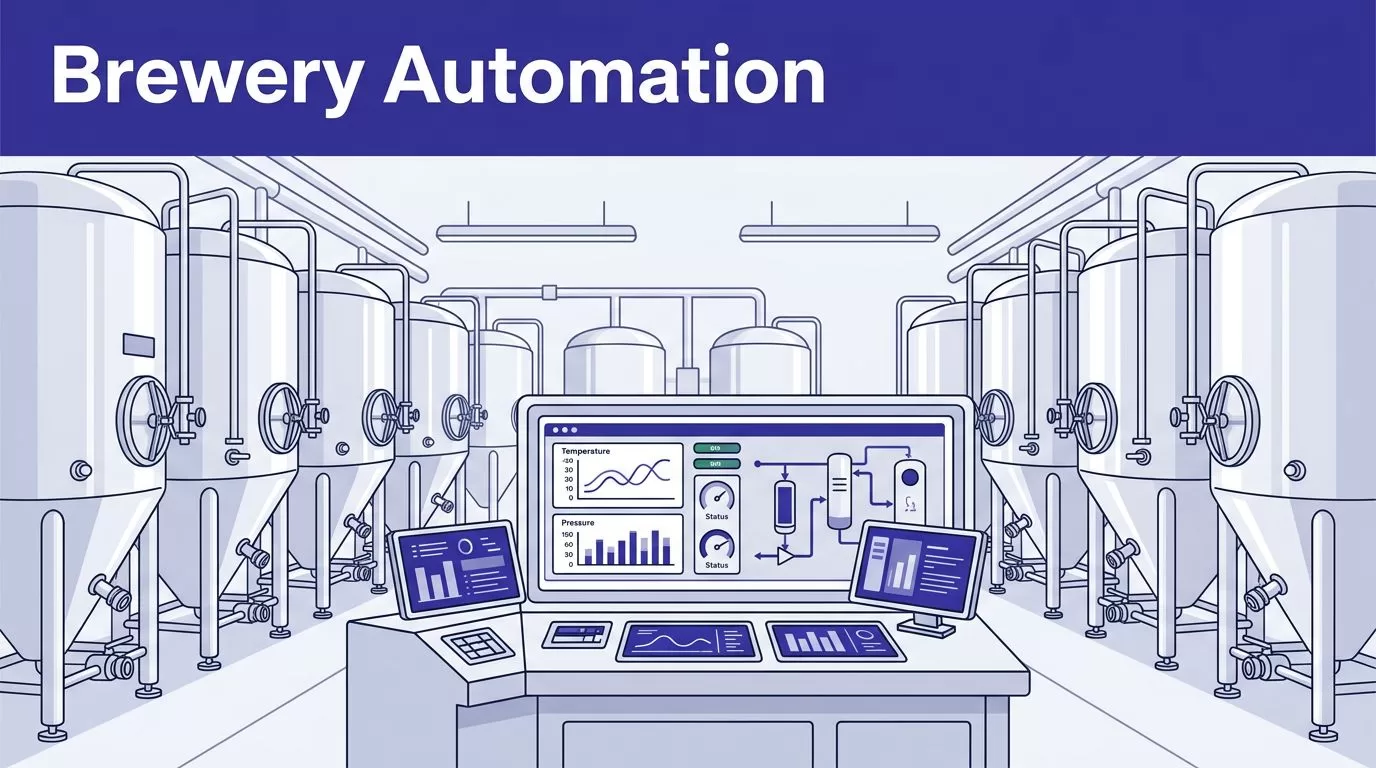
Brewery automation software should remove repeatable work without becoming an untested path into a live control loop. Twin.so fits best as an orchestration layer. It reads approved brewery data, applies defined rules, and routes results to people or business systems.
The deployment still needs a clear integration boundary. As of August 2026, Twin’s public materials describe cloud agents, REST API connections, OAuth integrations, and browser automation. They don’t confirm a native PLC, SCADA, historian, or OPC UA connector for every brewery.
Start with a read-only fermentation exception workflow. Prove data quality, permissions, downtime recovery, and review time before allowing any limited write.
Define What Twin.so May Read or Change
Your first decision isn’t which prompt to write. It’s which system Twin.so may read or change.
Use Twin.so for orchestration
Twin can coordinate routine work around production records. A first workflow might read tank temperature history, batch status, gravity samples, and CIP completion. It can then create an exception report for the brewer.
The agent can also normalize fields, compare values with defined rules, and send a review item through an approved business tool. Twin’s quickstart documentation describes scheduled agents, event triggers, OAuth connections, and browser tasks.
Those capabilities support orchestration. They don’t make Twin the process controller.
Keep process control and safety local
Keep setpoints, interlocks, emergency stops, pressure protection, gas detection, and permissive logic inside qualified control systems.
Don’t give an agent direct authority to open a valve, start a pump, change fermentation temperature, or defeat an alarm unless a qualified engineer has designed, tested, and approved that path. A safer pattern is recommendation, human approval, then a controlled write to a non-safety system.
This guide assumes your brewery already has a PLC or SCADA layer. Confirm Twin’s supported interface and your equipment vendor’s approved integration method before purchase.
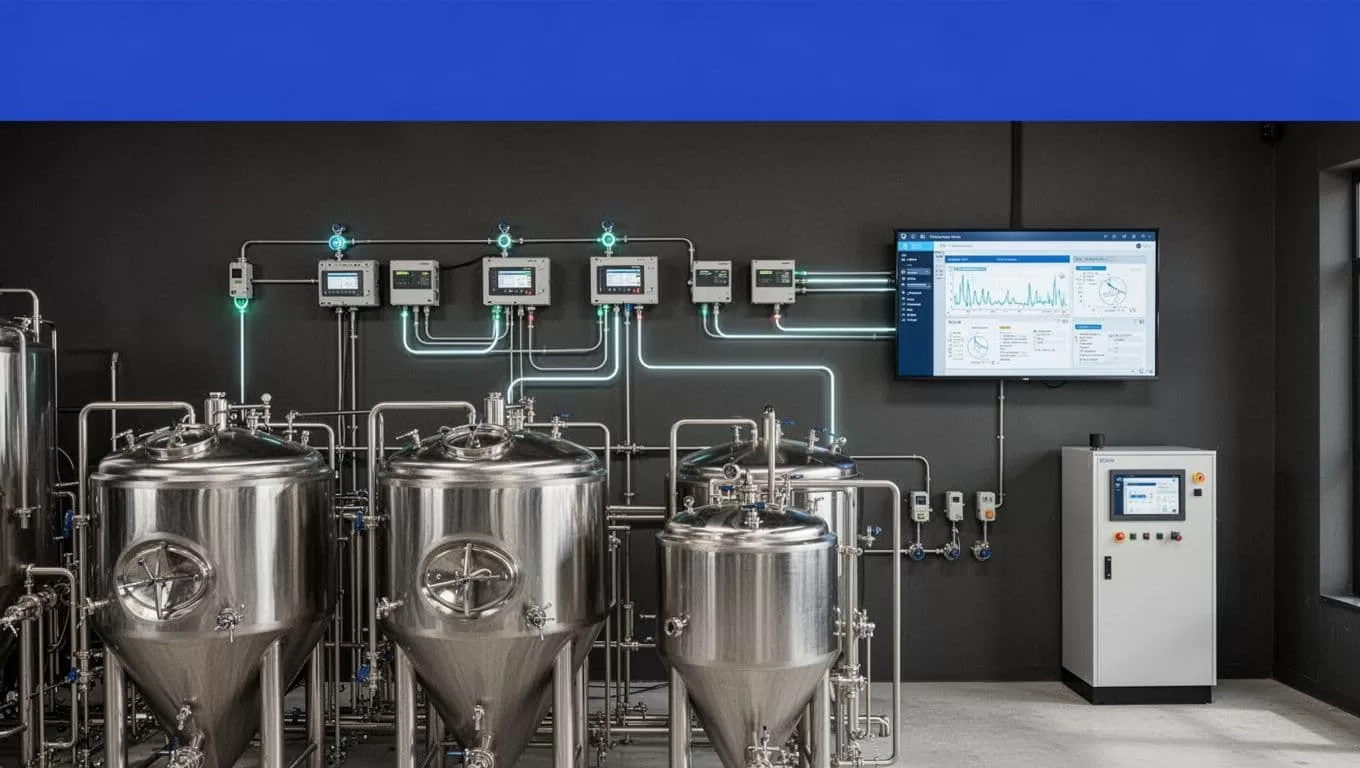
Map the Brewery Data Path First
Don’t build the agent until you know where each value comes from.
Identify the source of truth
List the brewhouse PLC, SCADA platform, historian, MES, LIMS or quality system, ERP, and CMMS. Record the system owner, endpoint, update interval, retention period, network zone, and approved access method.
A temperature in SCADA may be current, while the historian contains the accepted value for a completed batch. Choose the correct source. Don’t let the agent decide between conflicting systems.
Check data freshness too. A delayed historian record can look like a live tank condition if the timestamp isn’t visible.
Define a brewery data contract
Write the fields before writing the workflow. For a fermentation exception report, the contract may include:
- Tank ID, batch ID, recipe, beer name, and fermentation phase.
- Temperature, pressure, gravity, pH, and yeast-generation values.
- Unit of measure, sample time, source system, and time zone.
- Expected range, actual value, validation status, and reviewer decision.
Keep the original source value beside the normalized value. Store the collection timestamp and run ID. This gives the brewer evidence when a record looks wrong.
If your architecture uses OPC UA, treat it as an industrial interoperability layer, not proof of native Twin support. The OPC Foundation’s OPC UA overview describes how the standard connects industrial machines and enterprise systems. You still need an approved gateway or API path between that layer and Twin.
Deploy brewery automation software via Twin.so
Build one narrow workflow before connecting multiple production systems.
Start with a low-risk operational job
Choose a task with a clear input, a defined output, and a human owner. A daily fermentation exception report is a better first project than automatic setpoint adjustment.
The workflow can retrieve the last 24 hours of approved tank data, compare readings with recipe limits, identify missing samples, and create a review queue. It should not close a deviation, release a batch, or change equipment settings.
Write the success condition in one sentence: “Create one review record for each validated exception and create no record when the source is incomplete.”
Connect APIs before browser automation
Use an API when it provides the required fields and history. API retrieval is easier to test, repeat, log, and recover than a sequence of browser clicks. Twin’s guidance on API integrations versus browser automation supports this order.
If the brewery system lacks a suitable API, place an approved integration gateway between the control environment and Twin. Expose only the fields and actions the workflow needs. Keep the gateway outside the safety loop.
Twin says its agent runtime runs in isolated cloud environments, so your team doesn’t manage agent servers or listening ports. That doesn’t configure your brewery firewall, historian export, VPN, or network segmentation. Your IT and controls teams still own those decisions.
Write explicit instructions and stop rules
The agent instructions should define:
- Which systems and records it may access.
- Which date range, tank list, and batch states it should process.
- How it handles units, time zones, missing fields, and duplicate records.
- Which conditions create an exception.
- Which conditions stop the workflow without writing.
- Where approved results and run logs are stored.
Use browser automation only for an authorized system with no suitable API. Twin describes browser automation for sites without an API, but a browser workflow can break when a label, page layout, login flow, or pagination rule changes.
Never instruct the agent to bypass an access control, CAPTCHA, or approval step.
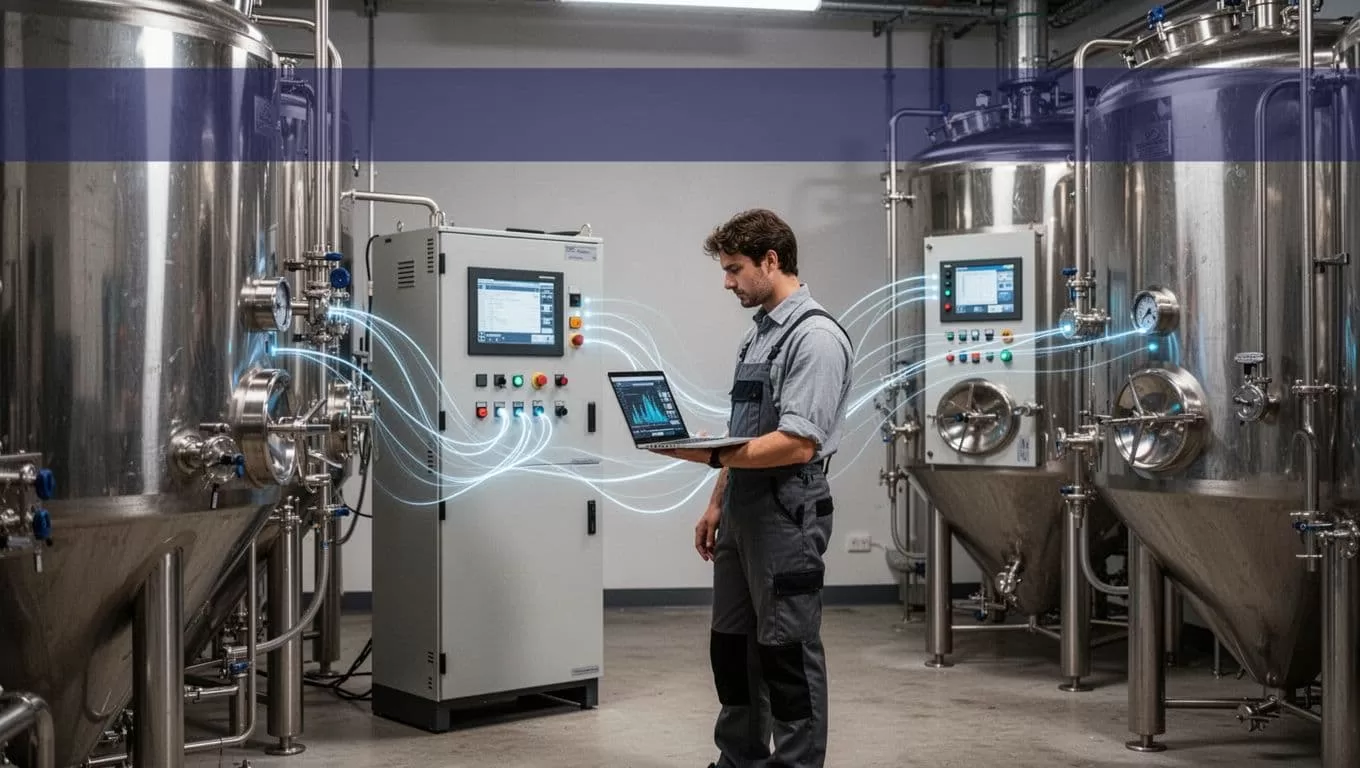
Validate Data Before Production Writes
A successful run isn’t proof of a correct result. A browser task can finish while missing a page, selecting the wrong tank, or returning an empty table.
Run in report-only mode
Start with no writes. Let Twin produce proposed exceptions in a separate table or review queue.
Compare the output with a known sample from SCADA, the historian, and the quality system. Test normal batches and difficult cases, including:
- A tank with no recent sample.
- A batch that changed phase during the date range.
- A reading in the wrong unit.
- A duplicate batch ID.
- A stale timestamp.
- A source timeout or partial response.
Have a brewer or qualified process owner approve the expected result before enabling downstream updates.
Stop on bad data and preserve the last trusted result
The workflow should stop its write step when the source is unavailable, the schema changes, two sources conflict, or required fields are incomplete. It should return the reason and the affected record.
Don’t replace yesterday’s trusted report with an empty output. Store raw results, normalized records, validation errors, and reviewer decisions as separate versions.
Create a manual fallback before production release. Define who retrieves the data, where they record it, and how they identify the last trusted result. Use bounded retries with backoff for temporary failures. Save progress by run ID, batch ID, or timestamp so a failed run doesn’t restart without control.
Twin uses credits. Planning examples place simple automations around 15 to 30 credits, a 100-item retrieval around 20 to 70 credits, and a browser session with about 20 steps around 100 to 200 credits. Treat these as estimates, not quotes. Benchmark a real brewery sample and calculate cost per accepted record.
Track accepted records, missing and duplicate records, failed runs, retry counts, review minutes, correction time, and credit usage. A workflow that saves ten minutes but creates thirty minutes of correction work has failed its business case.
Control Access and Protect Brewery Operations
Brewery automation software handles production data, employee accounts, supplier information, and sometimes credentials for connected systems. Apply least privilege at every layer.
Use separate accounts and narrow permissions
Use a dedicated service account for each environment. Start with read-only access. Separate development, test, and production credentials. Don’t use a brewer’s personal account for a recurring automation.
Restrict the Twin workspace to authorized members. Confirm available role controls, SAML or OIDC single sign-on, approval gates, retention settings, and audit logs for your plan before deployment.
Twin’s privacy policy says stored credentials are encrypted in its Vault and access is limited to authorized workspace members. It also describes encryption for stored content and data in transit. Those controls don’t remove your responsibility to decide which credentials may leave the brewery network.
Avoid storing a password when an OAuth connection or short-lived token provides the required access. Review what the workflow can expose in logs, screenshots, prompts, and generated reports.
Keep safety systems outside the agent
Software access doesn’t replace lockout/tagout, qualified technicians, written procedures, or regulatory records. OSHA’s Control of Hazardous Energy guidance covers procedures for preventing unexpected machine movement or energy release.
Test the workflow without live actuation. If a future design includes a write to a control or maintenance system, require an approval gate, a bounded action, an operator-visible record, and a documented rollback. Keep emergency functions independent from Twin.
Release Through a Controlled Pilot
Run the first production pilot on one data source, one workflow, and a limited set of tanks.
Before release, confirm that:
- The service account has only approved permissions.
- Every field has a source, unit, timestamp, and validation rule.
- The expected output matches a known sample.
- Missing data and source conflicts stop writes.
- A named owner receives exceptions.
- The manual fallback identifies the last trusted result.
- Logs show run ID, source status, records processed, errors, and reviewer actions.
- The brewery can disconnect the workflow without affecting PLC or SCADA operation.
Review the pilot after several complete runs, not after one successful test. Measure accepted-record accuracy, exception rate, missed records, duplicate records, human review time, correction time, and cost per accepted record.
If the workflow crosses multiple systems, Book A Call to map permissions, exception paths, and approval points before a wider rollout.
Conclusion
Twin.so can support brewery operations when it stays inside a defined boundary. Use it to collect approved data, apply repeatable rules, prepare reports, and route decisions.
Keep process control, safety interlocks, and qualified approvals in the systems and teams designed for them. Start with a read-only fermentation workflow, validate every field, define recovery steps, and measure cost per accepted result.
The right brewery automation software deployment doesn’t begin with maximum access. It begins with one useful workflow that fails safely.
