How to Check the Uruguay exchange rate on Remitly
A Remitly transfer to Uruguay can look simple until the final quote changes the amount your recipient receives. The Uruguay exchange rate is only one part of the transaction. Fees, delivery speed, payment method, and promotions also affect...
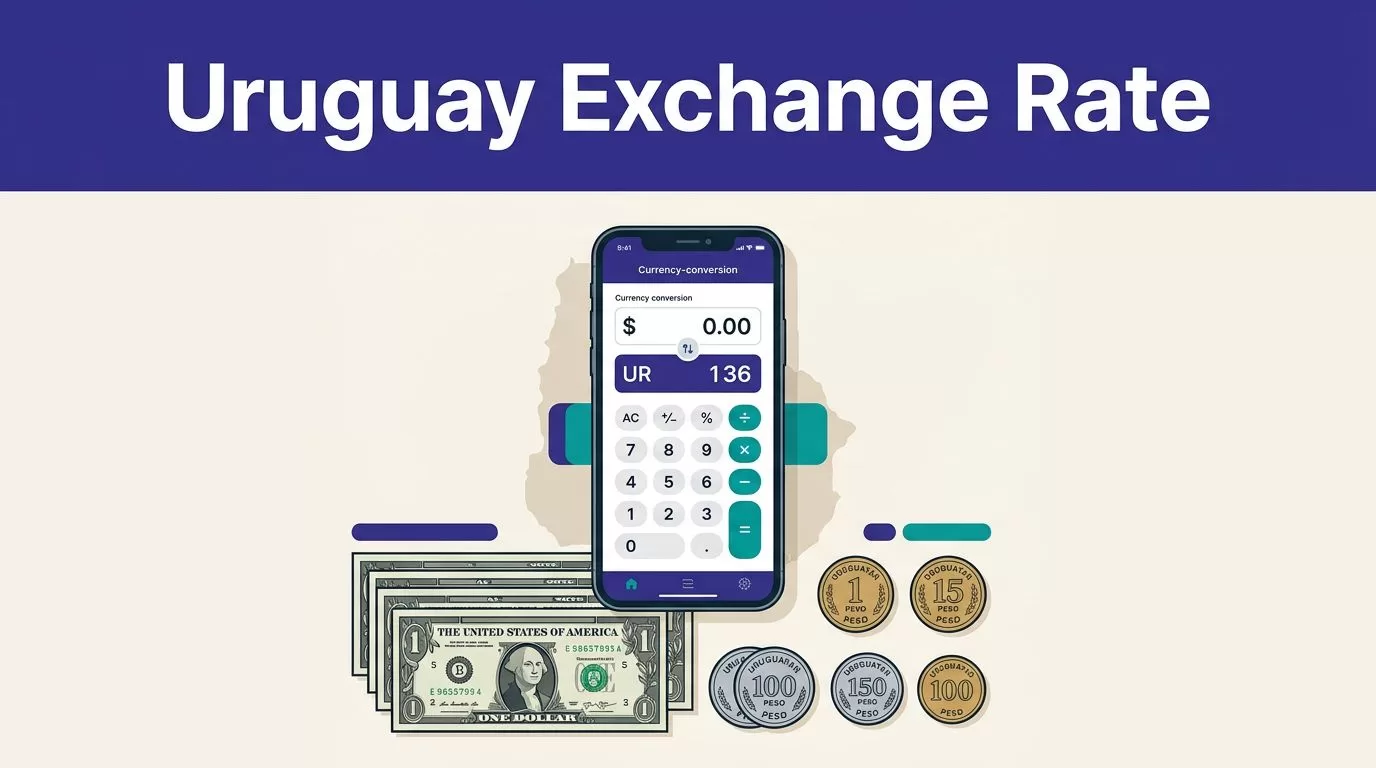
A Remitly transfer to Uruguay can look simple until the final quote changes the amount your recipient receives. The Uruguay exchange rate is only one part of the transaction. Fees, delivery speed, payment method, and promotions also affect the result.
Use Remitly’s live calculator when you’re ready to send money. Enter the amount in US dollars, confirm the payout in Uruguayan pesos, and review the complete quote before approving the transfer. A rate from yesterday or a search result isn’t reliable enough for today’s payment.
Check the Uruguay exchange rate on Remitly
Open the official USD-to-UYU calculator
Start with Remitly’s USD-to-UYU exchange rate calculator. Select USD as the sending currency and UYU as the receiving currency. UYU is the ISO code for the Uruguayan peso.
Enter the amount you plan to send. Remitly should show:
- The USD amount you send
- The exchange rate used for the conversion
- The estimated amount in Uruguayan pesos
- The transfer fee
- The total amount charged
- The delivery method and estimated arrival time
The direction of the calculation matters. If you enter the amount you want to spend, Remitly calculates the expected peso payout. If you enter the amount the recipient should receive, Remitly may calculate how much you need to pay.
The basic calculation is straightforward:
USD amount x Remitly’s offered rate = estimated UYU payout
For example, if the quote displays 38 UYU for 1 USD, a $500 transfer would produce 19,000 UYU before the transfer details are applied. That example doesn’t state a current rate. Your live quote can be different.
Re-enter the amount before sending
Currency pricing can change between the time you check a rate and the time you complete the transfer. Reopen the calculator or transfer flow when you’re ready to pay.
Don’t rely on a saved screenshot, an old estimate, or a general currency converter. The final Remitly quote is the relevant number because it reflects your selected delivery method, payment method, account status, and promotion.
Understand the Remitly rate and total cost
Mid-market rate versus Remitly’s offered rate
The mid-market rate is a reference point. It is based on the midpoint between the buying and selling prices for a currency pair. You can review a plain-language explanation of the mid-market exchange rate before comparing Remitly’s quote.
Remitly’s customer rate is the rate applied to your transfer. It may differ from the mid-market rate because money transfer companies can include a margin in the exchange rate. That margin is usually part of the rate rather than a separate fee.
If the mid-market rate is higher than Remitly’s offered rate, each US dollar converts into fewer pesos through Remitly. This doesn’t automatically make the transfer poor value. You need to compare the total amount you pay with the exact amount the recipient receives.
A low transfer fee can still produce a lower payout if the exchange rate is less favorable. The recipient amount is the most useful measure when comparing services.
Review fees and promotional rates
Remitly’s pricing can vary by transfer amount, delivery option, payment method, and current promotion. Recent August 2026 views of its USD-to-UYU pages have shown different fee displays. One calculator view listed $0.49 for Economy and $0.99 for Express, while another pricing view used amount bands.
Treat those figures as page-specific examples, not permanent prices. The quote shown for your account and transfer is the one to use.
Remitly may also offer a promotional rate or no-fee first transfer for new customers. The current offer can be limited to the first $1,000 sent, available once per customer, and subject to change. Read the conditions before assuming the promotion applies.
Check all three numbers together:
- The exchange rate
- The separate transfer fee
- The total amount removed from your payment method
The headline rate alone doesn’t show the complete cost.
Choose the right delivery method for Uruguay
Compare Economy and Express
Remitly may present Economy and Express options for a USD-to-UYU transfer. Express can cost more, but it may provide a faster delivery estimate. Economy may be suitable when the recipient doesn’t need the money immediately.
Don’t choose based only on the words “Express” or “Economy.” Read the actual arrival estimate shown in the transfer flow. Timing can depend on payment processing, transaction review, system availability, delivery method, and the receiving provider.
A faster option isn’t useful if the recipient’s preferred payout location can’t support it. Compare the fee, expected arrival, and final UYU amount before selecting the route.
Confirm cash pickup, bank deposit, or wallet delivery
Remitly’s Uruguay network can include cash pickup, bank deposit, and mobile wallet delivery. Available options depend on the recipient’s location and the providers supported for that transaction.
Cash pickup may work well for someone without a bank account. Bank deposit can be more convenient when the recipient already uses a supported institution, such as Banco Santander or Banco Itaú. Red Pagos is another payout option shown in Remitly’s Uruguay provider network.
The recipient’s name must match their government ID for cash pickup. For a bank deposit, verify the account number and other required banking details. A small spelling error can delay collection. An incorrect account number can create a larger correction problem.
Use this final Remitly checklist
Review the transaction immediately before payment. Confirm:
- You are sending USD and the recipient is receiving UYU.
- The displayed exchange rate is the current rate for this transfer.
- The transfer fee and total amount charged are correct.
- The recipient payout matches your expectation.
- The selected delivery method is available in the recipient’s location.
- The estimated arrival time fits the recipient’s need.
- Any promotional rate or fee waiver actually applies.
- The recipient’s name matches their government ID.
- Bank account or mobile wallet details are accurate.
- The payment method is correct.
If the quote changed after you entered the recipient information, stop and review it again. Don’t assume the earlier amount still applies.
After sending, save the confirmation number and receipt. Track the transfer in the Remitly app or website. A transaction marked as accepted doesn’t always mean the recipient has collected cash or received the bank deposit. Ask the recipient to confirm the actual amount and delivery.
For a repeat payment, don’t copy the previous quote blindly. Reopen the transfer, confirm the recipient details, and check the new Uruguay exchange rate.
Conclusion
Checking Remitly’s live calculator is the fastest way to estimate a USD-to-Uruguayan-peso transfer, but the exchange rate is only part of the decision. Review the fee, total payment, recipient payout, delivery method, and arrival estimate together.
Promotional pricing can change. Rates can move between transactions. Confirm the final quote immediately before sending, then keep the receipt and track delivery until the recipient confirms receipt.
