Download Remitly: The Best App to Send Money to Panama
If you searched for “send money Panama” options, start with the official Remitly app. It gives you a clear way to enter the amount, select a delivery option, review the cost, and track the transfer. The best app to send money to...
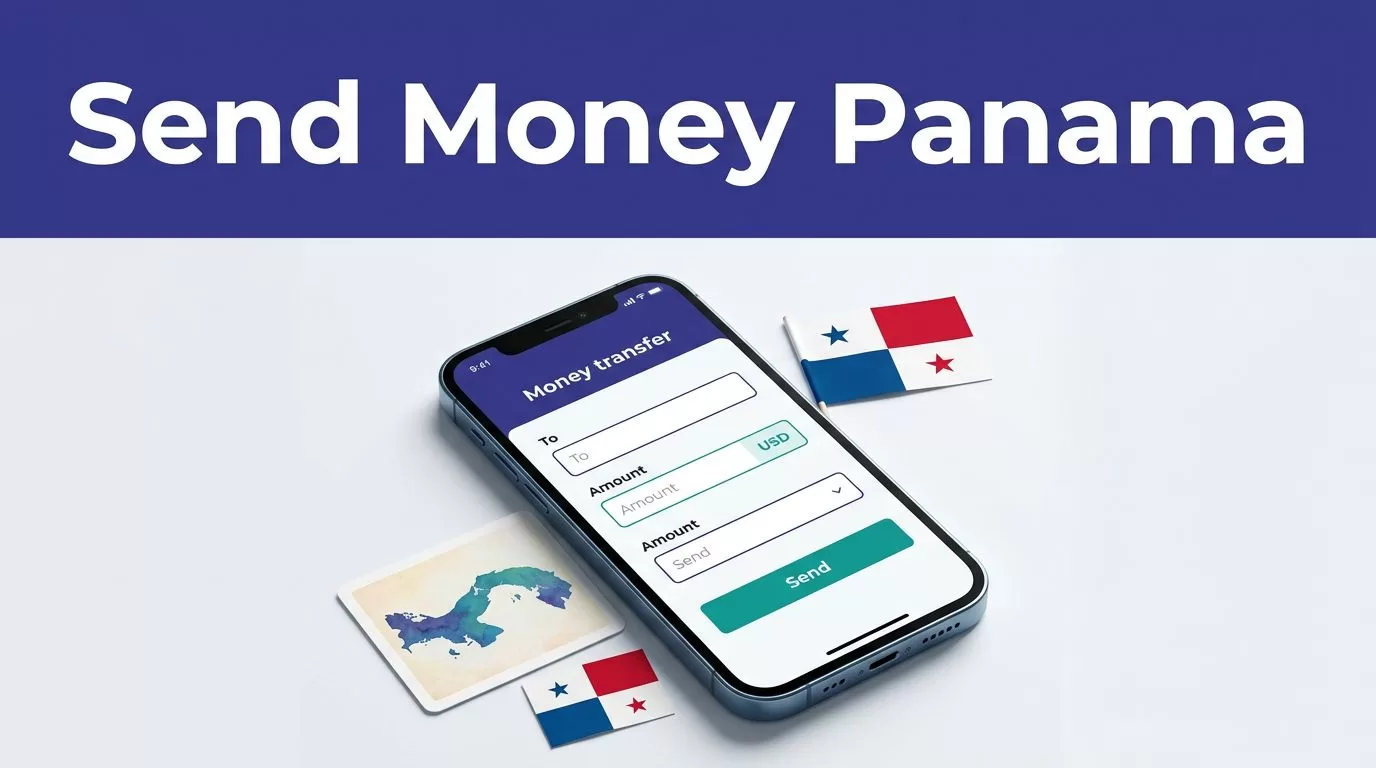
If you searched for “send money Panama” options, start with the official Remitly app. It gives you a clear way to enter the amount, select a delivery option, review the cost, and track the transfer.
The best app to send money to Panama depends on the final quote, delivery speed, and recipient’s preferred method. Remitly can be a practical option for families, friends, freelancers, and businesses, but you should confirm every detail before sending.
Send Money Panama: Use the Official Remitly App
Remitly supports transfers from the United States to Panama through its mobile app and website. The official Remitly U.S.-to-Panama transfer page lets you check the current route, promotional offers, and available delivery choices.
The phrase “send money Panama” describes a transfer route, not a fixed price. Fees, exchange rates, delivery times, and transfer limits can change based on the amount, payment method, delivery option, account status, and current Remitly promotions.
Remitly may display options such as bank deposit or cash pickup when they are available for the recipient. The exact choices depend on the destination details entered in the app. Don’t assume a delivery method is available until Remitly shows it in your quote.
Download the Correct App
Use an official app-store listing. Avoid APK files, unofficial download pages, and links sent through unexpected text messages or emails.
Check the app name and publisher before installing. Update your phone’s operating system and keep the Remitly app updated. Never share your account password, verification code, or banking credentials with another person.
Check the Full Remitly Cost Before Sending
The transfer fee is only one part of the transaction. Review the amount you send, the recipient’s payout, the exchange rate if one applies, the delivery method, and the expected arrival time.
As of August 2026, Remitly’s U.S.-to-Panama pricing page lists Economy and Express options for transfers sent in USD and received in USD. The listed fees are subject to change.
| Transfer option | Listed fee formula | Example on $1,000 |
|---|---|---|
| Economy | 0.54% of the amount sent plus $4.99 | $10.39 |
| Express | 1.34% of the amount sent plus $4.99 | $18.39 |
These examples come from the current Remitly pricing page for Panama. They are not a permanent price guarantee. A promotion, payment method, amount, or account qualification can change the final quote.
Remitly also advertises no fee on a first transfer for eligible new customers. The offer is limited to one transfer per customer and may include additional conditions. Confirm that the promotion appears in your account before relying on it.
The practical takeaway is simple: compare the total cost, not the headline fee. A transfer with a lower upfront charge can still provide less value if the exchange rate or delivery option changes the recipient’s final amount.
How to Send Money to Panama With Remitly
The app’s process is straightforward, but accuracy matters. Use this sequence for your first transfer.
- Install the official Remitly app. Open the App Store or Google Play listing and download the verified application.
- Create an account or sign in. Enter your legal information accurately. Remitly may request identity verification before allowing a transfer or increasing your limits.
- Select Panama as the destination. Confirm that the sending country is the United States and the receiving country is Panama.
- Enter the amount. You may be able to set the amount you want to send or the amount the recipient should receive. Check which figure the app is using before continuing.
- Choose the delivery method. Select the option that matches the recipient’s needs. Bank deposit may suit someone who wants funds placed into an account. Cash pickup may be more practical when the recipient needs physical access, if that option is available.
- Select the delivery speed. Economy usually costs less. Express may cost more and may arrive sooner. The app will display the estimated delivery time for your specific transaction.
- Add the recipient. Enter the recipient’s full legal name, phone number, address, and account or pickup information as requested. Use the same spelling shown on the recipient’s identification or financial account.
- Choose an available payment method. Remitly will show the payment methods supported for your account and transfer. Review the funding account or card details before submitting.
- Review the transaction. Confirm the sending amount, fee, exchange rate, recipient payout, delivery method, estimated arrival time, and payment source.
- Submit the transfer and save the confirmation number. Keep the confirmation email or in-app receipt. You need the confirmation number if you check the status or contact support.
Don’t rush through the recipient step. A misspelled name, wrong account number, or incorrect phone number can delay delivery and require a correction.
Choose Economy or Express Based on the Need
Economy is usually the better starting point when the recipient doesn’t need the funds immediately. Its current listed fee is lower than Express for the U.S.-to-Panama route.
Express can make sense for an urgent family expense, a time-sensitive payment, or a situation where the recipient needs access sooner. That doesn’t mean Express is always the fastest option in every case. Verification, payment approval, weekends, holidays, provider availability, and the chosen delivery method can affect the timeline.
Remitly’s app shows an estimated arrival date or time before you submit the transaction. Treat that estimate as the controlling information. Don’t rely on a general claim that a transfer will arrive in minutes.
When comparing the two options, ask one question: Does the faster delivery justify the additional cost for this transfer? If the answer is no, Economy may meet the requirement.
Enter Recipient Details With Care
Recipient information is the most common place for a simple transfer to go wrong. Confirm the details directly with the person or business receiving the funds.
For an individual, verify the legal name, phone number, address, and selected pickup or deposit details. For a business contact, match the beneficiary name with the invoice, bank information, or payment instructions. Don’t use a nickname when the receiving provider requires a legal name.
Ask the recipient to confirm the details before you send a large amount. A quick message can prevent a failed deposit or a delayed cash pickup.
If the recipient changes banks, phone numbers, or pickup preferences, update the information inside Remitly before starting another transfer. Avoid reusing old recipient records without checking them.
Track the Transfer and Keep the Record
After submission, open the transfer in the Remitly app to monitor its status. The confirmation number helps you identify the transaction if the delivery takes longer than expected.
Keep these records until the recipient confirms receipt:
- The confirmation number and transfer date.
- The amount sent and the displayed fee.
- The recipient’s payout amount.
- The selected delivery method.
- The estimated and completed delivery times.
- Any message or reference connected to the payment.
A confirmation that Remitly accepted the transaction doesn’t always mean the recipient has collected or received the money. Track the transfer through the app and ask the recipient to confirm completion.
For business payments, store the Remitly receipt with the related invoice or accounting record. The receipt helps reconcile the payment and identify the transaction later.
Avoid These Common Transfer Mistakes
A “send money Panama” search can lead you to multiple apps, websites, and advertisements. Downloading the wrong application creates unnecessary security risk. Use Remitly’s official listings and verify the destination before entering sensitive information.
Don’t choose a transfer based on the fee alone. Review the complete transaction summary, especially when the app displays a promotional rate or an estimated recipient amount.
Don’t assume the first-transfer promotion applies to every account. Check the eligibility message in the app. Promotional pricing can have limits and expiration dates.
Don’t send a large amount on your first attempt without testing the recipient details. A small approved transfer can confirm that the information and delivery method work as expected.
Finally, don’t delete the confirmation number after the transfer completes. Keep it until the recipient verifies receipt and any business or family payment record is reconciled.
Conclusion
Remitly gives U.S. customers a direct way to send money to Panama through an official mobile app. The right choice depends on the current fee, payout amount, delivery method, and timing shown for your transaction.
Download the official app, enter recipient details carefully, review the complete cost, and save the confirmation number. Those steps reduce avoidable delays and give you a reliable record for tracking the payment.
