Set Up Rewardful Affiliate Cookies Without Losing Attribution
Affiliate tracking breaks when the referral is not present at checkout. The visitor clicked. Your affiliate sent qualified traffic. The commission still disappears. Rewardful affiliate cookies store the referral ID after Rewardful detects a...
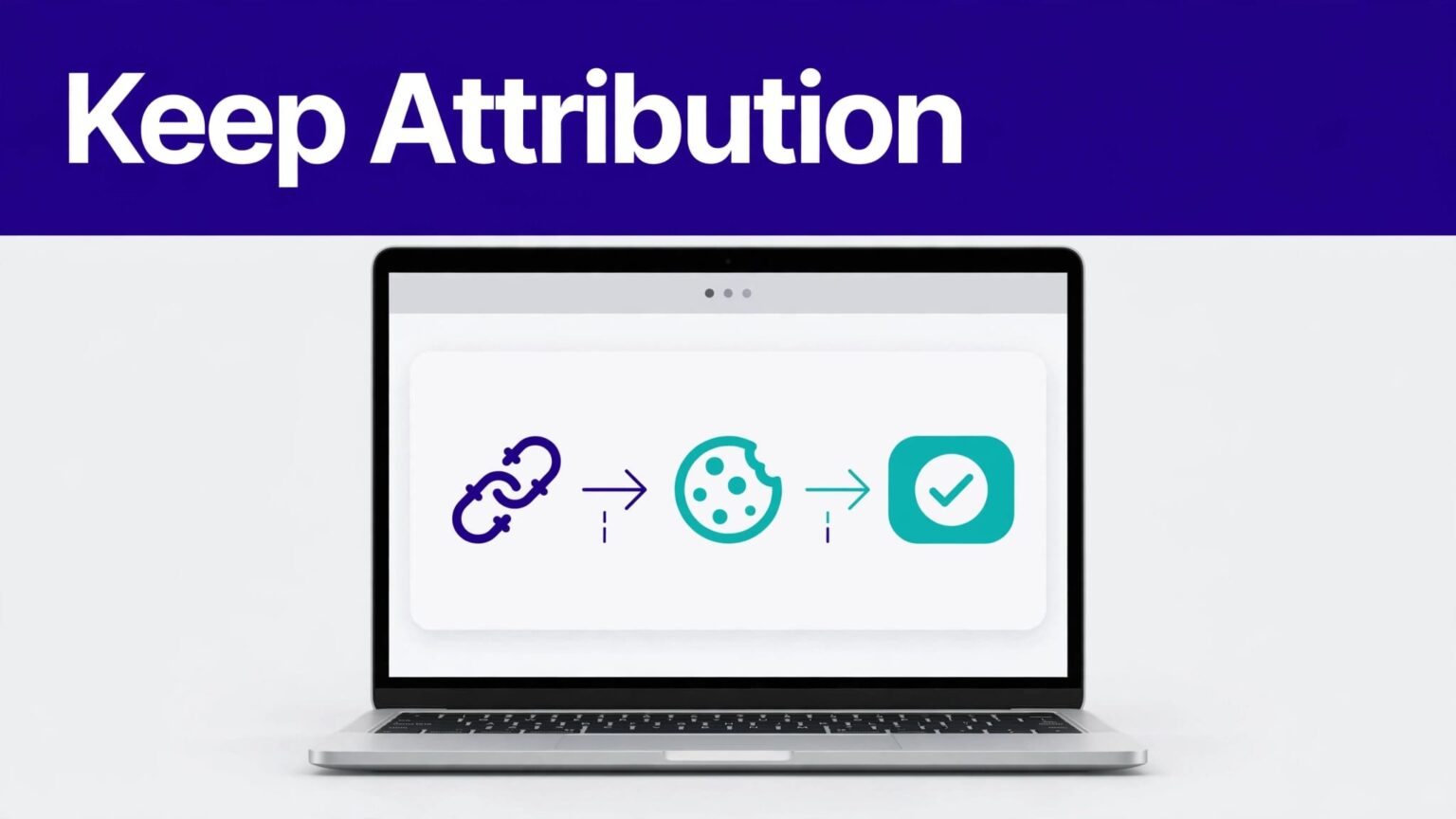
Affiliate tracking breaks when the referral is not present at checkout. The visitor clicked. Your affiliate sent qualified traffic. The commission still disappears.
Rewardful affiliate cookies store the referral ID after Rewardful detects a valid affiliate link. Your job is to install the script on every relevant page, preserve that referral through redirects, and test the full signup and payment path.
Start with the basic tracking flow. Then add cross-domain handling only where your funnel needs it.
HOW REWARDFUL AFFILIATE COOKIES WORK
Rewardful normally detects an affiliate visit through a via parameter in the landing-page URL.
A typical affiliate URL looks like this:
https://www.example.com/pricing?via=affiliate-token
When Rewardful recognizes the token, it creates a referral and stores the referral UUID in a first-party browser cookie. Rewardful exposes that UUID through Rewardful.referral.
The standard attribution window is 60 days. You can change it per campaign in Rewardful under Campaigns, then Edit campaign, then Cookie window.
The cookie window controls credit eligibility
The cookie window is not a low-level browser cookie setting. It controls how long an affiliate click can receive credit.
If your campaign has a 30-day cookie window, a customer who converts on day 31 will not receive affiliate attribution through that campaign. Set the window to match your sales cycle.
A low-cost self-serve SaaS product may work with 30 days. A B2B platform with demos, approvals, and procurement often needs a longer period.
Rewardful’s public setup options do not show controls for the cookie name, cookie domain, SameSite value, or a switch to use local storage. Configure the campaign window instead of trying to overwrite Rewardful’s tracking cookie.
A completed affiliate click is not proof of a credited conversion. The referral must still exist when your conversion event or checkout process runs.
First-touch and last-touch settings change the outcome
Campaign settings also control whether you use first-touch or last-touch affiliate attribution. This decision affects what happens when a prospect clicks links from more than one affiliate.
Use first-touch when you want to reward the affiliate that introduced the buyer. Use last-touch when you want to reward the affiliate that drove the final visit before conversion.
Write this rule into your affiliate terms. Affiliates need to know the cookie window, attribution model, commission basis, and reversal conditions before they promote your product.
INSTALL THE REWARDFUL SCRIPT ON EVERY FUNNEL PAGE
Put the Rewardful tracking script in the <head> on every public page that can receive an affiliate visit. That includes your homepage, pricing page, blog, signup flow, and checkout pages.
Use the API key shown in your Rewardful account. Replace YOUR_API_KEY before publishing.
<script>
(function(w,r){w._rwq=r;w[r]=w[r]||function(){(w[r].q=w[r].q||[]).push(arguments)}})(window,'rewardful');
</script>
<script async src="https://r.wdfl.co/rw.js" data-rewardful="YOUR_API_KEY"></script>
This snippet loads Rewardful asynchronously. It also creates the rewardful() queue, so calls made before the script finishes loading can run later.
The official Rewardful JavaScript API overview confirms that Rewardful.referral returns the current referral UUID. It returns an empty string when the visitor has no stored referral.
Read the referral only after Rewardful is ready
Use the ready callback before reading the referral. This avoids checking the value before Rewardful has initialized.
rewardful('ready', function () {
var referralId = Rewardful.referral;
console.log(referralId);
});
This code reads the current referral UUID and sends it to the browser console. It does not create a new referral. It only checks whether one already exists.
Do not treat the UUID as a discount code or a public identifier. It is an attribution record. Keep it out of page copy, customer-facing emails, and analytics labels that employees do not need.
Framework choice does not change the setup
React, Next.js, Webflow, Framer, and a plain HTML site all need the same result. The script must load before the visitor leaves the landing page.
For an SPA, confirm the script is in the shared document head or root layout. Don’t place it inside one route component that disappears after navigation.
For a server-rendered app, add it to the global layout. Then test direct visits to /pricing?via=token, /signup?via=token, and any campaign landing pages.
PASS ATTRIBUTION ACROSS DOMAINS
Subdomains and separate domains are not the same problem. A visitor who moves from www.example.com to app.example.com still needs testing. A visitor who moves from example.com to example-payments.com needs explicit cross-domain configuration.
Rewardful supports cross-domain tracking through the data-domains attribute. Add every participating domain as a comma-separated list.
<script async src="https://r.wdfl.co/rw.js" data-rewardful="YOUR_API_KEY" data-domains="www.example.com,app.example.com,checkout.example-payments.com"></script>
Rewardful adds referral=<UUID> to links between the listed domains. The receiving site reads that value and loads the existing referral into its own cookie.
The official cross-domain tracking instructions state that the script must be installed on every domain or subdomain you want to track.
Preserve query parameters during redirects
A normal link can receive the referral parameter automatically. A server-side redirect, middleware redirect, OAuth handoff, or payment redirect may drop it.
Read Rewardful.referral before the redirect. Then append the value to the destination URL.
rewardful('ready', function () {
var referralId = Rewardful.referral;
var destination = 'https://app.example.com/signup';
if (referralId) destination += '?referral=' + encodeURIComponent(referralId);
window.location.assign(destination);
});
This code moves the referral UUID to the next domain. If the destination already has query parameters, use &referral= instead of ?referral=.
Keep existing UTM values, plan selections, invite codes, and return URLs. A redirect that preserves affiliate attribution but drops the selected pricing plan still creates a broken funnel.
Preload a known referral for a controlled handoff
Rewardful can load an existing referral when the page URL contains referral=<UUID>.
https://app.example.com/signup?referral=YOUR-REFERRAL-UUID
Use this format for a controlled redirect or a test. Do not replace via with a random UUID. The via parameter identifies an affiliate token. The referral parameter carries an existing referral record.
CONNECT THE REFERRAL TO YOUR CONVERSION PATH
Cookie creation is only the first half of the setup. You must also send the conversion through a supported Rewardful integration.
If you use a client-side checkout flow, install the script on the checkout and confirmation pages. Rewardful’s Stripe Checkout client-side guide shows the tracking script working with browser-based attribution.
For a frontend conversion event, Rewardful documents this call:
rewardful('convert', { email: 'customer@example.com' });
Place it on the confirmation page after a successful signup or purchase. Pass the actual customer email address, not a placeholder, a hashed value, or an affiliate email.
Avoid duplicate conversion events
A thank-you page may reload. Users may bookmark it. Payment providers may redirect back more than once.
Your conversion path needs an idempotency plan. If your billing stack supports a server-side Rewardful integration, use the provider’s documented server-side path for subscription and invoice records. Do not fire browser conversion calls on every account login.
Test one real customer journey before you announce the affiliate program. Then review the referral and conversion records in Rewardful before scaling traffic.
TEST ATTRIBUTION LIKE AN OPERATING WORKFLOW
Use a clean browser profile for each test. Incognito mode can help, but browser extensions and consent tools can still change the result.
Run a small approved batch of test paths before changing your live campaign. Record the source URL, affiliate token, referral UUID, test email, domain, checkout result, and Rewardful record status.
Test these cases:
- Open an affiliate URL with
?via=token, then confirmRewardful.referralhas a UUID. - Visit several pages before signup, then confirm the referral remains available.
- Move between every tracked domain and check that
referral=<UUID>appears where expected. - Complete a test conversion with a unique email address.
- Repeat the test after a redirect, an OAuth callback, and a plan-selection step.
- Test with consent rejected, consent accepted, and a consent banner that loads late.
Track accepted attribution results, not page views or JavaScript events. A browser console log only proves that code ran. It does not prove that Rewardful credited the correct affiliate.
Local testing needs a public path
Localhost can help you inspect JavaScript behavior. It does not reproduce your real domain, redirect rules, consent platform, payment provider, or cross-domain setup.
Use a staging environment with HTTPS and production-like domains. Test with a real affiliate token and a separate test customer email.
For controlled troubleshooting, use a known referral UUID in the URL. Then confirm that Rewardful.referral matches the expected value after the page loads.
FIX THE MOST COMMON ATTRIBUTION FAILURES
Most missing commissions come from a short list of setup errors. Check the funnel in order instead of guessing.
The script is missing from one critical page
A pricing page may track correctly while a custom signup page does not. Add the Rewardful script to every page involved in the customer path.
Check published page source, not only your tag manager preview. A blocked script, broken content-security policy, or delayed tag rule can stop cookie creation.
The consent platform blocks tracking
Rewardful uses first-party cookies, but privacy requirements still apply. Your consent management platform may block the script until the visitor gives permission.
Configure the tag according to your approved consent policy. Then test both consent states. Do not bypass a visitor’s consent choice to protect affiliate reporting.
Cookie and privacy rules vary by jurisdiction, traffic source, and business model. Get advice from qualified legal or compliance professionals before choosing your consent categories and notice language.
A redirect loses the referral UUID
Inspect the address bar at each domain change. If referral=<UUID> disappears, find the redirect that removed it.
Check CDN rules, application middleware, URL-cleaning scripts, login callbacks, checkout providers, and marketing automation redirects. Preserve the referral parameter alongside the rest of the required query string.
The sale occurred outside the cookie window
Check the campaign’s cookie window first. Then check the referral creation date and the customer conversion date.
If the buyer converted after the configured period, the missing commission may be expected. The same is true when last-touch attribution gives credit to a later affiliate.
When the data still conflicts, use Rewardful’s manual referral attribution process after you verify the customer, referral record, and campaign rules.
KEEP A SIMPLE ATTRIBUTION AUDIT LOG
A small affiliate program can run on a spreadsheet. Record enough evidence to reproduce a missing-commission report.
| Field | What to record |
|---|---|
| Affiliate link | Full landing-page URL and via token |
| Test or customer | Email, internal ID, and signup date |
| Referral data | Referral UUID and campaign name |
| Funnel path | Domains, redirects, checkout provider, and plan |
| Result | Referral created, conversion recorded, or exception |
| Evidence | Screenshot, page source, and test date |
Keep corrections separate from the original entry. If you manually attribute a referral later, add a new row with the reason and date. Don’t overwrite the first result.
This record makes support requests faster. It also shows whether the problem is isolated or repeats across a campaign, domain, device, or consent state.
FINAL THOUGHTS
Rewardful affiliate cookies work when the referral survives the complete customer path. Install the script everywhere, set a realistic cookie window, and move the referral UUID across domains and redirects.
Test the route a customer actually takes. Then measure credited conversions, not clicks or completed browser actions.
A clean attribution record gives affiliates a reason to keep promoting your product.
