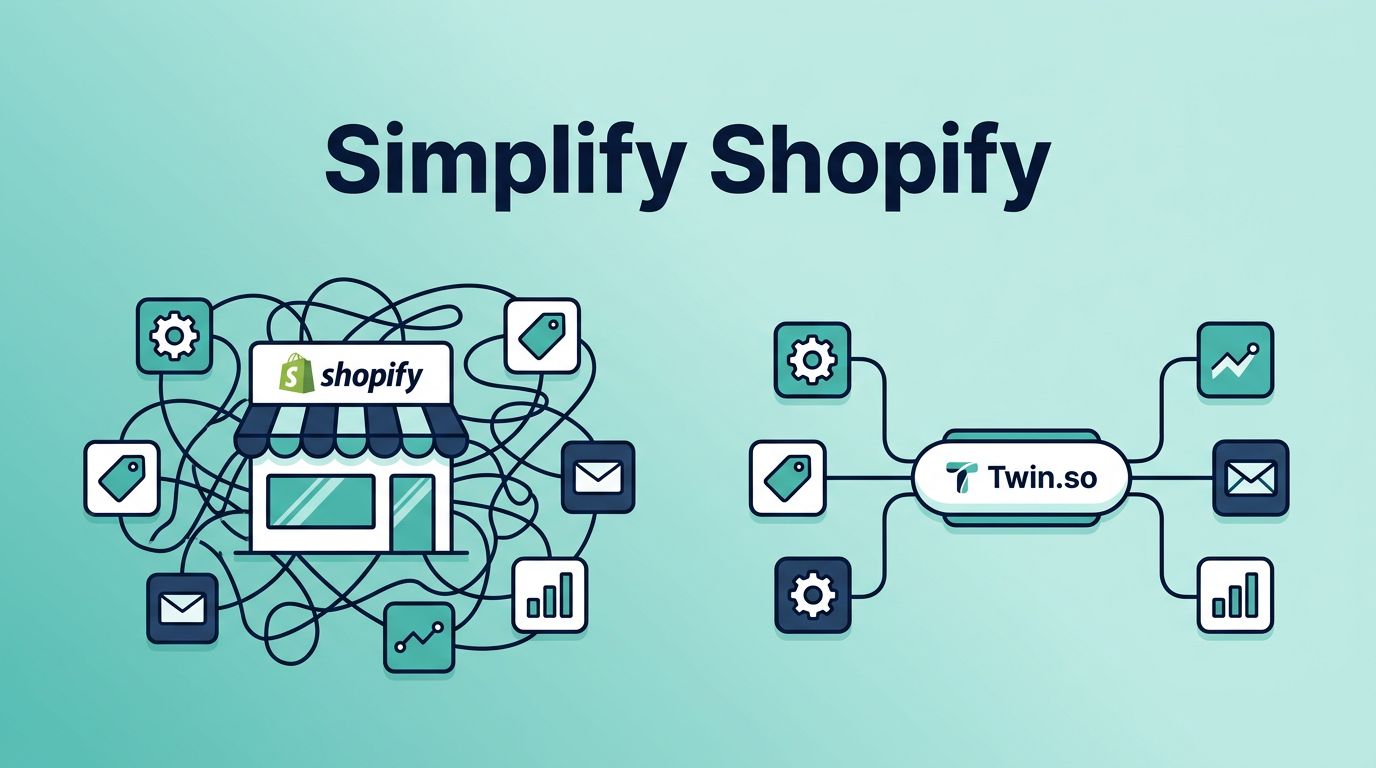
If I run a Shopify store with four automation apps, I already know I have too many moving parts. Each one may solve a small job, but together they create a pile of subscriptions, rules, and failure points.
Twin.so gives me a cleaner way to handle that mess. I can keep order tagging, fulfillment handoffs, customer messages, and back-office sync in one place, which matters when I want less maintenance and more control.
Why Shopify app sprawl slows a growing store
A Shopify stack can get heavy fast. One app tags orders, another sends emails, a third routes fulfillment, and a fourth pushes data into accounting. On paper, that looks efficient. In practice, I end up paying for overlap and spending time checking whether the apps still agree with each other.
That problem gets worse as the store grows. Every extra app adds another login, another billing line, and another update cycle. If one app changes its rules or breaks an integration, I feel it in customer service, warehouse work, or reporting.
Shopify’s own guide to operational efficiency metrics makes a useful point here, because small waste compounds quickly. A few minutes lost on every order turns into hours by the end of the week.
Every new app looks cheap until it owns a piece of the daily workflow.
I also care about app conflicts. Some tools rewrite the same fields, fire duplicate emails, or fight over tags. That is where a tidy stack starts to look like a crowded kitchen. Everyone has a job, but nobody can move cleanly.
How Twin.so turns separate tasks into one workflow layer
Twin.so is a no-code AI agent platform, and that is what makes it different from a pile of point tools. I can describe the task in plain English, then Twin can connect to apps, use APIs, open websites in a browser, and run on a schedule or trigger. It keeps working in the cloud, even when my laptop is closed.
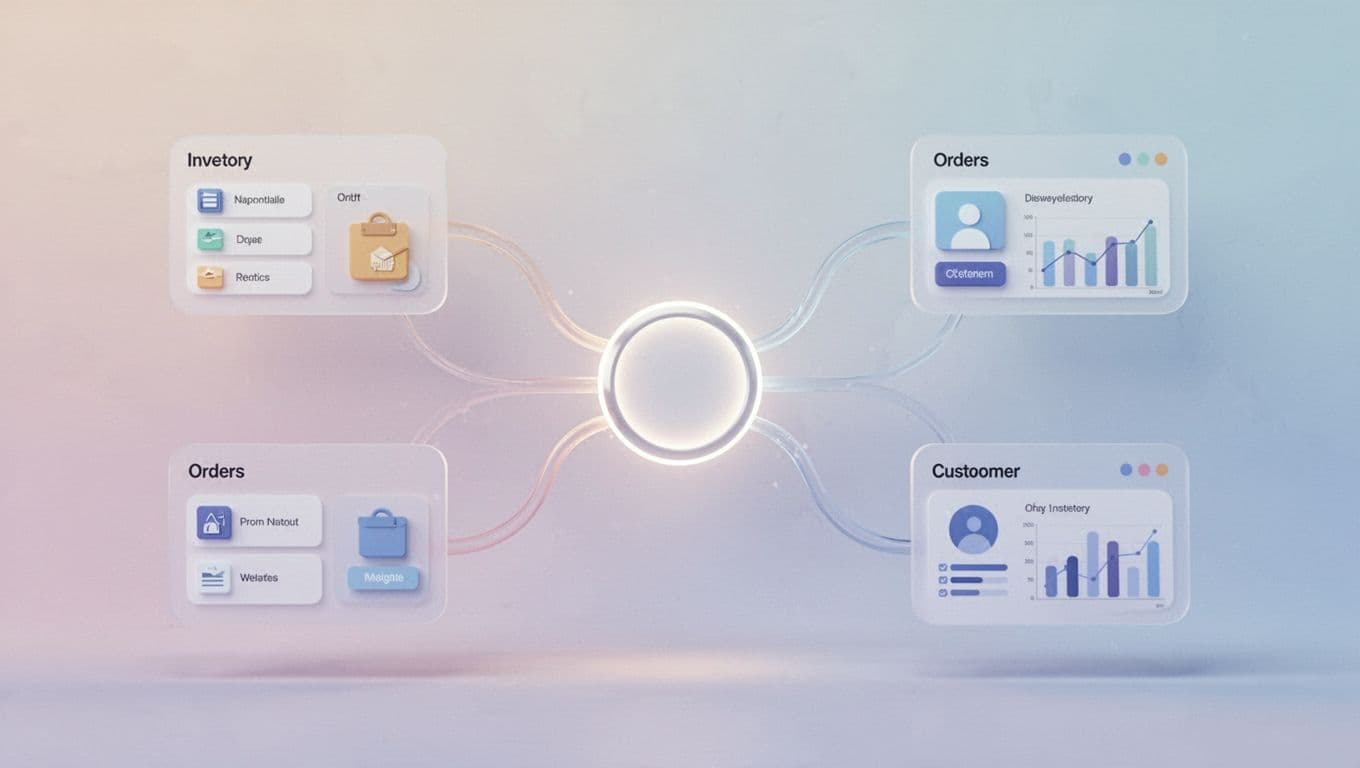
That setup matters because I don’t want to patch together five small automations every time I change a workflow. I want one place where the logic lives. If a rule changes, I update it once. If a process expands, I don’t start shopping for another app.
For a broader look at store setup, how to automate a Shopify store gives a useful baseline. Twin.so fits that same goal, but it lets me consolidate the work instead of adding another layer of software.
I still keep a specialized app when the job is narrow and deeply specific. However, for common Shopify operations, a single agent layer is easier to maintain and easier to explain to my team.
The Shopify workflows I would move first
The first workflows I move are the ones that repeat all day and touch several systems. That is where app sprawl hurts most, because one order can trigger tags, emails, warehouse steps, and finance updates. If I want the store to run cleaner, I start there.
Order tagging and customer segmentation
Order tagging is usually the easiest win. I can tag first-time buyers, wholesale customers, high-value orders, or risky orders without opening another app. Once those tags are in place, segmentation becomes useful instead of messy.
That matters because tags can drive other actions. A first-time customer can receive a different follow-up than a repeat buyer. A high-value customer can move into a support queue faster. A suspicious order can get a manual review before it reaches fulfillment.
I like this because one rule can shape the whole customer journey. I don’t need a separate tool for every tag type. I need one workflow that knows what the tag means and what should happen next.
Fulfillment routing and alerts
Fulfillment routing is another place where the cracks show. One app may decide where an order goes, while another sends the warehouse alert. If those tools drift apart, orders sit too long or go to the wrong team.
With Twin.so, I can route by region, product type, stock level, or shipping speed. A priority order can go to one warehouse. A heavy item can go to a team that handles special packing. If inventory drops too low, I can trigger an alert before the last unit disappears.
That kind of control is hard to keep clean across several apps. Twin.so gives me one set of conditions, one action path, and one place to fix it when the process changes.
Post-purchase work and back-office sync
Post-purchase automation is where customers notice the difference. I can trigger a thank-you message after payment, a review request after delivery, or a support alert when an order stalls. The experience feels smoother because the timing is tied to the actual workflow, not a loose chain of apps.
Back-office sync is just as important. Orders should not sit in a queue waiting for someone to move numbers by hand. If finance needs a clean copy of the order data, I want that data pushed where it belongs. If I need to reduce manual bookkeeping, I pair this with AI agents for accounting workflow automation, because the money side of the business deserves the same discipline as the front end.
That is the part most stores outgrow first. When sales rise, the hidden work rises with them. A few smart automations can save a lot of late-night cleanup.
When a specialized app still makes sense
I don’t replace every Shopify app just because I can. Some jobs are narrow enough that a specialist still wins. A subscription billing app, a deep shipping tool, or a niche review platform may do one task better than a general workflow engine.
I keep the specialized app when the task is complex, tightly regulated, or unusual. If the app handles a unique job that changes often, I leave it alone. I don’t want to rebuild what already works.
What I do replace is the clutter around it. If one app tags orders, another filters customers, another sends notifications, and a fourth syncs accounting, I have a stack problem. At that point, I am paying for software that mostly talks to other software.
The decision rule is simple in my head. If the workflow is broad, repetitive, and full of handoffs, Twin.so usually makes more sense. If the workflow is narrow and highly specialized, I keep the dedicated app.
That balance helps me avoid a messy middle. I don’t need to rip out every tool. I need to remove the ones that create drag without adding much value.
Conclusion
When I look at Shopify automation apps, I see two costs. The first is the monthly bill. The second is the time lost to conflicts, maintenance, and manual cleanup.
Twin.so solves the bigger problem by giving me one place to run core workflows. I can handle tagging, routing, notifications, post-purchase steps, and back-office sync without stacking app on top of app.
I still keep specialty tools when they earn their place. For everything else, I want one automation layer that is easier to manage and easier to trust. That is the cleanest way I know to grow a Shopify store without building a pile of software debt.