Connect GA4 To AB Testing Automatically With Mida.so
Running experiments on your website without a direct connection to your main analytics platform creates blind spots. You end up juggling separate dashboards, trying to manually match test dates with traffic spikes while second-guessing your...
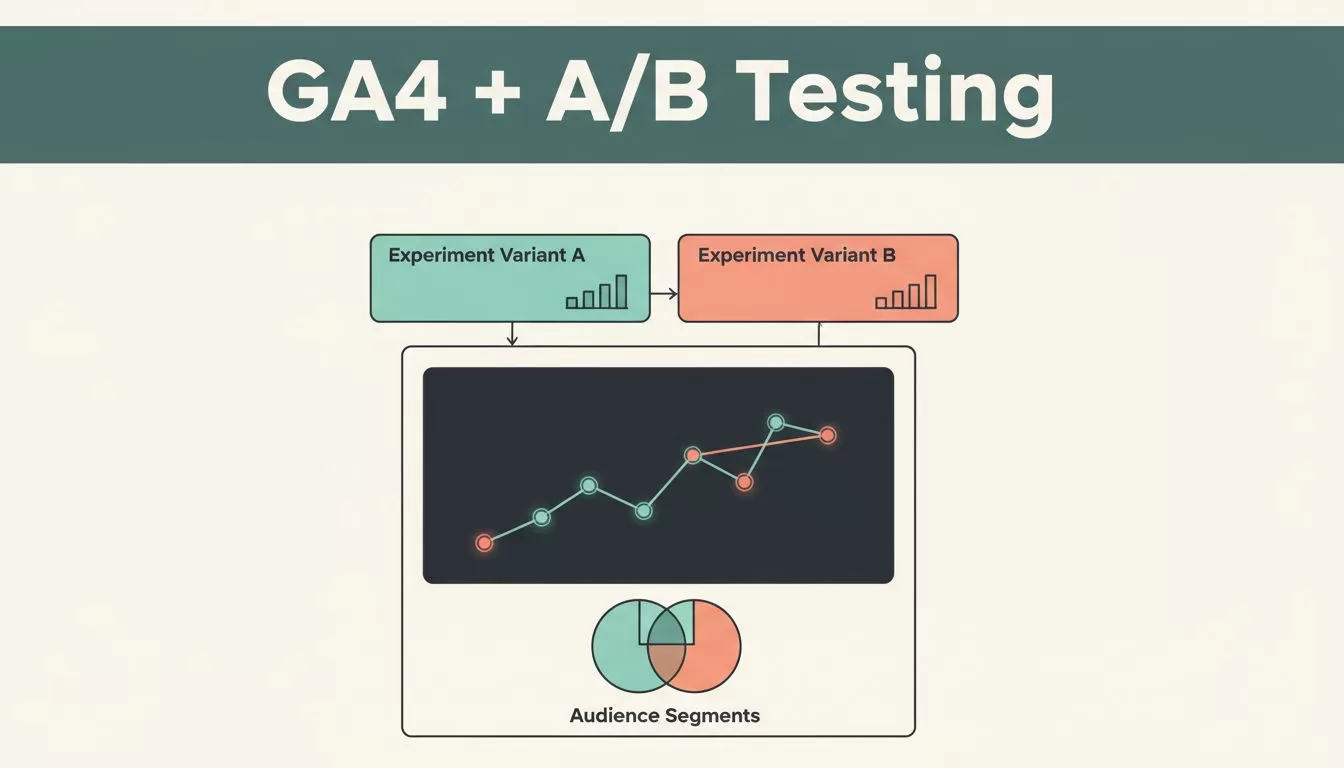
Running experiments on your website without a direct connection to your main analytics platform creates blind spots. You end up juggling separate dashboards, trying to manually match test dates with traffic spikes while second-guessing your conversion metrics. Setting up proper GA4 A/B testing integration solves that friction by piping variant data straight into your standard reporting stream. Mida.so handles this handoff automatically, letting you analyze user behavior, traffic segments, and revenue outcomes in one place.
Key Takeaways
- Mida.so automatically detects existing tracking scripts on your pages and pushes experiment data directly into your analytics workspace.
- Every forwarded test record carries specific metadata like test ID, variant name, and user identifier for granular reporting.
- Connecting experiment variants allows you to build custom Explorations and audience segments based on how users interact with different page layouts.
- Reviewing sample size, traffic splits, and guardrail metrics before declaring a winner prevents costly false-positive decisions.
How the Mida Integration Works With Analytics
When you launch an experiment, the platform needs a reliable way to communicate which version a visitor sees. Mida handles this by automatically detecting either the standard gtag function or the dataLayer array already present on your site. Once it identifies your setup, the system dispatches three distinct event types during a user session.
You will see mida_pageview, mida_execute, and mida_conversion flowing into your account without writing custom tracking code from scratch. Each outgoing event packages essential context, including the unique test ID, test name, assigned variant, and user identifier. This structured approach mirrors how top platforms handle event mapping, similar to the practices outlined in this review of top A/B testing tools that work with GA4.
Sending these attributes directly into your reporting stream eliminates the gap between your experiment tool and your traffic analytics. You can confirm how the connection is structured by reviewing the official Google Analytics 4 A/B testing integration guide to verify parameter mappings. Your analysts do not need to stitch disparate data sources together because the variant identity travels alongside every standard page view and conversion action.
Configuring Your Tracking Parameters Correctly
Activating the connection requires clean implementation and strict attention to event naming conventions. Start by verifying that your base container loads correctly across all targeted templates. If your tracking code fires twice or loads asynchronously in the wrong order, your variant exposures will duplicate, ruining your experiment integrity.
You must also account for user consent settings before any experiment script triggers a tracking event. Modern compliance regulations require explicit permission before dropping cookies or collecting session data. Configure your consent banner to load before Mida initializes, ensuring visitors who decline tracking are excluded from variant allocation automatically.
Avoid the common trap of launching a test with overly complex event naming. Keep your experiment names descriptive and consistent so your downstream reports remain easy to parse. If you run multiple tests simultaneously, clear naming rules prevent overlapping parameters from corrupting your custom explorations.
Analyzing Experiment Data Inside Your Analytics Workspace
Once your test collects enough traffic, raw conversion percentages can be deceiving. You need to inspect the underlying data layers to confirm the result is statistically sound before pushing any winning variation live. Open your analytics workspace and build custom Explorations using the variant parameters passed from your test setup.
Compare total exposures against unique conversions for each version to spot anomalies early. If one variant experiences a sudden traffic drop, check for mobile layout errors or broken form fields that might distort your primary metrics. For a detailed walkthrough on setting up custom reports using these data streams, consult this reference on how to integrate A/B testing with Google Analytics 4 using Mida.so.
Always evaluate performance across different audience dimensions rather than relying solely on aggregate totals. A variant that wins overall may underperform for mobile users or specific traffic sources that matter most to your bottom line. Look at revenue per visitor, engagement time, and secondary guardrail metrics to ensure the winning experience actually improves business outcomes.
Preventing Common Experimentation Mistakes
Growth teams often undermine their own experiments by making decisions too quickly or ignoring basic statistical rules. You need a pre-planned decision framework before looking at live data.
Avoid checking your dashboard every hour and stopping the test the moment a variant takes a temporary lead. Random traffic fluctuations during the first few days frequently create false positives that vanish once the sample size matures. Let the test run through a complete business cycle to account for weekday and weekend behavior differences.
Do not base permanent site changes on tiny sample sizes or low-traffic landing pages. If a variation generates only a handful of conversions, the observed lift carries too much uncertainty to justify permanent development work. Pair your quantitative findings with session recordings or user feedback when dealing with low-volume funnels to understand the why behind the numbers.
Conclusion
Automating your experiment reporting removes administrative guesswork and gives your team clear, verifiable data to act on. Connecting your test variants directly to your primary analytics stream keeps your workflow centralized and efficient.
Start by verifying your script deployment, defining strict conversion goals, and establishing clear decision rules before your next launch. Set up your tracking connection today and base your next website optimization on reliable evidence.
