How I Listen to Emails at 4.5x Speed with Speechify
Picture your inbox as a towering stack of letters on your desk. You sift through them one by one, eyes straining, time slipping away. I’ve been there during busy sales weeks when 200 emails pile up daily. That’s why I turned to...
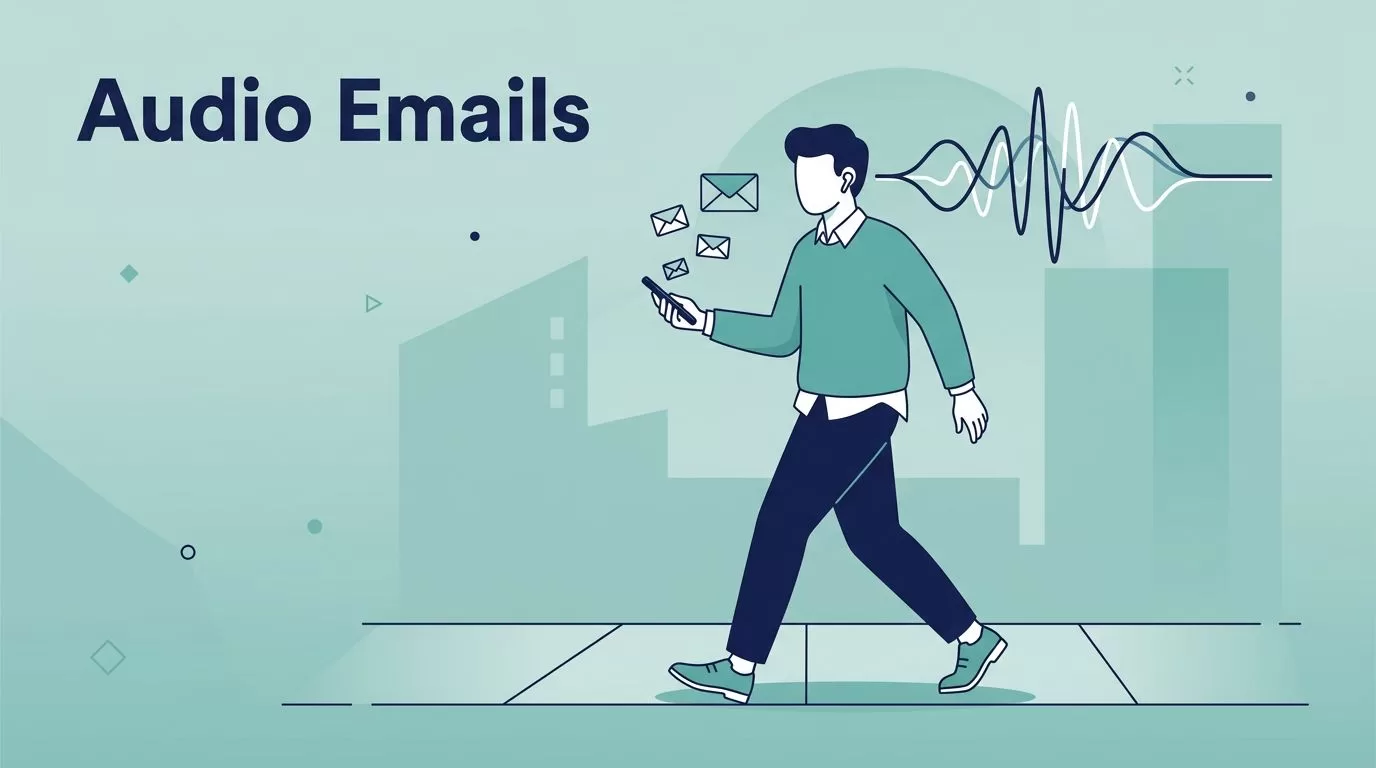
Picture your inbox as a towering stack of letters on your desk. You sift through them one by one, eyes straining, time slipping away. I’ve been there during busy sales weeks when 200 emails pile up daily.
That’s why I turned to the Speechify email reader. It reads my Gmail and Outlook messages aloud in natural voices. Now I handle volume fast while walking or driving. This guide shares my exact steps.
Why I Ditched Reading for Listening Emails
Emails eat hours if you read every word. I used to scan subjects, open promising ones, then lose focus midway. Replies waited. Deadlines loomed.
Speechify changes that. It turns text into speech at speeds up to 4.5x. That’s 900 words per minute without muddled audio. Natural voices keep clarity sharp, so I catch details like action items or client notes.
Productivity jumps because I multitask. Listen during commutes. Absorb threads hands-free. For sales teams chasing leads, this means quicker follow-ups. No more desk chains.
Accessibility shines too. Folks with dyslexia or ADHD process info better via audio. I notice better retention myself. Plus, on-device processing keeps data private. No cloud leaks.
Clean lists matter first. I verify addresses with tools like Hunter.io’s free email verifier to avoid junk. That sets up smooth listening sessions.
Setting Up Speechify as Your Email Reader
Setup takes minutes. I start with the Chrome extension for Gmail. Search “Speechify” in the Chrome Web Store. Hit install. It adds a play button to every email.
Log in with Google or email. Grant permissions for Gmail access. Done. Now click play on any message. Speechify reads subject, body, even attachments if scanned.
For Outlook, grab the Windows app. It integrates across apps. Open Outlook. Select email. Tap the Speechify icon. Audio flows instantly.
I test with a sample thread. Voices sound human, like a colleague dictating. Pause with spacebar. Rewind 10 seconds. Skip ahead. Controls feel intuitive.

Recent updates add multimodal smarts. Listen to an email, then ask the Voice AI Assistant for summaries. No app hops. Voice typing lets me dictate replies right in Gmail. For details, check Speechify’s text-to-speech email reader guide.
Features evolve, so peek at their site. I pair this with solid email hosting like Google Workspace for small teams. Reliable inboxes feed better audio.
Master Playback Speed for Maximum Efficiency
Speed controls define Speechify for me. Start at 1x for complex contracts. Crank to 3x for newsletters. Hit 4.5x for routine updates.
I train ears gradually. Week one, 2.5x. Now I zip through 100 emails hourly. Voices stay crisp; no robotic slur. Switch accents mid-stream for fun.
Tips keep comprehension high. Highlighting text follows words visually. Use speed training mode. It ramps gradually, building comfort.
New OCR scans attachments into speech at 99.8% accuracy. Long PDFs become podcasts. AI turns threads into discussions. I clone my voice for personal reads, locked biometrically.
Result? I process twice the volume daily. Sales pipelines fill faster because I spot opportunities sooner.
Real-World Workflows: Listen While You Multitask
My mornings start with a walk. Earbuds in, phone out. Speechify pulls top-priority emails. I triage mentally: reply now, delegate later.
During drives, Outlook syncs via Windows app. Hands-free means safer roads. Gym sessions? Treadmill paces match 3x speed. No screen glances.
Team huddles benefit too. Listen to client feedback in Teams while noting action items. Multitasking frees time for deep work.

Offline voices work anywhere. Over 1,000 options in 60 languages suit global teams. I dictate responses via voice typing, skipping keyboards.
For B2B automation fans, it pairs with clean lists from Hunter.io bulk verification workflows. Fresh data, fast audio.
Accessibility Wins and Long-Term Gains
Speechify aids more than speed. Dyslexia users follow highlighted text. ADHD minds stay engaged via audio variety. Low-vision pros gain independence.
Privacy matters in business. On-device AI processes locally. No data sent out.
Over months, my habits shifted. Emails feel lighter. Productivity rose 40%. Focus sharpened for strategy, not scanning.
Wrap Up: Start Listening Today
Speechify’s email reader slashed my inbox time. Setup simple, speeds blazing, multitasking real. I reclaim hours for growth.
Grab the extension. Test on your busiest day. You’ll wonder how you read manually before. What emails will you tackle first?
