Streamline Your Research Pipeline: How to Automate Literature Review Workflows With Twin.so
Your desk overflows with unread PDF files, browser tabs multiply past the point of recovery, and your upcoming grant deadline approaches fast. Traditional research methods force you to crawl through publisher archives manually, copying meta...
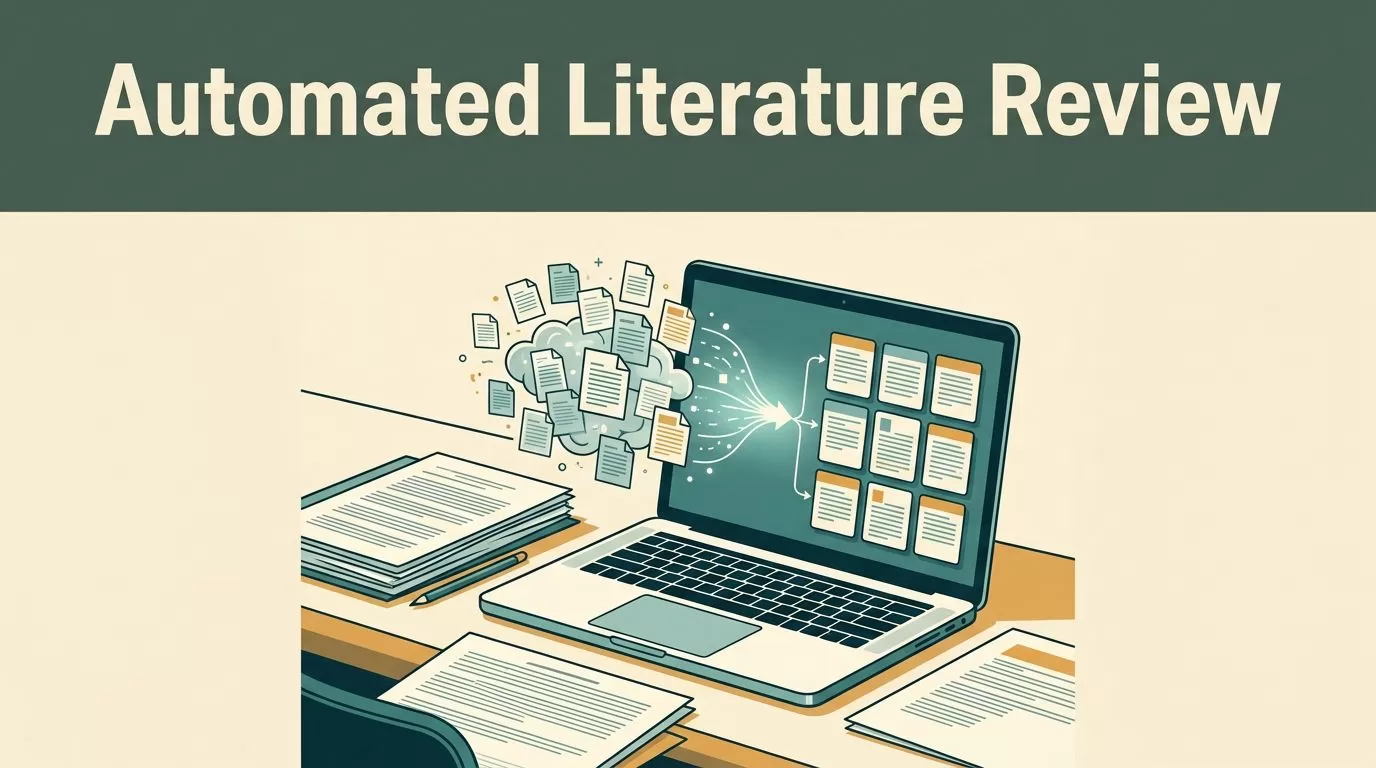
Your desk overflows with unread PDF files, browser tabs multiply past the point of recovery, and your upcoming grant deadline approaches fast. Traditional research methods force you to crawl through publisher archives manually, copying metadata and logging abstracts line by line. That manual grind burns hours of valuable cognitive energy before your actual writing even begins.
You can eliminate this administrative bottleneck by deploying purpose-built execution agents. When you need to automate literature review workflows without getting bogged down in static directory navigation, you turn to autonomous platforms like Twin.so. Twin gives you a programmatic way to collect, structure, and monitor scholarly sources across the web.
Understanding What Twin.so Can and Cannot Do for Academics
Twin.so operates as an autonomous AI agent platform rather than a native reference manager or PRISMA review tool like Covidence or Rayyan. It converts plain-language instructions into executable web workflows. It can trigger official APIs when available or deploy an embedded browser agent when sites lack public integration endpoints.
This distinction matters for academic research teams. While dedicated screening tools manage coding and bias assessment, Twin excels at upstream data collection and monitoring. You configure agents to scan journal homepages, pre-print servers, and institutional repositories on a set schedule. For broader context on how researchers evaluate these options, you can review academic community discussions on AI review tools.
Classic literature reviews fail when researchers spend weeks chasing broken links, formatting reference lists manually, and missing newly published papers that drop mid-project. Twin solves the discovery and collection phases by executing multi-step browser actions continuously. It does not replace your human judgment, but it removes the tedious mechanical clicking that exhausts research assistants during large-scale scoping reviews.
Configuring Twin.so Agents to Automate Literature Review Workflows
Start your implementation by defining clear discovery parameters for your agent. Vague instructions produce messy, unusable datasets. You must tell the agent exactly what topics, keywords, inclusion criteria, and target domains matter for your current study.
Configure your Twin workspace to run daily or weekly scans against target web pages. When a new paper drops on a tracked preprint server or publisher portal, the agent captures the title, author list, digital object identifier, and abstract text. It routes this data straight into your central research database or Airtable base. To understand how academic institutions approach these generative assistants, consult the George Mason University guide on AI research tools.
Set up strict validation rules within your agent prompt to prevent garbage data from entering your queue. Instruct the agent to discard editorials, conference abstracts lacking full papers, and duplicate entries. By filtering at the ingestion point, you keep your review database clean and reduce the cognitive load of sorting through hundreds of irrelevant records later.
Building Browser-Based Automation for Non-API Publisher Portals
Many academic publishers and niche journal sites do not offer public APIs for automated querying. When official APIs are missing, traditional scripts break immediately because they cannot interact with dynamic web elements or pagination buttons. Twin.so solves this problem through its proprietary browser agent layer.
Your agent can navigate publisher portals just like a human researcher. It clicks search buttons, scrolls through pagination results, types search strings into input fields, and extracts tabular data from complex layouts. If a pop-up banner or cookie notice blocks the view, the agent recognizes the exception, dismisses the element, and resumes the extraction sequence.
You construct these workflows inside the Twin interface using plain-language prompts or step-by-step visual builders. Define the starting URL, specify the search terms for your specific domain, and map out the exact data fields you want returned. Test the workflow on a small sample of ten pages before turning the agent loose on a full historical archive. This precaution ensures your selectors target the correct HTML elements without scraping unwanted sidebar navigation or footer links.
Screening Papers at Scale and Filtering Irrelevant Results

Once your discovery agent collects raw records, you face the massive task of initial screening. Reading every single abstract manually defeats the purpose of building an automated pipeline. You need a fast, rule-based triage step to filter out irrelevant studies before deep reading begins.
Configure your Twin agent to evaluate abstracts against inclusion and exclusion rules. If an abstract lacks required methodological keywords or targets an unrelated population, the agent flags it for archival. For papers that pass the initial filter, the agent extracts full-text PDF links and queues them for your review. For additional methodological frameworks, examine the Texas A&M literature review research guide.
Maintain an exception log within your workspace to monitor records that fall outside standard classification rules. When an abstract contains ambiguous phrasing or novel terminology, the agent routes it to a human review queue instead of making a permanent exclusion decision. This hybrid approach prevents false negatives and ensures borderline studies receive proper evaluation from senior researchers.
Synthesizing Research Findings and Verifying Data Integrity

Raw data accumulation solves nothing if your synthesis pipeline remains disorganized. You need structured outputs that map directly to your research questions and theoretical frameworks. Twin agents can parse extracted text blocks into standardized tables, categorizing findings by methodology, sample size, and core results.
Always maintain rigorous source verification protocols when working with automated summaries. AI agents occasionally misinterpret statistical nuance or hallucinate citation details during extraction loops. You must verify every generated summary, citation string, and extracted conclusion against the original paper before citing it in scholarly work. Treat your automated agent as a tireless research assistant rather than an infallible co-author.
Export your validated extractions directly into your reference manager or writing workspace to streamline your essay preparation and bibliography generation. By keeping your data structured from ingestion to final synthesis, you eliminate weeks of manual formatting friction and maintain absolute confidence in your academic citations.
Conclusion
Automating literature review tasks transforms how you manage heavy research workloads. By replacing manual web searches and copy-paste routines with scheduled AI agents, you reclaim hours for critical analysis and writing. Set up your first discovery agent today, establish strict verification rules for your extracted data, and build a cleaner pipeline for your next major academic project.
