How I Create an SOP Review Workflow for My Team
An SOP review workflow keeps my team from running on old instructions. When a process changes but the document does not, people guess, repeat mistakes, and slow everything down. I want every SOP to act like a living map, not a file no one o...

An SOP review workflow keeps my team from running on old instructions. When a process changes but the document does not, people guess, repeat mistakes, and slow everything down.
I want every SOP to act like a living map, not a file no one opens. So I keep the review path simple, visible, and tied to real work.
The system I use is built around ownership, review dates, approval rules, and version control. Once those pieces are in place, updates stop feeling random. They become part of the job.
I start with one owner, one reviewer, and one approver
The first thing I do is assign clear roles. If everyone owns the SOP, no one owns it. So I name one person to draft updates, one person to review the steps, and one person to give the final sign-off.
I also keep the working draft in one shared place. My Google Workspace collaboration setup helps because comments, file history, and access live together. That cuts down on version confusion.
Here is the basic role split I use.
| Role | What I expect | Approval power |
|---|---|---|
| SOP owner | Drafts changes, keeps the file current, and updates the log | No |
| Team reviewer | Checks the steps against real work | No |
| Ops lead | Confirms the process still fits the team | Yes, for ops |
| Compliance or security partner | Reviews risk and control points | Yes, when needed |
| Final approver | Signs off on release | Yes |
Once those seats are clear, review meetings get shorter. People stop debating ownership and start reviewing the work itself.

I set review dates by risk, not habit
I do not review every SOP on the same schedule. A customer support script that changes often needs more attention than a payroll step that rarely moves. So I set the cadence based on risk and change rate.
For most teams, I use this rule:
- Monthly for high-change or customer-facing SOPs.
- Quarterly for stable operational SOPs.
- Twice a year for low-risk internal guides.
- Immediately after a process change, tool change, audit issue, or incident.
I put every review date on a shared team calendar so it does not hide in someone’s inbox. That one habit keeps reviews from slipping.
For a wider view, I also like a practical SOP review and update guide. It matches the way I think about living documents.
I use version names and change logs to avoid confusion
Version control matters because the wrong draft can waste an entire week. I keep the naming simple. Minor edits get v1.1 or v1.2. Big process changes get v2.0. If I need a fast patch, I use something like v2.0-hotfix.
I follow the discipline in SOP version control best practices, because a clean trail saves time later.
Before I approve a revision, I check a few things:
- The steps match how the team works today.
- Someone tested the change in real conditions.
- The handoffs are clear.
- Any risk point has a control or warning.
- The change log explains what changed and why.
My change log always includes the date, version, author, summary, and approver. That way, I can answer a simple question fast: what changed, and who approved it?
My simple SOP review workflow example

This is the exact flow I use when I want a repeatable process.
- The owner flags the SOP for review.
- The owner drafts changes in one shared document.
- The reviewer tests the steps against live work.
- The approver checks the result against policy or team goals.
- I publish the new version and archive the old one.
- I update the change log and set the next review date.
That path works because it is short. It also keeps the edit trail clear. I do not let edits bounce between six people. That turns a simple update into a long email thread.
When the SOP sits inside a shared working space, the process gets easier to manage. Comments stay in one place, and the team can see the latest version without hunting for it.
Urgent updates need a fast lane
Some updates cannot wait for the next review cycle. A broken handoff, a security issue, or a compliance fix needs action now. In those cases, I use a fast lane.
I treat urgent updates as a fast lane, not a free pass.
I still document the change. I still name the owner. I still record the reason. If I publish a temporary fix, I label it clearly, like v1.4-hotfix. Then I schedule a full review within 24 to 48 hours.
That keeps the team safe without letting emergency edits become sloppy habits. Fast is fine. Untracked is not.
My quick checklist before I close a review
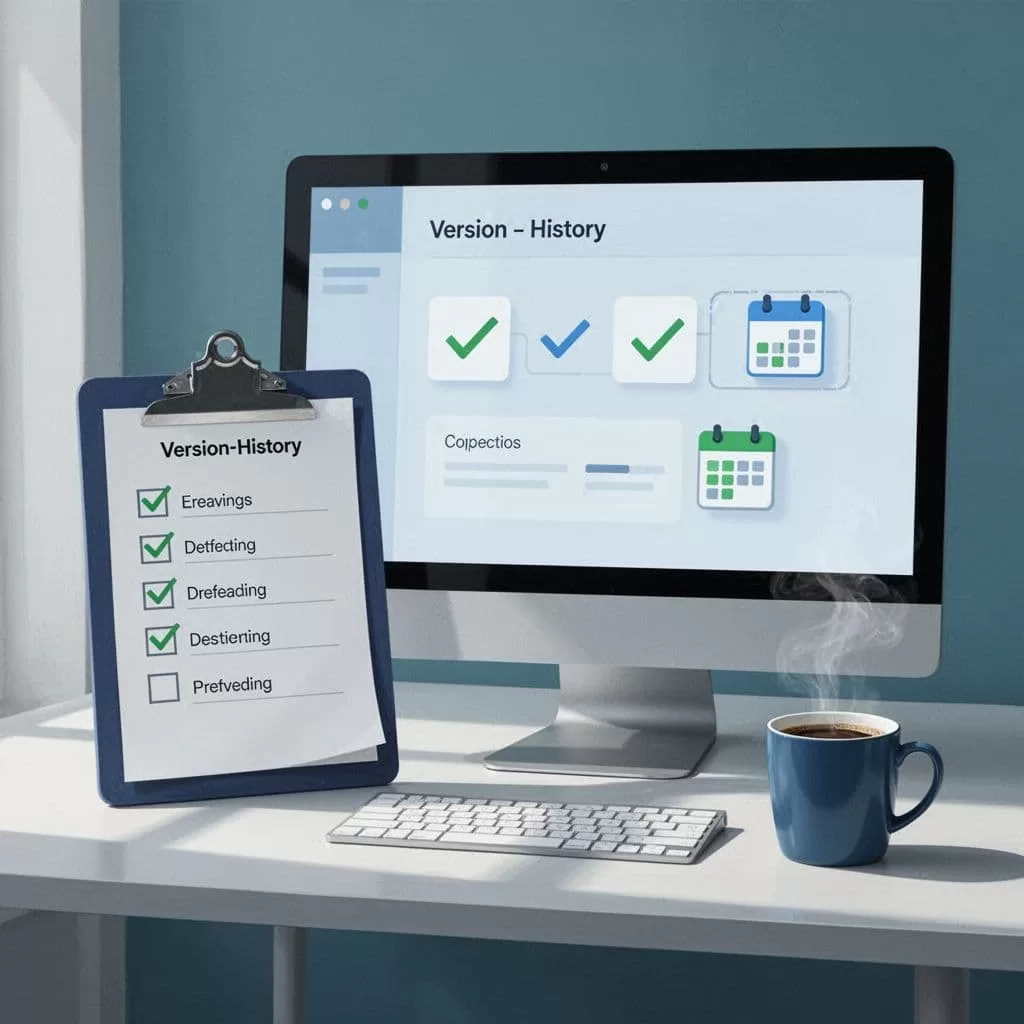
Before I close a review, I run through the same final check every time.
- The owner updated the draft.
- The reviewer confirmed the steps work.
- The approver signed off in writing.
- The version number matches the size of the change.
- The change log explains the update.
- The next review date is on the calendar.
My template stays simple: owner, reviewer, approver, version, change note, and next review date. That is enough to keep the process clean without making it heavy.
Conclusion
A good SOP review workflow does not need to feel formal or slow. It needs clear roles, fixed review dates, clean version names, and a way to handle urgent changes without confusion.
When I keep those pieces in place, my team spends less time guessing and more time doing the work the same way, every time. That is the real value of an SOP review workflow, it keeps the process current without turning updates into a fire drill.
