

A flight delay, underground commute, or weak signal can stop streaming audio in seconds. Your saved documents shouldn’t stop with it. Speechify offline listening works, but access depends on your subscription, device, voice, and download method. iPhone users have the broadest offline support through supported on-device voices. Web users can download audio as MP3 files.
Your reading list can consume the first hour of your workday before you finish one article. A Speechify daily briefing gives that information a fixed format and a predictable listening time. You collect the right sources, turn them into a short briefing, then listen while commuting, walking, or preparing for work. The process works best
French content is easier to understand when you can listen and read at the same time. Speechify converts French text, PDFs, web pages, and documents into spoken audio across web and mobile devices. You can use it for language practice, accessibility, content review, or hands-free work. The main requirement is simple: set the reader to
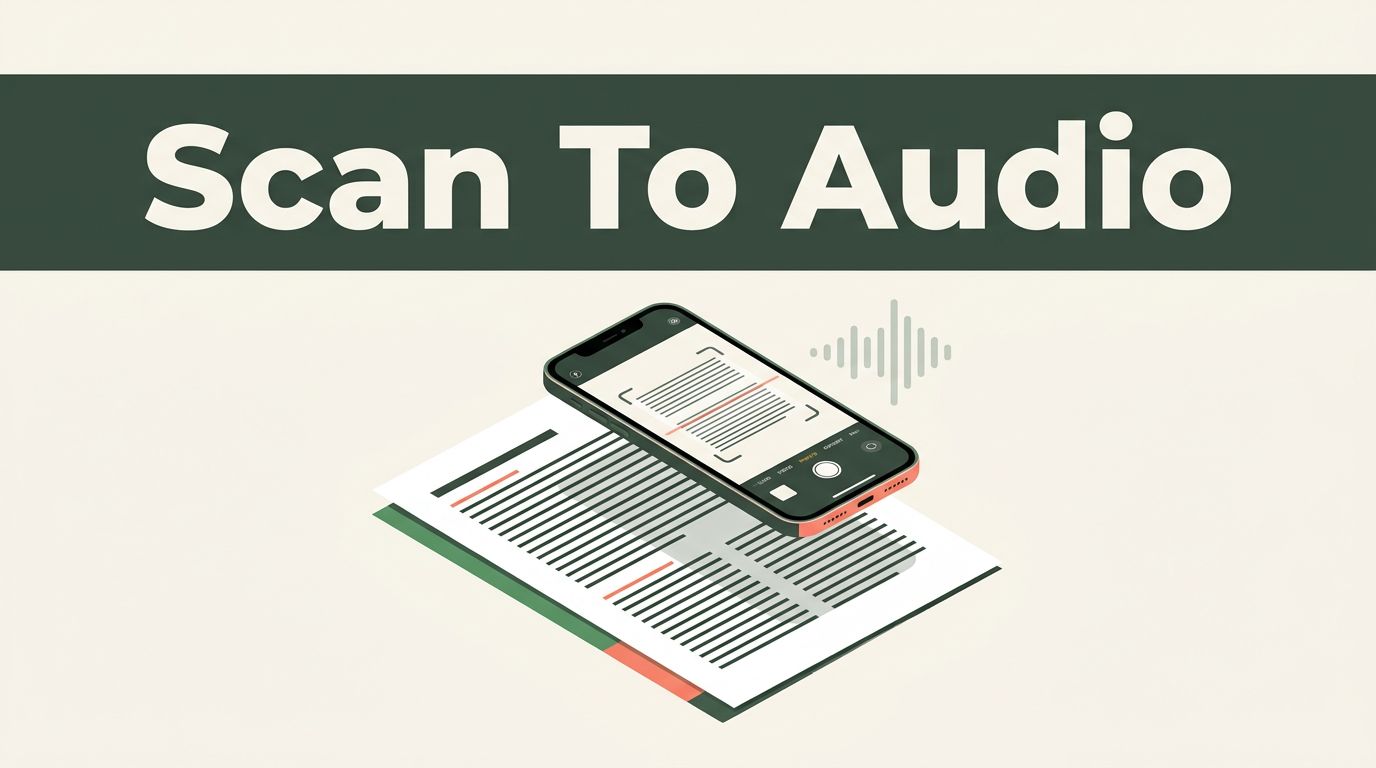
Printed pages are still a bottleneck when you need information quickly. Speechify can scan text with your phone camera, recognize the words, and read them aloud within seconds. The workflow is different for a physical page and an existing PDF. Use the mobile app for camera-based OCR. Use file uploads, cloud imports, or browser tools

An audio version gives readers another way to consume your content. It helps visitors listen while commuting, working, or using a mobile device. The setup isn’t a simple copy-and-paste iframe. Speechify uses an embeddable interface and API SDK for programmatic integrations. If you already have an audio file, a standard HTML player may be the
A dyslexia-friendly font can reduce visual friction, but it can’t read a page for you. Speechify combines both functions, letting you change letter shapes and listen to text at the same time. The setup is useful for students, employees, parents, and educators. You can adjust the display, choose a comfortable reading speed, and use audio
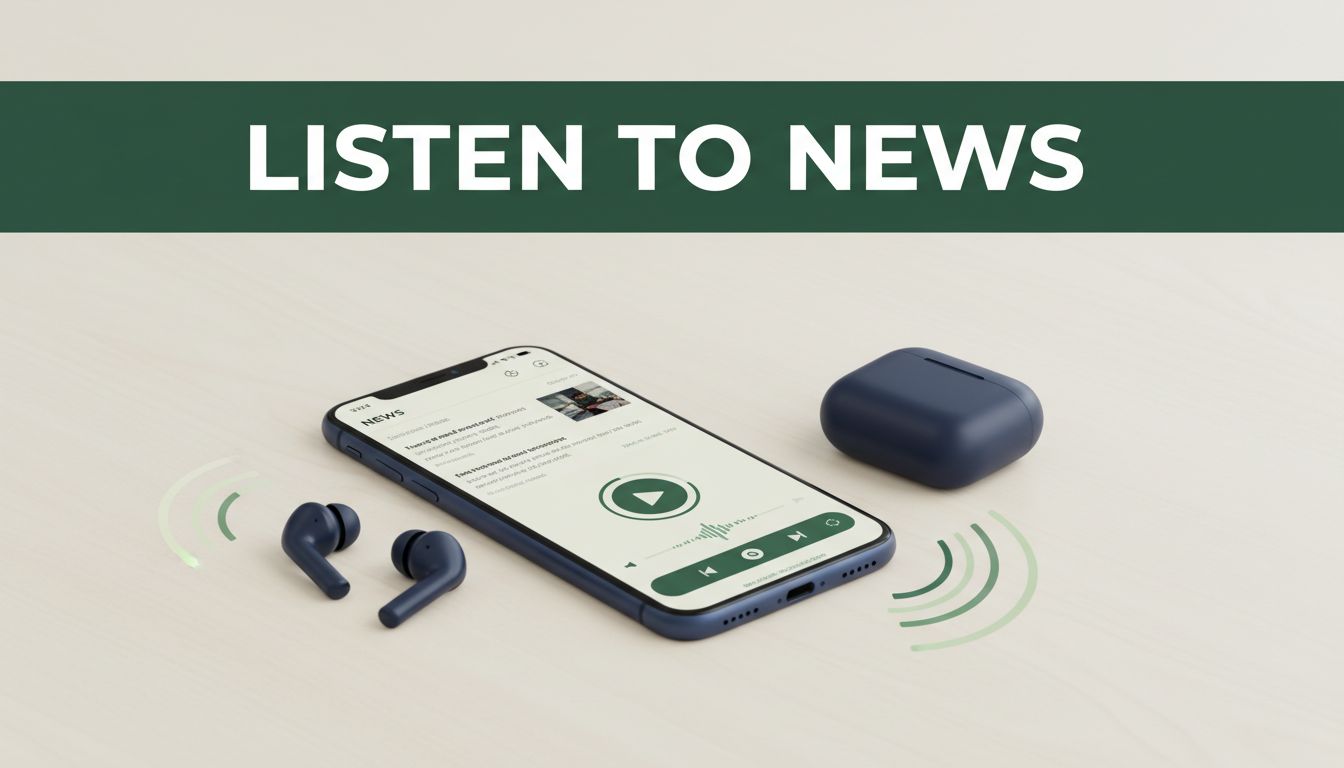
Your news queue can grow faster than your available reading time. Speechify helps you turn online articles into audio, so you can stay informed while commuting, walking, exercising, or taking a break from screens. The process is simple. Choose a full article from a reputable publisher, open it in Speechify, adjust the voice and speed,
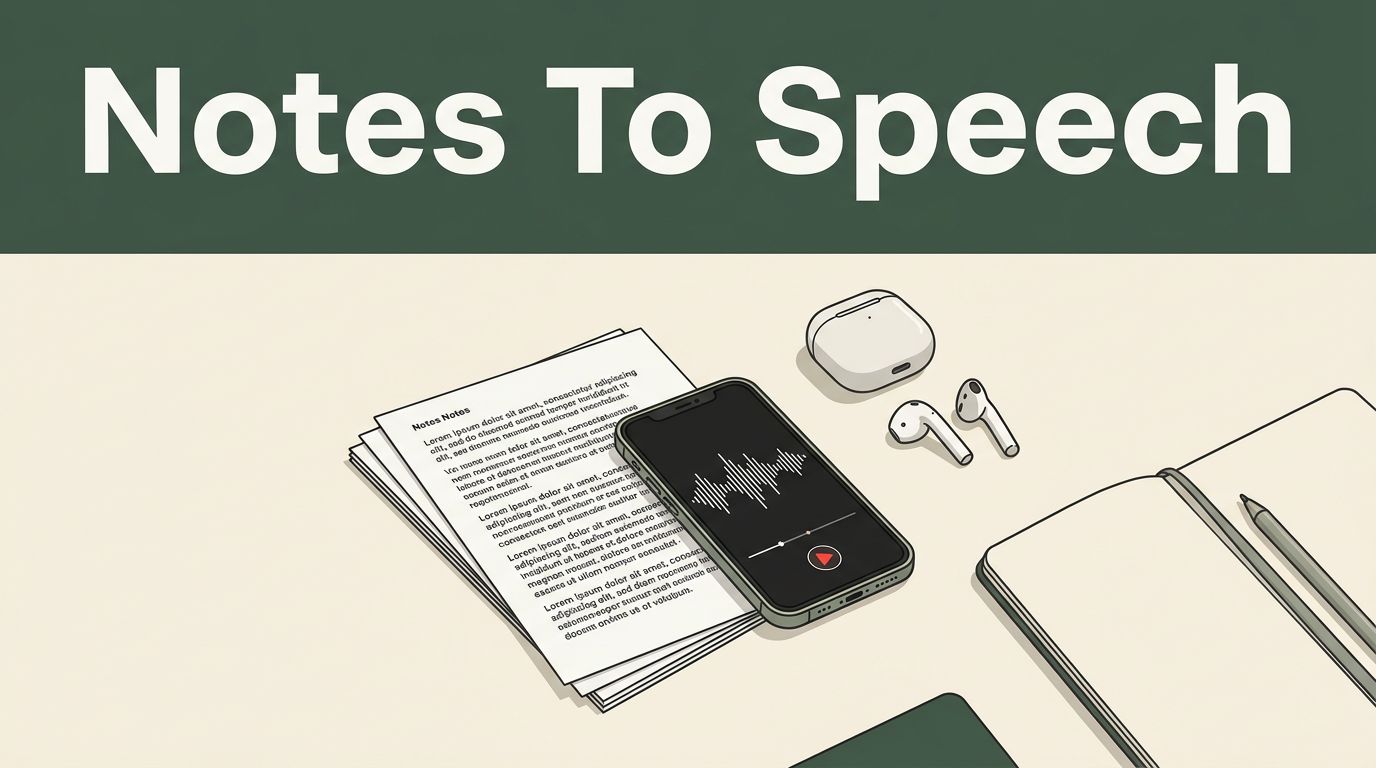
Reading notes again isn’t always the best use of your time. Speechify converts written notes into spoken audio, so you can listen while commuting, walking, reviewing slides, or preparing for a meeting. The process is simple when your notes are already typed. Handwritten pages need one extra step because Speechify must scan and recognize the
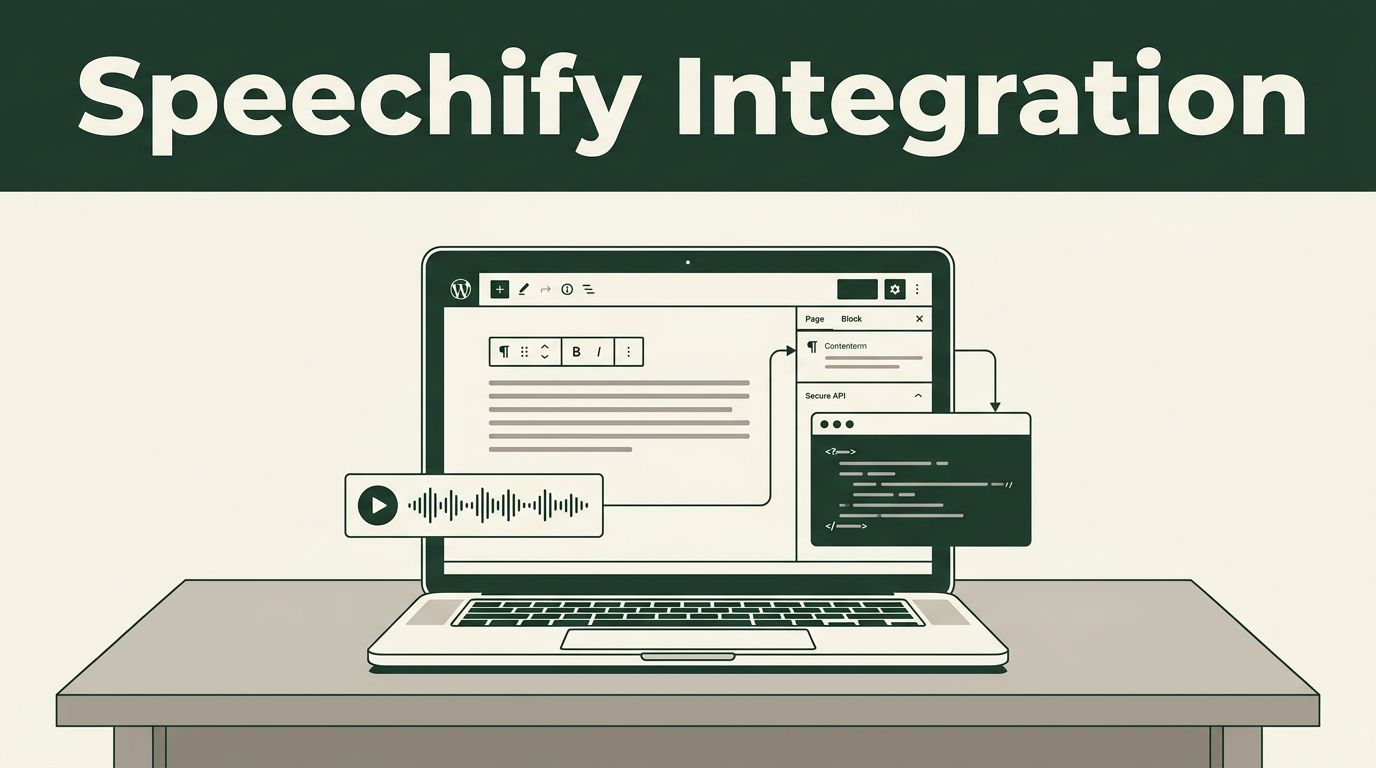
If you search for a Speechify WordPress plugin inside your WordPress dashboard, you won’t find an official one-click installation. As of July 2026, Speechify’s WordPress setup requires a manual integration using its Embeddable UI and API SDK. That changes the implementation plan. You don’t install Speechify like a standard plugin. You confirm the integration route,
