

A printed book doesn’t need to stay silent when your eyes are tired, busy, or unable to read comfortably. Speechify can scan physical pages, convert the text with OCR, and read the result aloud through its mobile app. The process is practical, but it isn’t automatic. You need to capture the pages, check the scanned
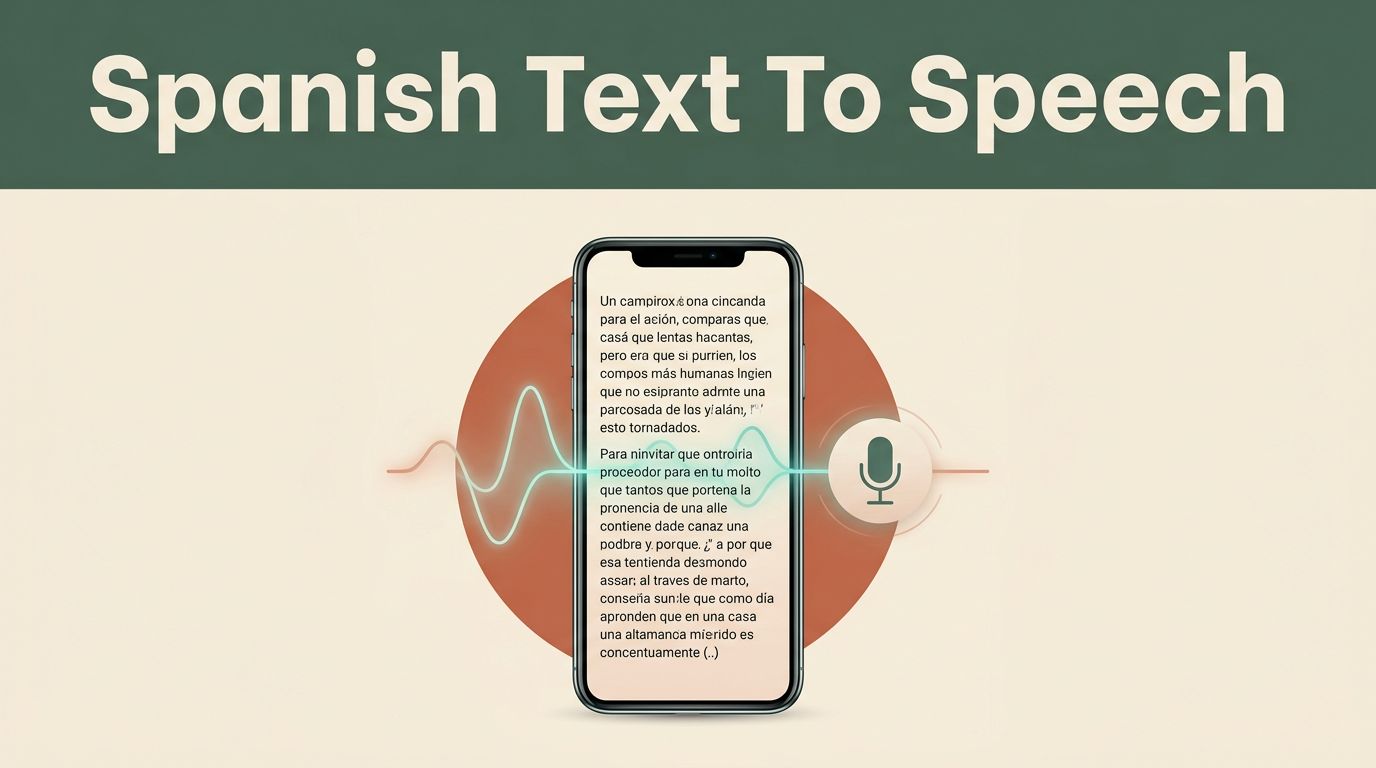
A Spanish voice can improve accessibility, education, customer support, and content workflows. The hard part is not sending text to an API. The hard part is selecting the right regional voice, handling Spanish formatting, and checking pronunciation before users hear the result. Speechify provides an API for generating audio from application text. You can connect
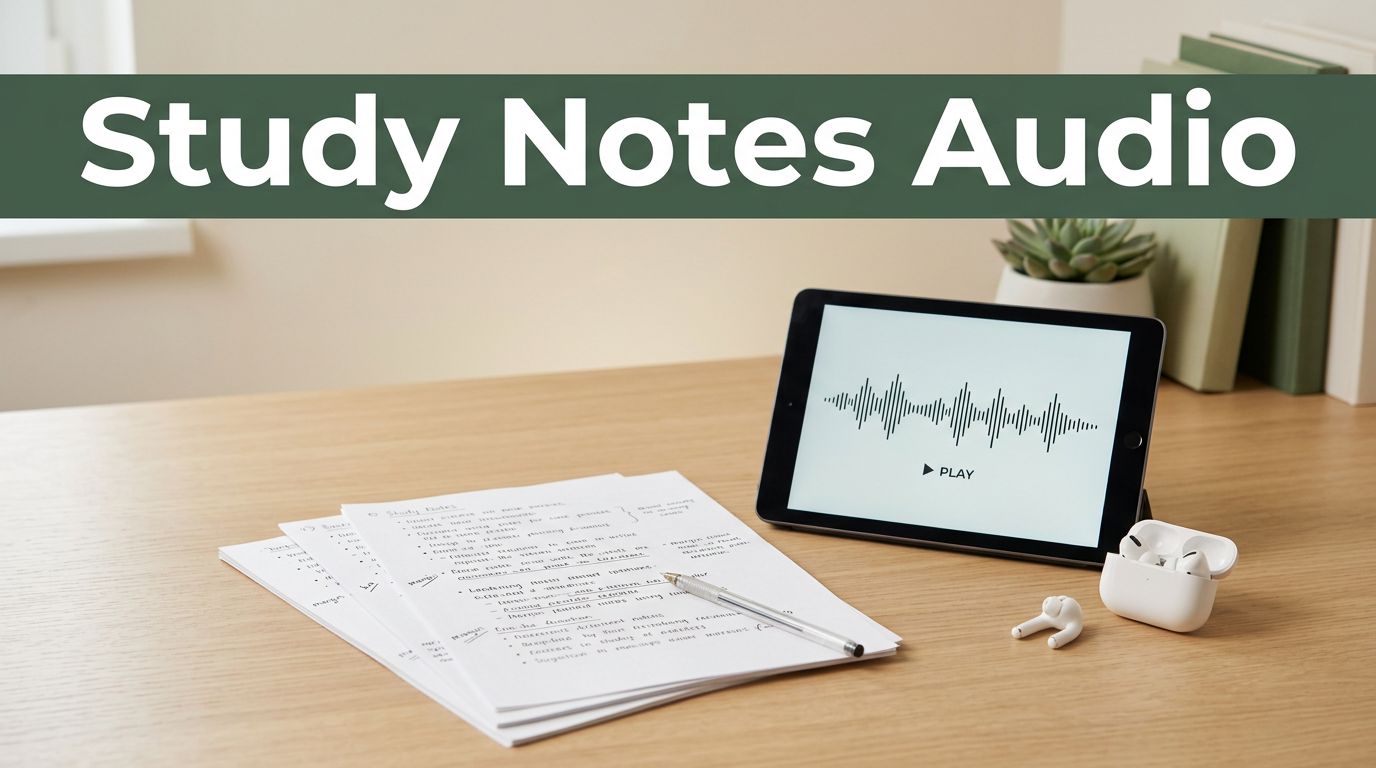
Reading the same notes repeatedly can consume hours without creating a reliable review routine. Speechify study notes turn written material into audio you can review while commuting, walking, or taking a safe break from your desk. Audio helps you fit more review into your schedule. It doesn’t replace active recall, practice questions, annotation, or problem-solving.
A translated paragraph is useful. Hearing it spoken is often more useful. Speechify translate workflows combine language conversion with text-to-speech, so you can understand foreign text without staring at a screen. The key distinction is simple. Translation changes the language. Text-to-speech changes written words into spoken audio. Speechify handles the reading step directly, while its
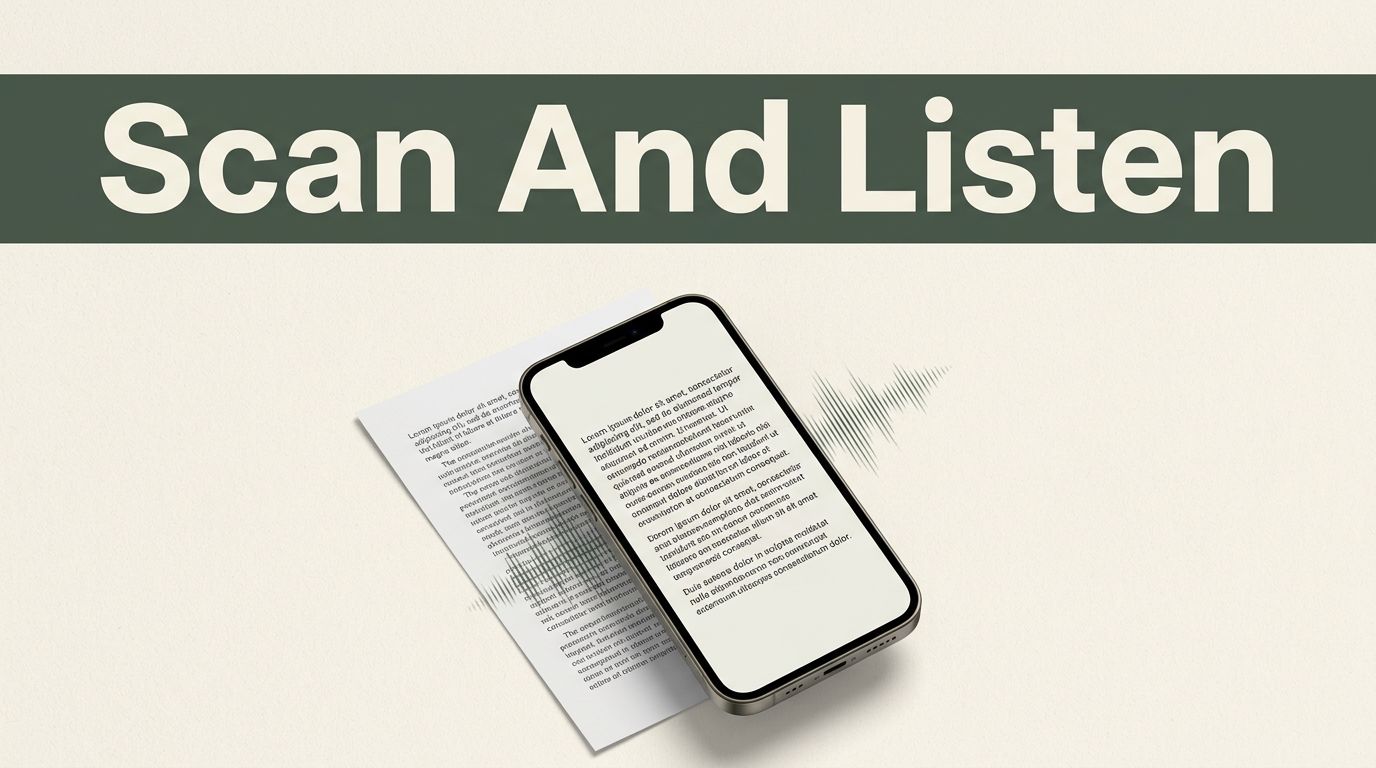
Printed text doesn’t need to stay trapped on a page. With the Speechify image text reader, you can take a picture or import an existing image, extract the words, and listen to them aloud. The process uses OCR, or Optical Character Recognition, to identify text inside a photo. Speechify then converts that text into speech.

Your blog can reach people who never have time to sit and read it. They may prefer listening during a commute, workout, or household task. Speechify helps bloggers turn written posts into narrated audio without recording every sentence themselves. The important decision is choosing the right format. A narrated blog post is not automatically a

Speechify can read documents, websites, PDFs, emails, and pasted text in 60+ languages. That makes it useful for multilingual study, accessibility, language practice, and content production. The important detail is that language access depends on the platform, voice, account plan, and feature you use. Speechify’s reading languages are not the same as its app interface
Japanese text can look familiar on the page and still sound difficult when spoken. Kanji readings change with context, punctuation affects pacing, and names often confuse automated voices. Speechify can read Japanese documents, web pages, PDFs, scanned pages, and pasted text aloud. It works well for language practice, accessibility, and first-pass content review. Japanese is
A printed page, screenshot, or photo can become difficult to read when your eyes are tired or the text is too small. The Speechify image to speech app solves that problem by extracting words from an image and reading them aloud. You can use it for textbook pages, work documents, menus, signs, and screenshots. The
