
Long web pages are easy to postpone when reading takes more time than expected. Speechify lets you listen to pages in Microsoft Edge instead of keeping your eyes on every line. The setup is straightforward, but Speechify isn’t a built-in Microsoft Edge feature. Edge has its own Read Aloud tool, while Speechify works through a
Your voice can become a reusable production asset without recording every sentence yourself. Speechify lets eligible users create a custom voice model from a short recording, then use it for narration, accessibility content, podcasts, and other audio projects. The process is simple, but the inputs and permissions matter. A clean sample improves quality. Explicit consent
A large reading backlog creates a bad choice: rush through pages and forget them, or read carefully and lose hours. Speechify gives you another option by converting written content into synchronized audio. The goal isn’t to push playback to the highest setting. The goal is to find a pace that increases information intake while your
A long Medium article can be useful and still be difficult to finish on screen. Eye strain, limited time, attention issues, and reading disabilities can all make silent reading harder than it needs to be. Speechify lets you listen to Medium articles through Medium’s built-in Listen feature, a Chrome extension, or the Speechify web and
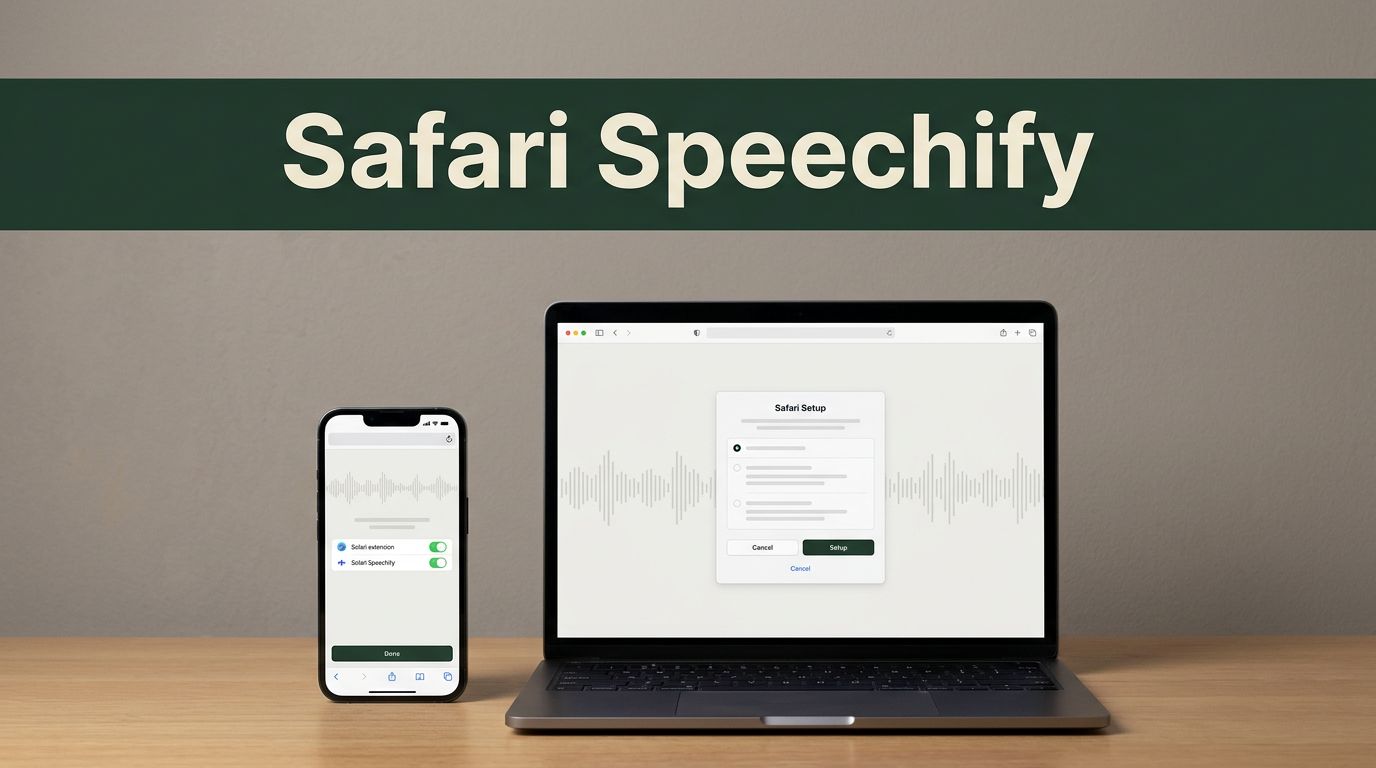
Safari can read articles aloud, but the setup depends on your Apple device. Speechify for Safari works as an extension on iPhone and iPad. Mac users need the separate Speechify desktop app because the Safari extension isn’t available for macOS. The difference matters. Installing the wrong version can leave you searching Safari settings for an
Reading fatigue usually starts before the first page ends. Your eyes lose their place, dense paragraphs blur together, and a simple document takes twice as long to finish. A Bionic Reading format can make text easier to scan by emphasizing parts of words. Speechify takes a different route. It converts text into spoken audio so
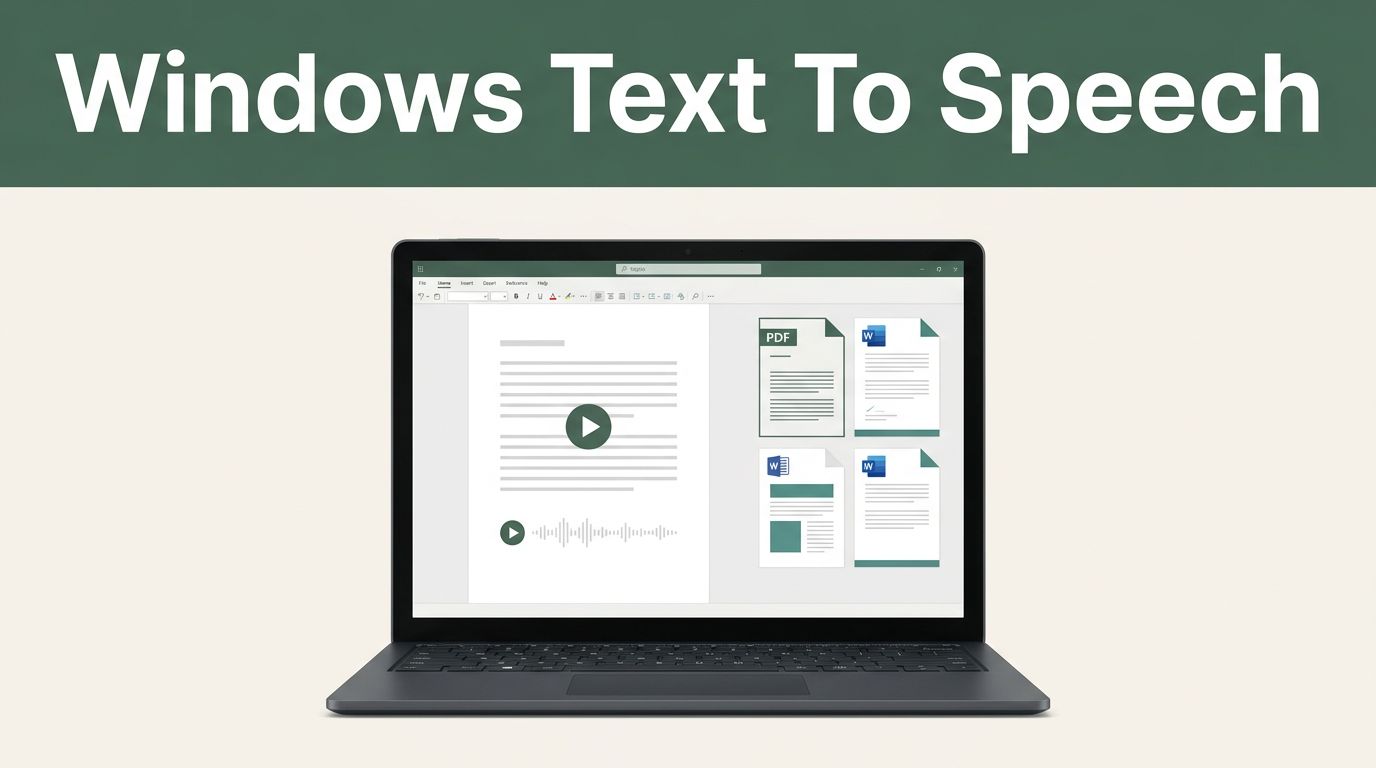
Reading long documents on a Windows PC can turn a simple task into hours of screen time. Speechify Windows text to speech lets you listen to PDFs, Word files, web pages, and other written content instead. The important detail is product choice. Speechify now offers a native Windows app, plus browser-based access and a Chrome
A 30-minute article can consume more time than you have. Speechify lets you listen instead, using text-to-speech voices that turn web pages, documents, and PDFs into audio. You control the playback speed, voice, and reading position. That makes it useful for students reviewing course material, professionals scanning reports, and researchers sorting through long papers. The
Most voice projects fail before the AI does. The recording has echo, background noise, or inconsistent delivery. Speechify voice cloning gives creators, educators, marketers, and accessibility teams a faster way to produce narration in a familiar voice. You provide a short sample, Speechify analyzes its sound patterns, and the system creates a voice model for
