


My browser is where my day either stays sharp or falls apart. When email, calendar changes, and research all pile up, the right Chrome extensions save me real time. I want tools that trim clicks without turning Chrome into a crowded toolbox. In 2026, I only keep extensions that are current, useful, and easy to

When I choose password managers for small teams, I care less about flashy extras and more about clean handoffs. Shared vaults, passkeys, MFA, and easy offboarding keep a 2 to 50 person team from turning into a password zoo. What good is a vault if a new hire can’t get in or a former employee

Airtable and Google Sheets can feel like twins that don’t speak the same language. When I need them to work together, I want one clean flow, not a pile of copy-paste chores. That’s where Airtable Google Sheets Make setups earn their keep. I can move records one way, mirror updates back the other way, and

When a form response matters, I don’t want it buried in an inbox or lost in a spreadsheet tab. I want it in Slack, where my team already talks and acts fast. That’s why I use Google Forms Slack alerts with Make. In 2026, I can connect Google Forms directly in some cases, but I

I treat offboarding like locking a filing cabinet before the office empties. Once the account is suspended, the easy path is gone. If I still need mail, Drive files, Chat, or calendar records later, I export Google Workspace data first. That order matters in 2026. Google’s own help pages still point admins toward transfer, export,
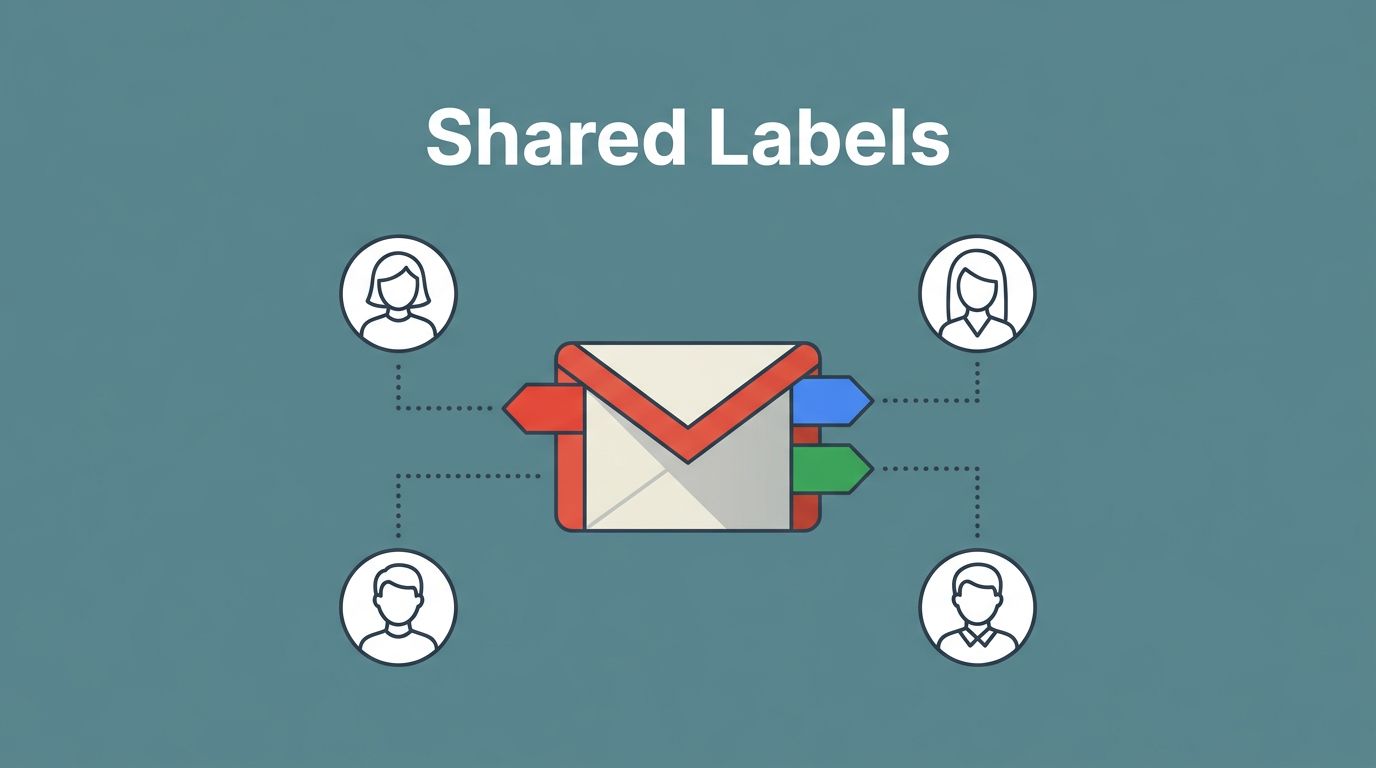
If I need one email workflow for support, sales, or hiring, I don’t start by adding more inboxes. I start with a label system that the whole team can follow. As of April 2026, Gmail still doesn’t offer true shared labels across separate personal accounts, so I build around Google Workspace shared inboxes, delegation, and

When I juggle several clients, the biggest risk is not slow work. It’s opening the wrong account, saving the wrong bookmark, or mixing two logins in one browser. That’s why I treat chrome profiles client work as a clean boundary, not a nice-to-have. With the right setup, each client gets its own browser space, its

Old Gmail threads can hide like receipts in a desk drawer. I know the message is there, but the inbox keeps moving. The fastest fix is gmail search operators, because they let me search by date, sender, subject, and attachment instead of scrolling for ages. I use them on desktop first, since the search box
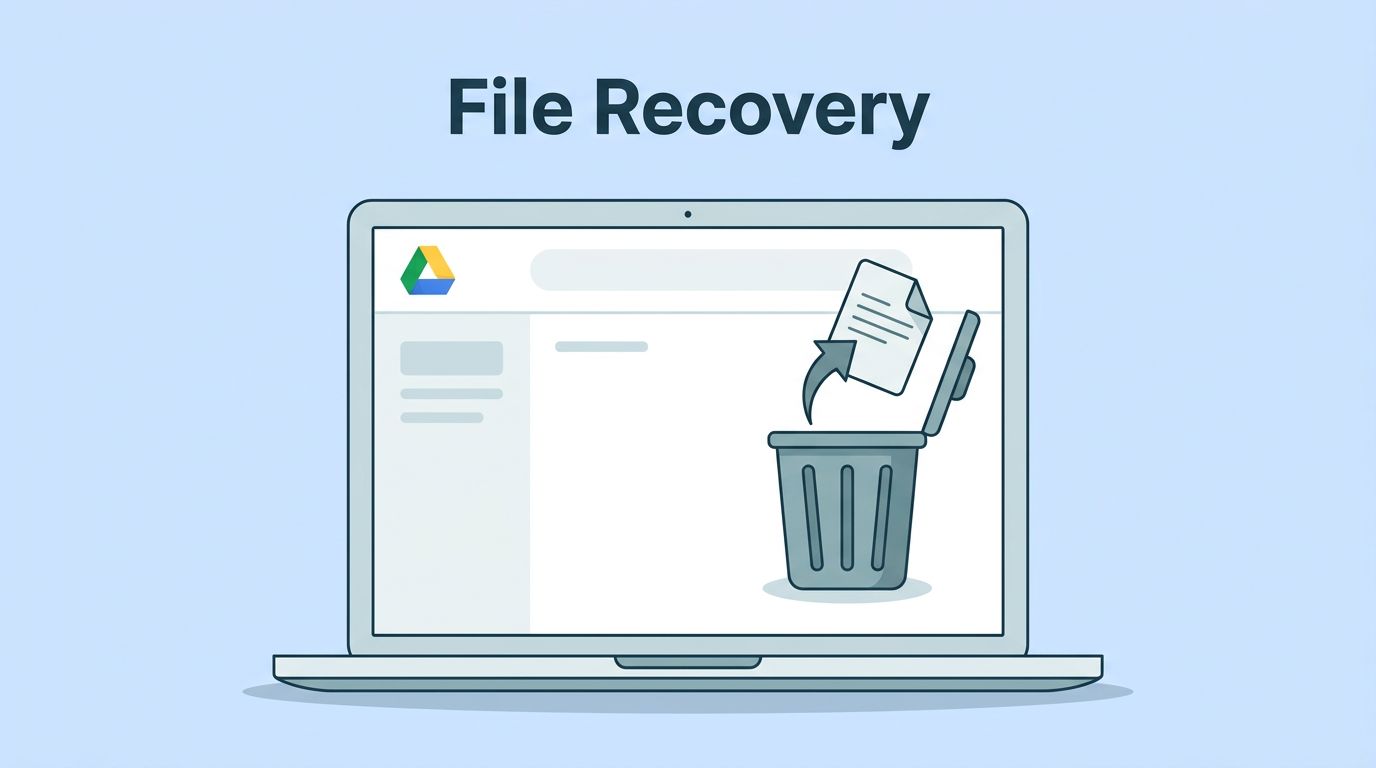
A deleted file in Google Drive often isn’t gone yet. The clock starts running the moment it lands in Trash, and that window can close faster than people expect. When I need to recover deleted Google Drive files, I move fast and I use the official paths first. That matters for personal accounts, Google Workspace

