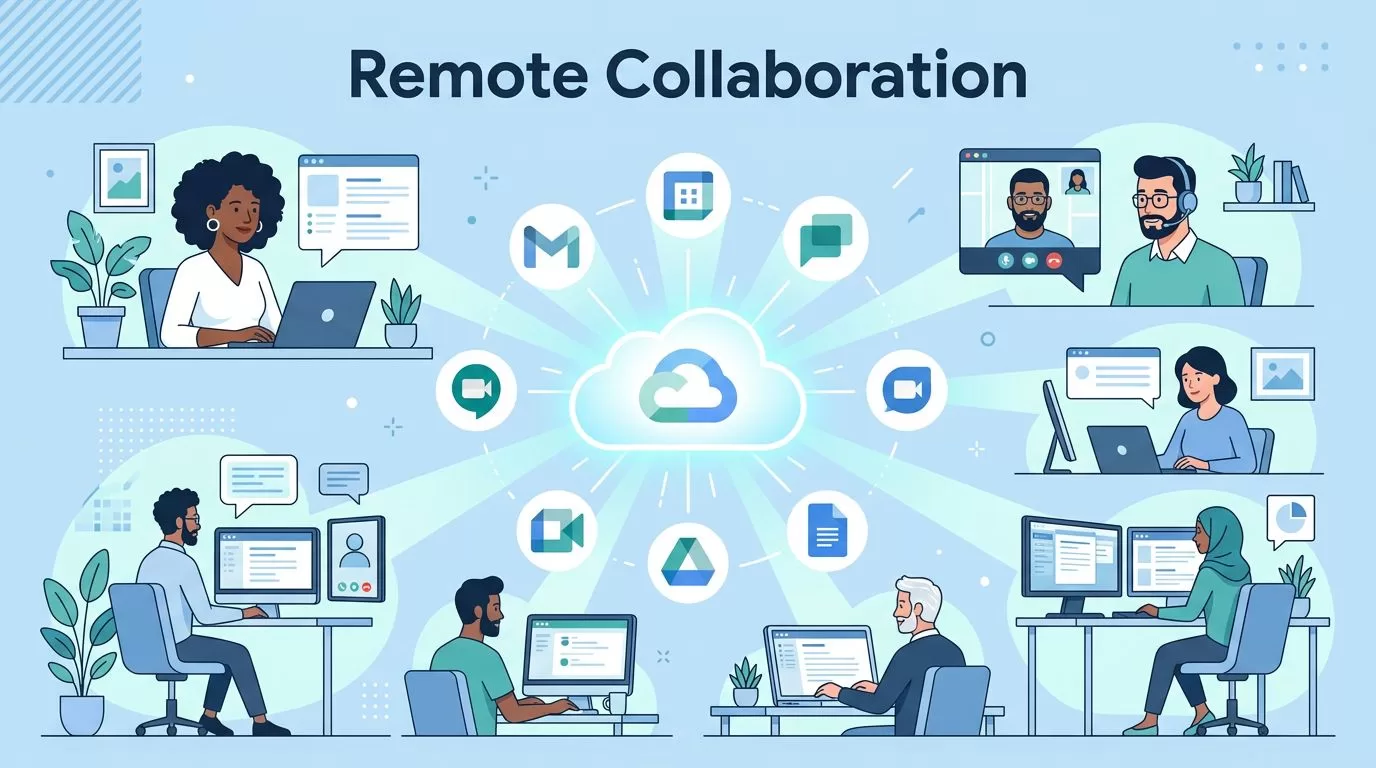

Remote work slows down when tools pile up. Teams chat in one app, store files in another, and miss the latest version in a third. Google Workspace collaboration reduces this problem by placing chat, meetings, files, and shared documents under one admin layer. This guide explains how to deploy Google Workspace for a remote team.
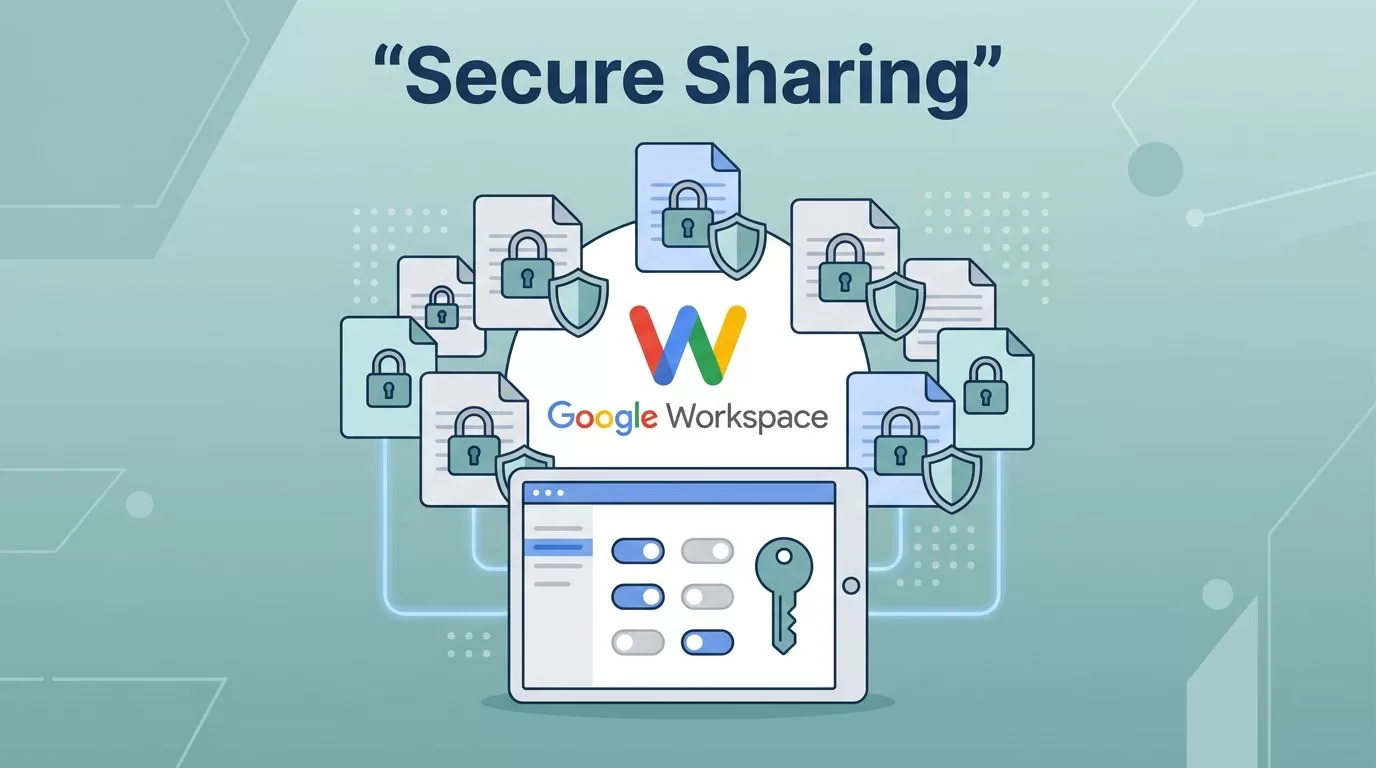
Google Workspace document sharing starts in the Share dialog in Drive. Open the file, choose Share, add a person or Google Group, and pick Viewer, Commenter, or Editor. Keep General access on Restricted for private files. Admins then set organization-wide limits in the Admin console. This guide covers daily sharing for Drive users and guardrails
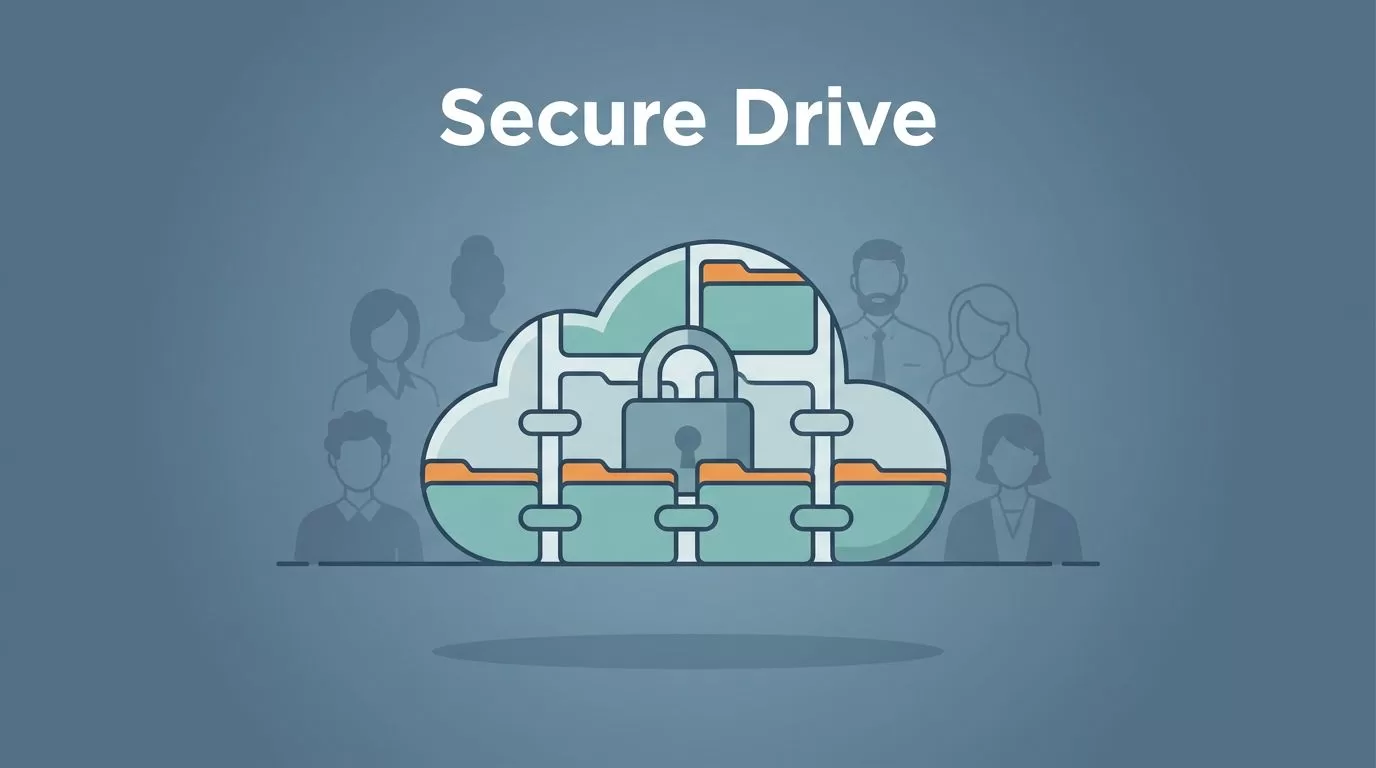
Good cloud storage starts with ownership, access, and risk, not with folders. Google Workspace file storage works best when you treat Google Drive and Shared Drives as a company system. Personal folders alone leave files stranded when people leave. This guide covers how storage is allocated, which limits apply, how Shared Drive roles work, and
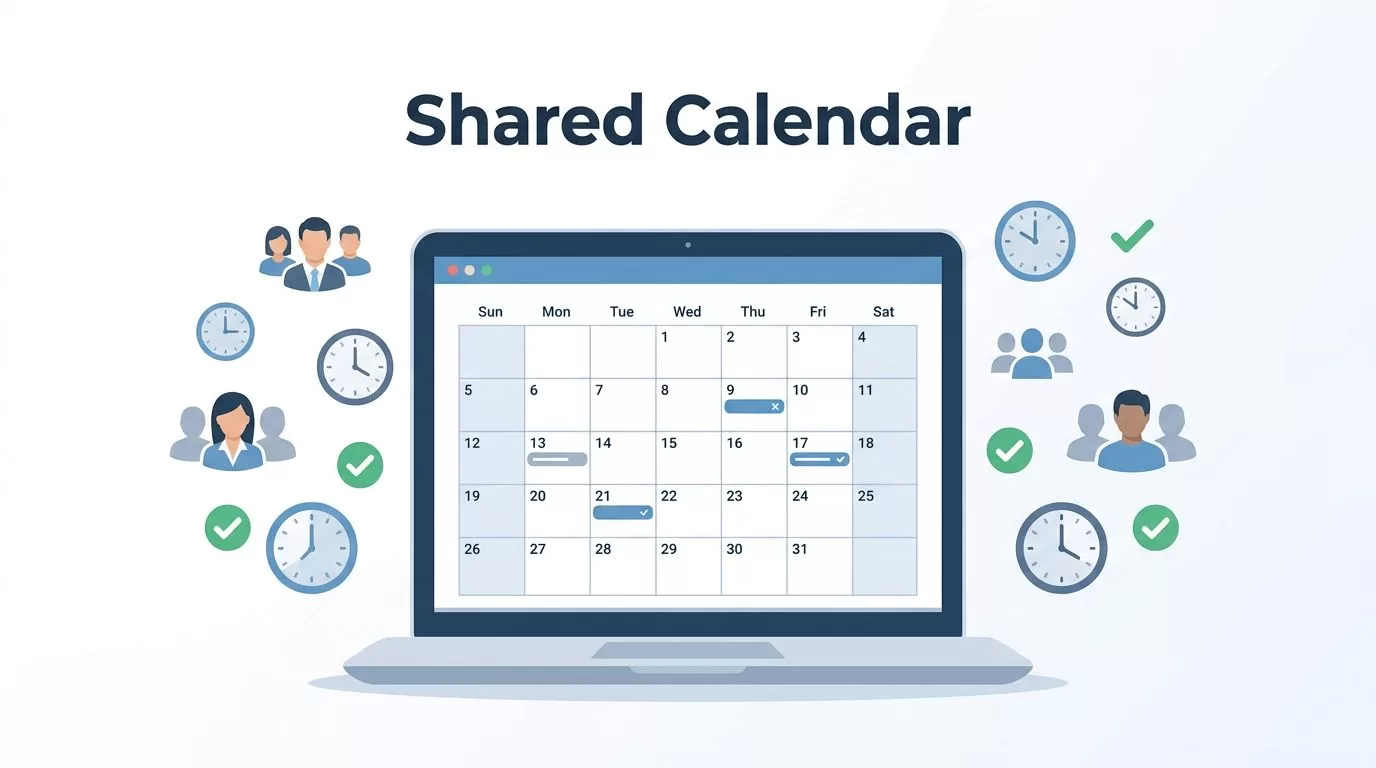
A shared team calendar gives everyone one place to track meetings, deadlines, time off, launches, shifts, and other dates that affect the group. It also prevents a common mistake: using one employee’s personal calendar as the permanent home for department work. To create one, open Google Calendar on the web, select the plus icon beside
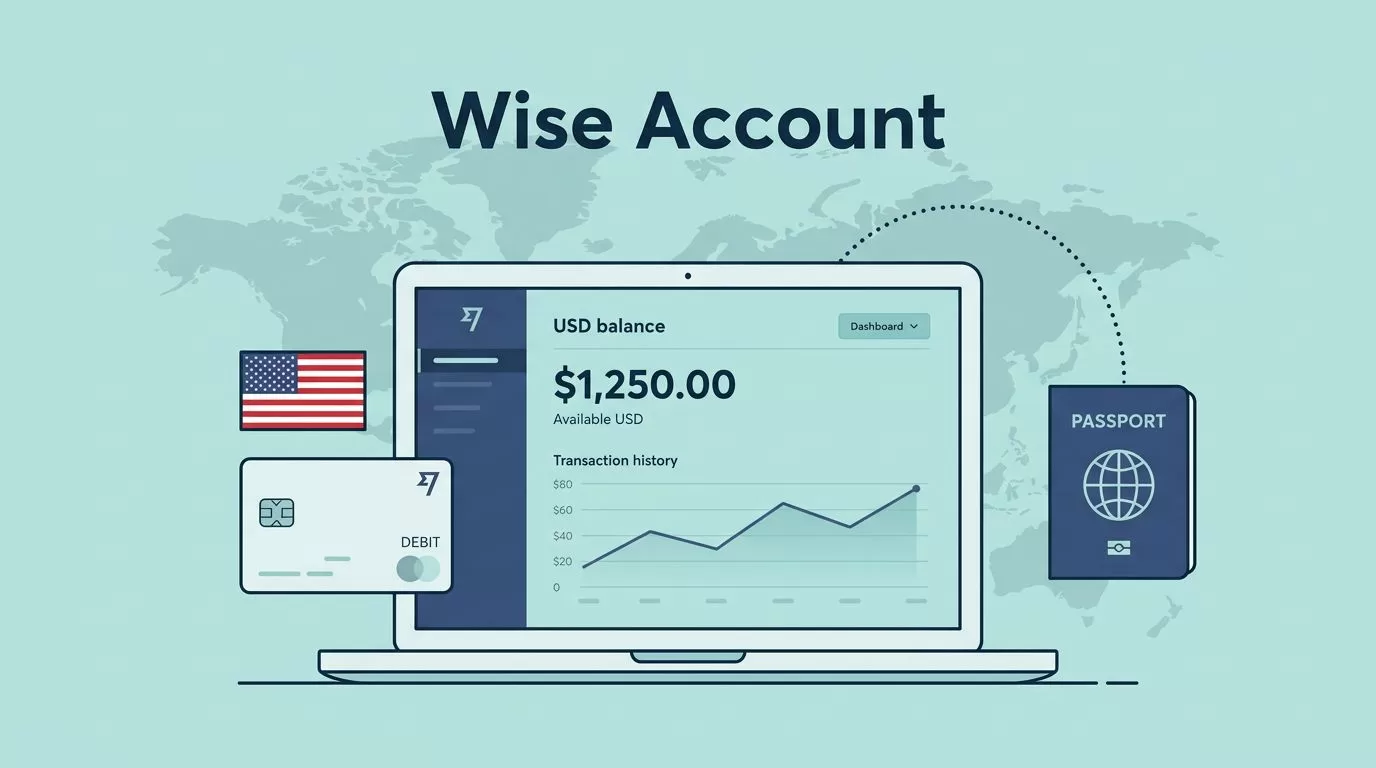
Looking for a Wise US bank account? Wise is not a traditional US bank. Eligible customers who live in supported countries may be able to open a USD balance and get account details for receiving certain US payments. Those details can help freelancers, remote workers, and businesses get paid in dollars, but they do not
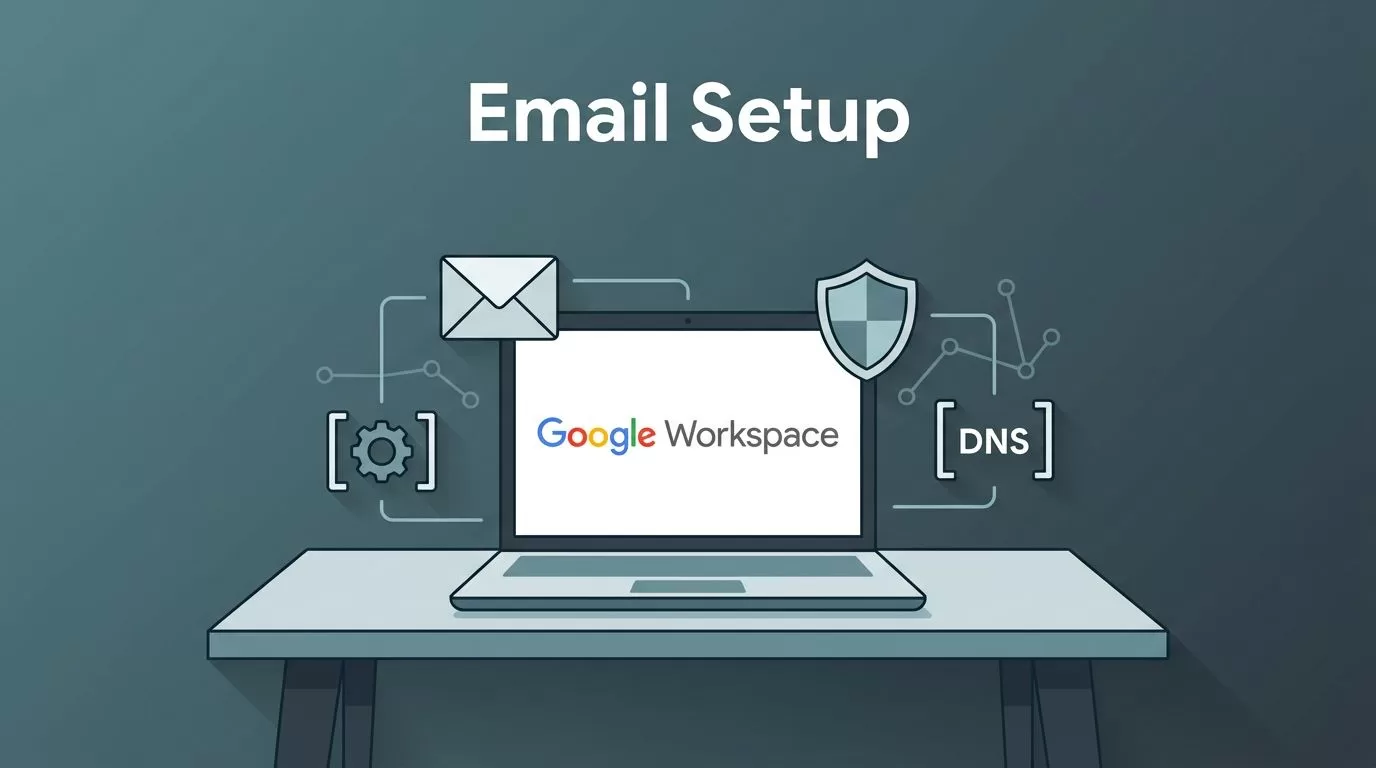
A corporate email address acts as your digital front desk. A Google Workspace email setup succeeds when five DNS records and one admin account work together. One wrong value sends messages into a void. This guide works as a DNS reference. You get each record, its host, its value, and its wait time, all taken
A business email address works like a storefront sign. Customers notice when the sign looks wrong. Google Workspace email hosting gives a company professional mailboxes on its own domain, plus the admin tools to manage people, security, and mail flow after launch. Most guides stop at setup. Daily management decides whether email stays reliable. This

A custom inbox such as name@yourdomain.com signals a real business. Free addresses work for personal mail, but proposals, invoices, and client threads look stronger from your own domain. Google Workspace email delivers the familiar Gmail interface on your domain, plus admin controls, shared calendars, and storage. This guide covers what Google Workspace email includes, what

Fast growing industries rarely announce themselves. Search interest rises first. Hiring and funding follow. Official statistics arrive last. Readers who act on the first signal gain time, but only if the signal points to a real market. This guide combines two kinds of evidence. Government employment projections show where jobs will grow over a decade.
