Auto Trader Lead Scraping with Twin.so
Manual Auto Trader research creates a slow and inconsistent sales process. You open listings, copy vehicle details, check dealer information, and paste everything into a spreadsheet. The work repeats every day. Auto Trader lead scraping wit...
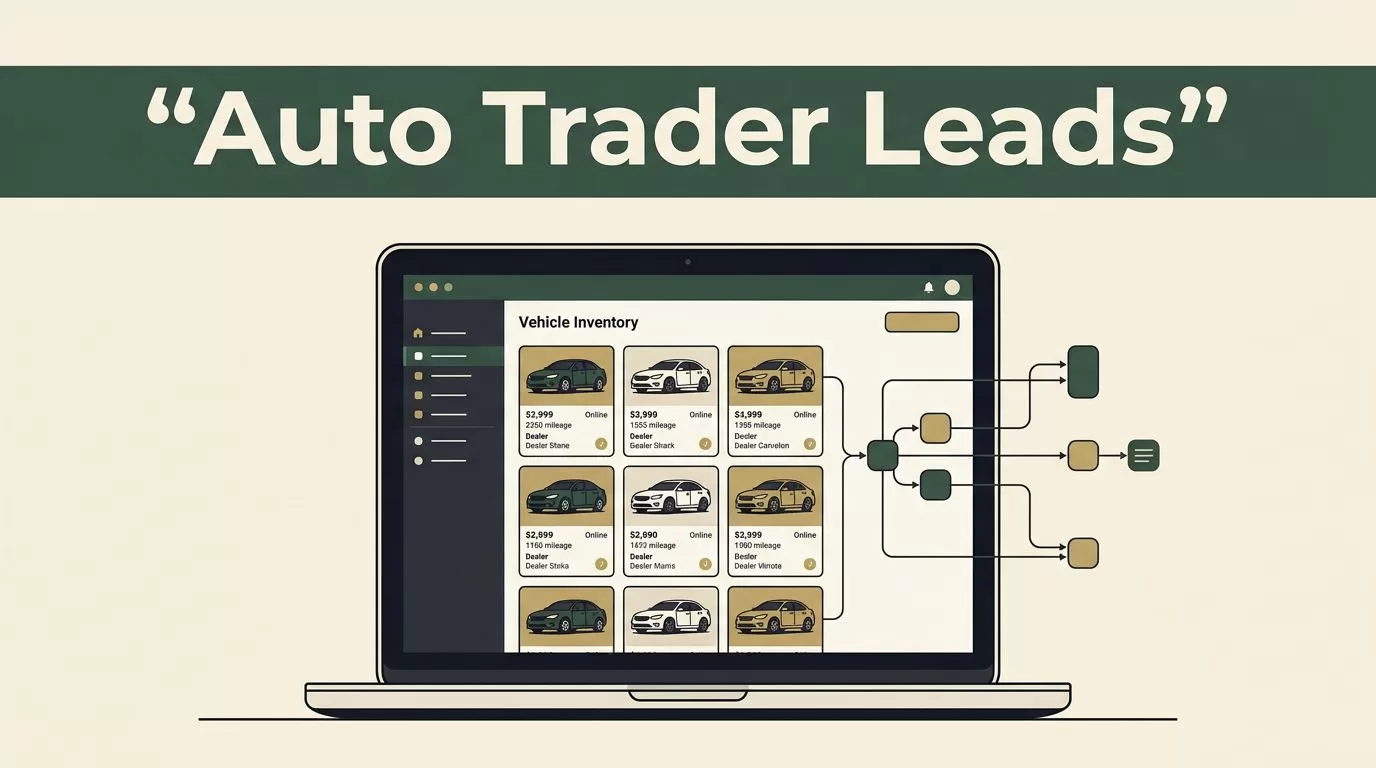
Manual Auto Trader research creates a slow and inconsistent sales process. You open listings, copy vehicle details, check dealer information, and paste everything into a spreadsheet. The work repeats every day.
Auto Trader lead scraping with Twin.so gives you a repeatable workflow for collecting publicly accessible listing data and routing it into an organized sales system. The correct setup focuses on inventory and business information, not private buyer data. It also respects Auto Trader’s terms, privacy laws, rate limits, and opt-out requests.
The workflow starts with a narrow data plan. Then you configure Twin.so to collect, validate, and distribute the results.
What Auto Trader Lead Scraping Should Collect
A useful workflow doesn’t collect every field it can find. It captures the fields your sales team can act on.
For dealership prospecting, that usually means dealer name, listing URL, vehicle make and model, registration year, mileage, price, fuel type, transmission, location, and listing date. You can also capture public business contact details when the dealer publishes them for commercial contact.
For inventory analysis, add price changes, days since listing, vehicle category, stock number, and availability status. These fields help you identify underpriced vehicles, aging stock, and dealers with inventory that matches your buying criteria.
Don’t treat every listing as a personal lead. A public vehicle advert is not permission to collect a buyer’s identity or send unsolicited messages. Avoid private seller information, account data, hidden fields, login-only pages, and contact details that aren’t clearly published for business use.
A clean record should also include the source URL and collection timestamp. These fields let your team verify the source later and remove outdated records.
| Field group | Useful examples | Sales purpose |
|---|---|---|
| Vehicle data | Make, model, year, mileage | Match stock to demand |
| Commercial data | Dealer name, location, public business contact | Build dealership accounts |
| Market data | Price, listing age, price change | Find timing and pricing opportunities |
| Audit data | Source URL, captured date, workflow status | Verify and refresh records |
Before building anything, review the current Auto Trader terms and applicable local rules. A technical overview of AutoTrader scraping methods can help you compare extraction approaches, but it doesn’t replace permission or legal review.
How Auto Trader Lead Scraping Fits a Twin.so Workflow
Twin.so is a no-code AI agent platform. You describe the outcome in plain language, and it creates a workflow that can use APIs, browser actions, connected apps, schedules, and event triggers.
Twin’s operating model is API-first. If a supported API can provide the required data, use it. Browser automation is the fallback for public pages and systems without a suitable API. This matters because browser-based extraction is more sensitive to page changes and is generally less reliable than a stable API.
Start with a written workflow definition. Include the target pages, allowed fields, destination database, frequency, and stop conditions.
A practical instruction could look like this:
Open only publicly accessible Auto Trader listing pages for approved vehicle searches. Capture the dealer name, vehicle details, price, location, listing URL, and page date. Do not log in, bypass a challenge, collect private information, or continue after an access restriction. Remove duplicate URLs and send uncertain records for review.
Keep the first run small. Test one make, one location, or one inventory category. A limited run helps you identify incorrect selectors, duplicate records, missing fields, and pages that need manual review.

Configure the workflow in four steps
- Define the search scope using exact filters such as location, vehicle type, price range, and model year.
- Tell Twin.so which fields to capture and which fields to ignore. Make the source URL mandatory.
- Connect the output to Google Sheets, Airtable, HubSpot, or another approved destination.
- Add a review path for missing dealer names, unusual prices, duplicate listings, and extraction errors.
Don’t ask the agent to “find all leads” without defining the result. That instruction is too broad. It can produce inconsistent records and unnecessary page requests.
Run a Controlled Auto Trader Data Collection Job
A controlled job has a clear start point, a limited page range, and a defined output format. It doesn’t run indefinitely.
Set a modest schedule based on how often the underlying information changes. Daily collection may fit fast-moving used inventory. Weekly collection may be enough for slower market research. Start with a manual run, inspect the output, and schedule the workflow only after the data passes review.
Your Twin.so workflow should follow this sequence:
- Open the approved public search or listing pages.
- Read the visible listing information without attempting to access restricted content.
- Extract only the approved fields.
- Normalize values such as mileage, currency, location names, and date formats.
- Check whether the source URL already exists in the destination.
- Add a new record or update the existing record.
- Send exceptions to a review queue.
Use explicit stop conditions. The workflow should stop when it encounters a CAPTCHA, login requirement, access denial, repeated timeout, or unexpected page structure. Never instruct Twin.so to evade an anti-bot system, rotate identities, disguise traffic, or bypass technical controls.
Rate limits also need to be part of the workflow design. Use the lowest request frequency that meets your business need. Add delays where appropriate, avoid unnecessary page reloads, and keep the number of pages per run within a reasonable limit.
A separate research guide on how to scrape Autotrader data also highlights the importance of intended use and local legal requirements. Treat that point as an operating rule. Public visibility doesn’t remove restrictions on automated collection or marketing use.
Store raw and cleaned values separately when possible. Raw values preserve what the page showed. Cleaned values support sorting, filtering, and CRM matching. This separation makes troubleshooting easier when a page format changes.
Turn Captured Listings Into Sales Outreach Lists
Collected data has limited value until your team can act on it. Send each approved record to a destination that matches your sales process.
A simple setup uses Airtable or Google Sheets for review. A more mature operation can route qualified dealership records into HubSpot. Twin.so can also trigger notifications through tools such as Slack or email when a record meets a defined condition.
Use a clear status structure:
- New records need validation before outreach.
- Approved records meet your business and compliance rules.
- Contacted records include the outreach date and channel.
- Replied records move into the sales pipeline.
- Opted-out records stay suppressed from future campaigns.
Add a unique key to each record. The source URL is usually the best starting point. For dealer-level prospecting, combine the normalized dealer name with the location. This prevents one dealership with multiple vehicles from becoming dozens of duplicate accounts.
Score records with rules your team understands. For example, a dealer may receive a higher priority when it has several vehicles in your target category, repeated price reductions, older listings, or inventory in your service area. Keep the score explainable. Sales staff need to know why a record appeared at the top of the list.
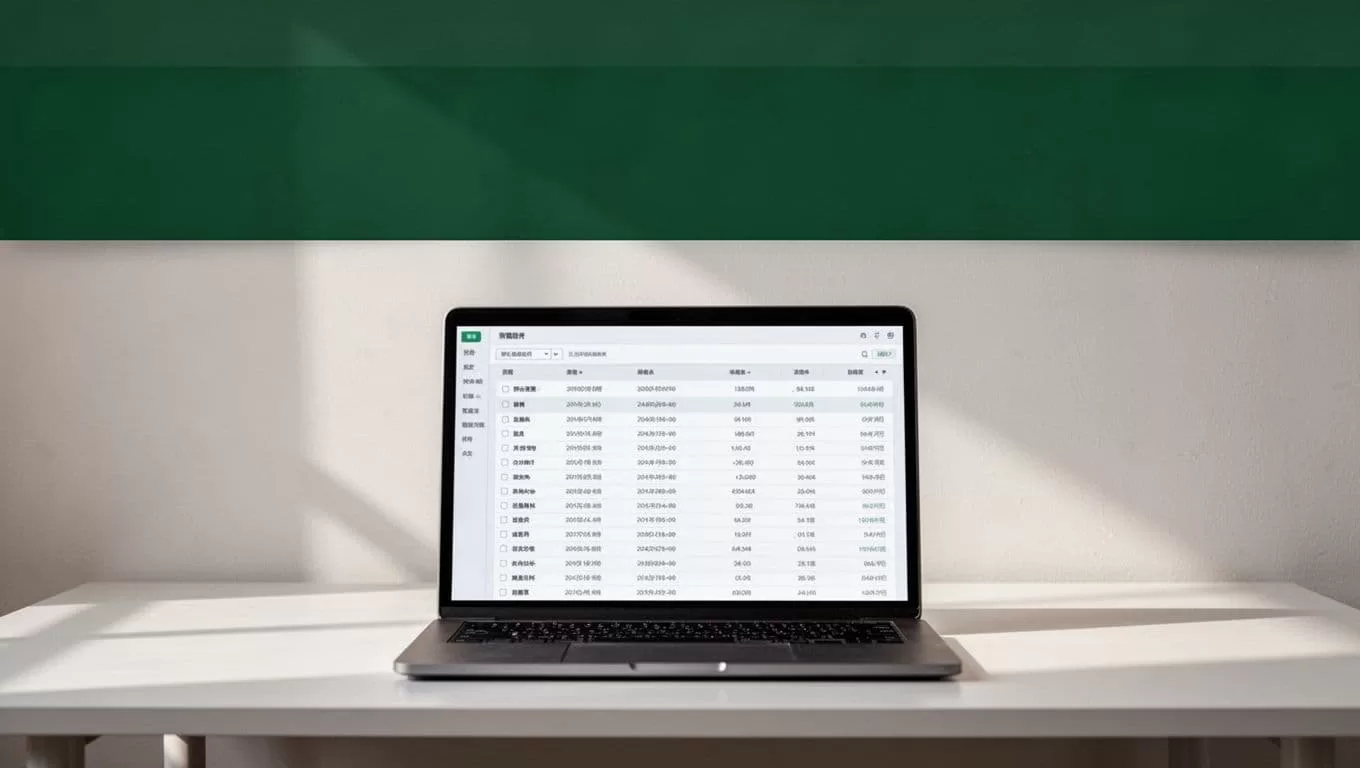
Example outreach list fields
Use fields that support a real next step:
- Dealer or business name
- Public business website or listing contact page
- Vehicle category or stock pattern
- Location
- Number of matching listings
- Price or inventory signal
- Source URL
- First captured date
- Last checked date
- Outreach status
- Opt-out status
- Assigned sales representative
Don’t copy every public phone number or email address into a campaign list. Confirm that the contact is a business contact, check the rules that apply to your region, and provide a clear opt-out route. Your outreach system should suppress anyone who asks not to be contacted.
A useful first message references the public business activity without pretending to know more than you do. For example, you might mention that the dealership has several vehicles in a category your company services. Keep the message relevant, identify your business, and make opting out easy.
Monitor Accuracy, Compliance, and Sales Quality
A scraping workflow needs operational checks. Page layouts change. Listings expire. Dealers update prices. A job that ran successfully last month may return incomplete records today.
Track the following metrics:
- Records captured per run
- Percentage with a valid source URL
- Duplicate rate
- Missing-field rate
- Failed page rate
- Records approved for outreach
- Reply and opt-out rates
- Qualified opportunities created
Compare the workflow output with a manual sample. Review a fixed number of records after each major change. Check prices, mileage, dealer names, URLs, and listing status against the source page.
Set an expiration rule for stale records. A vehicle listing that hasn’t been checked for 30 days should not remain in an active outreach queue without review. Mark it stale, refresh it, or remove it.
Keep an audit log with the workflow version, run date, source scope, and exception count. This gives your team a record of what was collected and when.
Twin.so can run agents on schedules or event-based triggers, but automation shouldn’t remove human review from sensitive decisions. Send uncertain records to a queue. Review new fields before adding them to the collection scope. Recheck the site’s terms before expanding the job.
Conclusion
Auto Trader lead scraping works best when it collects targeted business and inventory data instead of treating every listing as a personal lead. Twin.so can turn a plain-language brief into a scheduled workflow that extracts approved public fields, removes duplicates, and routes records into a sales system.
Keep the scope narrow. Use APIs when available, browser automation only for permitted public pages, and stop when access controls appear. Store source URLs, monitor data quality, respect opt-outs, and make every outreach record explainable. The result is a sales list your team can trust, not a larger spreadsheet they have to clean manually.
