Fitness Data Scraping With Twin.so: A Practical Setup
Fitness data scraping becomes difficult when useful records are spread across fitness sites, sports pages, wearable platforms, and research sources. Copying data by hand creates stale spreadsheets, inconsistent fields, and missing records....
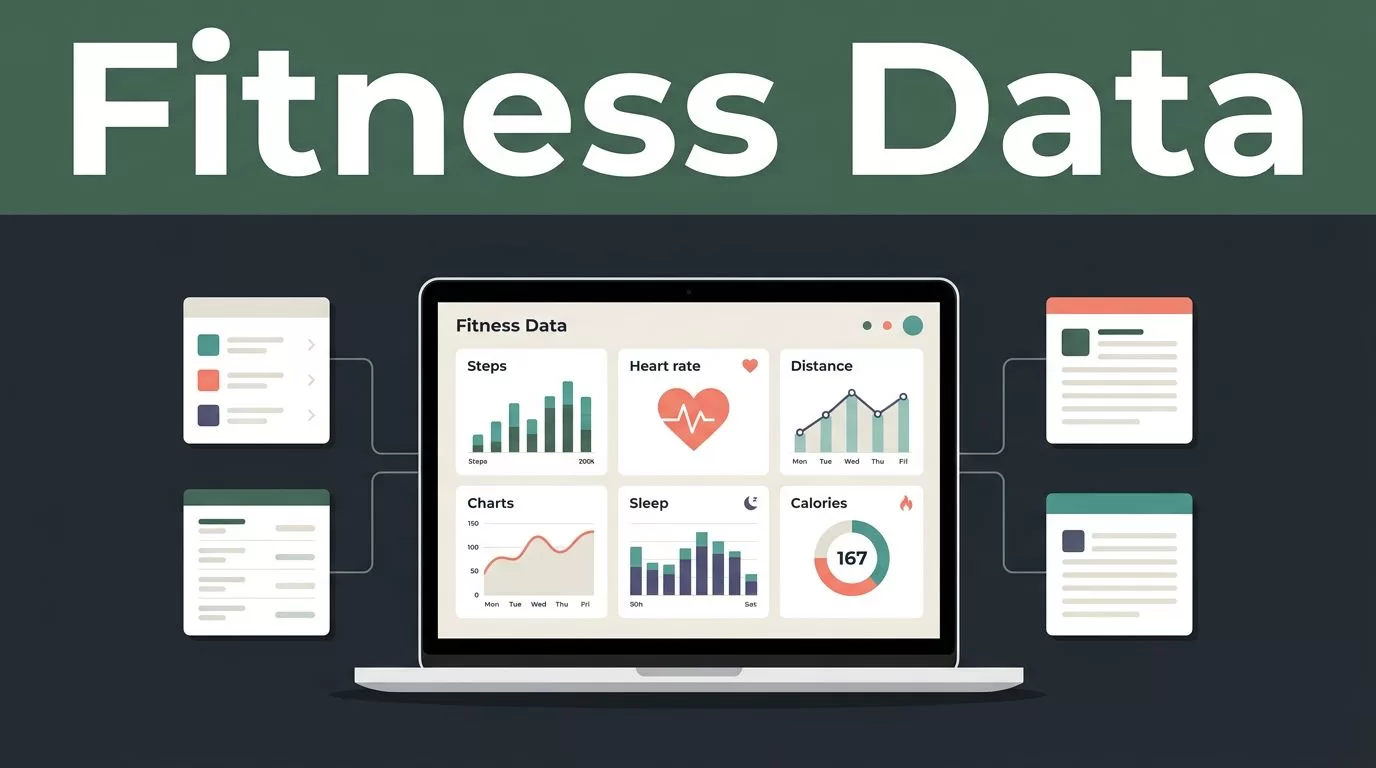
Fitness data scraping becomes difficult when useful records are spread across fitness sites, sports pages, wearable platforms, and research sources. Copying data by hand creates stale spreadsheets, inconsistent fields, and missing records.
Twin.so gives fitness app builders and technical teams a way to structure this work into repeatable workflows. You define the source, identify the fields you need, set collection rules, and send the output to your working system. The process starts with a clean data plan.
Why Fitness Data Scraping Needs a Structured Workflow
Fitness data rarely arrives in one consistent format. One source may show distance in miles. Another may use kilometers. A sports page may list player minutes, while a wellness platform focuses on steps, heart rate, sleep, or calories.
Manual collection creates three common problems:
- Records use different names for the same metric.
- Updates are missed when a page changes.
- Teams spend time cleaning data instead of analyzing it.
A structured workflow separates collection from analysis. Twin.so can collect the source records first. Your team can then validate, normalize, and store them in a consistent format.
Start by defining the fields before connecting a source. A basic activity record may include:
- Activity type
- Date and time
- Duration
- Distance
- Calories
- Heart rate
- Source URL
- Collection timestamp
Don’t collect every field simply because it appears on the page. Extra fields increase cleanup work and may create unnecessary privacy concerns. Choose the smallest schema that supports the product, research project, or internal report.
The workflow also needs a clear update rule. Decide whether Twin should collect new records only, refresh existing records, or rebuild the full dataset on a schedule. This decision affects duplicate handling, storage costs, and review time.
Fitness Data Scraping With Twin.so: Choose the Right Source
Twin.so works best when the source and collection method are defined before the workflow starts. First classify the source. Public webpages, public sports statistics, supported APIs, and user-authorized health platforms require different handling.
Use public pages for public information
Public activity pages can support research, market analysis, sports comparisons, and content monitoring. Collect only the fields that are visible without bypassing a login, paywall, access control, or technical restriction.
For sports performance workflows, an API or supported site integration is usually cleaner than parsing page layouts. If your source is ESPN, Twin’s ESPN Site API integration can support workflows that pull scores, standings, and player statistics into a connected destination.
Use APIs for user-authorized health data
Personal fitness records are different. Steps, sleep, heart rate, and workout history may identify or describe an individual. Use the source’s approved API or integration when the data belongs to an app user.
A developer-focused wearable API comparison can help your team compare options such as HealthKit, Google Fit, Fitbit, and Garmin before selecting a data path. Twin.so can then fit into the surrounding workflow where the required connector or access method is supported.
Organize sources by project
Create separate source groups for each product, research study, or reporting workflow. This keeps collection rules clear and prevents unrelated records from entering the same dataset.
A source folder for “running research” should not share fields or schedules with a “sleep analytics” workflow. The separation makes testing easier and reduces context switching when a source changes.
Build a Twin.so Collection Workflow
Use a small test run before scheduling repeated collection. A sample exposes field errors, pagination problems, and inconsistent formatting while the dataset is still easy to inspect.
- Define the output schema. Write the exact fields Twin should return. Use stable names such as
activity_type,duration_minutes,distance_km, andsource_url. Decide how missing values should appear. - Identify the source and access method. Add the public page, supported API, or approved integration. Don’t ask the workflow to access a restricted account unless you have clear authorization and the source allows that use.
- Describe the collection rules. Tell Twin to return one row per activity or event, skip duplicate records, preserve the original source URL, and ignore unrelated page elements.
- Set the destination. Send the result to a connected spreadsheet or another destination supported by your Twin.so setup. Keep raw values available until validation is complete.
- Run a limited sample. Review several records from different pages or dates. Check the activity name, date, units, source URL, and missing-value behavior before increasing the collection volume.
- Add the schedule and review process. Choose a collection frequency that matches how often the source changes. Add a manual review step for new fields, unusual values, and failed runs.
For example, a sports data workflow can use an instruction like this:
Collect public player statistics from ESPN. Return one row per player and event with player name, team, event date, minutes, points, rebounds, and source URL. Skip duplicate records and personal contact details. Write the results to Google Sheets.
A wellness workflow would use different fields. It might collect activity type, duration, distance, and calories from a publicly available source. The collection logic stays similar, but the schema must match the source.
Clean and Validate Fitness Records Before Analysis
Raw data is not ready for a product decision. Twin.so can return structured records, but your team still needs to check whether the values are complete and consistent.
Start with field validation. Confirm that every row has the required activity type and date. Check that numeric fields contain numbers instead of text such as “n/a,” blank spaces, or mixed units.
Normalize units before comparing records. Store distance in one standard unit. Store duration in minutes or seconds. Store timestamps in a consistent timezone. Keep the original value when conversion could affect auditability.
Watch for these errors during review:
- A page number or rank is mistaken for a metric.
- A date is interpreted using the wrong regional format.
- Miles and kilometers appear in the same column.
- A missing value is treated as zero.
- The same workout appears under two different names.
- A new page layout shifts data into the wrong field.
Pagination needs its own check. A workflow that reads only the first page can produce an incomplete market or activity view. Test records from later pages and confirm that Twin reaches the full allowed result set.
A small sample from multiple pages is more useful than a large sample from page one.
Keep the source URL and collection timestamp with every record. These fields help your team trace an unexpected value back to the original page. They also make it easier to identify whether a change came from the source or from your workflow.
Run a second review after the first scheduled update. Compare the new records with the previous run. Check whether the workflow added only new items or duplicated older records.
Keep Fitness Data Scraping Ethical and Privacy-Conscious
Publicly visible information is not automatically free of restrictions. Review the source terms before collecting data. Respect robots.txt instructions, rate limits, access controls, and technical restrictions.
Authorized login access also doesn’t automatically permit automated collection. If a source requires an account, confirm that its terms allow the intended use. For private fitness records, use user consent and an approved API or integration instead of scraping behind a login.
Health and fitness information can be sensitive even when direct identifiers are removed. Avoid collecting names, email addresses, profile photos, location histories, or contact details unless the project requires them and you have a valid basis for processing them.
Use data minimization as a practical rule. If your analysis needs weekly workout totals, don’t collect every individual profile detail. If your product needs activity duration, don’t store unrelated health metrics by default.
Your team should also review applicable data-protection requirements before launch. Depending on the users, source, location, and purpose, requirements may apply to consent, retention, access requests, deletion, security, or sharing with vendors.
For Apple Health and similar systems, review the approved access model before building the workflow. Developer use cases for structured Apple Health data are discussed in this Apple Health developer overview. Use the source’s permission flow so users understand what data is collected and why.
Set a reasonable schedule instead of repeatedly refreshing a page. Rate limits protect the source and reduce failed requests. They also prevent your dataset from filling with near-identical snapshots that provide little analytical value.
Send Clean Fitness Data Into Product Workflows
Once the records pass validation, send them to the system where your team works. A spreadsheet may be enough for an early research project. A database or analytics environment may be better for a product with frequent updates and multiple users.
Keep raw and processed data separate. The raw layer preserves what Twin collected. The processed layer stores normalized units, renamed fields, and calculated values. This separation lets you correct a transformation without recollecting every source record.
Use source URLs and timestamps as audit fields. Add a workflow status such as new, reviewed, rejected, or updated if your team needs human approval before data reaches an application.
Fitness analytics projects often combine several sources. A case study on an AI fitness analytics platform shows the type of work involved when activity, sleep, and wellness metrics must be connected and structured. Your workflow should follow the same basic discipline: define the schema, map each source, validate the records, and document transformations.
Conclusion
Fitness data scraping works best when collection rules are defined before the first run. Use Twin.so to organize sources, collect the required fields, test a small sample, and send structured records to a connected destination.
Keep public collection within source rules. Use approved APIs for private or user-authorized health data. Validate units, pagination, duplicates, and timestamps before the data reaches your product.
The result is a repeatable data workflow instead of a fragile spreadsheet task. Start with one source, a narrow schema, and a reviewable output. Expand only after the first run produces records your team can trust.
