Automate Video Transcription With Twin.so
Video transcription becomes expensive when every recording needs manual uploading, copying, formatting, and distribution. Automate video transcription with Twin.so and turn that process into a repeatable workflow for meetings, interviews, s...
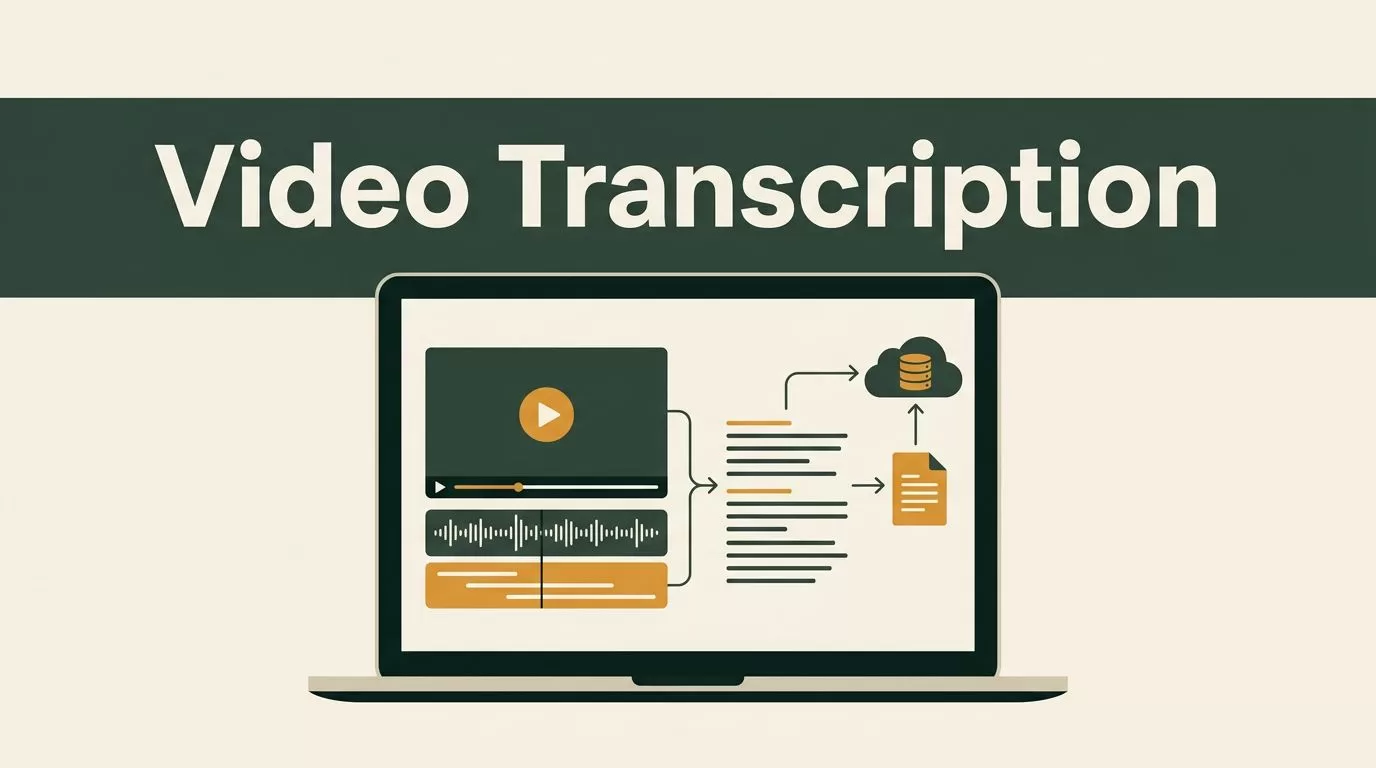
Video transcription becomes expensive when every recording needs manual uploading, copying, formatting, and distribution. Automate video transcription with Twin.so and turn that process into a repeatable workflow for meetings, interviews, sales calls, webinars, and content production.
Twin.so is positioned as an autonomous AI employee that connects to business tools and completes multi-step tasks. Its public integration materials describe workflows that can transcribe audio or video, extract useful information, and route the results to another system. The right setup depends on your file source, transcription provider, output destination, and review requirements.
Start with one narrow workflow. Then add summaries, action items, content briefs, or database updates after the transcript process works reliably.
Why Automate Video Transcription With Twin.so?
Manual transcription creates several operational problems. Someone has to locate the recording, upload it, wait for processing, copy the transcript, clean the formatting, and send the result to the correct person or system. That work repeats for every file.
Twin changes the process by coordinating the steps through an AI agent. Twin’s autonomous AI agent features are designed for workflows that use tools, follow instructions, recover from errors, and run on demand or on a schedule.
The practical benefit is not transcription alone. The useful output is the structured information that comes after transcription.
A recorded sales call can produce:
- A full transcript for the account record.
- A short summary for the sales manager.
- Customer objections in a tracking sheet.
- Follow-up tasks for the account owner.
- Product feedback for the marketing or product team.
A webinar can produce:
- A searchable transcript.
- A list of quotable statements.
- Short-form video ideas.
- A blog brief.
- Social media drafts.
Twin’s integration directory describes connections across business applications. You should still verify the current availability, permissions, and setup requirements for each tool before deploying a production workflow.
The operating model is simple: provide a recording, run transcription, extract the fields you need, and route the output to the correct destination.
The Core Twin.so Transcription Workflow
The most useful workflow has five stages. Keep each stage visible so you can troubleshoot failures without guessing.
- Receive the video file. Store the recording in a controlled location or provide a stable file URL. Use consistent filenames that include the project, date, and recording type.
- Send the file for transcription. Twin can coordinate the transcription step through a connected service. Public Twin materials describe a workflow using AssemblyAI for MP3, WAV, M4A, and MP4 files submitted by path or URL.
- Extract structured information. Tell the agent what to return. This might include the full transcript, summary, decisions, objections, names, timestamps, or follow-up tasks.
- Write the output to a destination. Send the result to a document, spreadsheet, task system, CRM, or content workspace supported by your setup.
- Run a quality check. Confirm that the source file was processed, the transcript is readable, and the important fields are present before the workflow is marked complete.

A concise instruction might look like this:
“When a new MP4 recording is available at the approved file location, transcribe it, create a 150-word summary, extract decisions and follow-up tasks, and write the results to the matching project document.”
Keep instructions precise. Define the input, output fields, destination, and failure behavior. Avoid asking for broad analysis before the basic file-to-transcript process works.
For example, a sales call workflow should define whether the output includes every speaker’s words or only a summary. It should also state how to handle missing files, unsupported formats, duplicate recordings, and unclear audio.
Twin’s content automation materials also position agents for video and content repurposing tasks. That makes transcription a useful first step in a larger publishing workflow, but you should keep transcript generation separate from publishing until the accuracy checks are reliable.
A No-Code Setup for Operations Teams
No-code users should begin with a workflow specification rather than a long prompt. Write the process in operational language.
Include these details:
- Where the recording arrives.
- Which file types the workflow accepts.
- What the transcript must contain.
- Where the result should be stored.
- Who receives an alert when processing fails.
- How duplicate files are handled.
Then describe the task to Twin in plain language. Ask it to process one test recording and return the transcript in a temporary destination. Review the result before connecting the workflow to a shared database or customer-facing system.
Use a dedicated folder for each project, customer, or content series. A file structure such as client-name/recordings/2026-07 is easier to audit than a single folder with hundreds of generic files.
Use stable filenames such as:
acme-sales-call-2026-07-30.mp4
Avoid filenames such as final-final-new.mp4. Duplicate names create confusion when a workflow retries or processes several files at once.
A practical no-code workflow looks like this:
- Upload the recording to the approved storage location.
- Ask Twin to process the file and return the transcript.
- Save the transcript and summary in the project workspace.
- Add action items to the team’s task system.
- Send a completion message with links to the outputs.
- Move the original recording to an archive folder after review.
Do not route raw transcripts directly to a public publishing channel. Add a review step first. Automatic transcription can mishear names, product terms, numbers, and technical language.
A Technical Pattern for Developers
Developers should treat Twin as the orchestration layer, not as a reason to remove system controls. Your application still needs to manage authentication, file access, retries, logging, and retention.
The technical pattern is:
file event -> Twin agent -> transcription service -> structured output -> destination system
Your file event could come from an internal upload process, a storage location, or another approved application. The exact trigger depends on the integrations available in your Twin account and your existing architecture.
Pass a stable path or URL to the agent. Avoid exposing a permanent public link when a time-limited signed URL can provide access for the processing window. Test whether the transcription provider can retrieve the file without additional browser authentication.
Ask the agent to return structured fields instead of one large text block. A useful response might contain:
source_filetranscriptsummarydecisionsaction_itemsspeakersreview_statusprocessed_at
If your destination accepts JSON, preserve these fields. If the destination is a spreadsheet, map each field to a known column. This keeps downstream reporting consistent.
Add idempotency controls. Store a file hash, source URL, or unique recording ID. Before starting a job, check whether that identifier already exists in your processing log. This prevents duplicate transcripts when a trigger runs twice.
Add retries for temporary failures. Do not retry indefinitely. Set a maximum attempt count, record the error, and notify an operator when the job stops.
Log each stage separately. A useful record includes the source file, processing time, transcription status, output location, and error message. These logs let you identify whether the failure occurred during file access, transcription, extraction, or delivery.
Improve Transcript Quality Before Automation
Automation can’t repair poor source audio. Improve the recording before changing the workflow.
Use separate microphones when possible. Keep speakers close to the microphone and reduce background noise. Avoid recording a meeting through a laptop microphone placed far from the participants.
Review the accepted formats before sending files. Twin’s publicly described AssemblyAI workflow lists MP3, WAV, M4A, and MP4 support. Convert unsupported files before processing rather than relying on an untested step inside the workflow.
Keep the original file unchanged. Create a processed copy if you need to normalize audio, compress video, or remove unnecessary sections. The original gives you a reference when someone challenges a transcript.
Use clear instructions for domain terms. Include product names, customer names, acronyms, and unusual vocabulary in the agent prompt when those terms affect extraction. Review the first several transcripts manually and create a correction list for recurring errors.
Set different output rules for different recording types. A sales call needs objections and next steps. A webinar needs chapter topics and quotable sections. An internal meeting needs decisions, owners, and deadlines.
Keep summaries separate from source evidence. A summary helps people scan the recording. The transcript and timestamp should remain available for verification.
Privacy and Security Controls
Video files often contain personal information, customer data, confidential strategy, or private conversations. Treat every recording as sensitive until your team classifies it.
Start with access control. Give the Twin agent access only to the folders and applications required for the workflow. Do not connect a broad company drive when the agent only needs one project folder.
Review the privacy terms and data-processing practices for Twin, the transcription provider, and every destination system. Confirm where files are processed, how long they are retained, whether they are used for model training, and how deletion requests work.
Remove unnecessary data before processing. If a recording contains unrelated personal information, trim or replace that section before sending the file to a third-party service.
Use time-limited file access where supported. Signed URLs reduce the risk of a permanent public recording link. Never place API keys, passwords, or private tokens inside a prompt or filename.
Restrict transcript visibility. Meeting transcripts can expose compensation data, customer complaints, security details, and internal decisions. Use project-level permissions and avoid sending sensitive content to broad team channels.
Create a retention policy. Keep the original recording only as long as business, legal, or compliance needs require. Delete temporary copies and failed-processing artifacts after the review period.
A transcript is not automatically safe because it is text. It can contain more searchable sensitive information than the original video.
What to Measure After Launch
Track the workflow like an internal system. Measure processing success rate, average completion time, duplicate jobs, manual corrections, and failed deliveries.
Accuracy needs a practical definition. For a content team, readable text and correct speaker names may be enough. For legal, medical, financial, or compliance workflows, human review may be mandatory before anyone relies on the transcript.
Start with a small sample. Process ten to twenty recordings and record recurring errors. Check file access, transcript quality, extraction accuracy, delivery, and permissions. Fix the highest-frequency failure first.
Only add more destinations after the core output is stable. A workflow that creates five incorrect records is worse than one that creates a single transcript correctly.
Twin’s public learning resources provide additional context on agent workflows, triggers, integrations, and implementation patterns. Use the current product documentation to confirm available options before committing to a specific architecture.
Conclusion
Manual transcription is a poor use of operations time when the same file-handling process repeats every day. Twin.so can coordinate the path from video file to transcript, structured notes, tasks, and shared records when the workflow is defined clearly.
Start with one format, one destination, and one review step. Use stable filenames, controlled file access, structured outputs, duplicate protection, and a retention policy.
The goal isn’t to automate every decision immediately. Automate video transcription first, verify the output, and then add summaries, action items, and content operations that depend on reliable source text.
