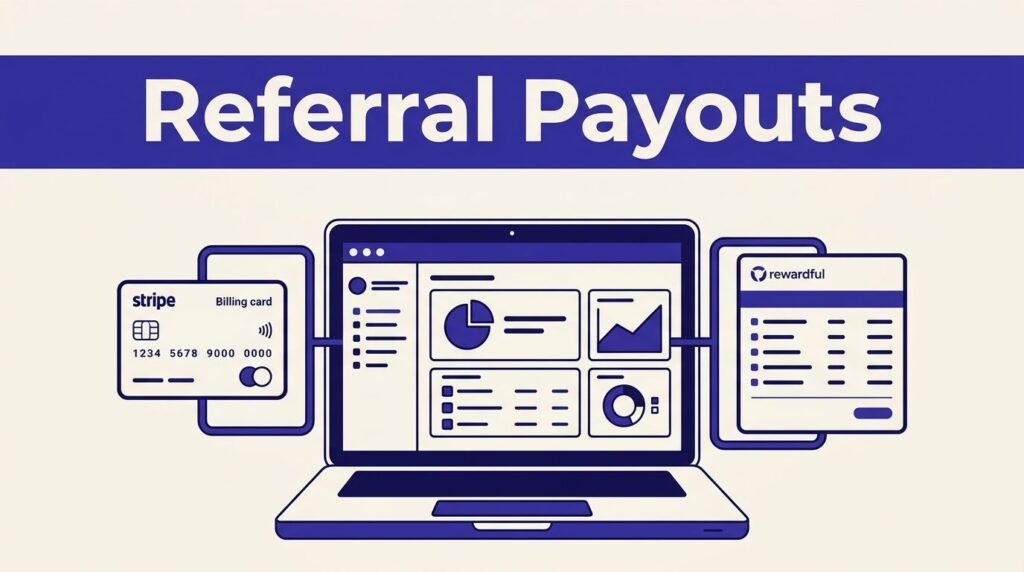
Affiliate commissions can look correct in a dashboard and still create a payment problem. A tracked sale is not the same thing as money sent to a partner.
You can pay partners automatically with Rewardful, but only after you separate commission tracking from payout execution. Automated partner payments work best when campaign rules, payout approval, and finance records all agree.
Start by building the payment process before you turn on the payment feature.
Pay Partners Automatically With Rewardful
Rewardful tracks affiliate referrals and calculates commissions after your payment processor reports subscription activity. It can handle recurring revenue, upgrades, cancellations, and refunds in the commission record.
That tracking is useful. It does not send money by itself.
Tracking commissions is not paying commissions
A referral may generate a commission as soon as a customer pays. The commission can remain pending until it passes your campaign’s waiting period. It becomes due only when it meets your rules.
Rewardful uses commission states such as pending, due, paid, and voided. Its commission timing overview explains that commissions become due after the configured delay and after the affiliate reaches your payout threshold.
Your team still needs to decide whether each due commission is valid. That means checking refunds, failed customer payments, account credits, coupon terms, and unusual sales activity.
Managed Payouts handles the distribution step
Standard Rewardful commission tracking gives you a payable balance. Managed Payouts is the part that distributes funds to partners after you fund a payout.
Rewardful describes Managed Payouts as a service where you make one payment for the payout batch, then Rewardful distributes the funds to eligible affiliates. Review the Managed Payouts merchant FAQ before enabling it.
A commission marked due is an approved liability. It is not a completed partner payment.
This distinction matters when finance asks a simple question: “Has the affiliate been paid?” Check the payout status, not only the commission total.
Set Commission Rules Before You Fund a Payout
Bad campaign settings create bad payouts at scale. Fix the rule before you pay the first partner.
Rewardful campaign settings control the amount, timing, and duration of commissions. Use them as finance rules, not only marketing settings.
Configure automated partner payments rules
Set the reward type first. A percentage commission fits recurring subscription revenue. A fixed amount can fit a qualified lead, a trial conversion, or a one-time plan purchase.
Then set limits that match your commercial terms:
- Choose how many customer payments can earn a commission.
- Set the maximum commission period for recurring referrals.
- Add enough days before commissions become due to cover your refund or chargeback window.
- Set a minimum payout amount that keeps tiny balances from creating unnecessary payment work.
Rewardful’s campaign settings documentation covers maximum commissions per customer, commission periods, and the delay before a commission becomes due.
Don’t copy another program’s threshold without checking your own payout costs and partner mix. A $20 threshold may suit a large affiliate base. It may create too much work for a program with a few high-value partners.
Verify the revenue record before approval
Rewardful receives financial activity from your connected payment processor. If you use Stripe, confirm that the right Stripe account is connected and that Rewardful has the required access to create referrals and calculate commissions. Review the current Stripe permission requirements before changing access.
Run a controlled test before launch. Create a referral, complete a qualifying payment, and check the customer, campaign, commission amount, and due date.
Also test a discounted subscription and a refund. The commission should reflect money actually collected, not a list price that changed at checkout.
Turn On Rewardful Managed Payouts
Managed Payouts reduces the manual work of paying partners one by one. It does not mean your bank account receives an unlimited automatic debit instruction.
You still review the batch, fund it, and reconcile the result.
Connect the program bank account
In Rewardful, go to Payments, then Payout Settings. Add the program contact email and select Connect bank account.
The current Managed Payouts onboarding steps show this setup path. Use a finance-owned bank account and a shared program contact inbox. Don’t connect a personal account used by one marketing employee.
Keep a record of the account owner, approval date, legal entity, and the person who can change bank details. This prevents a simple access change from becoming a payment-control failure.
Fund the batch, then let Rewardful distribute it
After commissions are approved, fund the payout inside Rewardful. Rewardful issues an invoice for the combined commission amount and applicable fees.
Managed Payouts does not automatically pull money from your connected bank account. You fund the payout, then Rewardful distributes the accepted batch to affiliates.
Affiliates enter their withdrawal details in their Rewardful dashboard. Available methods can include bank transfer, PayPal, Wise, and other options based on location and account preferences. The Managed Payouts product details explain that affiliates choose their preferred withdrawal method.
Do not promise every partner the same payment rail. Confirm what they can select in their account before you set expectations.
Run Automated Partner Payments Like a Finance Process
Marketing owns recruitment and campaign terms. Finance owns the money leaving the business. Operations connects the two.
Set a regular payout cut-off. For example, freeze the current batch after your due-date review, approve it, fund it, then reconcile the completed result before starting the next cycle.
Review the due balance before each run
Open the due commissions list and compare it with your subscription and refund records. Check for cancellations, unusual commission values, duplicate referrals, and recently disputed customer charges.
A pending commission is not ready for payout. A due commission still needs a business review if the underlying transaction looks wrong.
Use a simple approval record with the payout date, batch amount, affiliate count, reviewer, invoice reference, and exception notes. Store it with your bank confirmation and Rewardful payout record.
Split ownership across the team
One person should not create campaign rules, approve commissions, fund the payout, and reconcile the result. Small teams can still separate these checks.
Marketing can confirm that partners qualify under the campaign. Finance can approve the total and fund the batch. An operations owner can reconcile payout statuses and keep the audit trail.
If your program spans multiple Stripe accounts, entities, currencies, or approval layers, Book A Call before turning on payouts. Fix the process while the partner count is small.
Handle Failed, Refunded, and Disputed Payments
A failed payout and a refunded customer payment are different events. Treat them differently.
Rewardful’s payout dashboard can show processing, completed, and failed payouts. A failed status does not prove the partner has received nothing or that funds have returned to your account.
Stop duplicate payments after a failed status
Record the payout ID, affiliate name, amount, status, and time of the failure. Then check the existing payout record before creating a replacement payment.
Do not send a manual payment because a partner says they have not received funds. First confirm whether the payout is still processing, failed, or completed. Check the funding record and contact Rewardful through the official support route if the status is unclear.
Keep payout invoices, bank confirmations, support messages, and internal approval notes together. This gives finance one record to reconcile instead of a trail across email and chat.
Pause commissions tied to refunds or disputes
Refunds and cancellations can change the commission position. Give new commissions enough time before they become due, especially if your subscription has a trial, refund period, or high chargeback risk.
When a customer payment is disputed, put the related affiliate commission into an exception review. Do not include it in the next payout batch until the customer payment is resolved.
If a payout already completed, do not edit history to make the numbers look clean. Record the adjustment against a later batch and preserve the original payment record.
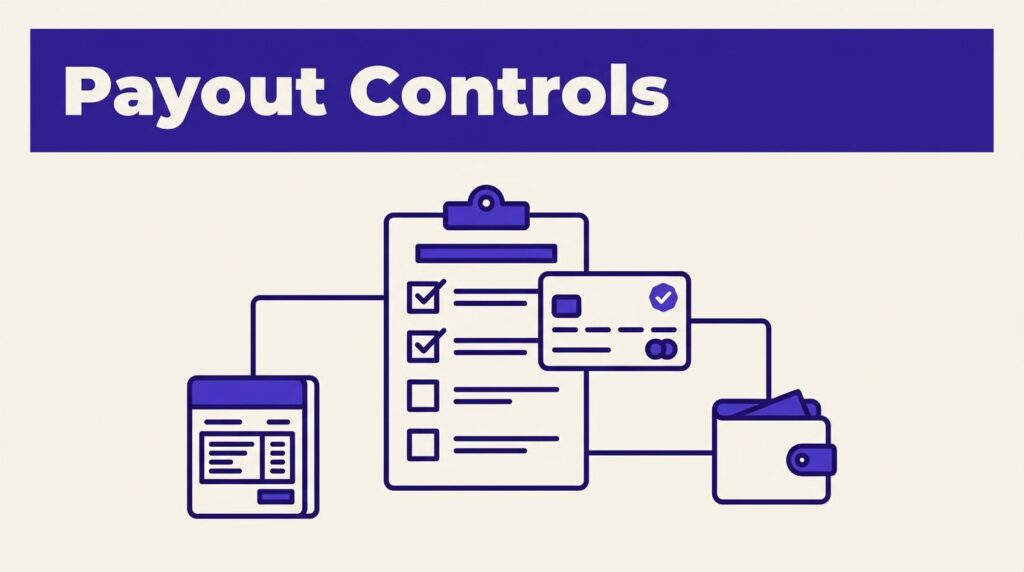
Checklist Before You Enable Payouts
Use this review before you enable automated partner payments in production:
- Your campaign has a clear commission amount, maximum period, due-date delay, and minimum payout threshold.
- A test referral has produced the expected customer and commission records.
- Finance has reviewed how refunds, cancellations, and disputes affect due commissions.
- The correct legal entity and bank account are connected to Managed Payouts.
- Affiliates know where to enter and update their withdrawal details.
- A finance owner approves each payout batch before it is funded.
- Your team has a written response for processing and failed payout statuses.
- Payout invoices, approvals, bank records, and exception notes have one shared storage location.
- A small approved payout batch has completed before you expand the process.
Measure completed and reconciled payouts, not automation runs. A process that sends money quickly but creates correction work has not saved your team time.
Final Payment Control
Rewardful can reduce the work of paying a growing partner program. The system tracks commissions, while Managed Payouts distributes a funded and approved batch.
The reliable approach is simple: set clear campaign rules, review due commissions, fund the correct batch, and reconcile every result. Automated partner payments should reduce manual effort without removing financial control.