How I Automate Bug Reporting Tasks With Twin.so
I don’t want my team spending half a day copying screenshots, pasting logs, and asking the same follow-up questions. When a bug report lands in pieces, everyone pays for it later. That is why bug reporting automation matters. It cuts...
I don’t want my team spending half a day copying screenshots, pasting logs, and asking the same follow-up questions. When a bug report lands in pieces, everyone pays for it later.
That is why bug reporting automation matters. It cuts the busywork around intake, routing, ticket creation, and status updates, so support, QA, and product can focus on the issue itself.
Twin.so fits well when I want a workflow that starts with plain language and ends with a completed report. The useful part is the repeatable path it creates for every new issue.
Why manual bug reporting slows teams down
When I look at manual bug reporting, the real cost is not the form itself. It is the back-and-forth. One missing browser version can stall QA. One unclear repro step can send support back to the customer. One vague screenshot can leave product guessing about impact.
Support gets the first signal and has to gather context. QA needs exact steps, device data, and proof. Product wants severity, priority, and a clean path to the right owner. If each group collects information in a different way, reports arrive unevenly.
If your team already lives in Jira, Atlassian’s bug tracking guide is a useful reference point. The challenge is that structure often depends on a person remembering every field, every time. That works when the queue is small. It breaks when tickets pile up.
Manual work also creates tiny delays that add up fast. Someone copies notes from chat into a ticket. Someone else renames a screenshot. Another person pings the engineer who owns the area. None of that is hard on its own, but all of it steals time. In a busy week, those minutes turn into lost momentum.
I like to think of bug intake as a funnel with holes in it. The more handoffs it takes, the more context leaks out. By the time the report reaches engineering, the original frustration is often gone, but so is the useful detail. Duplicate tickets start to appear, ownership gets fuzzy, and triage slows down.
A bug report without steps, device details, and ownership is a guess, not a handoff.
How Twin.so handles the repetitive parts
Twin.so works well for me when I want the same reporting path every time. Its agent can take plain-language instructions, move through browser steps, use API connections, and carry the report forward without me retyping the same fields. In practical terms, that means I can ask it to collect the details, open the right system, and fill in the ticket structure I already use.

Here is the part I care about most. I do not need the tool to think like a product manager. I need it to do the repetitive work with the same logic every time.
| Bug report step | Manual work | Twin.so can handle |
|---|---|---|
| Collect issue details | I ask for steps, device info, and screenshots | It gathers the needed fields in a repeatable flow |
| Route the report | I decide where it should go | It sends the report to the right queue or owner |
| Create the ticket | I copy the report into Jira or another tracker | It fills the ticket and saves the record |
| Notify the team | I post a Slack or email update | It alerts the right people at the right time |
| Track resolution | I check status and chase updates | It keeps the workflow moving and records progress |
That kind of bug reporting automation matters because it removes the clerical layer. The report still needs human judgment, but the setup work no longer eats the day.
Teams that already use test automation can connect the same idea back to test failures. Integrating bug tracking with automated tests is a good reminder that bug reports work best when they match the signals your tests already produce.
A workflow I would use across support, QA, and product
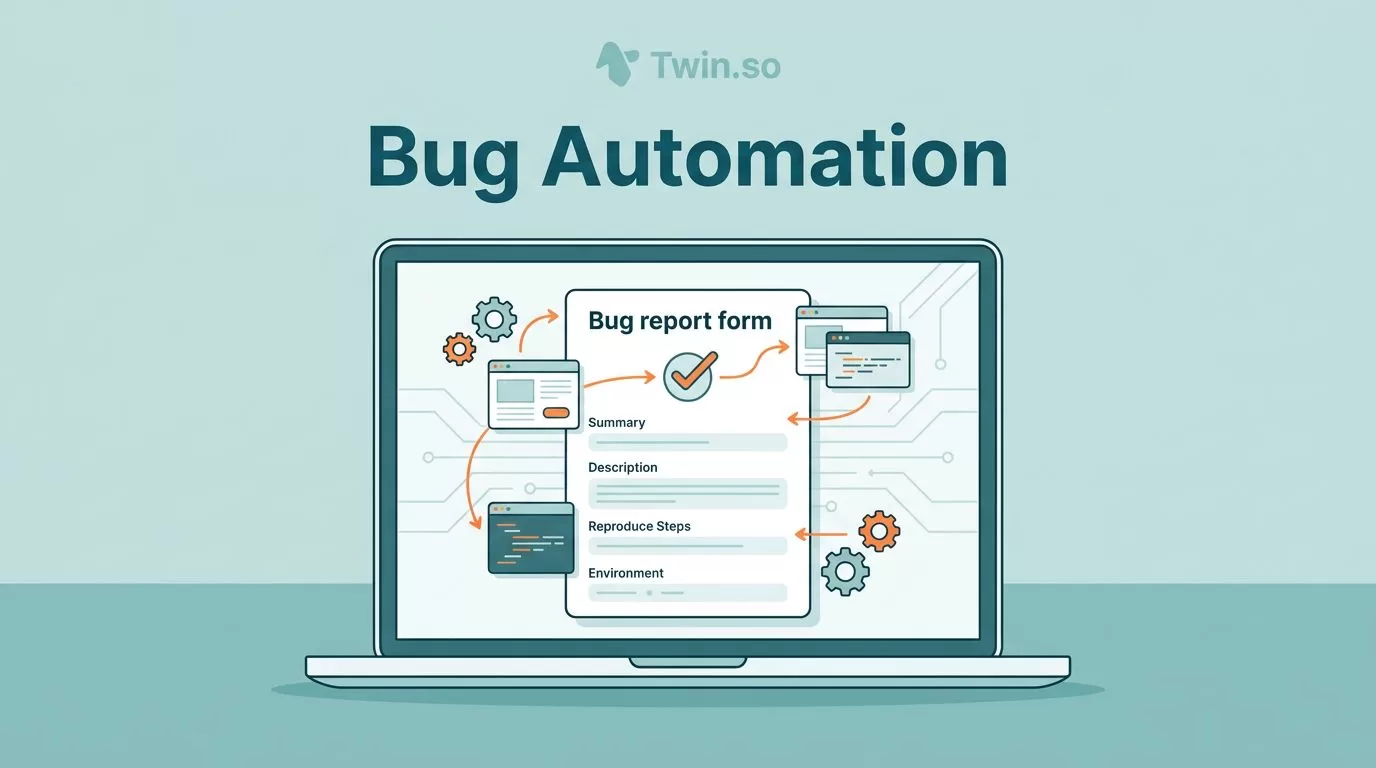
If a customer tells support that the export button fails in Chrome, I want one path from report to fix. First, Twin.so can collect the basics, such as user email, browser, OS, URL, and a screenshot. Next, it can ask for the exact steps or pull them from a form if the reporter already filled them in. Then it can route the report by product area or severity.
I would set that flow up so it does four things in order:
- Gather the report in one place.
- Add the fields engineering needs.
- Create the ticket in the tracker.
- Notify the owner in Slack or email.
If the problem is a login failure, I want the ticket tagged for identity and auth. If it is a layout bug, I want it sent to the UI owner instead. That kind of routing matters because the right person sees the report sooner, and the wrong people do less triage work.
After that, I would let the system keep the case alive. If the report changes status, it should update the people who need to know. If the issue gets closed, it should mark the loop as done and keep the trail clear for future reference.
That matters because support and QA often work on different clocks. Support wants fast replies. QA wants exact reproduction. Product wants to know whether the issue is broad, serious, or isolated. A single automation flow can serve all three if I define the fields well.
I also like the way this changes the mood of the queue. Instead of a desk full of half-finished notes, I get clean reports with a predictable shape. That makes triage easier. It also makes engineers more likely to trust the incoming ticket, which saves more time than any single automation step.
How I keep automation useful instead of noisy
Before I turn on any automation, I lock down a few rules. The fields have to be clear. The routing has to be predictable. The notifications have to reach the right people, and only the right people.
I start with the basics:
- Required fields should include browser, device, app version, expected result, actual result, and severity.
- Routing rules should match product area, customer tier, or bug type.
- Notification rules should fire for real ownership changes, not every tiny status update.
- Resolution states should stay short and easy to read.
I also keep the workflow tight on status names. New, triaged, assigned, fixed, and verified are enough for most teams. Long status chains usually create more confusion than clarity.
For QA teams, I want reports to preserve the test name, the failure point, and the environment. For support teams, I want the reporter context to stay attached to the ticket. For product teams, I want the priority signal to be visible without opening five tabs. That is where the value lives. It is in the shape of the data, not the volume of it.
A short checklist helps me catch weak spots before the workflow goes live. If a field is often blank, I add it to the intake. If a notification goes to the wrong channel, I change the routing. If a status name confuses people, I cut it.
If the intake form asks for the wrong fields, automation just moves the confusion faster.
I also think about access and audit trails. Bug reports can include customer data, internal links, or sensitive logs. I want the workflow to send each report to the right place, keep permissions narrow, and leave a clear trail for later review. That matters just as much as speed.
Conclusion
When I automate bug reporting tasks with Twin.so, I am not trying to remove human judgment from the process. I am removing the copying, pasting, and chasing that slow teams down.
The real win is cleaner intake. Reports reach the right person faster, tickets open with less friction, and follow-up questions shrink. Support, QA, and product all get a clearer picture.
If I start with a solid workflow and a small set of required fields, bug reporting automation becomes one of the easiest ways to save time without losing control. That is the kind of change a busy team feels right away.
