Build a Bug Triage Bot with Twin.so
A bug triage bot can turn an unstructured queue into a controlled engineering workflow. It can read incoming reports, classify severity, detect likely duplicates, request missing details, and route each issue to the right team. Twin.so fits...
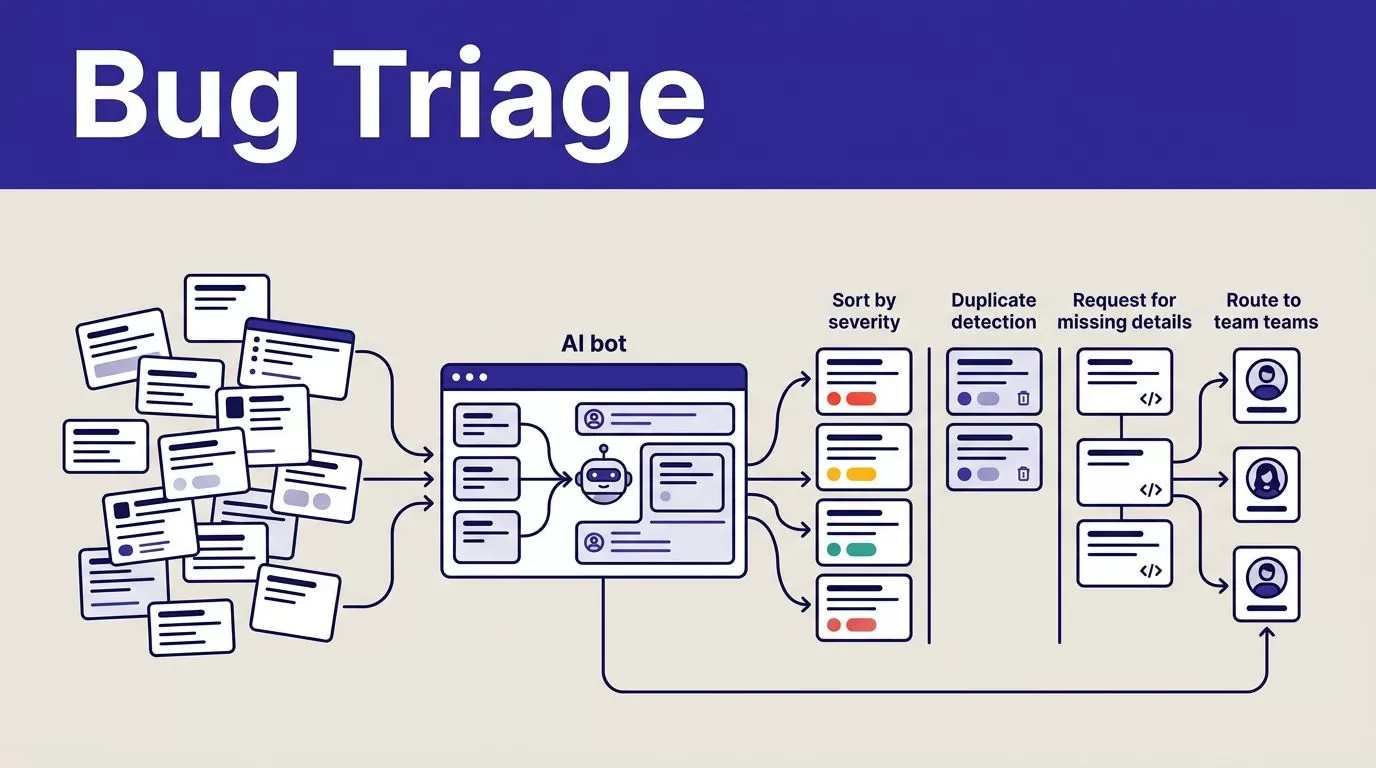
A bug triage bot can turn an unstructured queue into a controlled engineering workflow. It can read incoming reports, classify severity, detect likely duplicates, request missing details, and route each issue to the right team.
Twin.so fits this use case because it builds AI agents that work across connected apps, APIs, browser sessions, schedules, and webhooks. The quality of the result depends on your rules, data fields, confidence thresholds, and review process. Start with the triage contract, then build the workflow.
Define the triage contract before you open Twin.so
A vague instruction creates vague decisions. Define what the bot receives, what it must return, and which actions require approval.
The intake record should include:
- A ticket ID, title, description, reporter, source, and timestamp.
- Steps to reproduce, expected behavior, actual behavior, environment, browser, device, app version, and affected account.
- Error messages, stack traces, screenshots, logs, and related URLs.
- Component, customer impact, current status, and previous assignee when available.
Keep the original report unchanged. Create a separate normalized record for the fields Twin will analyze. Store the proposed decision, confidence, reason, workflow run ID, and action status alongside it.
This separation makes errors easier to audit. It also lets you rebuild the normalized record when your taxonomy changes.
Set a clear severity policy before you connect the workflow. A configurable example looks like this:
- Severity 1 covers production outages, data loss, active security issues, or a login failure affecting all users.
- Severity 2 covers a major function blocked for a meaningful group without a practical workaround.
- Severity 3 covers a reproducible defect with limited scope or an available workaround.
- Severity 4 covers cosmetic issues, minor text errors, and low-impact edge cases.
These are policy examples, not confirmed Twin.so defaults. Your product team must define the final rules and service-level targets.
Treat privacy as part of the contract. Bug reports may contain customer names, email addresses, account identifiers, tokens, or private logs. Remove secrets before processing. Limit access to the fields the bot needs, and define retention and deletion rules for raw reports and generated outputs.
Separate confirmed Twin.so features from your configuration
Twin.so is primarily an AI agent and workflow automation platform. It isn’t a dedicated bug management system or a model-training service.
Twin describes agents that can use connected apps, APIs, browser automation, web search, triggers, and repeatable execution. Its AI agent platform supports plain-language workflow instructions instead of requiring you to draw every node manually. The Twin learning center also describes browser automation and agentic workflows in more detail.
For this project, the confirmed platform capabilities are the building blocks:
- A plain-language instruction can define the agent’s goal and operating rules.
- An agent can use API integrations where they are available.
- Browser automation can handle authorized systems without a usable API.
- Webhooks and scheduled triggers can start repeatable runs.
- Connected tools can receive updates, notifications, and reports.
The bug-specific logic is yours to configure. Twin does not automatically know that a payment failure is more urgent than a layout problem. It also doesn’t know which team owns authentication or how many matching signals justify a duplicate decision.
Use APIs first. Browser automation usually costs more credits and can break when a page changes. Use a browser session only when the required action or data isn’t available through an approved API.
Build the bug triage bot in Twin.so
Create one narrow workflow first. Use a single intake source and one destination issue tracker. Add Slack or email notifications after the core decisions work correctly.
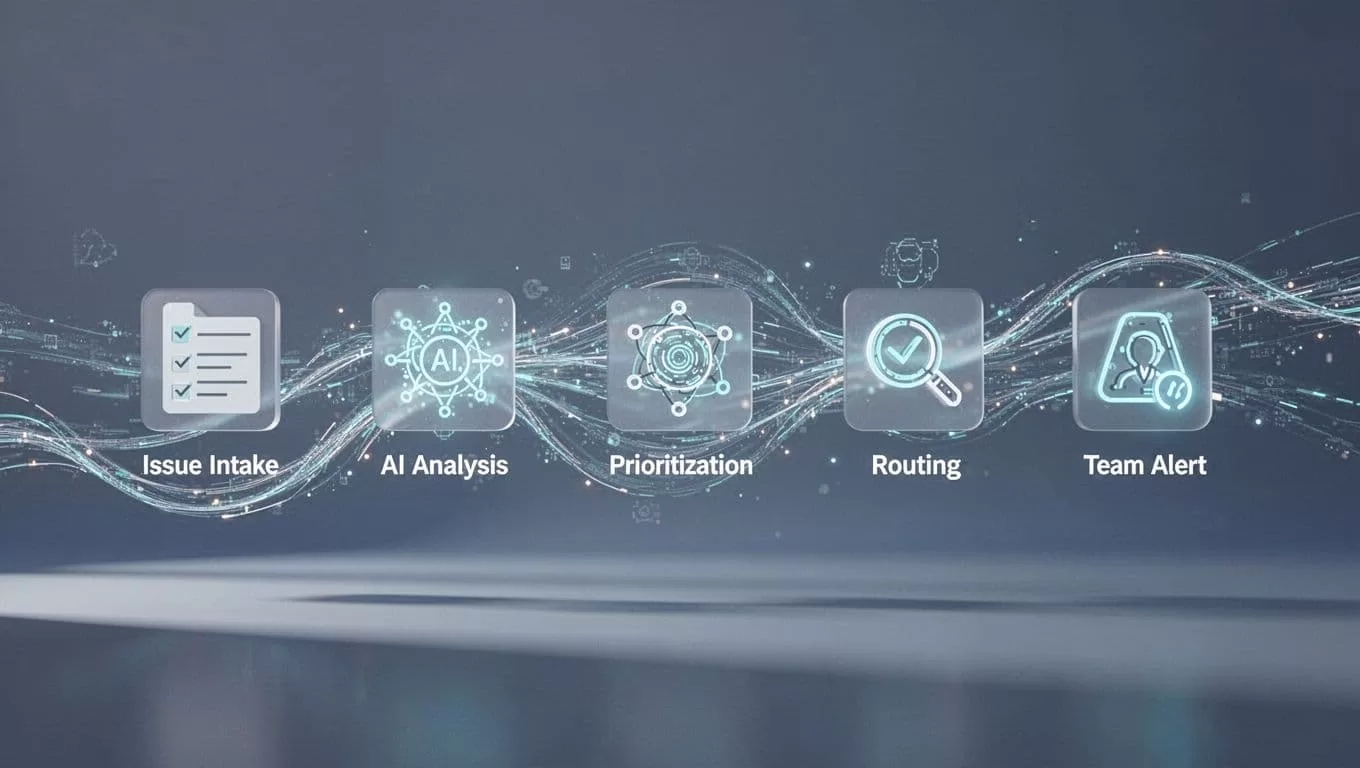
1. Connect the intake and output systems
Choose how new reports reach the agent. A webhook works well for an application form or support system. A scheduled trigger can check a queue at fixed intervals. Start with a low-frequency schedule while you test.
Connect the destination used by your engineers. Depending on your workspace, that may be an issue tracker, database, spreadsheet, Slack channel, or internal portal. Confirm the available integration before writing the final instruction.
Give the agent the smallest permission set possible. It may need to read new reports, search existing issues, create a proposed ticket, and post a notification. It shouldn’t receive permission to delete tickets or change production settings.
2. Normalize each report
Ask Twin to convert each report into a consistent structure. It should preserve the original title and description while extracting fields such as component, version, environment, reproduction steps, and customer impact.
Require the agent to return a missing-fields array. If the report lacks reproduction steps, browser details, or an affected version, the bot should request those details instead of inventing them.
A useful instruction is:
Review each new bug report. Preserve the original content. Extract the required fields. Classify severity using the approved rubric. Search existing issues for exact and likely matches. Return severity, confidence, duplicate candidates, missing fields, owning team, and proposed next action. Never invent reproduction steps or close a ticket automatically.
3. Classify, match, and route
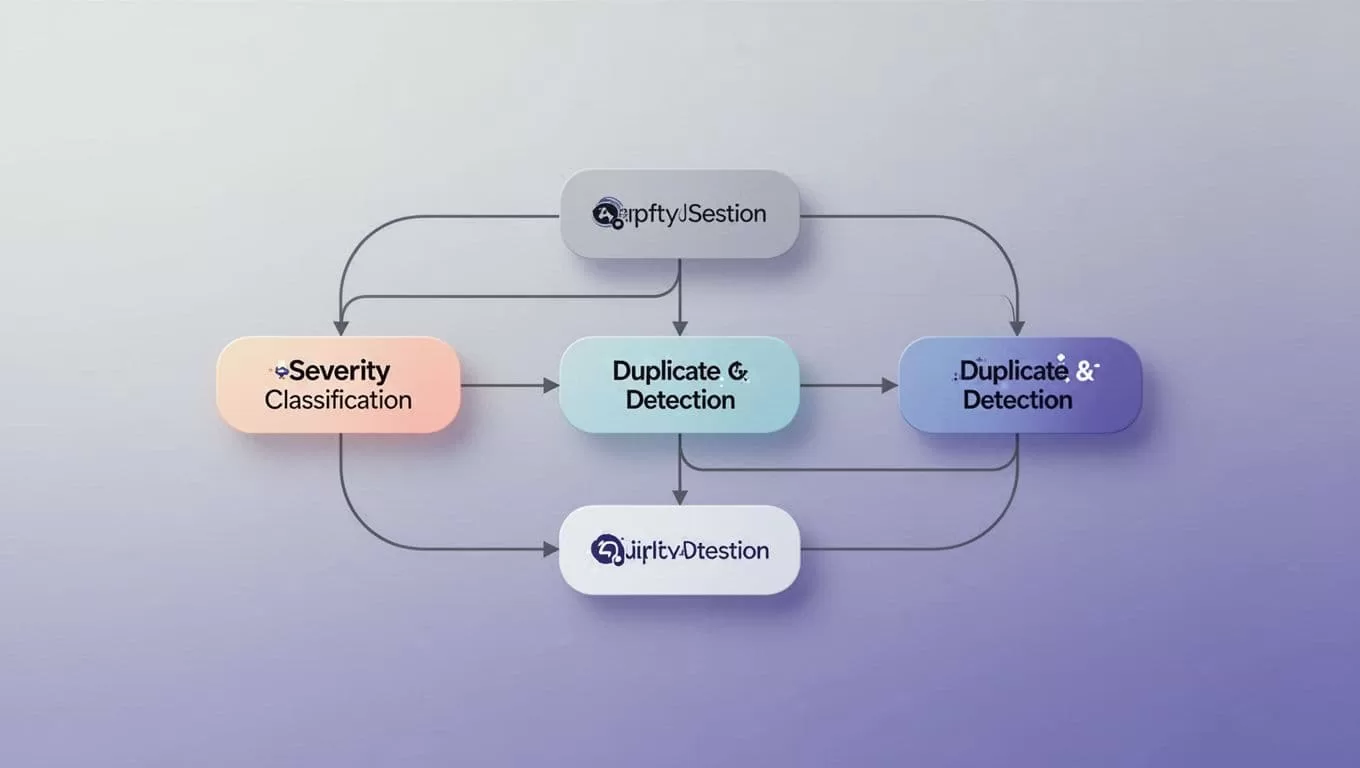
Use deterministic checks before fuzzy analysis. An exact ticket ID, error code, stack trace, or customer-facing incident ID is a stronger duplicate signal than similar wording.
For likely duplicates, have the bot return the matching issue, shared signals, and confidence. Don’t merge or close the new report automatically when the match is uncertain. Send it to a human triage queue.
Map components to teams in a maintained configuration. For example, authentication routes to the identity team, payment failures route to payments, mobile crashes route to mobile engineering, and export errors route to data engineering. If no owner matches, assign the issue to the central triage queue.
A high-confidence, low-risk route can happen automatically. A low-confidence severity, sensitive report, large batch of changes, or possible security issue should require approval.
Use concrete reports to test every decision
Your test set should contain normal reports and failure cases. Historical tickets work well because they show the language your users and support staff already use.
| Bug report | Expected decision | Route |
|---|---|---|
| “Every card payment returns HTTP 500 in production after release 4.8.2. No workaround exists.” | Severity 1, high confidence, create an incident notification | Payments team and on-call |
| “CSV exports omit the customer’s timezone. The issue affects accounts using scheduled exports.” | Severity 2, request a sample export if missing, then create a proposed issue | Data engineering |
| “The save button overlaps the footer in Safari 17.5. The form still submits.” | Severity 4, attach the browser details | Frontend team |
| “SSO login fails for our enterprise tenant after the identity provider update.” | Severity 2, or Severity 1 if all tenants are affected, request tenant and timestamp | Identity team |
| “Checkout shows a blank error message after a failed payment.” | Search for related checkout and payment issues before creating a new ticket | Payments triage |
The bot should ask a focused follow-up when information is missing. For example: “Please provide the app version, browser, exact steps, and whether the issue affects other users.” It shouldn’t ask for details already included in the report.
Duplicate detection needs similar discipline. Compare exact IDs first, then normalized error signatures, stack traces, affected endpoint, version, component, and reproduction behavior. Use title and description similarity as a candidate signal, not final proof.
Price the workflow and control its data
Twin.so uses credits rather than a simple per-seat model. A simple automation may use around 15 to 30 credits, while a browser session with about 20 steps may use roughly 100 to 200 credits. Actual usage depends on the number of lookups, searches, browser actions, and generated outputs.
Measure cost per successfully reviewed ticket, not cost per workflow run. Track credits, processing time, human corrections, duplicate decisions, failed runs, and tickets routed without rework. Run a small approved sample before enabling the full queue.
Twin’s browser automation can access authorized browser-only systems, but it doesn’t make data collection GDPR compliant. Your organization remains responsible for the purpose, legal basis, source permissions, retention, deletion requests, and handling of personal data.
Review the source terms and your Twin agreement before sending outputs into external evaluation or fine-tuning systems. Keep raw reports, normalized records, and reviewed examples as separate versions. Store provenance fields such as source URL, collection timestamp, extraction method, content hash, and quality flags.
Launch in report-only mode first
Do not begin by allowing the bot to change every ticket. Use report-only mode to compare proposed decisions with human triage results.
Review at least these cases:
- A clear Severity 1 report.
- A report with no reproduction steps.
- Two reports with the same stack trace but different wording.
- A report that contains a possible credential or personal-data exposure.
- A ticket with conflicting component labels.
- A failed API call or changed browser page.
Monitor attempted, skipped, created, updated, and failed records. A blank output isn’t the same as zero bugs. The workflow must report whether the search completed successfully or failed during extraction.
Use these troubleshooting actions when results are wrong:
- Tighten duplicate rules when similar titles are being merged too often.
- Add component and version signals when routing sends issues to the wrong team.
- Require human approval for low-confidence severity decisions.
- Switch from browser actions to an API connector when page changes cause failures.
- Reduce repeated lookups when credit usage rises without improving accuracy.
- Send failed runs to an owner instead of allowing silent empty results.
Use this launch checklist before enabling automatic updates:
- Approved the intake source, connected tools, and required permissions.
- Defined severity, duplicate, missing-field, and routing rules.
- Tested historical reports and controlled test tickets.
- Enabled report-only mode and reviewed proposed decisions.
- Created a human queue for uncertain or sensitive cases.
- Added run logs, failure alerts, and credit monitoring.
- Confirmed retention, deletion, and data-access procedures.
- Limited automatic actions to low-risk, high-confidence decisions.
If the workflow spans several systems or needs a detailed exception map, Book A Call before deployment.
Conclusion
A bug triage bot works when it follows an explicit operating policy. Twin.so can connect the intake, analyze reports, search existing issues, and route proposed actions across your tools. Your team still owns severity definitions, duplicate thresholds, privacy controls, permissions, and human review.
Start with one source, one destination, and a small test queue. Measure accuracy and cost per reviewed ticket. Then expand only after the workflow handles missing details, duplicates, failures, and sensitive reports without silent errors.
