How I Use Candidate Matching in Recruit CRM
When a requisition lands on my desk, I need a fast way to cut through the noise. I still want strong people, but I don’t want to spend half a day reading resumes that miss the brief. That’s why I rely on a candidate matching alg...
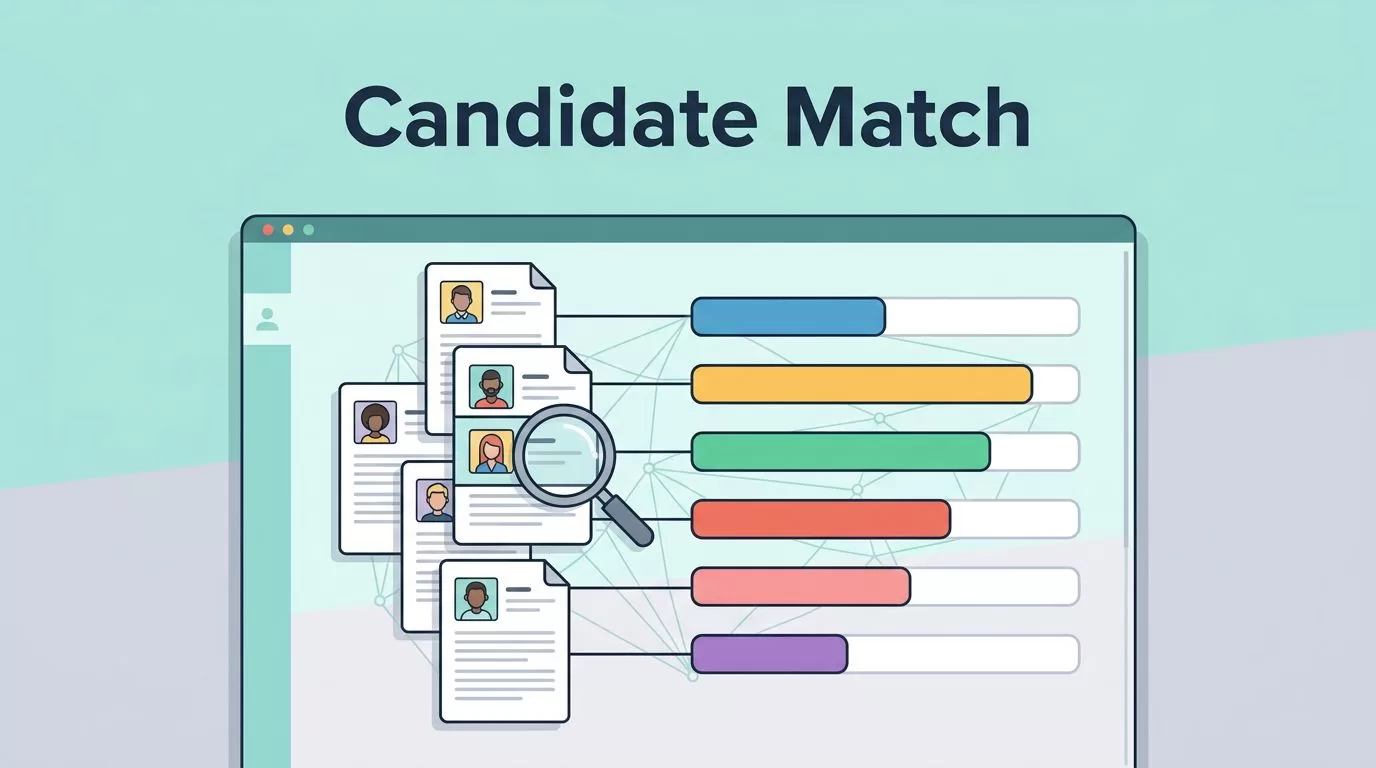
When a requisition lands on my desk, I need a fast way to cut through the noise. I still want strong people, but I don’t want to spend half a day reading resumes that miss the brief. That’s why I rely on a candidate matching algorithm in Recruit CRM. It helps me rank the pile before I start making judgment calls.
Used well, matching doesn’t replace recruiting skill. It gives me a cleaner first pass, so I can focus on fit, timing, and client needs. That matters most when the role is urgent and the database is already full.
What Recruit CRM’s matching score is doing
Recruit CRM’s matching works best when I treat it as a ranking tool, not a final answer. The system compares a candidate profile with a job and weighs signals like skills, experience, education, location, language, job titles, and industry. Two resumes can look similar at a glance and still fit very different roles. That’s why a score helps me sort faster, but it doesn’t replace reading the story behind the resume.
I like that Recruit CRM’s own AI candidate matching overview explains the model as a two-way comparison. In plain language, it does not just ask whether a resume mentions the same words as the job description. It looks for broader alignment across the profile. That matters when a client wants someone with the same depth, not just the same title.
I also like the way this fits with how recruiters think. A strong profile is more than a keyword hit. It shows a pattern of work, the right level of responsibility, and enough context to make a sensible call.
A match score saves time, but I still decide who belongs on the shortlist.
This approach feels practical because it reduces clutter without taking judgment away from me. That’s the balance I want in recruiting software.

This is where the score becomes useful. I can glance at the top matches, open the strongest profiles, and decide where to dig deeper.
How I apply it to a live requisition
When a job comes in, I start by cleaning the requisition. I write the must-haves, the nice-to-haves, and the deal breakers in plain language. If a client wants a specific region, a target industry, or a language requirement, I put that in the job before I search. That small step saves me from chasing people I should have ruled out at the start.
Next, I make sure resume parsing is doing real work. Parsed data gives the matching engine cleaner signals, especially when titles vary or skills sit inside long work histories. Recruit CRM’s AI approach also helps when a resume is written in a different style from the job post. The matching still has a chance to spot the fit.
If I find one profile that looks right, I use it as a reference point. Similar candidates often surface faster than a broad search, and that helps when I need a shortlist in hours, not days. I can also scan for patterns in past placements, then look for people who match those patterns more closely.
If I’m building the wider process, I keep my Recruit CRM setup notes close and shape the rest of the work around the workflow structure I use for recruiting. That keeps matching tied to intake, screening, and follow-up instead of becoming a separate task.

Tags, search filters, and shortlist creation
I get better results when I keep the database tidy. Matching works best when tags and filters tell a clear story. A tag for “SaaS sales,” “bilingual,” or “hybrid only” makes later searches far easier. It also keeps old candidates from disappearing into a messy pile. When I reopen a role weeks later, that clean structure pays for itself.
I use a simple review grid before I move anyone into a shortlist.
| Step | What I do | Why it helps |
|---|---|---|
| Resume parsing | Let Recruit CRM read the resume first | I avoid manual data entry |
| Tags | Mark niche skills or client needs | I can return to strong profiles later |
| Search filters | Narrow by location, seniority, or title | I stay close to the brief |
| Shortlist | Save only the best fits | The client sees cleaner options |
Recruit CRM’s AI features overview is useful here because it shows how matching fits with the rest of the AI tools. I do not want a score that lives on its own. I want a score that helps me sort, filter, and build a shortlist I can defend to a client or hiring manager.
When I do that well, the shortlist feels less like a guess and more like a clear argument.
Mistakes that weaken candidate matching
The matching score is only as good as the data I feed it. When a requisition is vague, the results get vague too. When tags are inconsistent, searches slow down. When I let old notes pile up, I end up second-guessing the system. That is why I review job intake and data hygiene before I blame the tool.
Three mistakes come up often in my own work.
- I leave messy job data in the requisition, so the score has weak input.
- I trust a high score without reading the resume, which can hide gaps.
- I let tags drift, so filters stop meaning anything.
Once I clean those parts up, the score becomes a much better first pass. It is faster, sharper, and easier to explain to a hiring manager. That matters when I need to defend why one candidate sits above another or why one profile should move forward now.
Conclusion
Candidate matching works best when I treat it as a guide, not a verdict. In Recruit CRM, it helps me sort resumes faster, compare stronger candidates, and build shortlists that match the brief more closely.
The real value comes from the full workflow, clean requisitions, parsed resumes, useful tags, and focused filters. When those pieces line up, the score stops feeling like a number and starts feeling like a better hiring habit. If I’m choosing software for a staffing team, I also compare this process with my staffing agency CRM notes.
