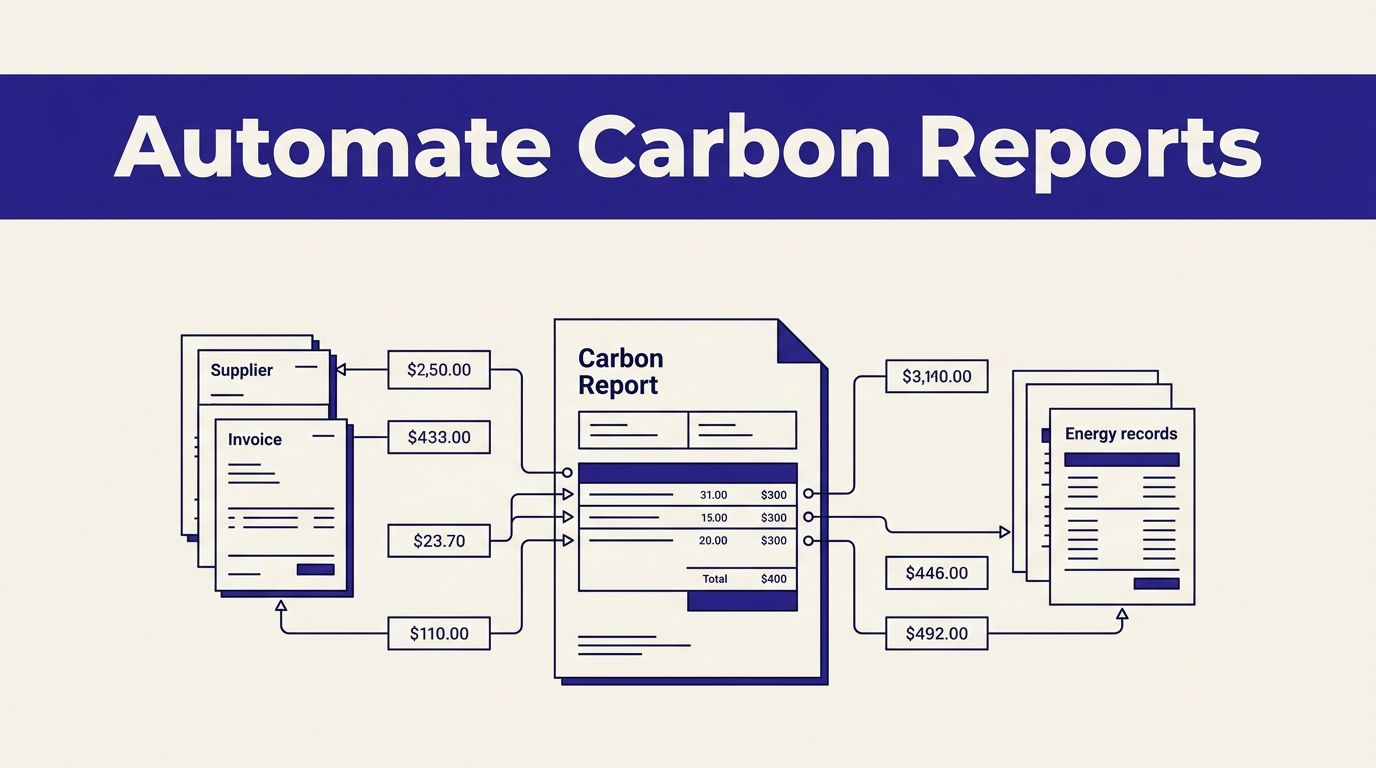
Carbon reporting rarely fails at the final PDF. It fails when supplier files arrive late, energy data uses inconsistent units, and nobody can identify the source behind a number.
If you need carbon tracking software, separate two jobs. The accounting system calculates emissions under an approved method. Twin.so can be tested as an automation layer for collecting documents, extracting fields, checking completeness, and preparing a report for review.
Twin’s public materials support workflows, tools, and agent-based API tasks. They don’t confirm a dedicated carbon ledger or complete carbon-accounting methodology. Build around that boundary, then automate the repeatable work.
Where carbon tracking software ends and Twin.so starts
Twin.so isn’t confirmed as a standalone carbon-accounting platform. Its documented capability is broader, an AI-agent system that executes workflows with tools and conditions.
That makes it useful around the reporting process. It doesn’t automatically make Twin.so responsible for your emissions calculations, accounting boundaries, or regulatory claims.
What Twin.so can handle
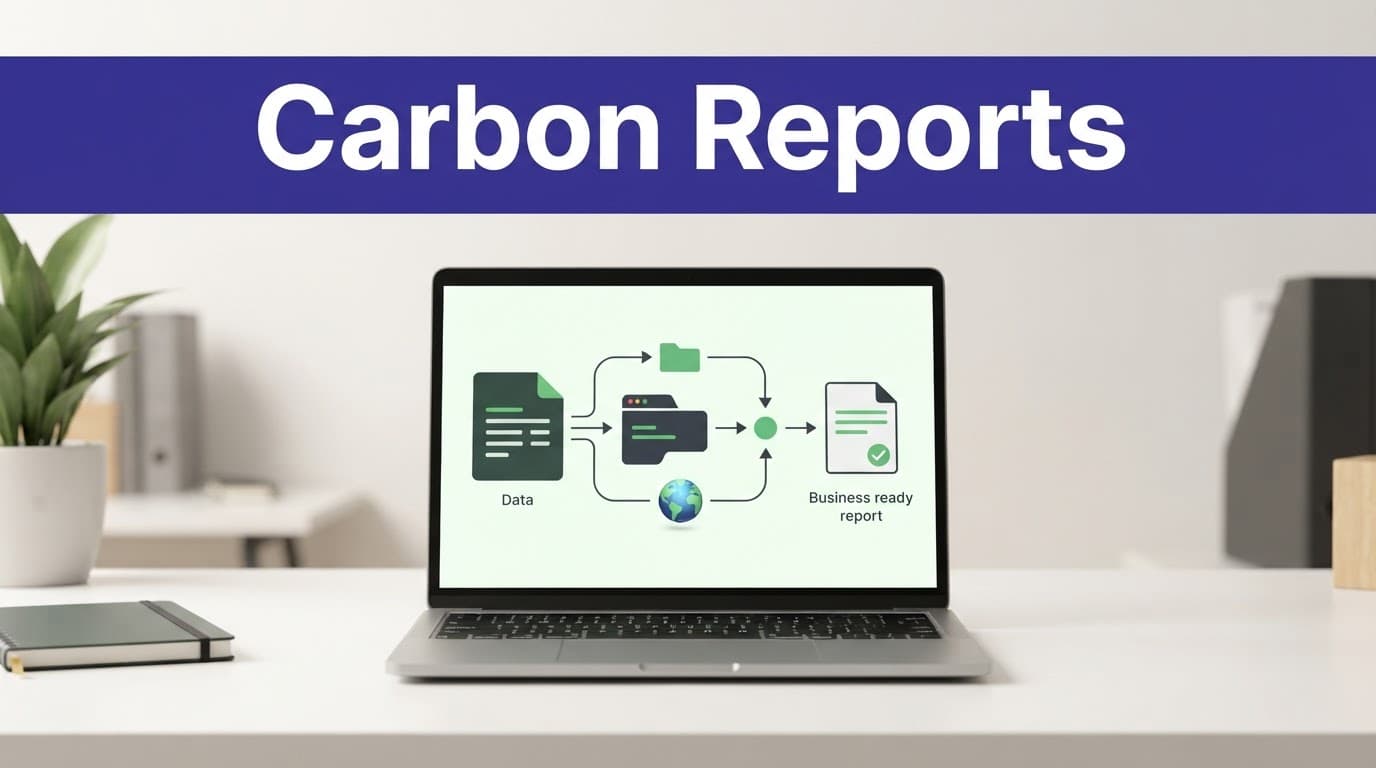
A controlled Twin.so workflow can retrieve an approved file, read a supplier report, extract Scope 1, Scope 2, and Scope 3 fields, identify missing datapoints, and return structured output.
It can also update an approved reporting destination, create an exception record, or notify an owner. Exact native connectors aren’t confirmed in the retrieved product material, so validate the destination before designing the workflow around it.
A public Twin agent example for CSRD supplier emissions data shows this type of output. It lists Scope 1 emissions at 1,240,000 tCO2e, Scope 2 market-based emissions at 680,000 tCO2e, and Scope 3 Category 1 as “Not Disclosed.” It also marks audit readiness as AMBER when four of seven required ESRS E1 datapoints include verbatim evidence.
That is a product example. It isn’t a customer result or proof of assurance.
What your team still controls
Twin’s retrieved materials don’t confirm automatic emissions-factor selection, activity-based or spend-based calculations, GHG Protocol reporting, or a dedicated carbon inventory.
Don’t let an agent fill a missing factor with a plausible guess. Keep the reporting boundary, units, factor source, calculation method, and evidence version in controlled records.
Use the GHG Protocol Corporate Standard to define the inventory rules. Twin can move inputs through the process, but your sustainability or compliance owner approves the method.
Define the reporting workflow around evidence
Automation works only when the input rules are clear. Start with the reporting boundary and source register before you configure an agent.
Map sources, scopes, and owners
List every input required for the reporting period. Typical sources include utility bills, fuel records, fleet data, refrigerant logs, travel records, procurement data, and supplier questionnaires.
Assign each source to an owner. Record the expected file type, reporting period, business unit, currency, physical unit, and submission deadline.
Separate the data by scope:
- Scope 1 covers direct emissions from sources the company owns or controls.
- Scope 2 covers purchased electricity, steam, heat, and cooling.
- Scope 3 covers indirect value-chain emissions.
The GHG Protocol standards and guidance provides the reference material for Scope 2 and other corporate accounting decisions. Your workflow should point to those rules instead of embedding unexplained assumptions inside a prompt.
Preserve the source behind every value
Each extracted value should carry its source file, page or section, reporting period, extraction timestamp, and review status.
Keep the original document. Store the extracted field separately. Never overwrite a verified value with a blank field from a newer but incomplete file.
For supplier information, record whether a value was reported, estimated, unavailable, or not applicable. A missing Scope 3 value is different from a zero value. Your report must preserve that difference.
A practical Scope 3 emissions guide can help teams think through supplier and value-chain inputs before they automate collection.
Turn recurring inputs into a reporting run
The monthly or quarterly process should work like a controlled pipeline. Each stage needs an input, an output, and a failure path.
Collect current files without creating duplicates
Use APIs first when the source provides one. Use browser automation only for an authorized portal or website that requires normal user interaction.
Tell the workflow which source to open, which date range to use, and which fields to collect. It should reject files with an old reporting period, unexpected columns, missing identifiers, or a duplicate batch ID.
The workflow should also record the source location and retrieval time. If a supplier uploads two versions, keep both records and route the conflict to a person.
Run the first version manually with a known batch. Then run the same batch twice. The second run shouldn’t create duplicate records, repeat notifications, or overwrite a newer report.
Prepare calculations and report outputs
Normalize fields before they reach the reporting model. Convert units through approved rules. Keep the original unit beside the converted value. Record the factor and factor version used for every calculated result.
If Twin.so doesn’t provide a confirmed emissions-factor database or calculation engine for your case, perform that step in your existing accounting model or controlled data system.
Twin.so can then collect the approved outputs, identify missing evidence, build a reporting package, and route it for approval. The final report should link each material figure to its underlying record.
A useful output includes:
- Reporting period and organizational boundary.
- Scope and category.
- Activity data and unit.
- Emissions factor and source.
- Calculated tCO2e.
- Evidence location.
- Validation status.
- Reviewer and approval date.
This structure reduces manual copying without allowing the agent to hide uncertainty inside polished prose.
Keep human review in the approval loop
Automation reduces repetitive work. It doesn’t remove accountability.

Validate the data, not only the report
A reviewer should inspect unusual changes, missing fields, unit conversions, supplier estimates, and new emissions factors.
Compare the current period with the prior period. A sharp increase may be correct, but it needs an explanation. A sharp decrease may indicate a missing site, an incomplete invoice, or a changed boundary.
Use report-only mode first. Let Twin.so identify proposed changes without writing them to the final destination. Review the output against the source records. Then enable updates for a small batch.
Route uncertain matches, inferred values, sensitive fields, and large changes to a named owner. The workflow should separate successful runs from exceptions. A failed validation should create an incident or review record, not publish incomplete data.
Use this pre-publish checklist
Before releasing a carbon tracking report, verify:
- The reporting period matches the source documents.
- The organizational boundary matches the approved inventory.
- Scope and category assignments are correct.
- Units and conversions follow the approved method.
- Emissions factors have a recorded source and version.
- Missing data is labelled instead of converted to zero.
- Material changes have a reviewer comment.
- Every reported figure links to supporting evidence.
- The report has an approval record and timestamp.
Track completion rate, failed runs, duplicate rate, missing-field rate, review minutes, and correction volume. These measures show whether automation is reducing work or moving it into rework.
Estimate cost, savings, and implementation risk
Twin.so uses credits and workflow steps. Cost depends on the number of documents, browser actions, API calls, searches, and generated outputs.
Benchmark one reporting cycle
Public Twin pricing information lists Mini at EUR20 per month, Mini+ at EUR50, and Pro at EUR189, with 2,000, 5,000, and 20,000 monthly credits respectively. Confirm current pricing and included usage before procurement.
Twin’s documentation gives example ranges of 15 to 30 credits for simple API-to-filter-to-email automation, 20 to 70 credits for a scraping job covering about 100 items, and 100 to 200 credits for a browser-agent session of about 20 steps.
Build mode costs more than Run mode. The documentation says Run mode is often three to ten times cheaper. Your own workflow should determine the actual cost.
Test one reporting cycle with a limited source set. Record:
- Credits used per approved record.
- Time removed from manual collection.
- Human review minutes.
- Failed runs and retries.
- Duplicate or incorrect outputs.
- Cost of corrections.
- Time required to prepare the final report.
Calculate value conservatively
Use this basic estimate:
Monthly benefit = eligible volume x minutes removed x loaded hourly rate / 60
Then subtract Twin.so usage, connected-system costs, monitoring, human review, and correction time.
Don’t count every automated run as a saving. A workflow that creates inaccurate records can increase total cost.
Twin.so is a reasonable candidate when the process has repeatable sources, structured fields, clear permissions, and defined review rules. It is a poor fit when your team needs a fully managed carbon ledger, certified calculation methodology, or automatic Scope 1, 2, and 3 accounting that the product hasn’t publicly confirmed.
If several systems and approval paths are involved, Book A Call to map the data rules, permissions, and exception handling before a wider rollout.
Conclusion
Twin.so can reduce the manual work around carbon reporting. It can collect approved documents, extract structured emissions data, find missing evidence, and prepare repeatable report packages.
It shouldn’t replace your accounting method, emissions-factor controls, or human approval process. Use carbon tracking software or a controlled calculation model for the inventory, then use Twin.so for the operational steps around it.
Start with one reporting cycle and a limited data set. Measure extraction accuracy, review time, duplicate runs, and correction work before expanding. The strongest workflow is the one that removes repetitive tasks while keeping every important emissions figure traceable and reviewable.