Cash Pickup Uruguay: How to Use Remitly
A cash pickup Uruguay transfer can solve a timing problem when the recipient needs physical cash instead of a bank deposit. Remitly supports transfers to Uruguay, but the available payout provider, fee, exchange rate, and delivery estimate...

A cash pickup Uruguay transfer can solve a timing problem when the recipient needs physical cash instead of a bank deposit. Remitly supports transfers to Uruguay, but the available payout provider, fee, exchange rate, and delivery estimate depend on the sender’s country, transfer amount, and recipient location.
When you search for cash pickup Uruguay, the practical question is not only whether the service exists. You also need to confirm the pickup provider, recipient details, total cost, delivery speed, and identification requirements before you pay. Start with Remitly’s official United States to Uruguay transfer page, then verify the final quote in the app or website.
Confirm cash pickup availability before sending
Remitly lists cash pickup as an available delivery method for Uruguay. That doesn’t mean every recipient can use every provider. The options shown during setup depend on the recipient’s city, the delivery route, and the provider serving that location.
Check the sender country and recipient location
Use the Remitly route for the country where your payment originates. A transfer from the United States may show different fees and payment options than one from Canada, France, or another country. Remitly’s Canada to Uruguay route, for example, has its own route details.
Enter the recipient’s actual location in Uruguay. Don’t select a nearby city to unlock a preferred provider. The recipient may need to travel to that provider, and a location mismatch can delay pickup.
As of August 2026, Remitly’s Uruguay provider pages identify More Money Transfer and Red Pagos as cash pickup options on applicable routes. The broader Uruguay provider directory shows the available network, while the More Money Transfer page provides route-specific information.
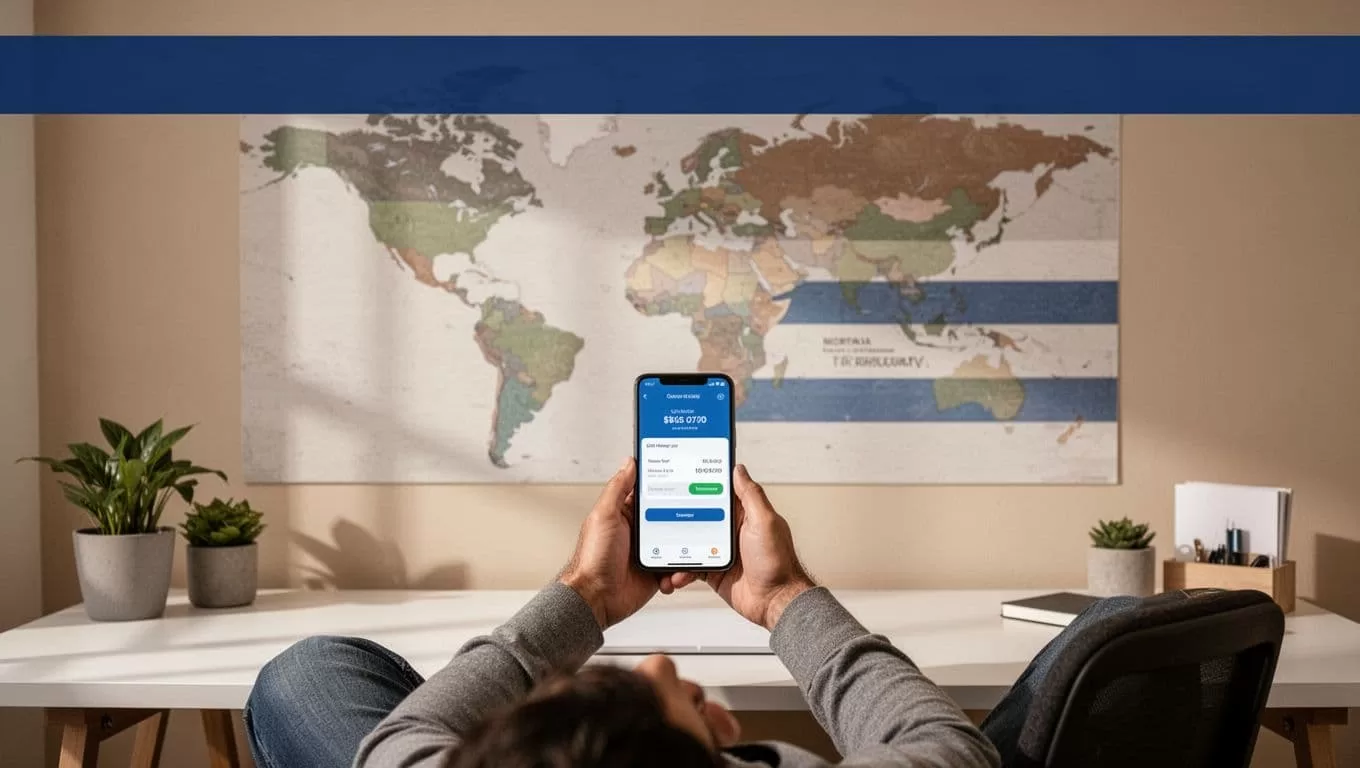
Prepare the correct details
The sender and recipient provide different information.
You create the Remitly account, select the amount, choose the delivery method, and provide payment information. Remitly may request additional sender details based on your country, account, transaction, and compliance checks.
The recipient’s information controls the payout. Use the recipient’s legal name exactly as it appears on their government-issued identification. Confirm their city and the selected pickup provider before sending.
A small spelling error can cause a failed pickup. Review the name, phone number, city, provider, receiving currency, and amount before continuing.
How to send cash pickup Uruguay through Remitly
The process is digital, but the final payout happens at a physical partner location. Complete each field carefully because corrections become harder after payment.
Build the transfer
Follow this sequence in the Remitly website or official mobile app:
- Create an account or sign in through Remitly’s official platform.
- Select Uruguay as the destination and enter the amount you want to send. The quote will show the expected amount in Uruguayan pesos, usually shown as UYU.
- Choose cash pickup when it appears as an available delivery method. Select the listed provider and pickup location that fit the recipient.
- Enter the recipient’s name and contact details. Match the name to the recipient’s ID, including the correct order and spelling.
- Add your payment information and select the available delivery speed, such as Economy or Express.
Remitly may show more than one delivery method. Don’t assume cash pickup is the right option because it sounds faster. A bank deposit may be more useful if the recipient has reliable account access. Cash pickup is better when the recipient needs physical cash or doesn’t use a bank account.
Approve the quote before payment
Review the complete transaction screen. Check the amount you pay, transfer fee, exchange rate, receiving currency, recipient payout, pickup provider, delivery speed, and estimated arrival time.
The cash pickup Uruguay option is only useful if the recipient can reach the selected provider. Confirm the location with the recipient before you authorize payment.
Don’t rely on a quote you checked yesterday. Remitly uses live pricing inputs, and the amount received can change when you reopen the transfer. Enter the amount again when you’re ready to send.
After payment, save the confirmation number, receipt, transfer date, and reference information. Give the recipient the details needed for pickup through a private channel.
Remitly fees, exchange rates, and delivery times
The cost depends on the sending country, amount, delivery speed, payment method, account status, and current promotions. You should treat the quote shown immediately before payment as the controlling price.
For transfers from the United States in USD to UYU, Remitly’s displayed fee bands currently show the following reference amounts:
| Send amount | Economy fee | Express fee |
|---|---|---|
| Under $500 | $3.99 | $4.99 |
| $500 to $999.99 | $7.99 | $11.99 |
| $1,000 to $1,999.99 | $13.99 | $25.99 |
| $2,000 or more | $17.99 | $33.99 |
These figures are not a universal Remitly price list. They apply to the displayed U.S. route and can change. Remitly also advertises no fee on the first transfer for new customers on applicable pricing pages. Check the current offer in your account before relying on it.
The exchange rate affects the recipient’s payout. A low transfer fee doesn’t automatically produce the highest payout. Compare the total amount you pay with the exact UYU amount the recipient receives.
Remitly may offer Economy and Express delivery speeds. The actual estimate depends on the route and payout method. Cash pickup can have a different estimate than bank deposit, and the app should show the expected arrival before you confirm.
An estimated arrival time is not the same as the time the recipient collects the money. Track the transaction and ask the recipient to confirm pickup.
What the recipient needs at pickup
The sender completes the transfer setup. The recipient completes the in-person collection. Mixing these responsibilities creates avoidable delays.
Sender information is not recipient identification
Your payment account and identity details verify the sending side. They don’t replace the recipient’s pickup requirements.
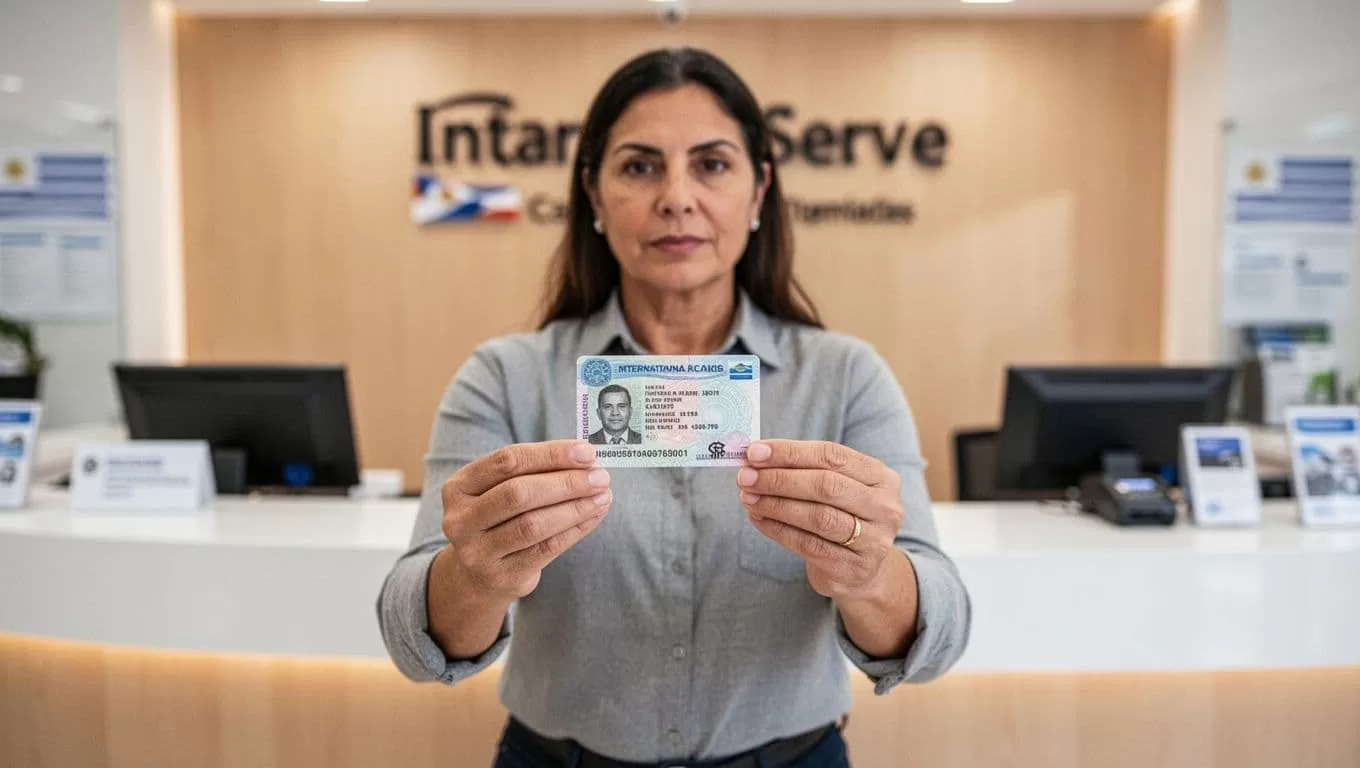
For cash collection, the recipient should plan to bring a valid government-issued photo ID. Remitly’s cash pickup guidance also advises bringing the transaction reference number when one is provided.
The exact accepted document can depend on the local provider. Remitly’s instructions and the selected pickup partner control the final requirement. Tell the recipient to check before traveling if the ID is expired, damaged, or uses a different name.
The name on the transfer should match the ID. Don’t use a nickname, shortened name, or different surname unless Remitly confirms that the provider accepts it.
Send the pickup details privately
Give the recipient the following information through a trusted channel:
- Your name as the sender.
- The expected amount and receiving currency.
- The selected provider and pickup location.
- The transfer reference or confirmation number.
- The estimated arrival time shown in Remitly.
The recipient should not visit the location until the transfer status indicates that pickup is available. A payment confirmation can mean Remitly accepted the transaction. It doesn’t always mean the cash has reached the provider.
Track the transfer and handle errors
Open the transfer in the Remitly app or website after sending. Compare the status with the estimate and keep the receipt until the recipient confirms collection.
If the recipient’s name, provider, or location is wrong, contact Remitly support promptly. Don’t assume you can edit a completed transfer. Don’t promise the recipient that cancellation or a refund is available until Remitly confirms the outcome.
A recipient who cannot collect cash should not guess at the cause. The provider may need an exact name match, a valid ID, a reference number, or a transfer status that has reached the pickup stage.
If the transfer is delayed, check the status first. Then contact Remitly through the official support channel. Keep the confirmation number ready so the support team can locate the transaction.
Use cash pickup safely
International transfers are useful for family support, emergencies, and legitimate payments. They also attract fraud because cash is difficult to recover after collection.
Watch for pressure and unusual requests
Don’t send money because an unknown person claims to be a government official, employer, technical support agent, romantic contact, or lottery representative. Verify urgent requests using a phone number or contact method you already trust.
The Federal Trade Commission warns that government agencies won’t threaten you or tell you to transfer money to protect your funds. The Consumer Financial Protection Bureau’s fraud guidance provides additional steps for recognizing and reporting scams.
Never send a transfer to test whether a stranger is trustworthy. Don’t send money back because someone claims they made an accidental overpayment. Confirm the situation through the official service before taking action.
Protect account and transfer information
Use the official Remitly website or app. Avoid links sent through unexpected messages. Check the domain before entering login, payment, or identity information.
Share the transfer reference only with the intended recipient and authorized Remitly support. Don’t publish it in a group chat or social media post. Keep passwords and verification codes private.
Confirm the recipient collected the cash. If the status changes unexpectedly or someone else claims to have picked up the funds, contact Remitly immediately.
Conclusion
A successful cash pickup Uruguay transfer depends on accurate recipient information, the right payout provider, and a quote reviewed before payment. Remitly supports cash pickup to Uruguay, but availability, fees, rates, limits, and timing vary by route and recipient location.
Use the official app or website, compare the total paid with the exact UYU payout, and give the recipient matching pickup details. Accuracy before payment prevents most avoidable collection problems.
