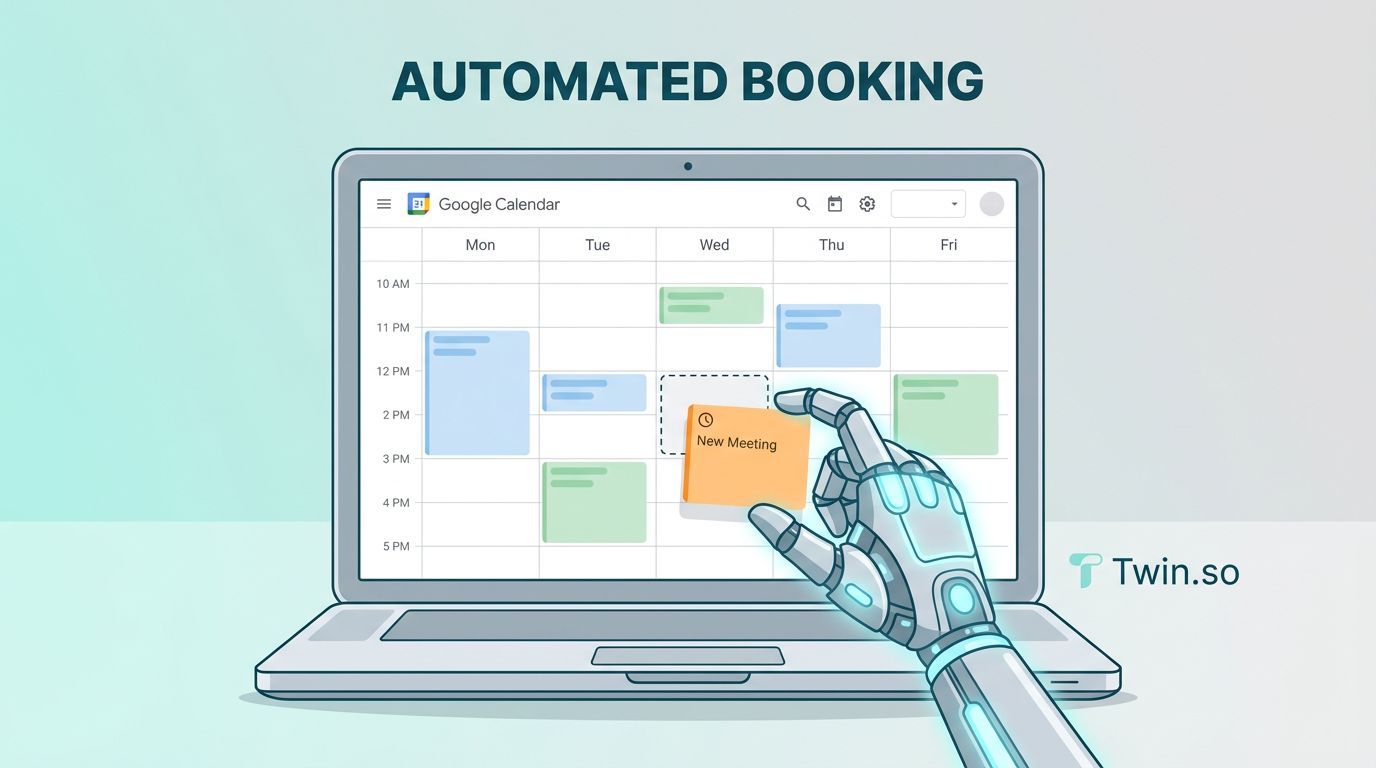

Manual booking in Google Calendar used to steal hours from my week. Clients emailed availability requests. I checked slots, sent invites, and crossed fingers for confirmations. Chaos ruled until I built an automation with Twin.so. Twin.so lets AI agents handle the work. They check calendars, book events, and notify everyone. No more back-and-forth. Now, requests
Ever felt buried under repetitive tasks like answering customer queries or scheduling reminders? I did too, until I built a Telegram bot that handles them automatically. Twin.so changed everything for me. This no-code platform lets you create smart AI agents that run 24/7. You get bots that chat naturally, pull data from apps, and even

Manual CRM updates drain hours from my day. I used to copy leads from emails, chase status changes across tools, and log calls one by one. Data errors piled up, and teams missed follow-ups. Twin.so changed that. I now build AI agents that handle these tasks on autopilot. This no-code tool lets me describe workflows

Ever sent an email to a client, only to hear nothing back because they mistyped their address? It happened to me last year. A lead vanished into thin air at something like john.smit@mybusiness.com instead of john.smith@mybusiness.com. I fixed that gap with a catch-all email in Google Workspace. Now, every stray message lands in one spot.
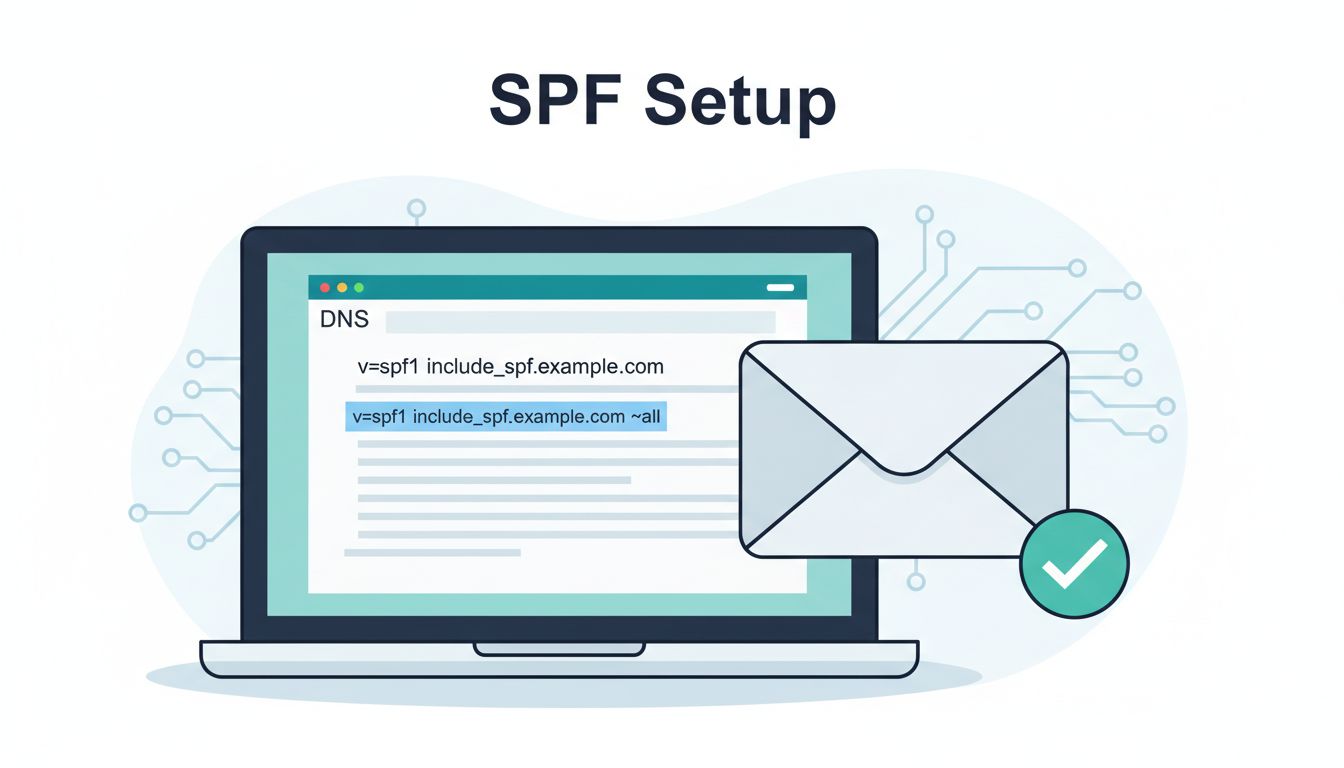
Your business emails land in spam folders. Customers ignore them. Deals stall. I fixed this for my Google Workspace setup by adding an SPF record. It took minutes once I knew the steps. SPF tells receiving servers which sources can send mail for your domain. Without it, providers like Gmail flag your messages as fakes.
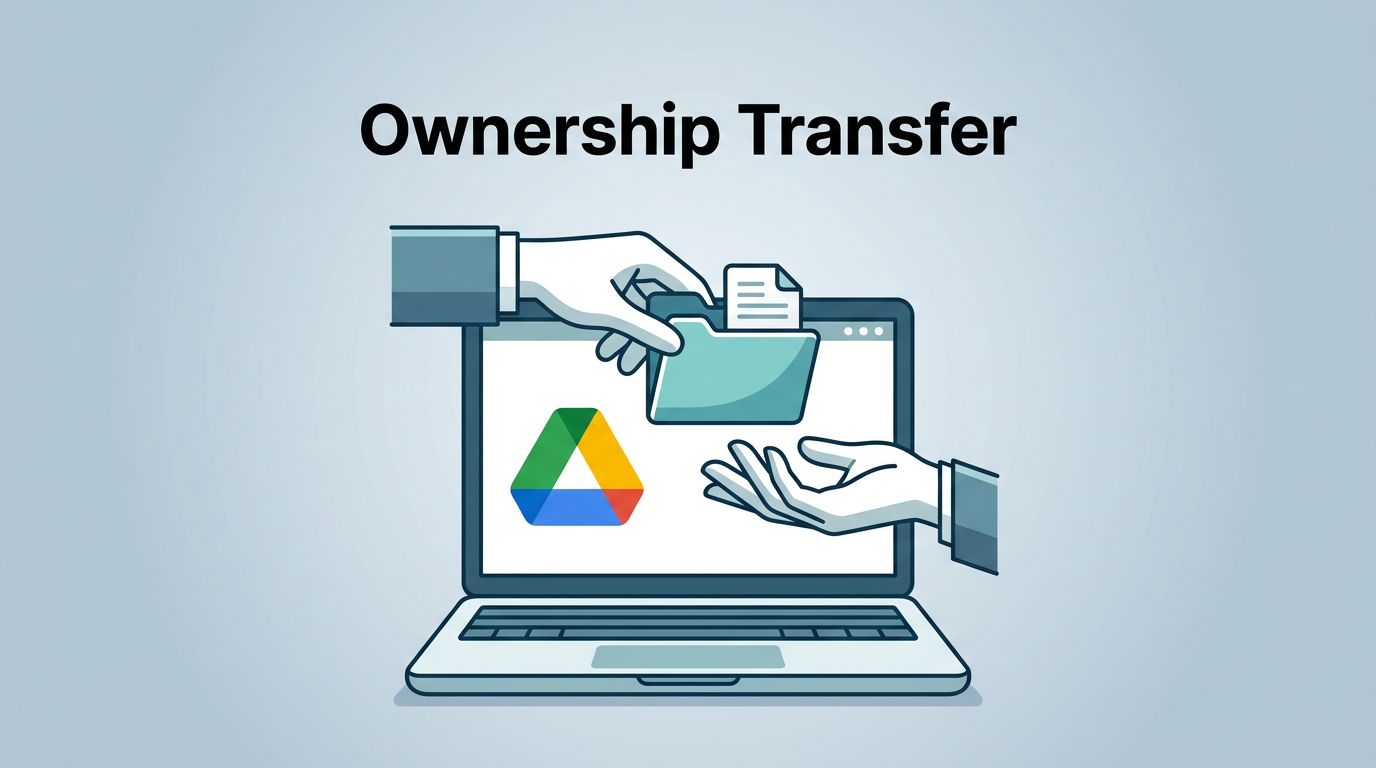
When an employee leaves, their Drive files can become a quiet mess. One missed folder can delay a handoff, break access, or leave a manager hunting for a document that should already be safe. I handle Google Drive ownership transfer before the account is removed, because timing matters more than cleanup later. In Google Workspace,
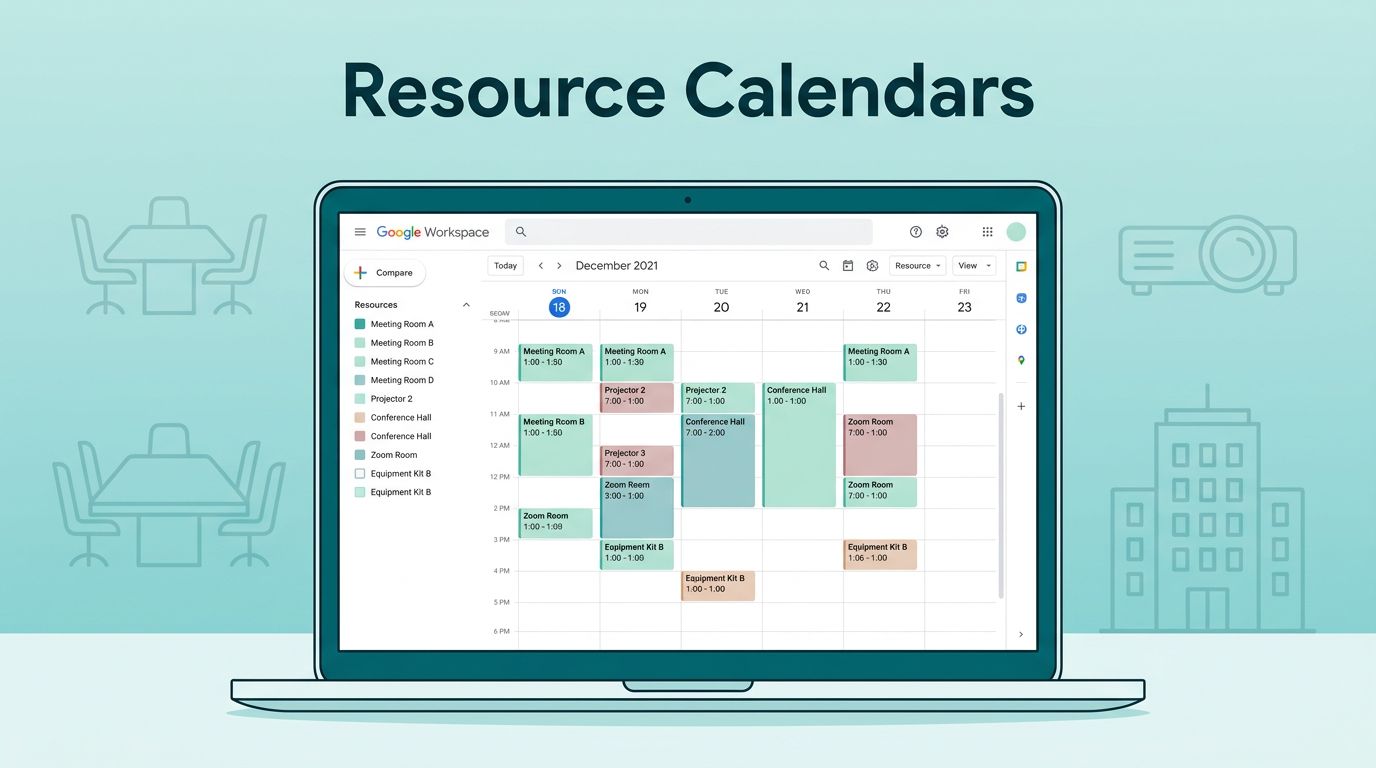
Suggested URL slug: resource-calendars-google-workspace I set up Google Workspace resource calendars by creating the resource in Admin console, filling in the room or equipment details, and sharing it with the right people. When I do those steps in that order, bookings stay clear and I spend less time answering “is the room free?” messages. The
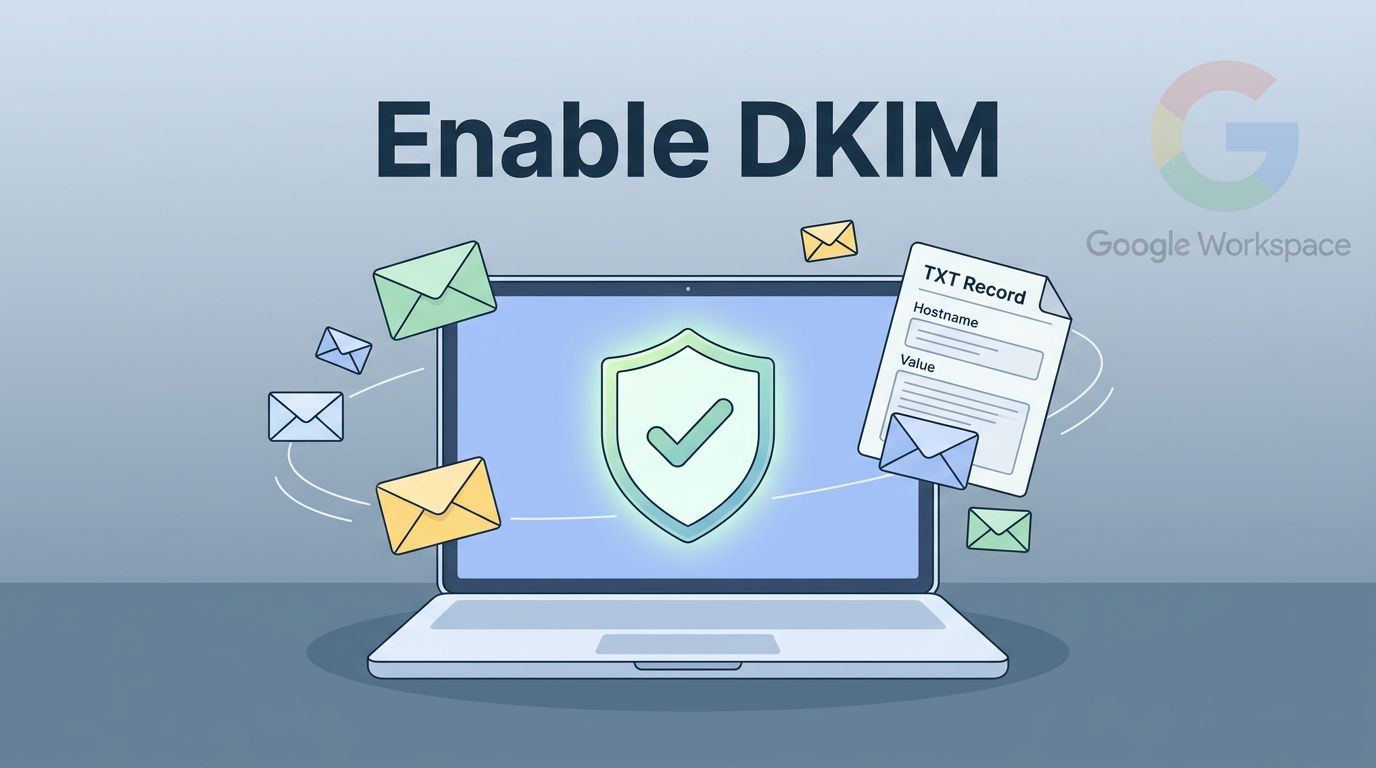
Your business emails vanish into spam folders. Clients ignore proposals because servers flag them as suspicious. I fixed that by enabling Google Workspace DKIM. This simple authentication adds a digital signature to outgoing mail. Receivers verify it came from you. As a result, delivery improves, and spoofing drops. In this guide, I share the exact

Sharing a calendar with clients can either keep work moving or reveal too much. I want clients to see when I’m open, not the meeting names, attendee lists, or private holds behind those blocks. So when I share Google Calendar clients need to see, I treat privacy like a locked filing cabinet, not a glass
