
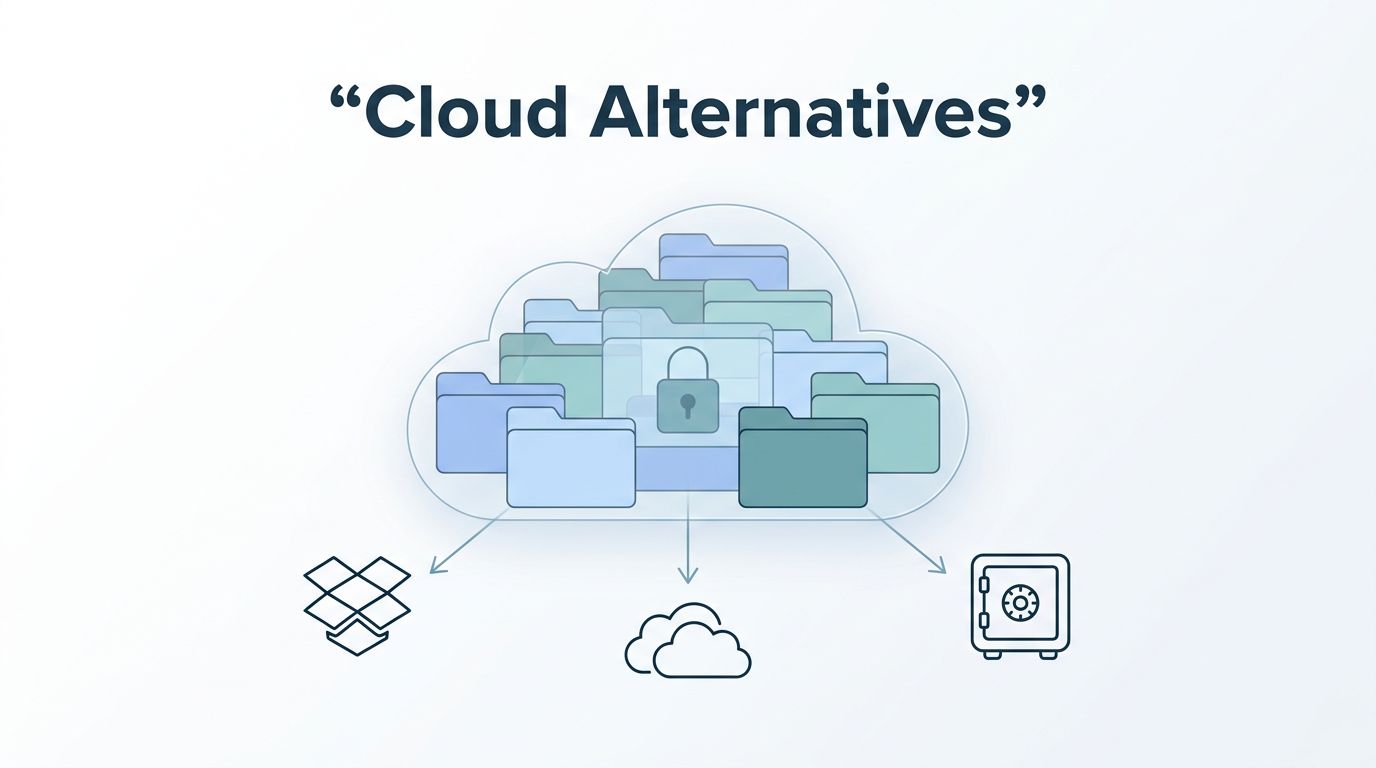


Google Drive can feel roomy until Gmail and Photos start eating the same pool. In 2026, that small 15GB ceiling still pushes people to look for cloud storage alternatives that fit the way they work. I don’t switch storage for fun. I switch when sync feels clumsy, sharing gets messy, or privacy matters more than
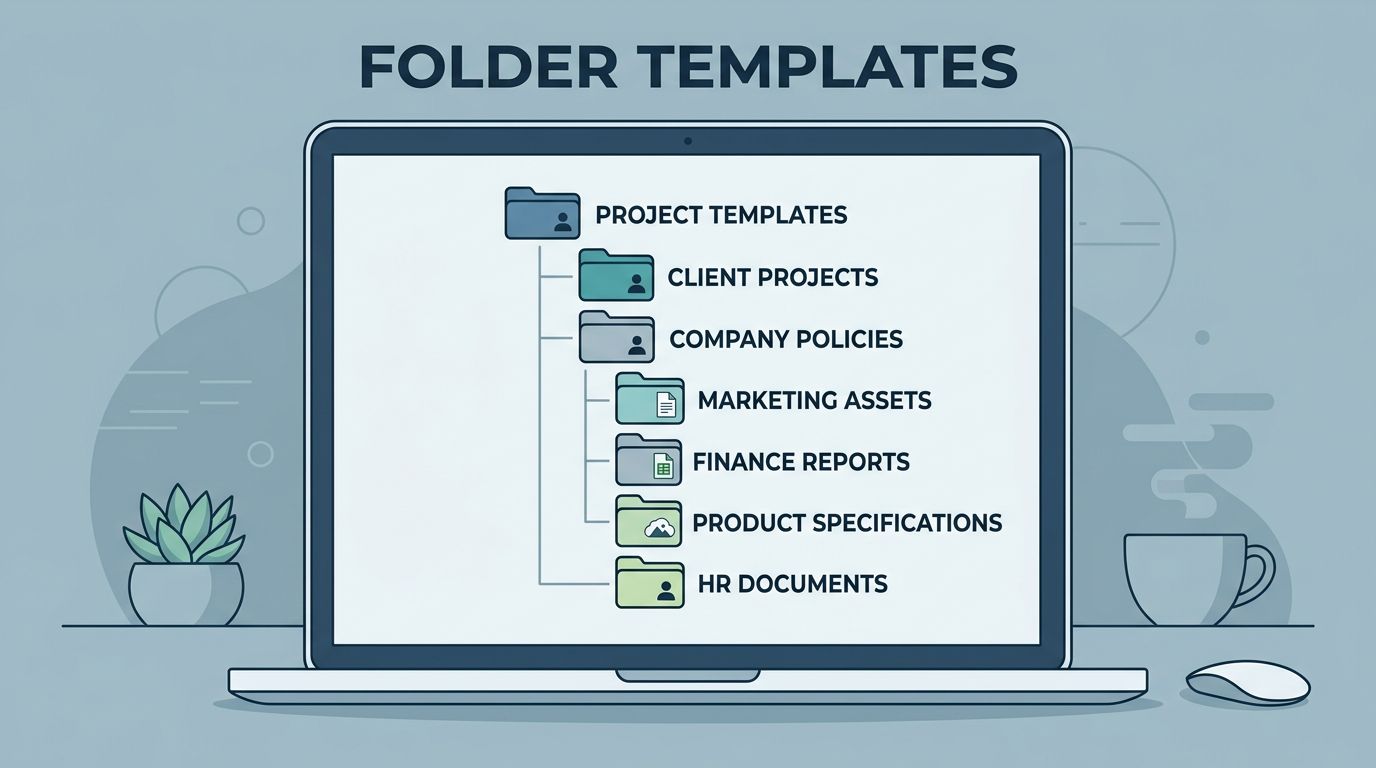
A messy client folder can waste hours before a project even starts. I learned that the hard way, so I now build drive folder templates before I send the first welcome email. That gives every new client the same clean setup. It also keeps files easy to find when the project gets busy, which is
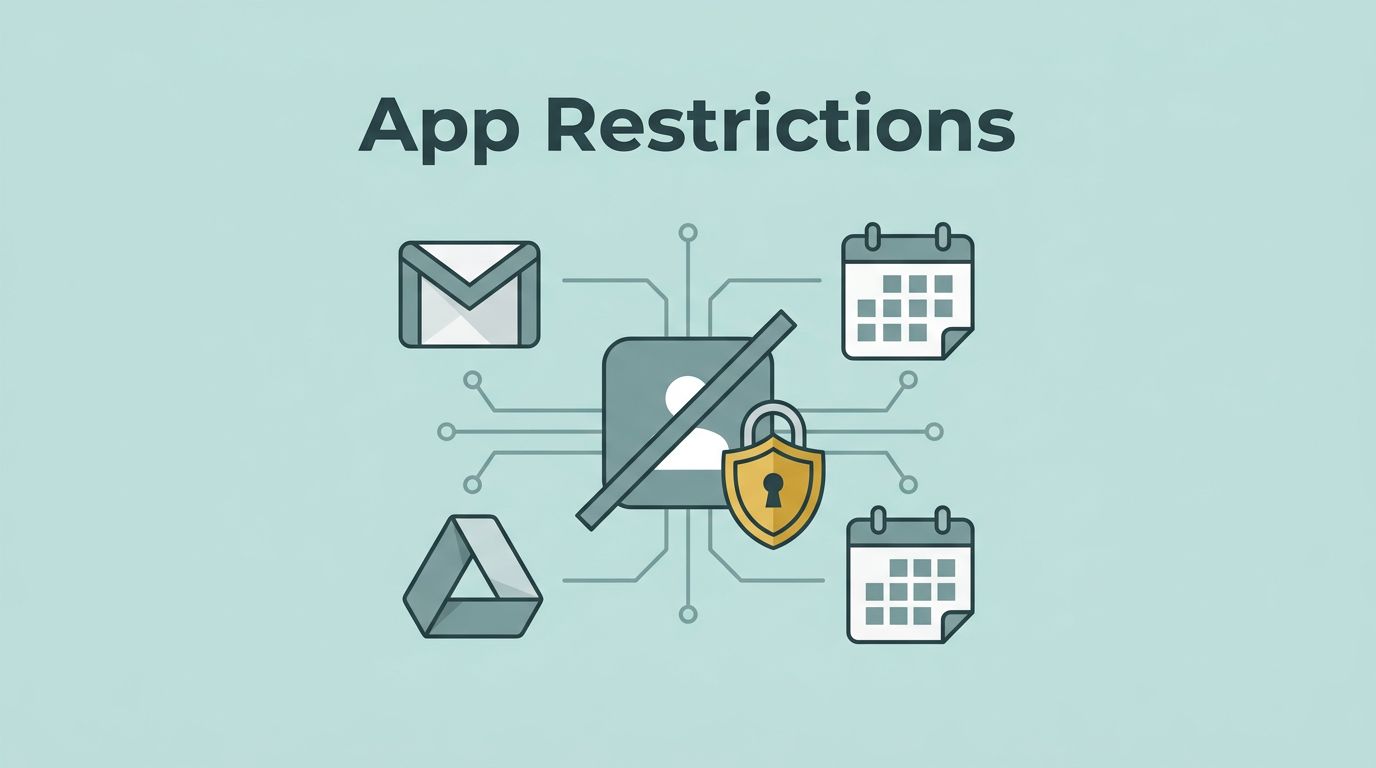
Google Workspace app restrictions matter the moment users start connecting shiny tools to Gmail, Drive, and Calendar. One wrong OAuth grant can expose files, mail, or directory data faster than most teams expect. I treat third-party app control as a security seatbelt. It doesn’t stop work, but it keeps one careless click from becoming a
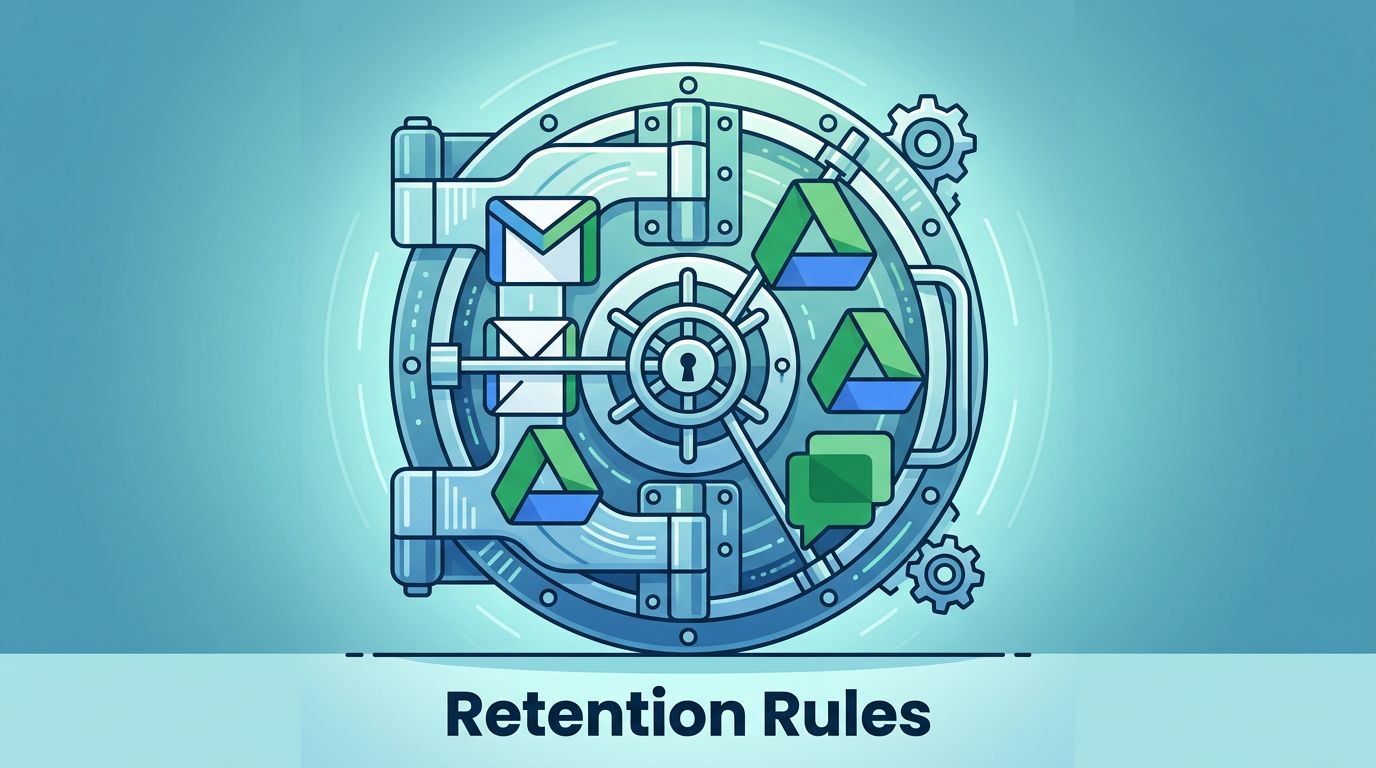
Google Vault retention rules can protect a record set, or erase data you meant to keep. That’s why I never treat them like a minor admin setting. When I set them up, I slow down first. I check the policy, the business need, and the legal risk, because one change can affect years of Gmail,

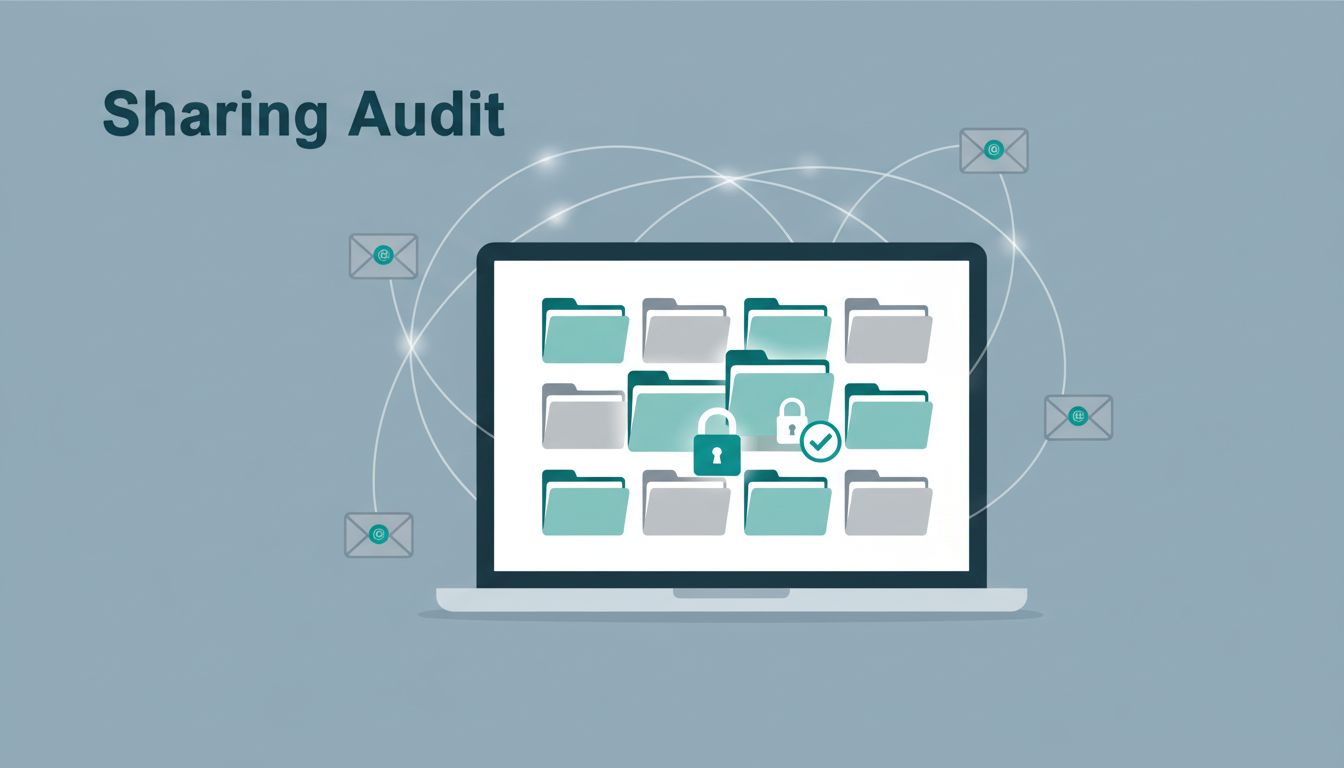
A loose Google Drive link can travel farther than most teams expect. One old vendor share, one forgotten client folder, and suddenly a private file is sitting in the wrong inbox. I run a Google Drive sharing audit before that happens. For small teams, the goal is simple, find every outside share, check whether it
I don’t trust cloud apps to save me from every mistake. Google Workspace can feel safe, until one delete, one sync loop, or one rushed offboarding step removes the file I need most. As of April 2026, I still see the same threats, ransomware, malicious insiders, accidental deletion, and retention gaps. A solid Google Workspace
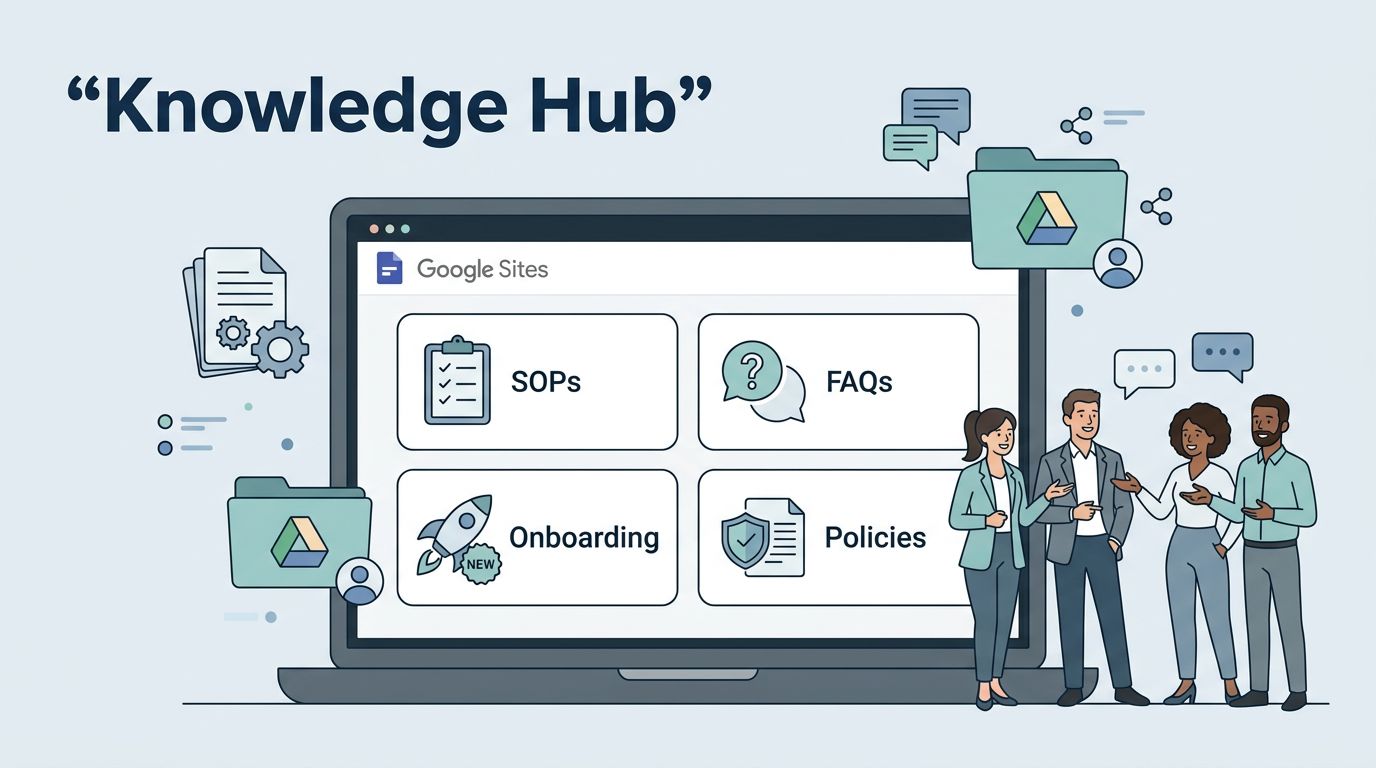
When I need to stop the same question from bouncing around a team, I build a Google Sites knowledge base. It gives me one shared place for SOPs, FAQs, onboarding, and policy notes. I keep source docs in Google Workspace shared drives so the content stays owned by the team. That matters, because a knowledge
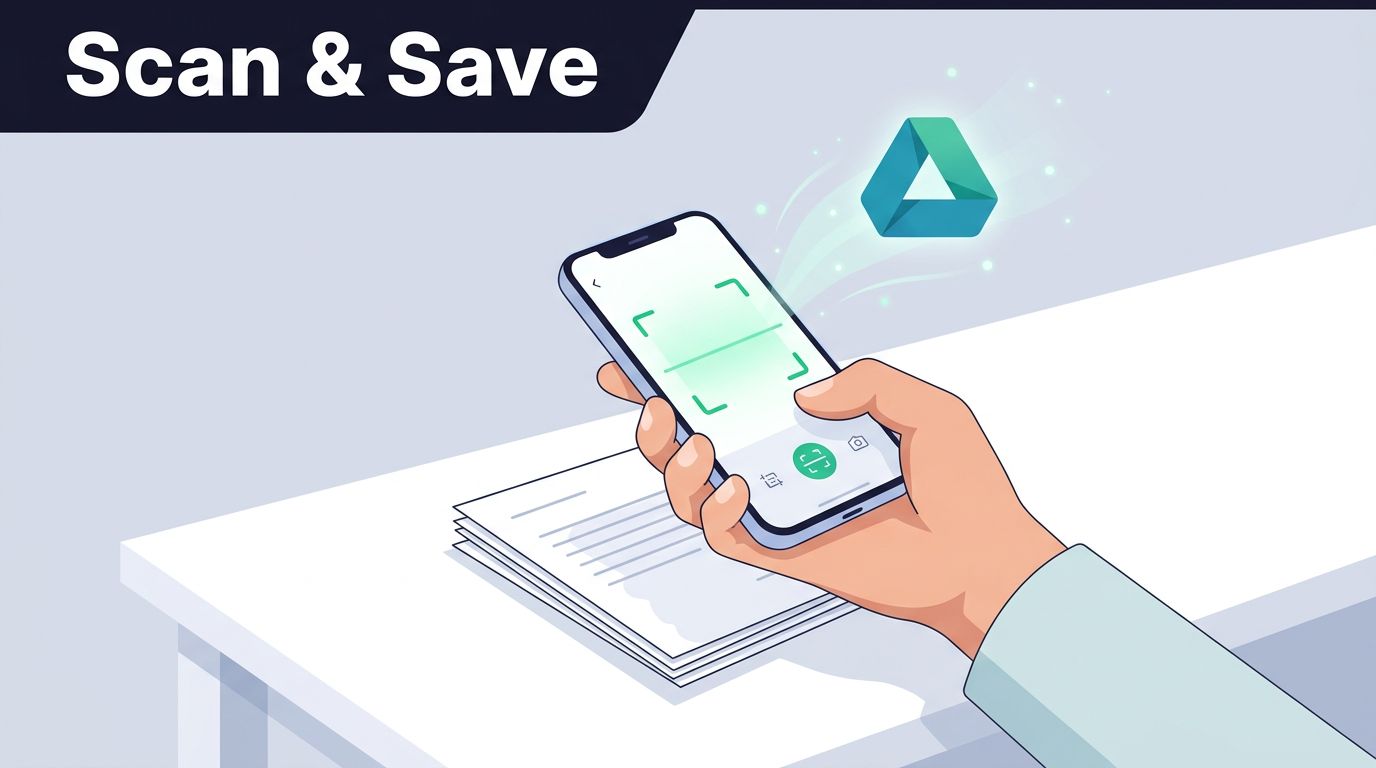
Paper piles grow fast. My phone clears them in minutes, and Google Drive keeps the PDF where I can find it later. When I need to scan documents to Google Drive, I want the shortest path, not a desk full of steps. I use this for receipts, contracts, forms, and anything else I need to
Small teams do not have time for bloated software stacks. They need tools that sit inside the apps they already use all day. That is why I treat Google Workspace add-ons like spare parts, not toys. I checked current listings in April 2026, and I focused on tools that solve one clear job. I also

