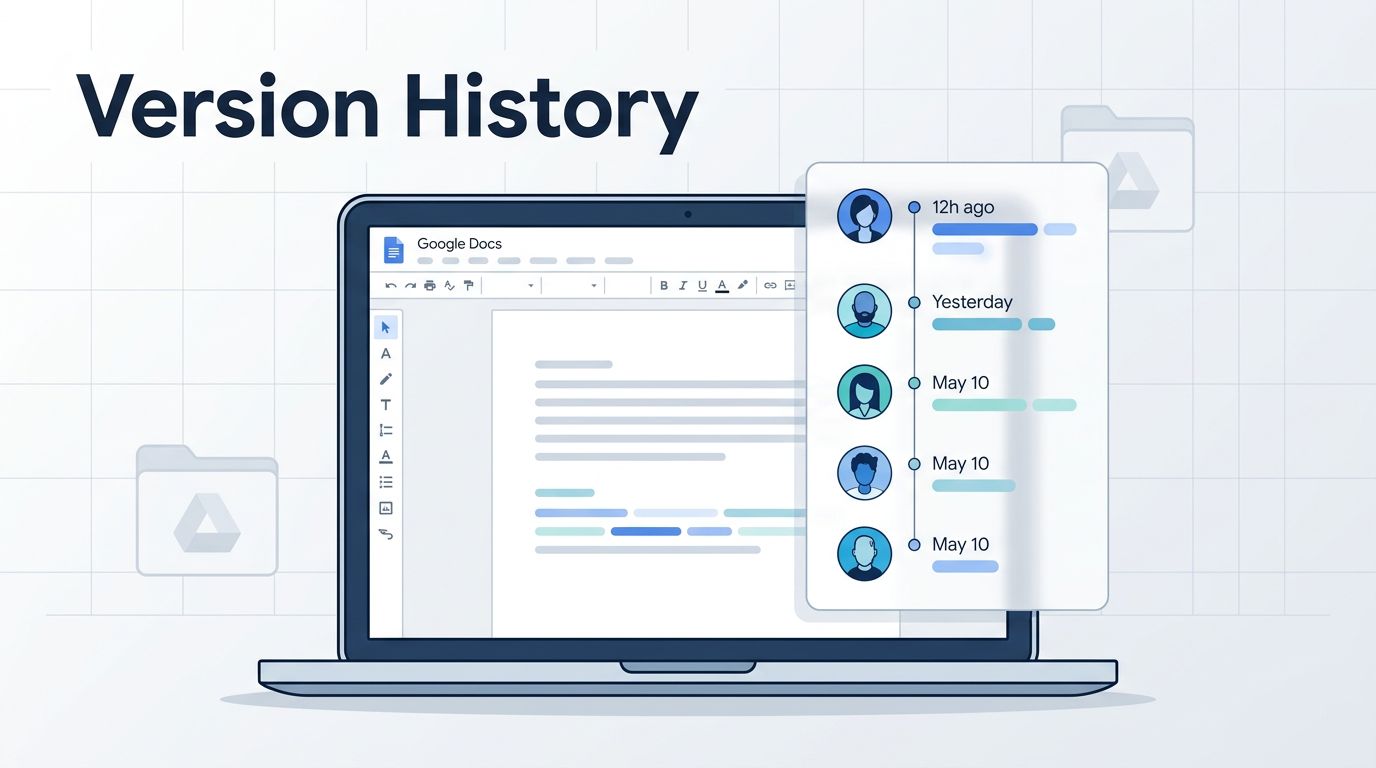

Client edits can get messy fast. One wrong overwrite, and yesterday’s approved draft turns into guesswork. I use Google Drive version history as my safety net. It helps me track who changed what, when they changed it, and how I can roll a file back without rebuilding it from scratch. When a project lives longer
Duplicate files creep into Google Drive faster than most people expect. One copied proposal turns into three. One synced photo folder becomes a pile of near-matches. Before long, storage feels crowded and search gets messy. As of April 2026, Google Drive still doesn’t offer a one-click duplicate remover. So I rely on search, sorting, file
Google Chat spaces work best when I treat them like a small office room, not a dumping ground. My fastest setup is simple: one space for one job, a clear owner, and a few rules before the chatter starts. That keeps the team moving without making everyone hunt for messages. For a small team, I
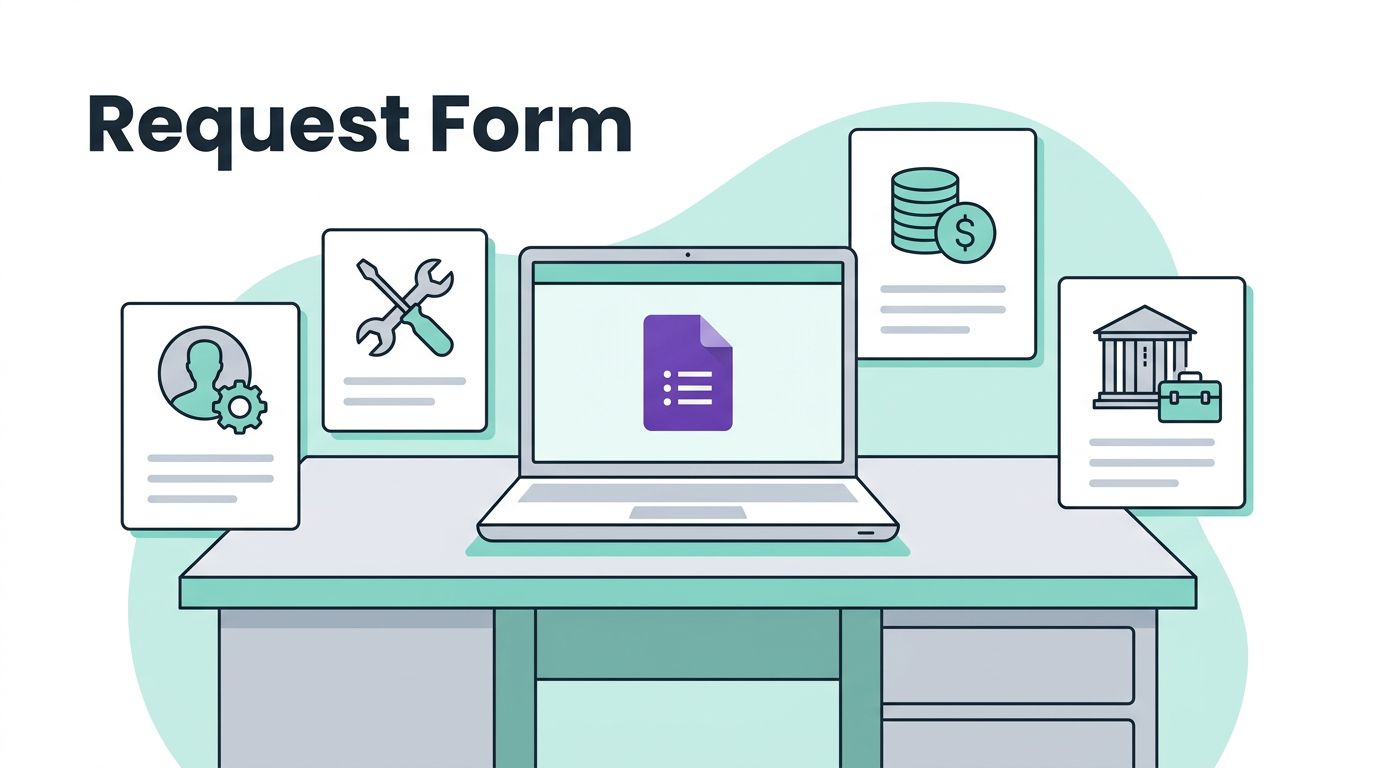
Internal requests get messy fast when they live in chat, email, and hallway conversations. One missed message can slow down HR, IT, finance, or facilities for days. I use Google Forms for internal requests when I need a simple intake process without buying ticketing software. It gives me one place to collect the same details
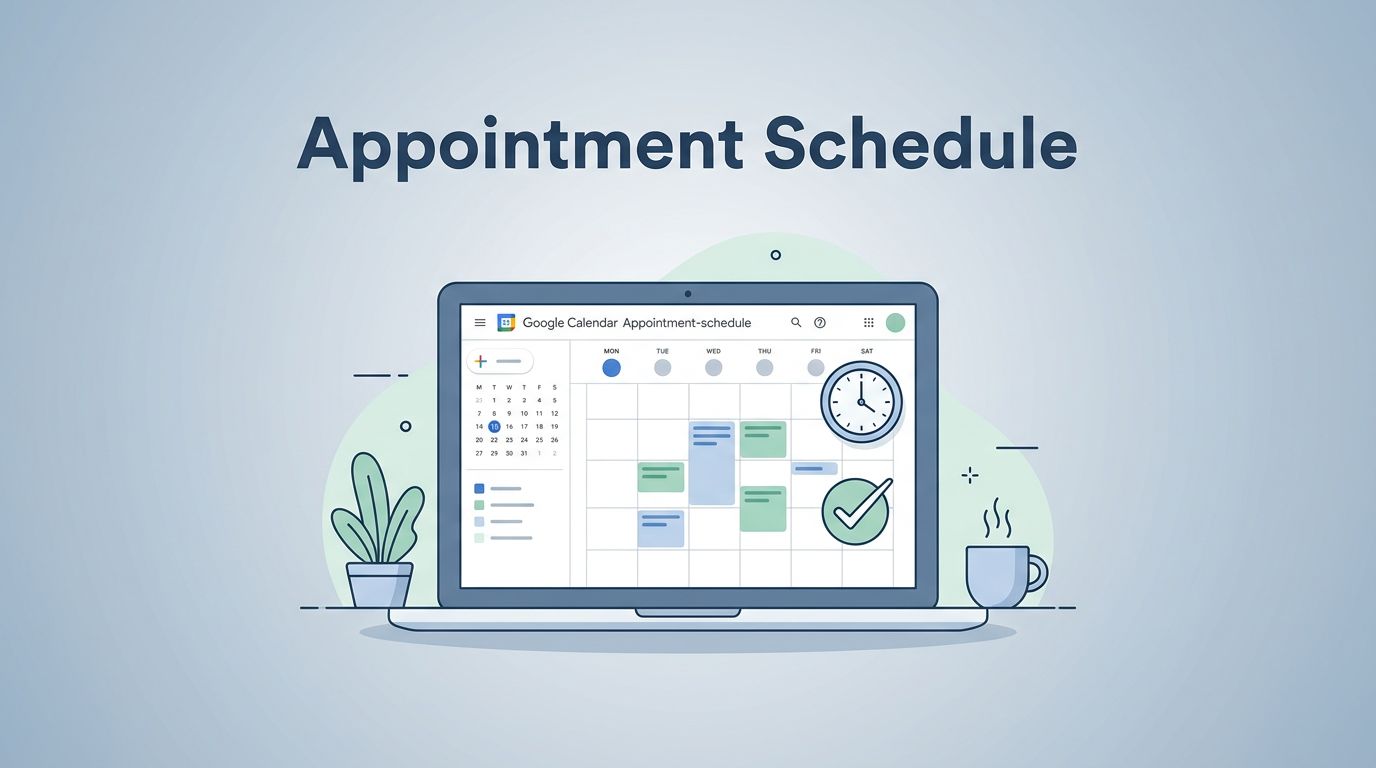
Clients should not need a long email chain to book one meeting. An appointment scheduler solves that problem by showing open times, collecting booking details, adding the appointment to a calendar, and guiding both sides through the next steps. Google Calendar appointment schedules can handle that workflow well for a solo consultant, freelancer, coach, recruiter,
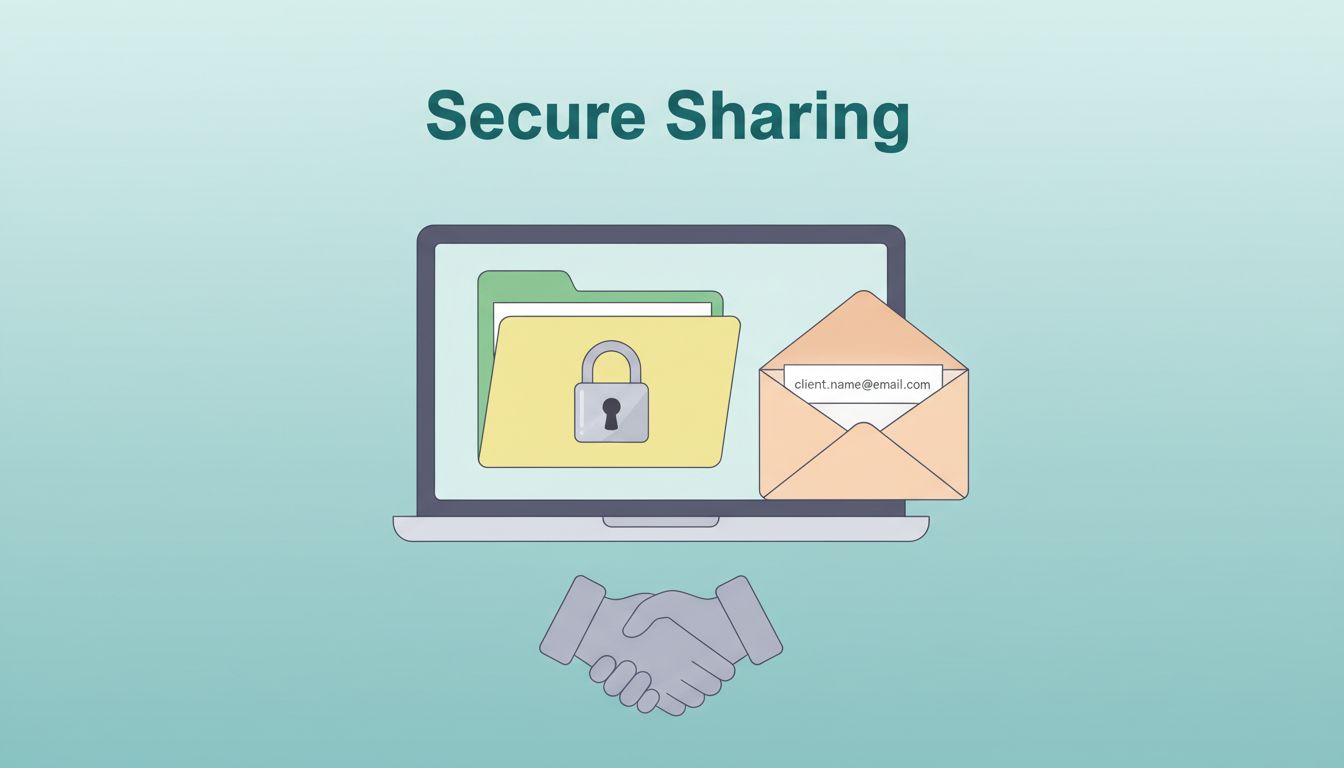
A wrong share setting can turn one file into a small security problem fast. When I share Google Drive files with external clients, I start with the safest path first, then open things up only when the project needs it. The current Drive interface moves a little between Google Workspace accounts, browsers, and phones, so
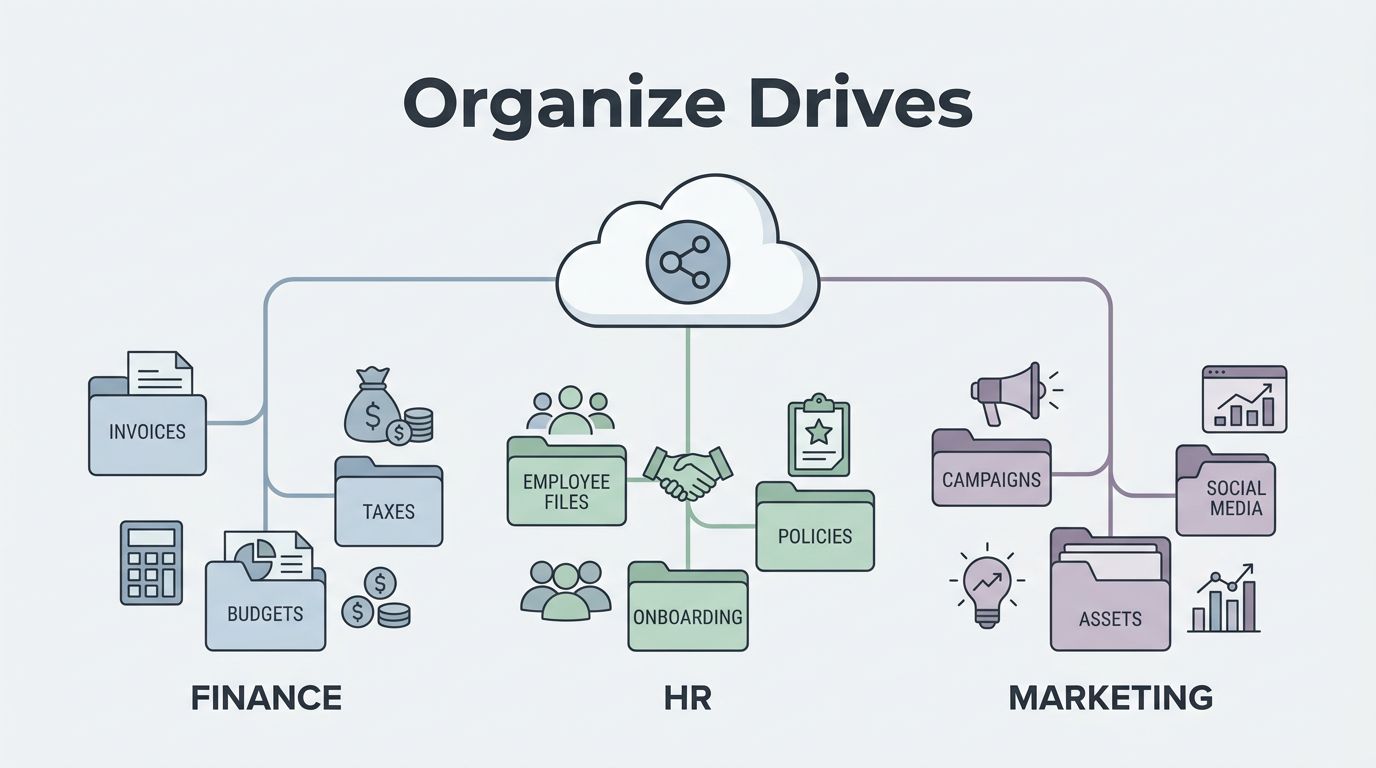
A shared drive can become a clean filing system or a digital junk pile in a week. I’ve seen both. The difference usually isn’t the software, it’s the structure. When I organize shared drives by department, I make ownership clear and searching easier. I also leave room for cross-functional work, because no team works in
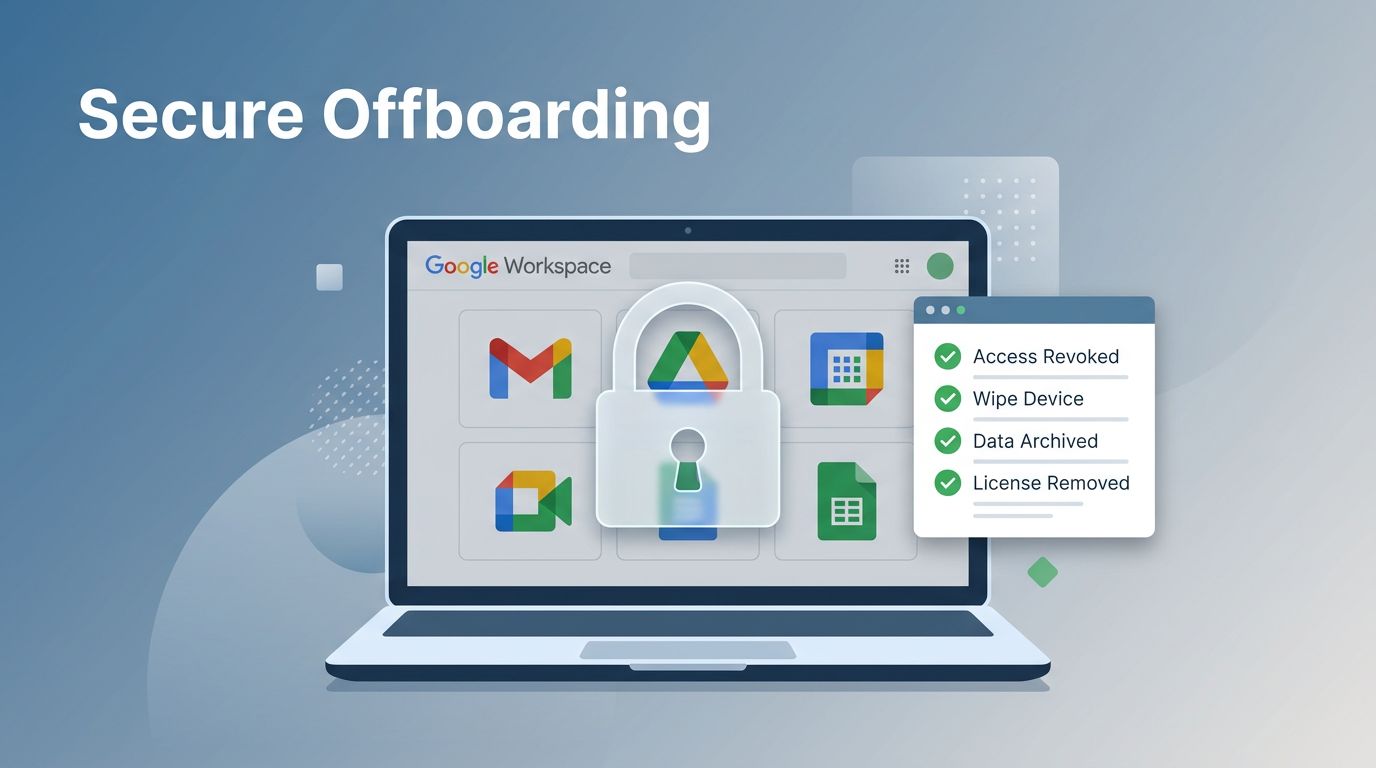
A Google Workspace offboarding checklist is less about cleanup and more about lockup. When someone leaves, every leftover login, shared file, and mobile token can become an open door. In my own process, I move fast on access, then slow down for data and compliance. The exact Admin console paths and features can vary by
An announcement group should feel like a loudspeaker, not a group chat. When I set up Google Workspace groups for company updates, I keep the path simple, create the group, lock the posting rules, then test the delivery. If I’m setting up Workspace from scratch, I usually finish mail first with my Google Workspace email
