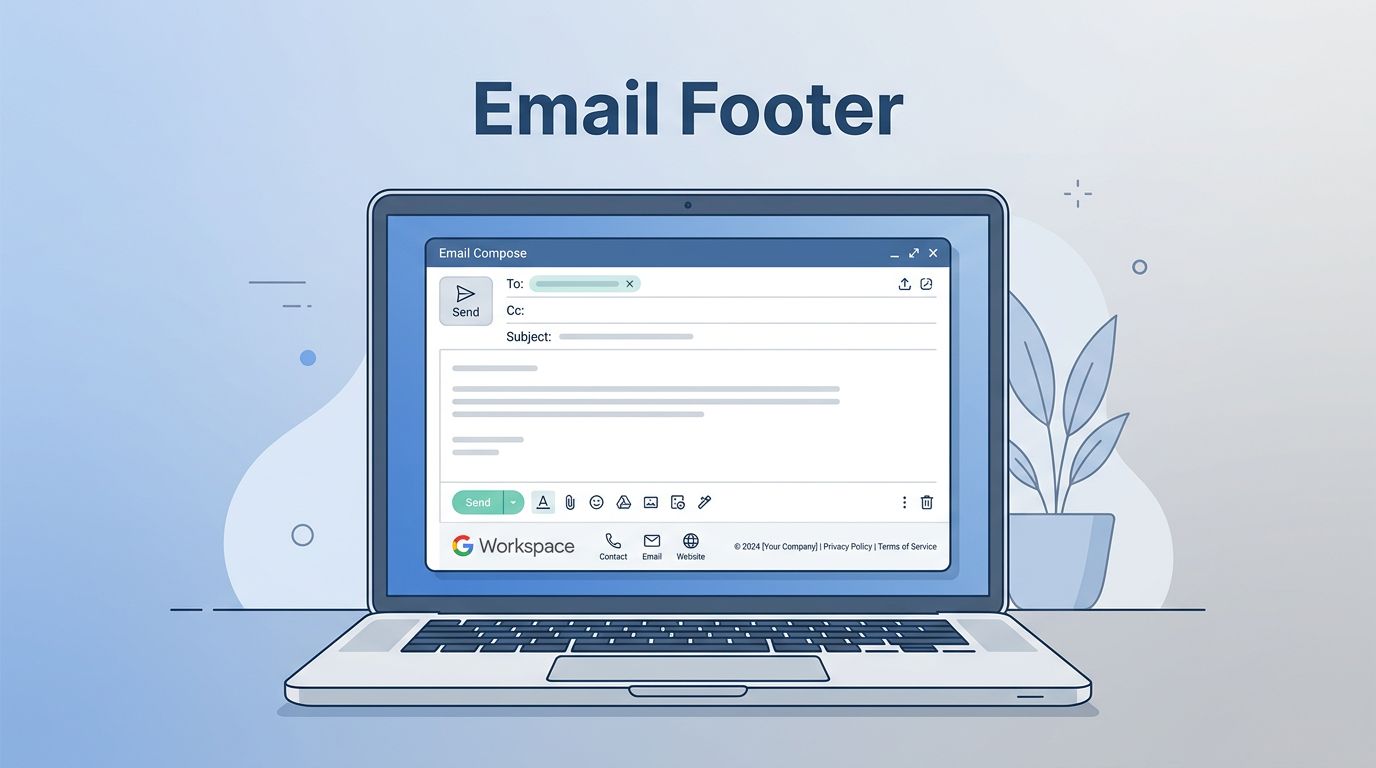

A company email footer sounds small, but it carries a lot of weight. It can hold a legal line, a privacy note, or a clean contact block that every message needs. I use a Google Workspace email footer when I want one rule for the whole organization. I use a personal Gmail signature when I

One stolen password can open a lot more than a Gmail inbox. It can reach Drive files, calendar data, and admin settings too. That’s why I treat Google Workspace 2-step verification as one of the first controls I turn on. If I’m starting from scratch, I also keep my Google Workspace email setup walkthrough close
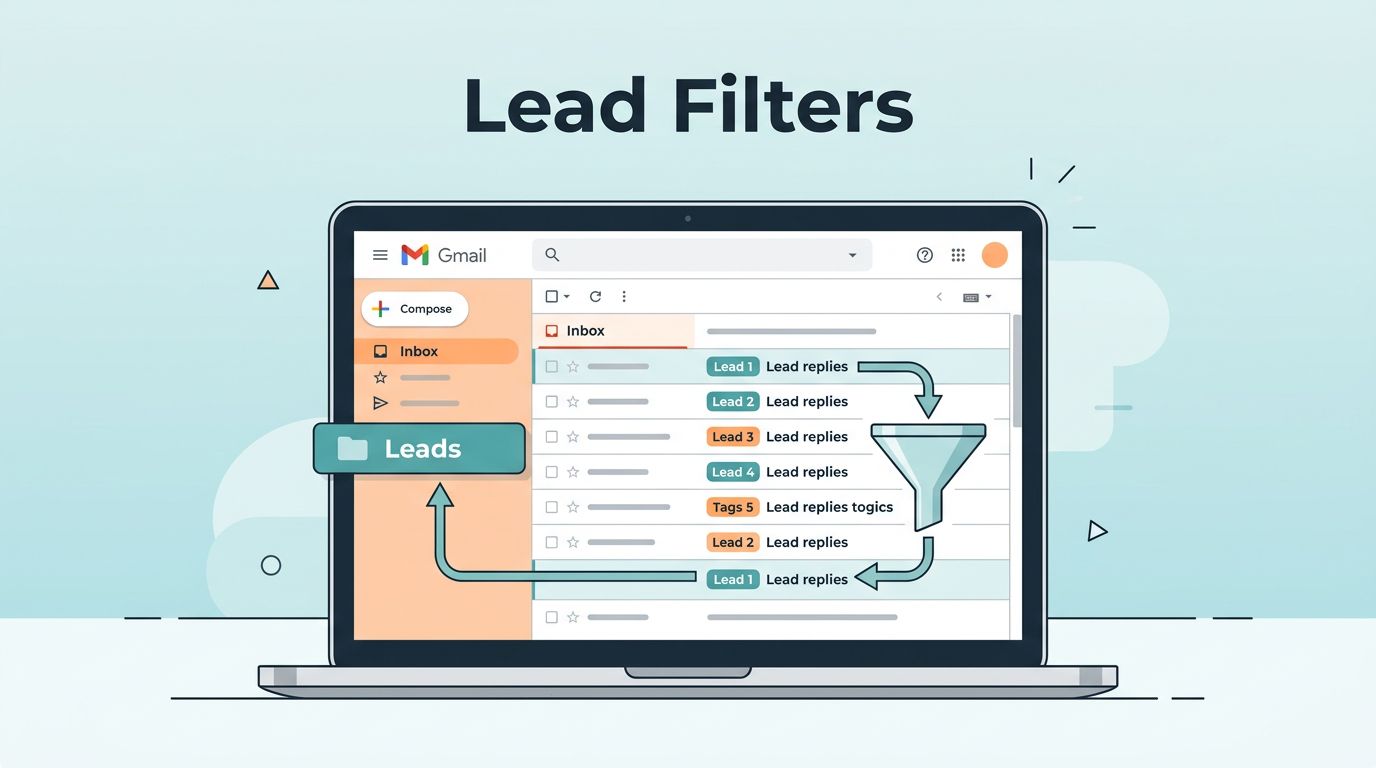
A lead reply can disappear in minutes. If it lands beside receipts, newsletters, and internal chatter, I may not see it until the trail has gone cold. I use Gmail filters to pull those messages into a clean lane, so I can respond faster and keep warm prospects warm. The setup is simple once I
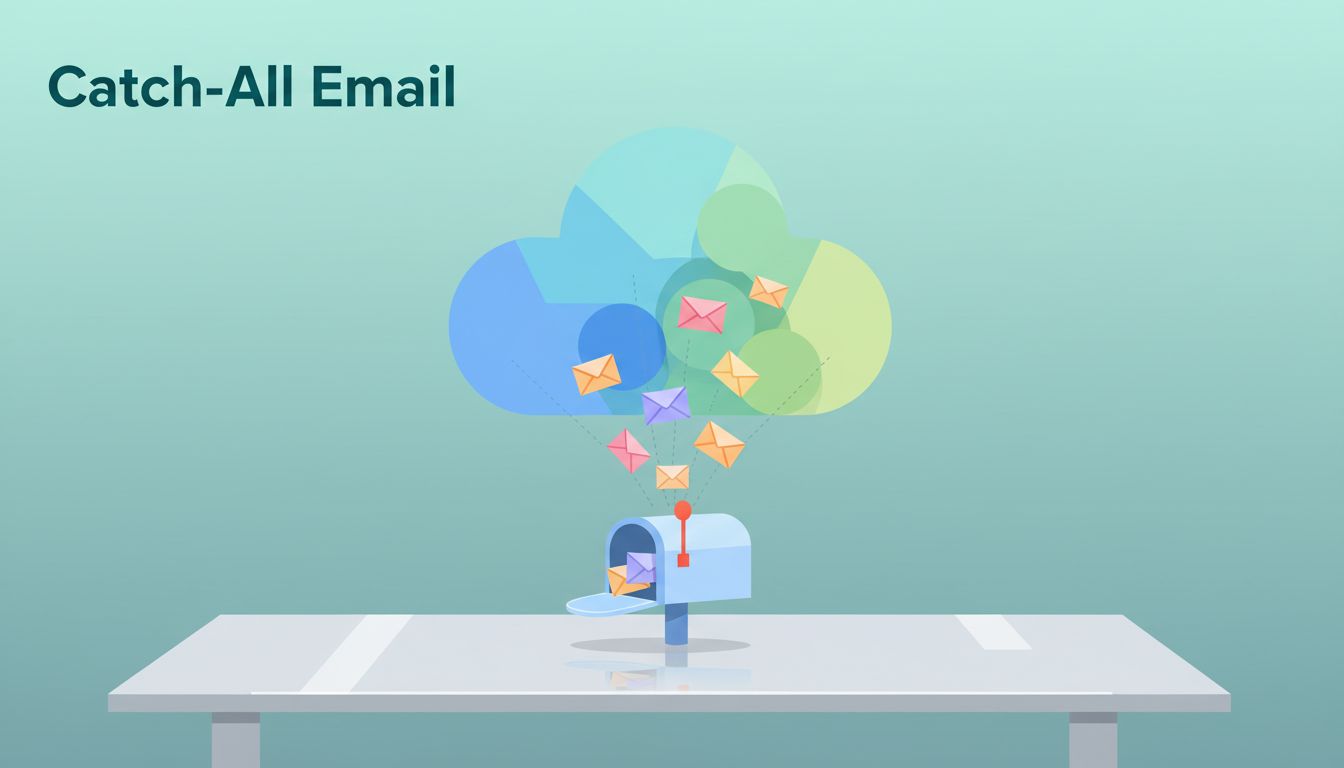
Lost mail feels like a cracked window in an office. One typo, and a lead, client reply, or support request slips away. That’s why I set up a catch-all email in Google Workspace when a domain needs to catch misaddressed mail. In 2026, Google still doesn’t offer a true catch-all switch inside Gmail for users,
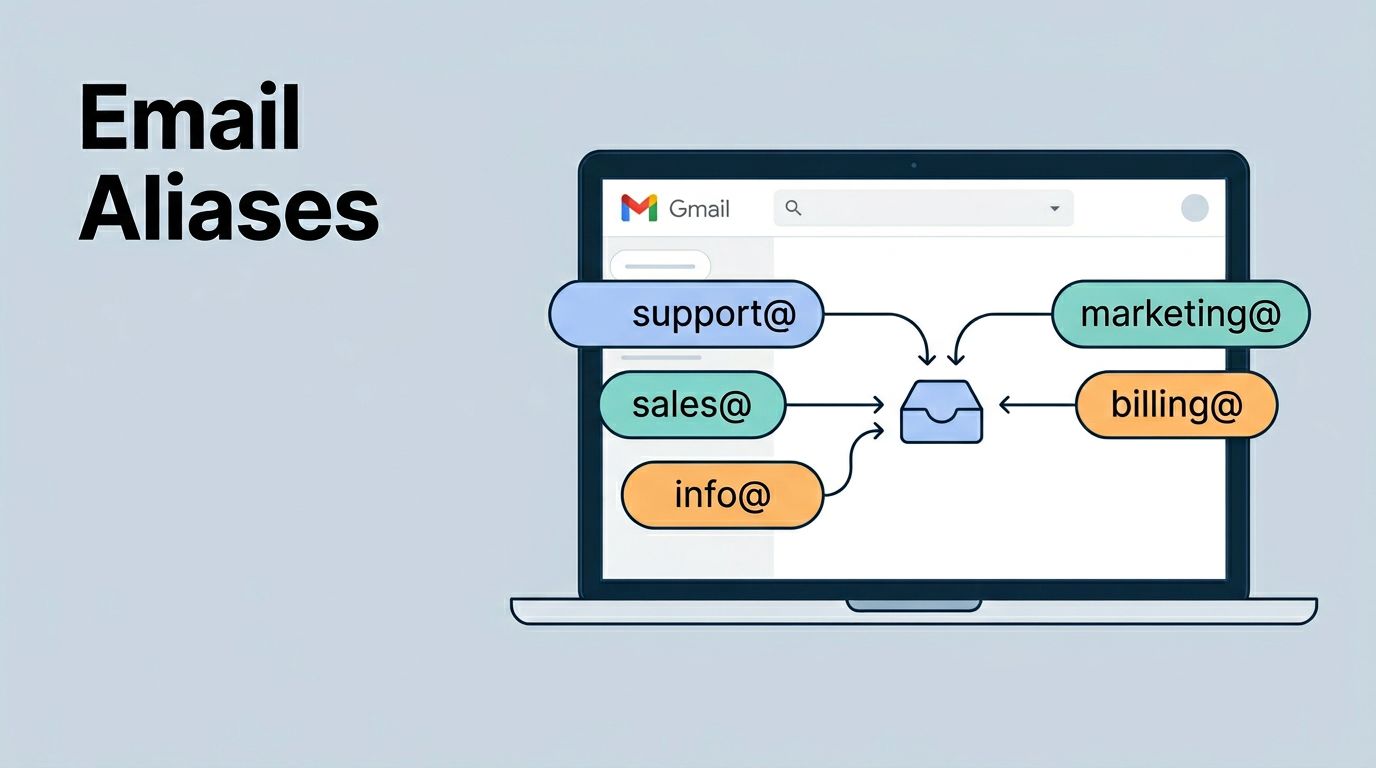
An alias looks simple, but it can save me from buying another mailbox. In Google Workspace, I use email aliases when one person needs to receive mail at support@, sales@, or billing@ without carrying a second login. If my domain isn’t already pointed at Gmail, I fix that first with my Google Workspace email setup

Your team gets slammed with emails to support@yourdomain.com. One person checks, another replies late, and customers wait. Chaos builds like a pile of unopened mail on a desk. Google Workspace offers no one-click shared inbox Google Workspace button. You pick from solid native tools instead. I compare options first, then set up what fits. That
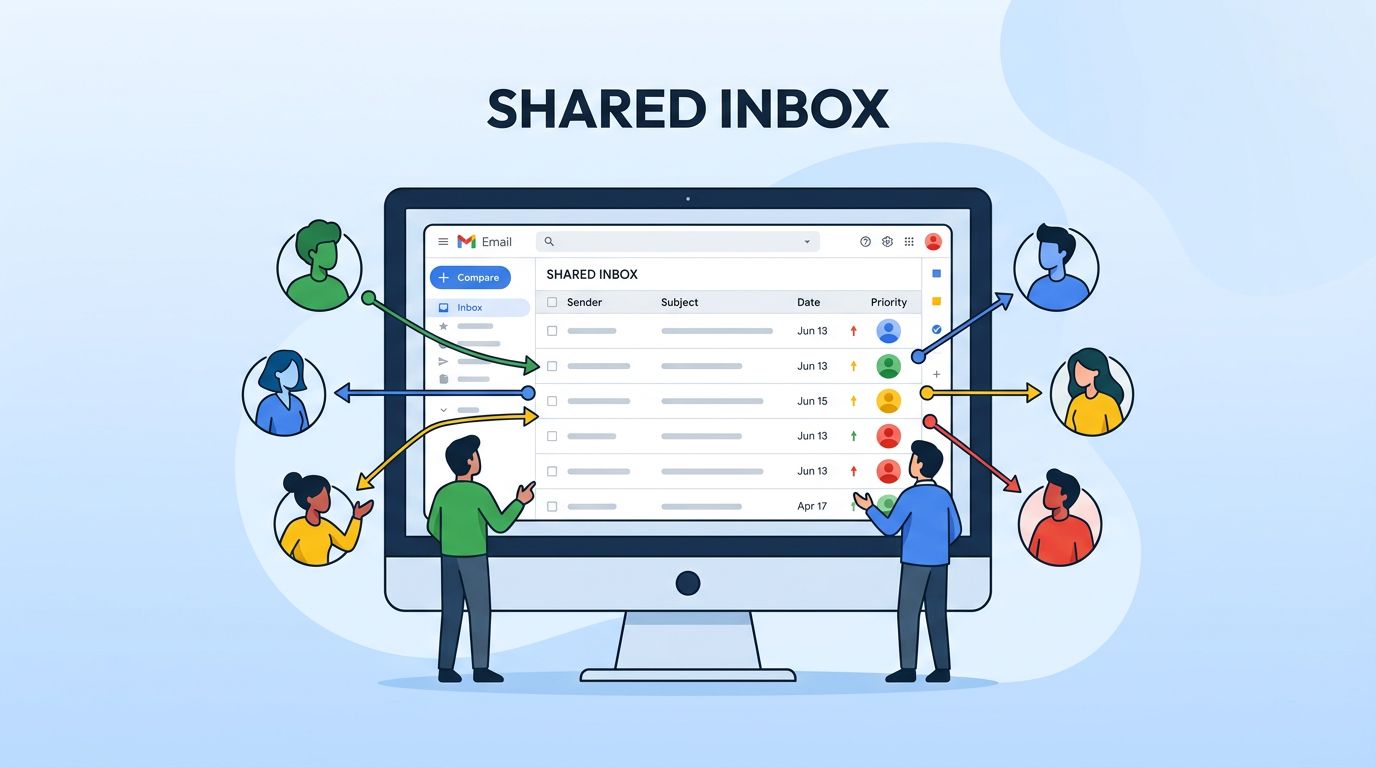
Team emails pile up like unopened mail on a kitchen counter. One person misses a reply, and customers wait longer than they should. I fix that chaos with a Google Groups shared inbox. It lets my support or sales teams read, assign, and answer from one address, like support@yourdomain.com. No more forwarding chains or reply-all

You’ve got a small team juggling files across personal Drives. Chaos builds fast. One person leaves, and key documents vanish into their account. I fixed that mess by switching to Google Workspace shared drives. They keep files owned by the team, not individuals. Small teams like yours gain control without big admin headaches. In this
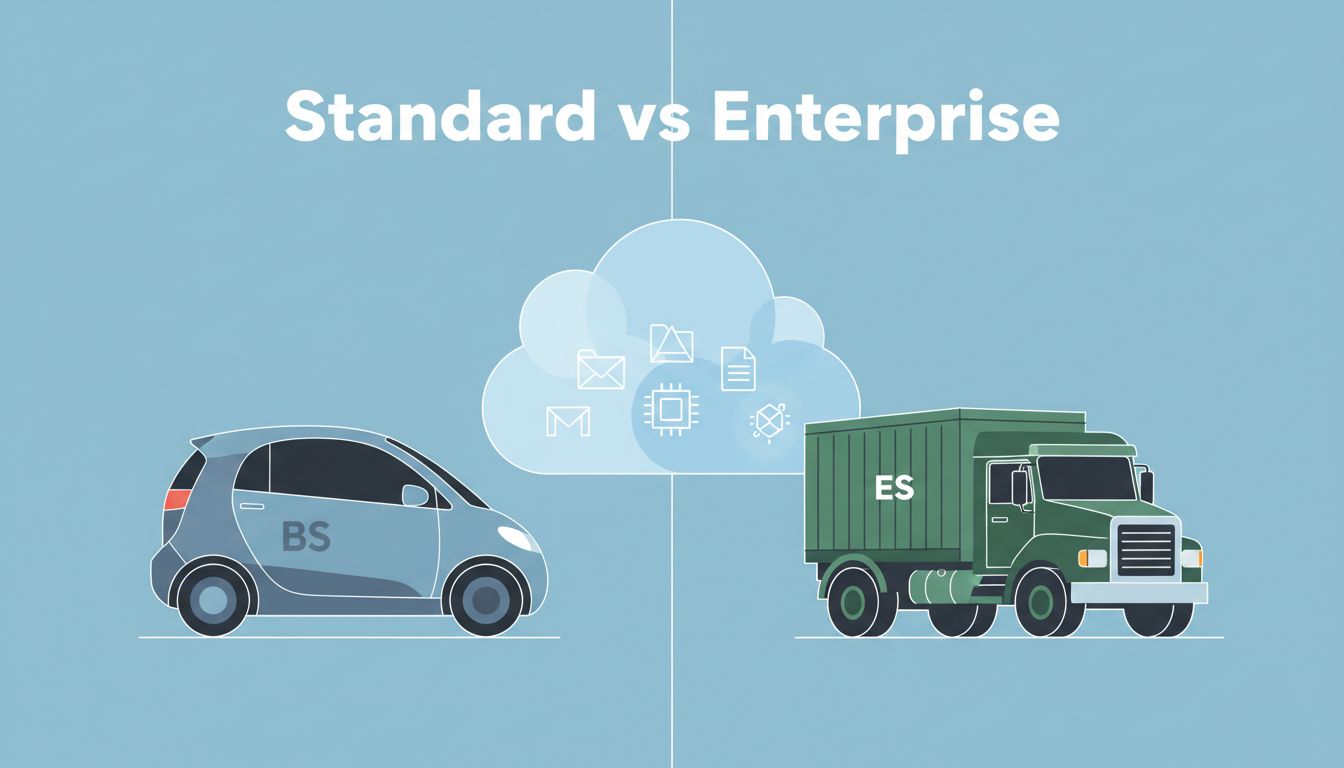
You run a growing team, but picking the right productivity suite feels like choosing between a compact car and a truck. Google Workspace offers solid options. Google Workspace Business Standard suits most small outfits, while Enterprise Starter targets bigger operations with strict needs. Both deliver Gmail, Drive, Docs, Meet, and AI boosts from Gemini. Yet
