Cloud Identity Free vs Business Starter in 2026: Which One Fits?
Choosing between Cloud Identity Free and Business Starter comes down to one simple question, do I need account management, or do I need a full work suite? If I only want identity control, security basics, and device management, Cloud Identi...
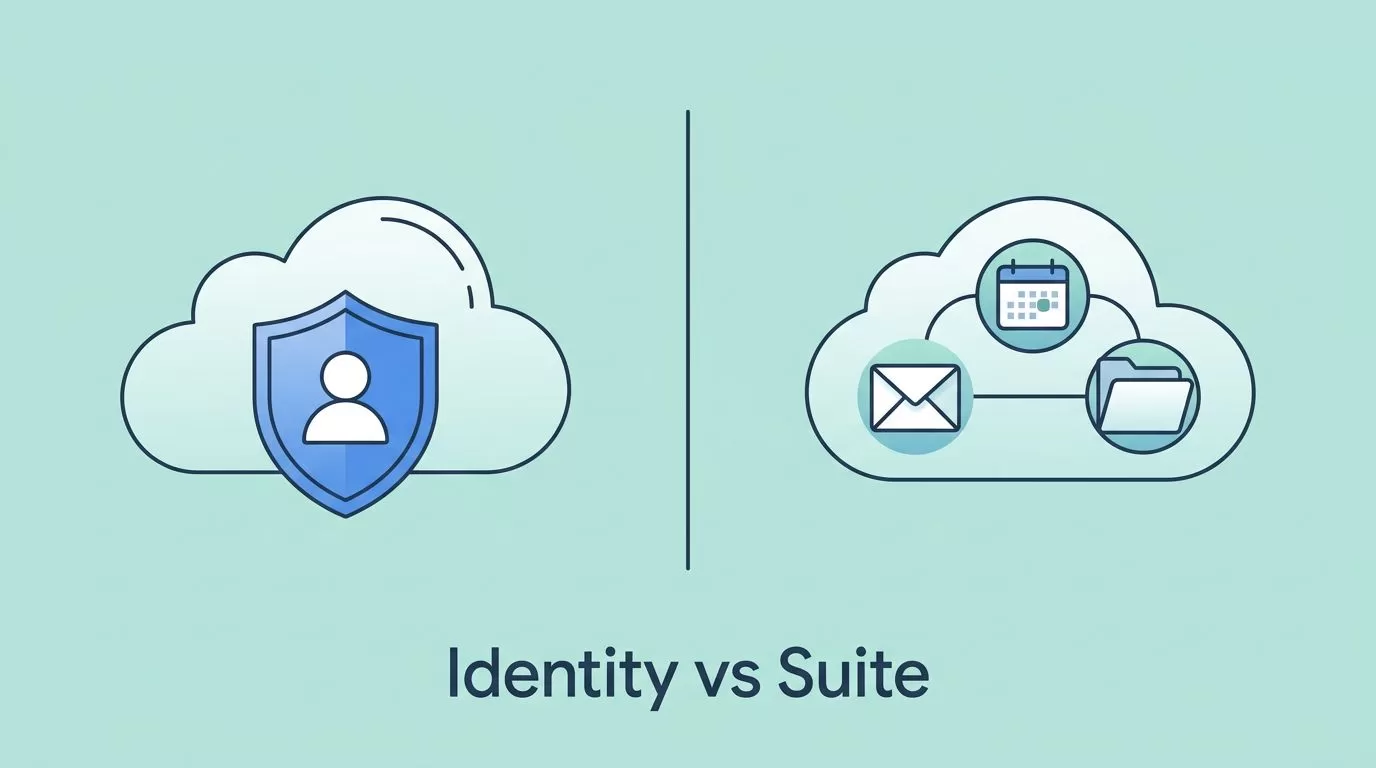
Choosing between Cloud Identity Free and Business Starter comes down to one simple question, do I need account management, or do I need a full work suite? If I only want identity control, security basics, and device management, Cloud Identity Free is the better fit. If I need Gmail, Calendar, Drive, Docs, and Meet for daily work, Business Starter wins.
As of June 2026, Google still separates these two plans in a way that matters for small teams, startups, and IT-led orgs. I still check Google’s live plan pages before I buy, because bundles, limits, and availability can shift.
Table of contents
- My quick verdict
- Cloud Identity Free vs Business Starter at a glance
- What Cloud Identity Free gives me
- What Business Starter gives me
- How I choose fast in real setups
- The hidden costs and trade-offs
- When I would move beyond Business Starter
- FAQ
- Conclusion
My quick verdict
I pick Cloud Identity Free when I already have email and collaboration elsewhere, but I need central identity, access control, and device management.
I pick Business Starter when I want one subscription to cover email, files, meetings, and basic admin control.
That split is the whole story for most buyers. The rest of the decision is about how much of Google’s workspace I want inside the same bill.
Cloud Identity Free vs Business Starter at a glance
I start with Google’s own compare editions page because the fine print changes, and third-party tables go stale fast.
| Feature | Cloud Identity Free | Business Starter | What I make of it |
|---|---|---|---|
| Main purpose | Identity, login, and device management | Full business productivity suite | One manages access, the other powers daily work |
| Gmail and custom email | No | Yes | This is the biggest difference |
| Docs, Sheets, Slides, Drive, Calendar, Meet | No full Workspace app bundle | Yes | Starter is built for active teamwork |
| Storage | No standalone storage | 30 GB per user | Starter gives me a usable home for files |
| Meet capacity | Not the point of the plan | Up to 100 people | Starter is fine for small meetings |
| User limit | 50 users on the free edition | Up to 300 users | Starter scales farther |
| Best fit | Admin-only or app-light setups | Small teams that need email and apps | If I need a workplace, I choose Starter |
The table makes the gap plain. Cloud Identity Free is a control layer. Business Starter is the first real Workspace seat.

Cloud Identity Free looks lean on purpose, while Business Starter feels like the front door to Google’s work apps.
What Cloud Identity Free gives me
I treat Cloud Identity Free like the lock on the office door. It tells me who can enter, what device they use, and how they prove they belong there.
That makes it useful when I need a managed directory, basic security controls, and device oversight, but I do not want to pay for a full collaboration suite. If I already run email through another system, Cloud Identity Free can fit neatly beside it.
It also makes sense for smaller groups that need order more than apps. Contractors, service accounts, and internal users often need access rules before they need Gmail. In that setup, the free plan keeps the admin side tidy without adding workspace features I won’t use.
The limit is clear, though. Cloud Identity Free does not give me Gmail, Calendar, Docs, or Drive as a workspace package. It is not a lighter version of Workspace. It is a different product with a different job.
If I want to keep team communication inside Google instead of spreading it across separate tools, I usually move to a paid Workspace plan. For teams that live in documents and shared meetings, I also keep my Google Workspace collaboration strategies for remote teams handy, because the plan choice only pays off when the setup supports real work.
What Business Starter gives me
Business Starter is the smallest plan that feels like Google Workspace. I get Gmail with a custom domain, the core productivity apps, Google Meet, and a shared admin layer that fits a small team.
That matters because email is usually the first thing people notice. Once I connect a domain, the mailbox becomes part of the business identity, not an extra tool bolted on the side. If I need help setting that up, I follow my Google Workspace email setup guide so I don’t waste time on DNS mistakes.
The other value is simple: everyone works in the same place. Docs live near Drive. Calendar invites tie into Meet. Sheets and Slides sit beside the rest of the team workflow. That reduces friction, especially when people work across time zones or split their day between devices.
Business Starter is still the entry level, so I keep its limits in mind. Thirty gigabytes per user is enough for many small teams, but not forever. The 100-person Meet cap is fine for most meetings, but not for large events. Even so, it’s a strong fit when I want one clean subscription instead of a patchwork of tools.
How I choose fast in real setups
When I need a quick answer, I look at the work pattern, not the product names.
- If I already have another email system and only need Google for identity, I choose Cloud Identity Free.
- If my team needs Gmail, Drive, Docs, and Calendar in one place, I choose Business Starter.
- If I expect growth past 50 managed users, I skip the free option and start with the paid plan.
- If my people spend their day inside shared docs and meetings, I start with Business Starter and build the workflow around it.
That approach keeps me from overbuying. It also keeps me from underbuying and then patching the gap with another service a month later.
A simple test helps. If I would be upset on day one that there is no Gmail, I already know the answer. I need Business Starter. If I would never touch Gmail inside this tenant, Cloud Identity Free stays in play.
The hidden costs and trade-offs
A free identity layer can look cheap, but it still has a cost if I need email somewhere else. The moment I buy another mailbox service, my “free” stack gets more complicated.
That complexity shows up in three places. First, I spend more time on admin. Second, I split user support across more than one system. Third, I make policy changes in two different places when I want a cleaner security setup.
Business Starter has a cleaner bill, but it can still be the wrong fit if I never use the apps. Paying for Gmail and Drive for users who only need login access is wasteful. In that case, the extra money buys shelf space, not value.
I also watch for policy shifts. Google changes packaging over time, and region or account type can affect what I see in the admin console. Before I lock anything in, I check the live edition page and verify the exact limits for my account.
One more thing matters for security planning. If I want stronger collaboration habits, I need more than a plan name. I need rules for sharing, device use, and account recovery. My Google Workspace collaboration setup for remote teams breaks that down in practical terms.
When I would move beyond Business Starter
Business Starter is enough for many small teams, but it has a ceiling. Once storage, meeting size, or admin needs rise, I start comparing the next tier.
That is where Google Workspace Business Standard vs Plus becomes the real question. I look there when I need more storage, more room for growth, or stronger controls than Starter gives me.
I also move up when the team starts keeping more of its work inside Google. Shared drives fill up. Meetings get recorded. Admin tasks become more detailed. At that point, Starter still works, but it starts to feel tight.
The rule I follow is simple. If the plan is holding the team back, I compare the next tier. If the plan is just sitting there unused, I step back and ask whether I need a paid Workspace seat at all.
FAQ
Is Cloud Identity Free the same as Google Workspace?
No. I think of it as identity and access management, not a full productivity suite. It gives me control, but it does not give me the main Workspace apps.
Can I use Gmail with Cloud Identity Free?
No. Cloud Identity Free does not include Gmail or custom business email. If I want business email inside Google, I need Business Starter or a higher Workspace plan.
Can I switch from Cloud Identity Free to Business Starter later?
Usually, yes, but I still check Google’s current admin guidance before I plan a move. Packaging and billing details can change, so I verify the live path before I depend on it.
Is Business Starter enough for a small team in 2026?
For many small teams, yes. It gives me the core apps, business email, and enough storage for everyday work. If the team grows fast, I re-check storage, meeting limits, and admin needs before I settle in.
Which plan is safer for a new business?
I don’t see safety as a plan name alone. If I need business email and collaboration right away, Business Starter is the safer operational choice. If I only need identity management, Cloud Identity Free is enough.
Conclusion
The choice is clear once I separate identity from productivity. Cloud Identity Free is for control, directory management, and device oversight. Business Starter is for email, files, meetings, and the daily work of a small team.
If I need Gmail and Google apps on day one, I go with Business Starter. If I only need a place to manage users, I keep the free plan and avoid paying for tools I won’t open.
The fastest answer is usually the right one here, because the gap between these plans is not subtle. One manages access, the other runs the workplace.
