How I Avoid Cold Email Spam Filters with Hunter.io
Cold emails land in spam folders faster than a poorly aimed pitch. I’ve watched campaigns tank because filters caught suspicious signs. You prospect hard, only to see zero opens. As a founder reaching sales teams, I fix this upfront....
Cold emails land in spam folders faster than a poorly aimed pitch. I’ve watched campaigns tank because filters caught suspicious signs. You prospect hard, only to see zero opens.
As a founder reaching sales teams, I fix this upfront. Hunter.io helps me verify addresses and build trust. Follow my steps, and your messages hit inboxes.
Prepare Your Sending Setup Right
Email providers scan everything before delivery. I start with basics to signal legitimacy. Skip this, and no tool saves you.
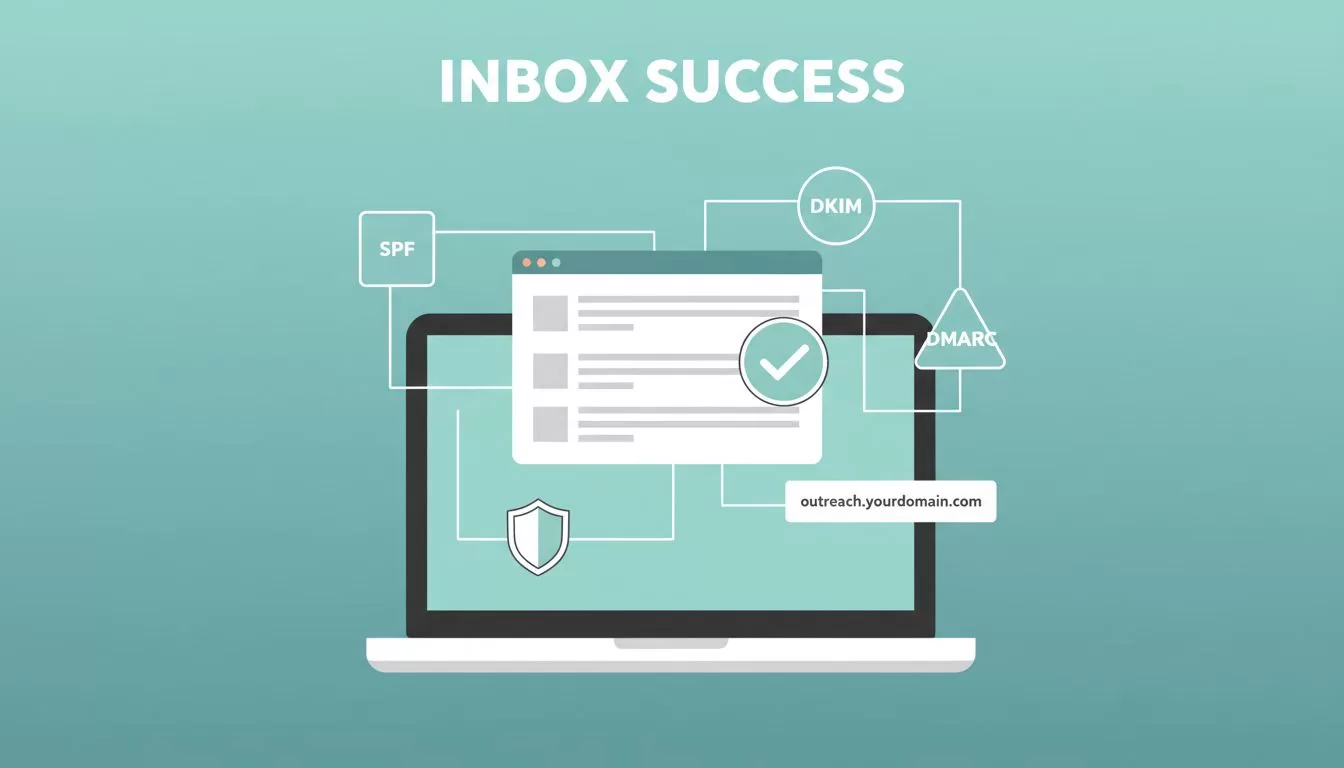
First, add SPF, DKIM, and DMARC records to your domain DNS. SPF approves senders. DKIM signs messages. DMARC rejects failures. Gmail and Outlook demand these now.
Use a dedicated subdomain for outreach, like outreach.yourdomain.com. This shields your main domain. I warm it slowly: 50 emails day one, ramp to 200 over weeks. Sudden volume screams spam.
Add a one-click unsubscribe header. Honor opts fast. Compliance with CAN-SPAM keeps complaints low. For EU prospects, note legitimate interest under GDPR.
Here’s a quick setup table I check before sends:
| Step | Action | Benefit |
|---|---|---|
| SPF/DKIM/DMARC | Update DNS records | Proves authenticity |
| Domain warm-up | Gradual volume increase | Builds provider trust |
| Unsubscribe header | Add List-Unsubscribe | Meets legal rules |
These steps cut early flags. In my tests, they boost inbox rates by half.
Verify Emails First with Hunter.io
Bad addresses kill reputation. Bounces and spam complaints follow. I verify every list with Hunter.io before outreach.
Hunter’s Email Verifier checks syntax, SMTP, and deliverability. Bulk upload CSVs for scale. It flags catch-alls and risks. I skip low-confidence scores under 90%.
Start with Domain Search for patterns, like first.last@company.com. Then use Email Finder for names. Verify immediately. Export only clean lists.

This workflow mirrors my Hunter.io email finder workflow guide. Monthly auto-verification keeps leads fresh too.
Ethical note: Target public professional emails only. Pair with relevance, like recent hires. This respects boundaries and dodges filters.
Write Emails That Skip Spam Filters
Content trips filters next. Spammy words or patterns alert AI scanners. I write like notes to peers.
Personalize beyond names. Reference a job post or tool stack. Keep under 120 words. One CTA. Vary subjects.
Avoid triggers: “free,” all caps, excess punctuation. No attachments. Plain text works best.
Here’s a safe example I use:
Subject: Idea for [Company]’s RevOps stack
Hi [Name],
Saw [Company] uses [Tool]. We cut reporting time 30% for similar teams.
Worth 10 minutes next week?
[Your Name]
[Unsubscribe]
Do’s and don’ts guide my copies:
- Do: Use short sentences. Add context.
- Do: Test on seed lists first.
- Don’t: Repeat phrases across emails.
- Don’t: Pack multiple links.
For more on patterns, check Hunter’s email deliverability guide. Their spam avoidance tips align perfectly.

This feels human. Replies climb when filters pass.
Follow Up Smart and Track Everything
Sequences build replies without spam risks. I limit to three touches, spaced days apart. Steady volume per account.
Monitor bounces under 2%. Track opens, clicks. Tools like Hunter Campaigns handle auto-replies and unsubs.
Clean lists often. Segment engaged contacts. Re-engage inactives sparingly.
My full process draws from cold outreach using Hunter.io Email Finder. It integrates verification seamlessly.
In 2026, AI filters watch engagement. High opens signal value. Low ones hurt.
Stick to These Habits for Long-Term Wins
Hunter.io verification anchors my flow. Clean data plus smart setup lands emails where they belong. I’ve doubled replies this way.
Test one change: verify your next list fully. Watch inboxes improve.
What filter trips you most? Share below. For ethical workflows, see my Hunter.io lead generation guide.
