A company domain can hide the right contact in plain sight. When I need a sales prospect, PR lead, recruiter, or partnership contact, I start with Hunter.io instead of guessing.
I want a contact info extraction tool that gives me public business emails, then lets me verify them before I send. That keeps my list cleaner and my outreach more respectful.
As of April 2026, Hunter.io works best for me when I use it with a clear process, not as a quick-grab machine. Here’s how I use it.
I start with the company domain, then read the pattern
When I know the company but not the person, I begin with Hunter’s Domain Search. It shows public email addresses tied to a domain, plus confidence signals and source clues.
That first pass helps me spot naming patterns fast. If a company uses first.last@company.com, I know what to test next. I keep a separate note on corporate email patterns because the pattern often saves me more time than the search itself.


For sales prospecting, I look for revenue, ops, or decision-maker contacts. For PR outreach, I focus on comms and editorial roles. For recruiting, I search for hiring leads. For partnerships, I check founder, business development, or strategy contacts.
That’s the real win for me. I’m not just finding emails. I’m finding the right door before I knock.
My Hunter.io workflow is search, find, verify, then send
I keep the process simple because simple is easier to repeat. I also waste fewer credits that way.
- I search the domain first.
If I already know the company website, I start there and scan the public results. - I use Email Finder for a named person.
When I know who I want, I move from the company to the person. I use my Hunter.io email finder guide when I need a refresher on that step. - I verify every address before I send.
Hunter’s email verification guide helps explain why I do this. A find is useful, but a verified address is what protects my bounce rate. - I save only what fits my outreach plan.
If the contact doesn’t match my offer, I skip it. That’s true for sales prospecting, recruiting, and PR too.
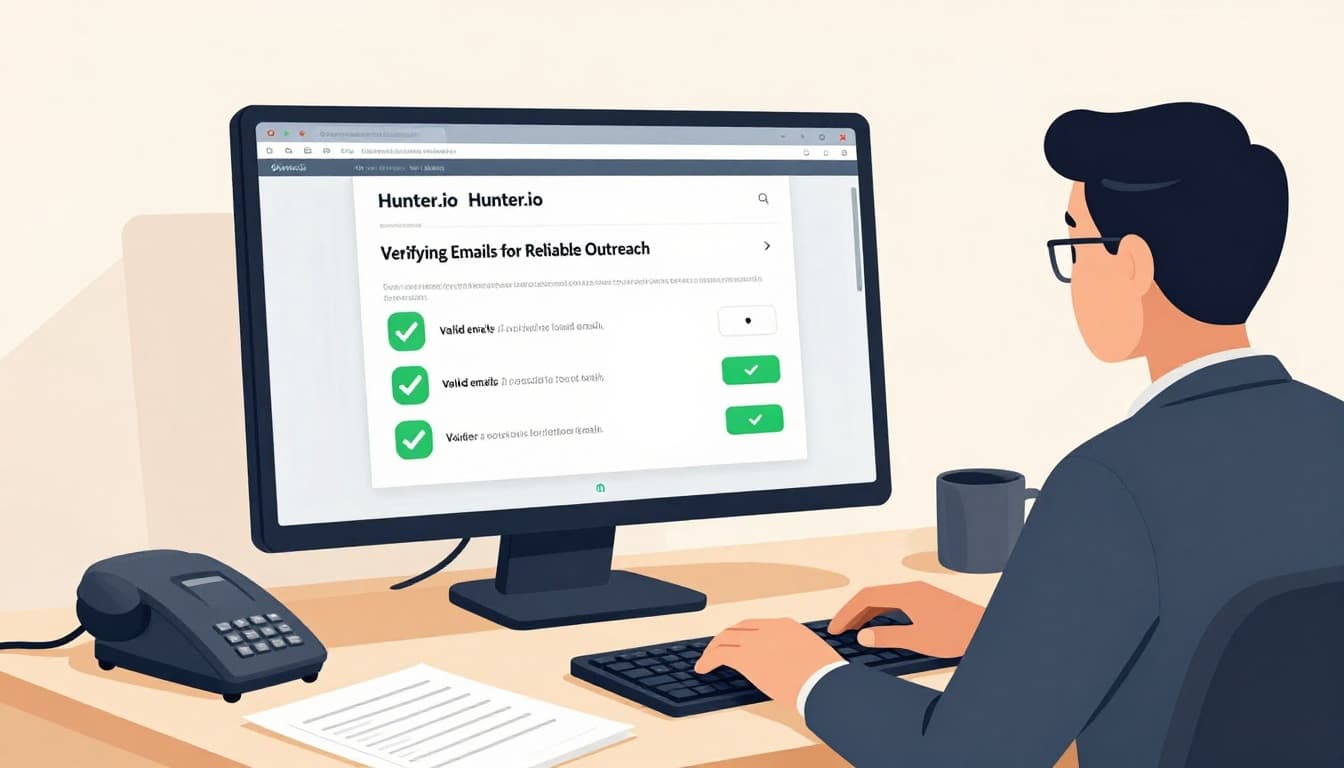
As of 2026, I also see Hunter as more than a finder. The tool now leans on campaigns, bulk actions, a Chrome extension, and an API. I use those extras only when they support the same clean workflow.
I trust a verified email more than a clever guess, but I still check the fit myself.
Bulk workflows save me the most time
Once I have a list of companies, bulk work matters. I can upload CSV files, run checks in batches, and keep the process moving. That matters when I’m building a pipeline for outreach, not just chasing one contact.
The official Bulk Email Verifier is the piece I use most. When I need multiple named contacts, I also look at the Bulk Email Finder. For a wider weekly process, I keep my own Hunter.io lead generation workflow close at hand.
Before I upload anything, I clean the file. I remove duplicates, fix obvious typos, and keep one company per row when I can.
| Bulk task | What I use it for | Why it helps |
|---|---|---|
| Bulk Email Finder | Many named contacts at once | Cuts manual lookup time |
| Bulk Email Verifier | Checking deliverability in batches | Protects sender reputation |
| CSV export | Moving leads into CRM or sequences | Keeps my pipeline organized |
As of 2026, paid plans start around $49 per month, and credits matter more than the sticker price. I watch credit use closely, because repeated searches and verification can drain them fast.

The takeaway is simple. Bulk workflows help when I already know my target list. They don’t help when my targeting is weak.
Accuracy, privacy, and outreach quality still decide the result
Hunter is strong, but it isn’t magic. People change jobs. Companies change domains. Catch-all mailboxes can make a result look cleaner than it is.
If a result looks shaky, I cross-check it against my notes on catch-all email verification. I also pay attention to confidence scores, because they help, but they’re still signals, not promises.
I never treat a verified address as permission to send a lazy pitch.
That rule matters for compliance, and it matters for trust. I keep my outreach tied to a real reason, I avoid collecting more data than I need, and I include an easy opt-out. For me, responsible use is part of the workflow, not an extra step at the end.
Where Hunter.io fits better than broader sales tools
Compared with Apollo or other large sales databases, Hunter feels narrower. That’s not a weakness for me. It’s a strength when I want a focused tool for finding and verifying business emails.
If I need a giant contact database or deeper enrichment, I compare broader platforms. If I want public business contact data with a cleaner workflow, Hunter usually fits better. That focus is why I keep returning to it for practical lead generation.
Hunter also works well when I already know my use case. Sales, PR, recruiting, and partnership outreach each need a different filter. Hunter helps me narrow the field without turning the process into a maze.
The bottom line
Hunter.io works best for me when I treat it like a careful research assistant. It helps me find public business emails, verify them, and move faster without turning outreach into a mess.
That matters whether I’m building a sales list, planning PR outreach, hiring, or opening a partnership conversation. The tool helps, but the real value comes from using it with judgment, restraint, and a clear reason to reach out.