Scale Contractor Bid Automation Workflows on Twin.so
A bid desk rarely fails because estimators lack skill. It fails because requests arrive through too many channels, key details stay in attachments, and follow-ups depend on memory. Good contractor bid automation turns that scattered intake...

A bid desk rarely fails because estimators lack skill. It fails because requests arrive through too many channels, key details stay in attachments, and follow-ups depend on memory. Good contractor bid automation turns that scattered intake into a controlled workflow with clear owners, deadlines, and review points.
Twin.so can act as the workflow automation layer around your existing inboxes, portals, CRM, spreadsheets, and estimating tools. The goal isn’t to remove estimator judgment. The goal is to reduce manual handoffs so your team can review more qualified opportunities without losing control.
How contractor bid automation scales on Twin.so
Scaling starts with a consistent process. If every estimator handles bid requests differently, automation only increases the inconsistency. Define the workflow before you connect systems.
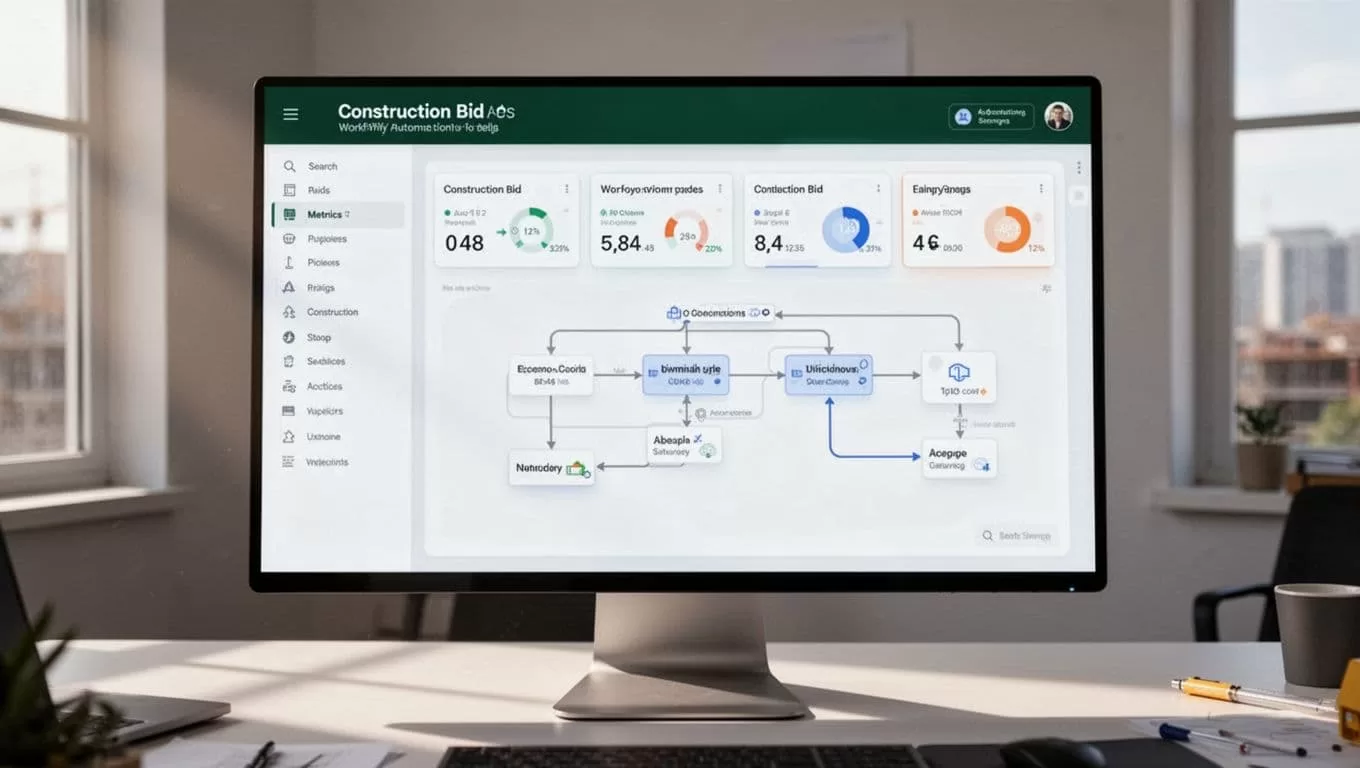
A practical contractor bid automation workflow has these stages:
- Capture the bid request from email, a web form, or a browser-based portal.
- Extract the project, customer, trade, location, scope, and deadline.
- Validate required fields and flag missing information.
- Apply bid or no-bid rules.
- Assign the opportunity to an estimator or department.
- Track estimate progress and approval status.
- Send the approved proposal.
- Schedule follow-ups and record the outcome.
This structure gives Twin.so a clear set of actions and stop conditions. It also gives your team a reliable record of what happened during each run.
A bid management platform may focus on invitations, distribution, and subcontractor communication. That distinction matters when you decide which tasks belong in a bid system and which belong in an automation layer. This construction bid management overview provides useful context on those separate workflow areas.
Automation should move a complete request forward. It should stop incomplete or uncertain requests before they reach pricing.
Twin.so can support this broader process by coordinating browser actions, data updates, document movement, notifications, and human approvals. Start with one trade or one shared bid inbox. Prove the workflow before adding every source.
Build a reliable bid intake process
The first scaling problem is usually intake. General contractors may receive invitations through email, plan rooms, CRM forms, and vendor portals. Specialty contractors often receive a mix of direct requests, referral leads, and repeat customer work.
Create one standard bid record regardless of the source. Store fields such as:
- Project name and site address
- Customer, general contractor, or owner contact
- Requested trade and scope
- Bid due date, time, and time zone
- Plan, specification, and attachment links
- Estimated project value, when available
- Assigned estimator
- Bid status and next action
- Bid or no-bid decision
- Reason for rejection or delay
Tell Twin.so to write each value to a defined field. Don’t ask it to produce one long paragraph that contains every detail. Structured records are easier to search, filter, review, and export.
Add validation rules before any assignment occurs. A missing service address, unknown trade, unreadable attachment, or expired deadline should create an exception. The workflow can request the missing information or route the item to an operations user.
Duplicate detection also matters. Compare project names, addresses, customer records, and source URLs before creating a new opportunity. If the match is uncertain, create a review task instead of merging records automatically.
Use clear instructions for uncertain data. Tell the workflow to leave a field blank when the source doesn’t provide the answer. Tell it not to infer scope, quantities, contract terms, or customer requirements from weak signals.
That rule protects estimate quality. It also gives reviewers a clear list of missing data instead of forcing them to search through an automated summary.
Add bid or no-bid gates before estimator assignment
Estimators lose time when they review work your company can’t pursue. A qualification gate prevents low-fit opportunities from entering the active queue.
Set rules around the factors your team already uses. Common checks include operating region, project type, required trade, schedule, customer relationship, contract requirements, insurance requirements, and available estimating capacity.
Keep the first version simple. For example:
- Confirm the project falls inside the service area.
- Confirm the requested trade matches the company’s capabilities.
- Check the bid deadline against the current workload.
- Flag missing plans, specifications, or scope details.
- Route the opportunity for approval when risk or value exceeds a set threshold.
The output should be a decision with a reason. “No bid” isn’t enough. Record whether the project was outside the service area, lacked enough information, had an impossible deadline, or failed a commercial requirement.
Use human approval for decisions that affect margin or contractual risk. Twin.so can collect the facts, apply the documented rules, and send the decision to the right person. The estimator or operations leader can then approve, reject, or request more information.
This approach improves several metrics at once. You can track the time from receipt to qualification, the percentage of requests assigned to an estimator, the number of rejected opportunities, and the ratio of qualified bids to total intake.
Don’t hide the rules inside a general-purpose prompt. Write them as separate conditions. That makes testing easier when your service area, workload, or project criteria change.
Connect estimating work without replacing estimator judgment
A proposal workflow should separate data collection from pricing authority. Twin.so can prepare the work around the estimate, but your estimating system and staff should remain responsible for takeoffs, production assumptions, labor rates, material costs, and margin decisions.
When a qualified bid is assigned, the workflow can collect the source documents, create the opportunity record, notify the estimator, and set a due date. It can also check whether the required plan set or scope files are present before the task moves forward.
If your team uses a dedicated takeoff and estimating product, keep that system as the pricing record. STACK’s construction estimating and takeoff platform is one example of a specialized tool that can handle estimating work while Twin.so coordinates the surrounding intake and approval steps.
Store proposal values as separate fields:
- Labor and material totals
- Subcontractor or supplier inputs
- Add-ons and allowances
- Travel, rush, or mobilization charges
- Discounts and taxes
- Gross margin or markup
- Proposal expiration date
- Assumptions and exclusions
- Payment terms
- Assigned reviewer
A generated proposal should show its calculations. Reviewers need to see how line items produce the subtotal and final amount. They also need to know which assumptions require confirmation.
Route the draft to the estimator, project manager, or operations leader based on the approval rule. Don’t send an external proposal while a required reviewer is still pending.

Scale follow-up without creating noise
A sent proposal isn’t a completed workflow. The next action must be recorded immediately.
Set follow-up rules based on the proposal status and customer response. A workflow may create a task after delivery, send a confirmation message, remind the assigned salesperson, and stop future messages when the recipient replies.
Use different paths for different conditions:
- A proposal opened but unanswered can create a sales follow-up task.
- A customer requesting changes can return the record to estimating.
- A rejected bid can capture the reason for future analysis.
- An expired proposal can trigger a review before any renewal message.
- A bounced email can create a contact verification task.
The workflow should never send repeated messages without checking the latest status. Store the last contact date, next follow-up date, response type, and assigned owner in the bid record.
A documented follow-up process improves follow-up completion and gives leaders a clearer view of pipeline health. It can also show whether slow responses, pricing, scope gaps, or customer fit are affecting win rate. Practical guidance on contractor bidding workflow management covers common automation areas such as reminders, task assignment, and status tracking.
Use Twin.so to coordinate these actions with your CRM or sales workspace. The record should remain the source of truth. Don’t rely on a message thread as the only evidence that a follow-up happened.
Measure the workflow before adding more volume
Automation needs an operating dashboard. Track the current process before you change it, then compare results after each workflow release.
| Metric | What to measure | Operational question |
|---|---|---|
| Response time | Receipt to acknowledgment or qualification | Are new requests handled quickly? |
| Bid volume | Qualified opportunities per week | Can the team process more work? |
| Estimator utilization | Time spent on estimating versus admin tasks | Is automation reducing manual coordination? |
| Follow-up completion | Scheduled follow-ups completed on time | Are proposals receiving consistent attention? |
| Win rate | Won bids divided by submitted bids | Is higher volume preserving bid quality? |
| Exception rate | Runs stopped for missing or invalid data | Which intake rules need improvement? |
Keep a run log for every workflow. Record the workflow name, run identifier, source, timestamps, files accessed, actions completed, errors, and reviewer decision. Preserve original bid files. Create a separate normalized copy when field cleanup is needed.
Exception messages must identify the source, project, failed step, and required next action. “Task failed” doesn’t help an estimator fix the problem.
For open bids and stale quotes, a daily operations digest can help managers focus on exceptions instead of scanning several systems. Twin.so’s trades operations sync operator is designed around recurring bid, quote, supplier, and payment tracking tasks.
Review the metrics weekly. If response time improves but win rate drops, the qualification rules may be too loose. If bid volume rises while estimator utilization reaches capacity, adjust assignment rules before adding more intake sources.
Roll out contractor bid automation in controlled stages
Don’t automate the entire estimating department in one release. Start with one source, one trade, and one approval path.
First, document the current process. Capture every inbox, portal, spreadsheet, notification, and manual handoff. Then remove steps that don’t create a useful record or decision.
Next, build the smallest working flow:
- Intake and field extraction
- Required-field validation
- Assignment
- Approval
- Status update
- Follow-up task
Test the workflow with real historical bid requests. Check whether dates, attachments, contacts, project names, and scopes land in the right fields. Test missing documents, duplicate projects, rejected bids, and late submissions.
After the pilot works, add other sources one at a time. Keep the field structure stable across trades. Change rules only when the business process changes.
The strongest contractor bid automation programs don’t hide decisions behind automation. They make each decision easier to inspect, approve, and improve. That is how a small workflow becomes a reliable operating system for higher bid volume.
Conclusion
Contractor bid automation works when it controls the full path, not only the first email. Standardize intake, validate records, apply bid or no-bid gates, protect estimator judgment, and automate follow-up with clear stop conditions.
Twin.so can coordinate those steps around the tools your team already uses. Start with one repeatable workflow, measure response time, bid volume, estimator utilization, win rate, and follow-up completion, then expand only after the records and approvals are reliable. The objective is simple: more qualified bids handled with less manual coordination.
