How I Connect ConvertKit and MemberSpace for a Paywall
If I want a paid newsletter, course, or private resource hub to run cleanly, I need the paywall and the email list to agree with each other. When they drift, members miss access, tags get messy, and onboarding feels rough. In the sources I...

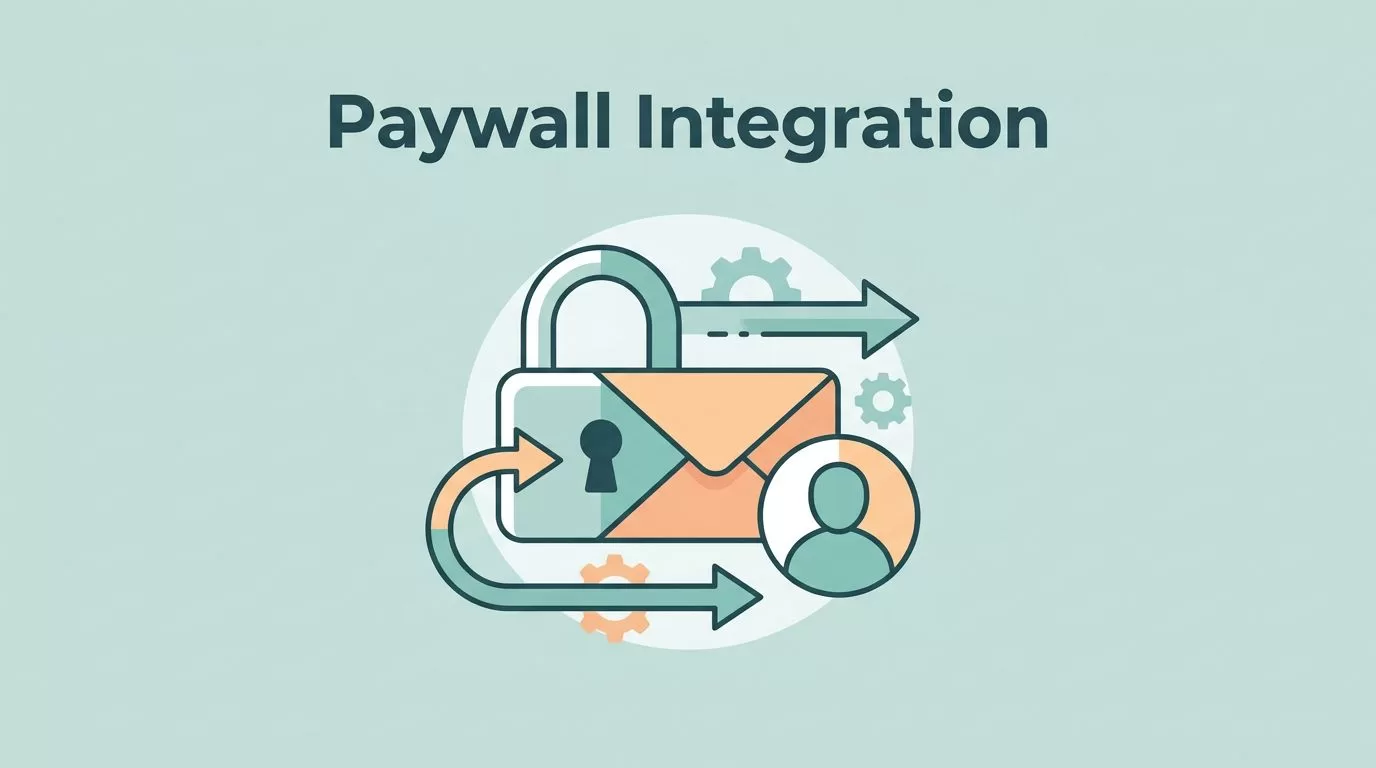
If I want a paid newsletter, course, or private resource hub to run cleanly, I need the paywall and the email list to agree with each other. When they drift, members miss access, tags get messy, and onboarding feels rough.
In the sources I checked for 2026, MemberSpace and ConvertKit do not show a deep built-in native link. I build the stack with MemberSpace for access control, ConvertKit for email, and Zapier for the handoff.
Here’s the workflow I use when I want the whole system to behave like one machine.
How I split the work between MemberSpace and ConvertKit
I keep each tool in its lane. MemberSpace handles the wall, ConvertKit handles the conversation, and the automation layer passes the message along.
| Tool | What I use it for | What I do not ask it to do |
|---|---|---|
| MemberSpace | Protect pages, sell plans, manage access changes | Run my email strategy |
| ConvertKit | Tag subscribers, send sequences, run broadcasts | Lock my content |
| Zapier | Move membership events into ConvertKit | Replace the membership system |
That split keeps the stack easy to explain. A new member buys through MemberSpace, then ConvertKit starts the right welcome path. If the member cancels, the automation should stop the sales emails and move them out of the active member flow.
MemberSpace also documents this event-driven approach in its guide to automatically adding members to an email list, which lines up with the setup I use. I also cross-check broader setup notes in MemberSpace’s answers about email tools when I want to sanity-check the stack.
I keep access and email separate in my head. MemberSpace decides who can see the content, ConvertKit decides what they hear next.


What I need before I start
I get better results when I prepare the parts first. A rushed setup is where most of the confusion starts.
I make sure I have:
- A working MemberSpace account with the payment processor connected.
- A ConvertKit account with at least one tag and one welcome sequence.
- A clear offer, such as a monthly membership, a one-time course, or a free trial.
- One test email address I can use without touching a live member record.
- Zapier ready, since that is the bridge in the workflow I am describing.
- A protected page, post, file, or section already chosen in my site.
If I am building recurring access, I like to lock the billing structure first. My MemberSpace monthly subscription setup guide helps when the offer depends on a clean renewal flow. If I have more than one access level, I map the plan structure with my membership tiers setup guide before I touch the automations.
I also decide what should happen on each event. A purchase should add a tag. A trial start should add a different tag. A cancellation should remove the member from the active sequence. That sounds small, but it keeps the whole system from turning into a tangle of one-off rules.
My setup flow for the ConvertKit MemberSpace integration
I treat the setup like a relay race. MemberSpace starts the run, Zapier carries the baton, and ConvertKit finishes the handoff.
1. I build the offer in MemberSpace first
I start in MemberSpace because access rules come before emails. I choose the protected content, set the pricing, and decide whether the plan is recurring, one-time, or trial-based.
That choice matters because it changes the email flow. A monthly membership needs an onboarding sequence and a renewal-friendly tone. A one-time course may need a shorter sequence with fewer follow-ups. A free trial needs a clear end date and a message that prepares the member for conversion.
I also keep the plan names simple. Clean names help later when I map tags in ConvertKit. “Starter”, “Pro”, and “VIP” are easier to automate than labels that sound clever in the moment.
2. I create the ConvertKit tags and sequence before I connect anything
Next, I build the subscriber side. I usually create one tag for the entry point and one tag for the current status.
For example:
member-newmember-activemember-trialmember-canceled
Then I create a welcome sequence that matches the promise of the paid offer. If I am selling a course, the sequence points to the first lesson. If I am selling a membership, the sequence points to the member dashboard, key links, and support contact.
I keep the sequence short at first. The first email should confirm access. The second should show the best first action. The third should help the member get a quick win. That is enough to start with.
3. I wire MemberSpace to ConvertKit through Zapier
This is where the non-native step matters. In the current setup, I do not rely on a deep direct MemberSpace to ConvertKit bridge inside either dashboard. I use Zapier to move the event data.
Inside Zapier, I pick the MemberSpace event I want, then I tell it what to do in ConvertKit. In plain terms, the flow usually looks like this:
- A new member joins, upgrades, or starts a trial in MemberSpace.
- Zapier catches that event.
- ConvertKit adds or updates the subscriber.
- ConvertKit applies the right tag.
- ConvertKit starts the correct sequence.
I map the email address first. Then I add the name fields if I have them. After that, I map the membership plan name so I can segment later if needed.
I keep the Zap simple. One trigger, one main action, one tag. If I need more branches, I build them later. That keeps testing easier and stops me from creating a brittle stack on day one.
4. I add stop rules for cancellations, refunds, and expired access
The biggest mistake I see is setting up the welcome flow but forgetting the exit flow. If a member cancels, I do not want the active-member sequence to keep sending sales messages.
I handle that by adding a second automation path. A cancellation or failed payment event should remove the active tag, add an exit tag, or move the subscriber into a different list segment. The exact move depends on how I want to keep in touch after access ends.
If I need a polite rejoin flow, I send that from a separate sequence. If I need to stop contact completely, I cut the member out of the active member path right away.
That part matters just as much as the first welcome email.
Common membership workflows I use most
Once the core stack works, I can shape it around the offer. I keep the variations simple so I can debug them fast.
| Offer type | MemberSpace handles | ConvertKit handles |
|---|---|---|
| Paid newsletter | Payment and access to paid posts | Welcome series, issue reminders, retention tags |
| Course membership | Protected lessons and course access | Lesson sequence and student onboarding |
| Free trial | Time-limited access and trial rules | Trial reminder emails and conversion sequence |
| Tiered membership | Entry, mid, and premium access | Segment tags for each level |
If I am building a multi-level offer, I prefer to set the tier structure first. Then I connect each tier to its own tag and sequence. That keeps the member journey obvious. A starter member should not receive VIP copy, and a premium member should not feel like they landed in the wrong room.
When I am using a recurring offer, I think about the billing path and the email path together. The access should update at the same time the messaging changes. That is one reason I like building on top of a clean recurring monthly plan in MemberSpace.
How I test the flow before I publish
I never trust the setup until I have broken it on purpose.
First, I test with a fresh email address that does not already exist in ConvertKit. Then I buy the plan through MemberSpace the same way a real customer would. I watch for three things at once: the payment confirmation, the access grant, and the ConvertKit tag.
Then I open the email sequence and make sure the first message arrives. It should land quickly and speak to the right offer. If it takes the wrong branch, I know the tag mapping is off.
After that, I test the protected page. I log out, I try the locked page, and I confirm that access really works. A payment confirmation without access is a broken promise.
I do not trust a green checkout screen. I trust a live test email and a blocked page.
I also cancel the test membership if the plan allows it. That shows me whether the stop rules work and whether the member leaves the active sequence on time. If the cancellation path fails, I fix it before I invite anyone else in.
Troubleshooting when the handoff breaks
Most problems in this setup are small, but they feel big when they happen on launch day.
If a member reaches MemberSpace but never appears in ConvertKit, I check the Zap first. Then I verify the email field mapping and the trigger status. A typo in the field mapping can hide the whole issue.
If I see duplicate subscribers, I stop creating new records and switch to update behavior where possible. One person should have one main email record, not five versions of the same address.
If access updates correctly but the emails do not change, I inspect the tags. Usually the problem is a missing remove-tag step. That leaves the subscriber in an old automation path.
If a trial member gets the same emails as a full member, I split the tags. Trials need their own messaging. So do active subscribers and canceled accounts.
If something still feels off, I run the flow one step at a time. I check the MemberSpace event, then Zapier history, then ConvertKit subscriber activity. That sequence usually exposes the weak link fast.
Conclusion
When I connect ConvertKit and MemberSpace this way, the stack stays clear. MemberSpace handles access, ConvertKit handles subscriber communication, and Zapier carries the event data between them.
The key is to keep the flow simple at first. Build one offer, one trigger, one tag, and one welcome sequence. After that, I expand into trials, tiered access, and cancellation paths only when the base setup works cleanly.
That is the version I trust in 2026, because it respects what each tool does best and leaves less room for messy surprises.

