How I Manage Discord Paid Access With MemberSpace
Paid communities get messy fast when access lives in too many places. If someone cancels, I want the Discord door to close without a long chase. That’s why I keep MemberSpace Discord paid access tied to one clear membership status and...

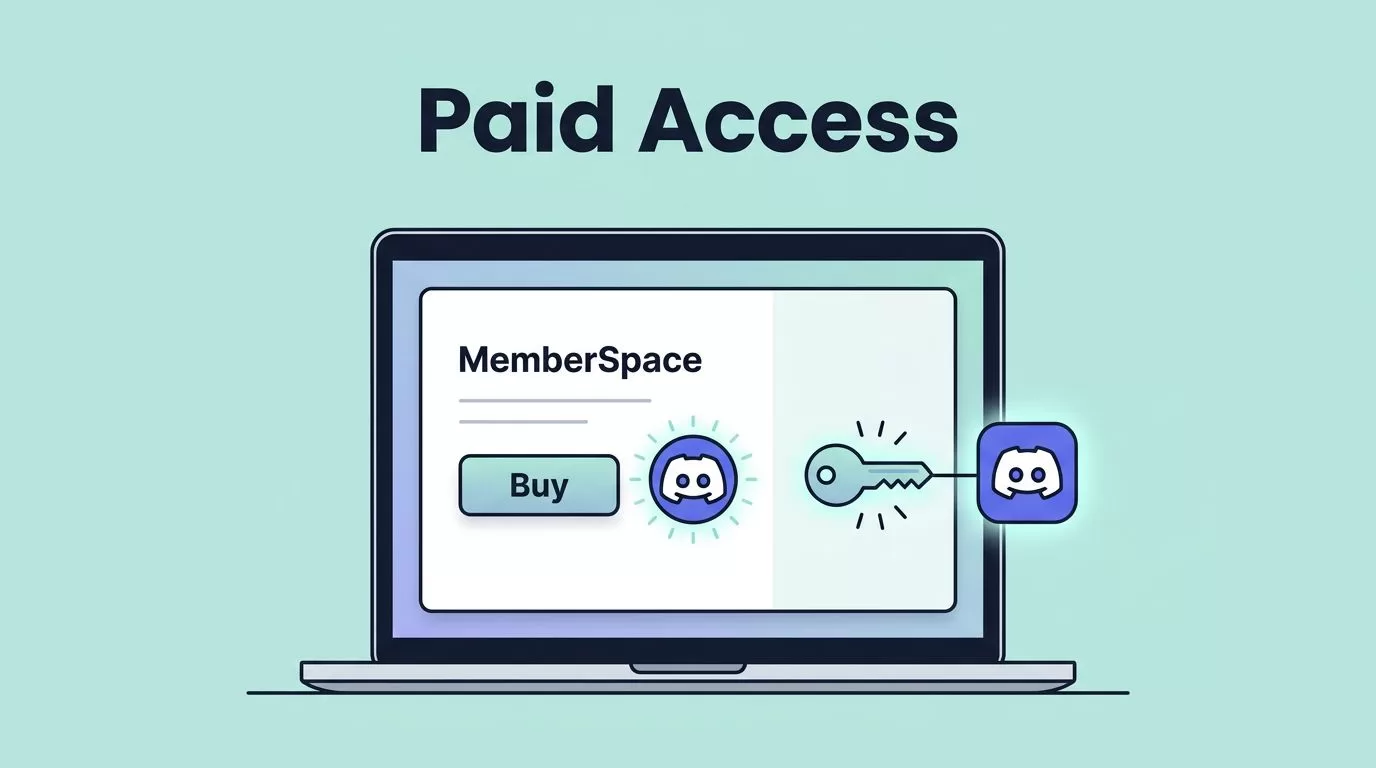
Paid communities get messy fast when access lives in too many places. If someone cancels, I want the Discord door to close without a long chase.
That’s why I keep MemberSpace Discord paid access tied to one clear membership status and one Discord role per tier. MemberSpace handles the payment side, and Discord handles the room.
I use this setup for creator memberships, small paid communities, and course groups that need clean access control. It works best when Discord is the main place members talk, ask questions, and get updates. If access rules get complex, I slow down and map the tiers first.
Why I use MemberSpace for Discord access
I choose MemberSpace when I want the membership sale to happen on my site, not inside Discord. That keeps checkout, billing, and refunds in one place. It also makes my offer easier to explain.
MemberSpace’s own paid Discord server guide follows the same idea. I sell access through the site, then let automation update Discord after the payment status changes. For Discord setup, I keep roles and permissions help open while I work, because role order matters more than people expect.
This setup works best when I have a simple offer. If I need three price points, I start with tiered membership levels in MemberSpace before I touch Discord. One role per tier keeps the whole system legible.
What I check before I connect anything
I never start with the automation tool. I start with the plan.
I write down three things first: which membership gets which Discord role, which channels are paid only, and what happens when a payment fails. If those decisions are fuzzy, the whole experience gets fuzzy too.
Before I connect MemberSpace and Discord, I check these items:
- The Discord server already has a paid role for each plan.
- The bot or automation account has permission to manage roles.
- The bot role sits above the paid roles in Discord’s role list.
- I know whether I want a grace period for failed payments.
- I have a manual backup path if the automation misses a step.
I also decide how much support I want to give at signup. If the welcome message says “Wait for access” and the member expects instant entry, I get tickets. Clear instructions cut that noise fast.
My setup flow for paid Discord access


I keep the setup small enough to test in one sitting.
- I build the membership plan in MemberSpace. The plan name, price, and access rules need to match the offer I want to sell.
- I create matching Discord roles. One role per paid tier is enough for most communities.
- I connect MemberSpace to Discord through automation. As of June 2026, I do not treat this as a native role-management link. I use Zapier or another middleware tool when I need the handoff between payment status and role changes.
- I set the trigger on membership status, not on the first checkout click. A checkout attempt is not a paid member.
- I test with a real account. I sign up, check the Discord role, then cancel or expire the membership to make sure the role comes off when it should.
- I verify the latest settings in both products before launch. Product menus change, and a small naming shift can break a step that used to work.
That flow feels plain, which is exactly what I want. Paid access should feel like a locked gate with one key, not a maze with three extra doors.
How I grant and revoke access cleanly
I keep my rules tied to membership status, then I let the automation do the repetitive part.
| MemberSpace status | My action | Discord result |
|---|---|---|
| Active | Add the paid role | Full channel access |
| Past due | Send a reminder, then follow my grace-period rule | Access stays on or pauses based on my policy |
| Canceled or expired | Remove the paid role | Paid channels close |
| Refunded or chargeback | Remove the role and review the account manually | Access ends right away |
The part I care about most is consistency. If I let one canceled member stay in the server for “just a few more days,” I need that same rule every time. Otherwise, support turns into guesswork.
I also keep a record of odd cases. If someone gets a courtesy extension, I note it. If a refund happens after a renewal, I note that too. Later, that note saves me from staring at the logs and guessing what happened.
For a fuller picture of who is active and who is drifting, I pair this with tracking member activity in MemberSpace. The access log tells me what the automation did, and the activity view helps me spot members who may need a check-in.
I keep one rule simple: active membership means access, and expired membership means the role comes off.
The mistakes I fix first when something breaks
Most problems start with the Discord side, not the payment side.
If a member pays but never gets the role, I check the bot permissions and role order first. If the bot sits below the paid role, it cannot assign that role. That mistake wastes more time than almost anything else.
If a canceled member still sees paid channels, I inspect the automation log and then the role list. Sometimes the role was removed, but another higher role still opens the same channel. Discord permissions can hide that problem well.
If new members wait too long, I shorten the path. I remove extra steps, reduce copy in the welcome email, and test again. A paid community should not feel like a scavenger hunt.
Here are the most common issues I see:
- The wrong Discord role gets assigned because the plan names do not match.
- The bot lacks permission to manage roles.
- Paid channels inherit access from another role.
- Failed payments never trigger a status change because the automation watches the wrong event.
- Refunds remove site access but leave Discord access behind.
The fix is usually boring, which is good. I align the status rules, tighten the roles, and test again with a fresh account.
The habits that keep the setup easy to run
I keep the whole system calm by limiting options. One role per plan is enough for most memberships. Extra roles make support harder, especially when members upgrade or downgrade.
I also keep my payment policy visible. If I allow a grace period, I write it down. If I revoke access immediately, I say that too. Members handle change better when the rule is clear before they need it.
Another habit helps more than people expect, I test the flow after every pricing change. A new plan name, coupon, or refund rule can affect the automation path. I would rather spend ten minutes testing than an hour cleaning up access.
For deeper control, I keep Discord server rules, MemberSpace plans, and member messages in sync. If one of those drifts, support questions follow.
Conclusion
When I set up MemberSpace for Discord paid access, I keep the job split in two. MemberSpace handles who paid, and Discord handles where that person can go. Once I map the roles, test the status changes, and decide how I treat failed or canceled payments, the system gets much easier to trust.
The cleanest setup is usually the simplest one. Before you launch, check the latest MemberSpace and Discord settings, run a real test signup, and make sure access drops when membership ends. That one pass catches most problems before your members see them.

