Automate Course Enrollment Safely With Twin.so
Manual registration forms drain administrative time and introduce costly data entry errors. When cohorts scale rapidly, your team spends hours chasing missing prerequisites and fixing spreadsheet typos. You need a reliable system to handle...
Manual registration forms drain administrative time and introduce costly data entry errors. When cohorts scale rapidly, your team spends hours chasing missing prerequisites and fixing spreadsheet typos.
You need a reliable system to handle registrar duties without risking data integrity. Implementing course enrollment automation transforms how education operations teams manage student intake.
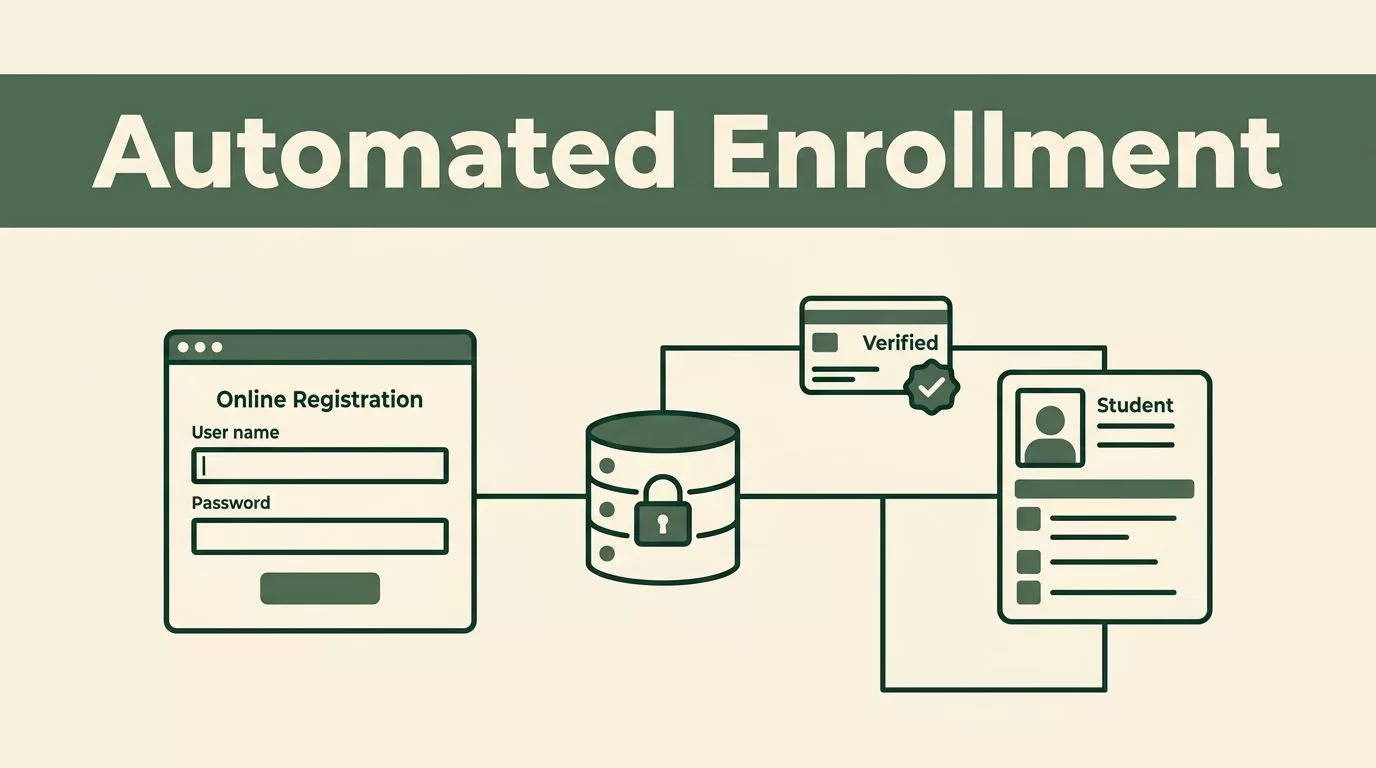
The core mechanics of course enrollment automation rely on connecting web forms directly to your database. Instead of copying student records by hand, automated platforms trigger instant profile creation and payment verification. This eliminates processing delays during peak registration windows when hundreds of applicants submit forms simultaneously.
For higher education institutions, handling admissions efficiently requires robust low-code pipelines. You can review how modern platforms structure these intake pipelines by checking Kissflow’s guide to admissions workflow automation. When you configure these rules correctly, student data flows cleanly from landing pages into your central learning management system without human bottlenecks.

Handling Learner Data and Permissions Safely
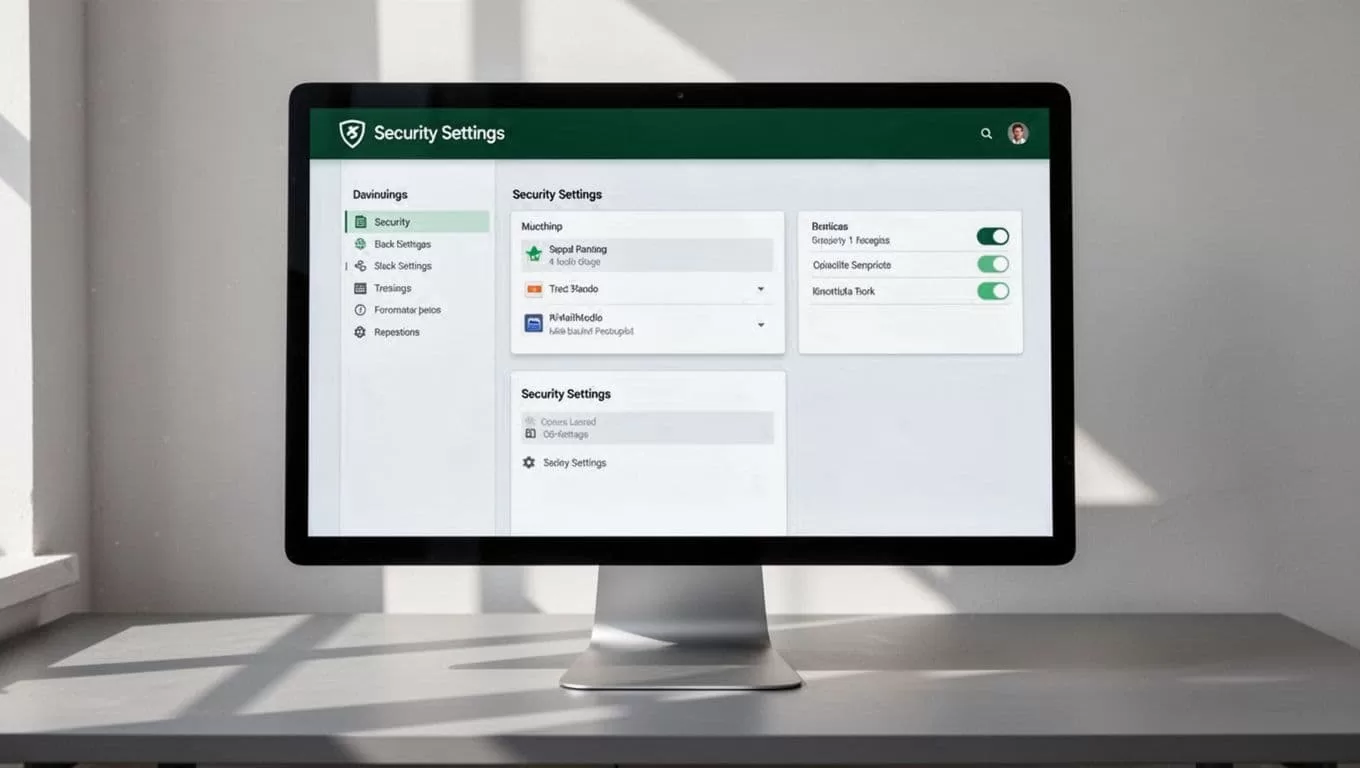
Student records contain sensitive personal information that requires strict access controls. You must protect enrollment databases against unauthorized modifications and compliance breaches. Twin.so allows administrators to assign role-based permissions so only authorized staff view sensitive financial and academic files.
Data privacy starts with strict input validation on every registration form. Set your system to reject incomplete submissions before they reach the main database. Restrict API access tokens to internal services and rotate your credentials on a scheduled basis. These preventive measures block unauthorized third-party scripts from scraping student logs.
Educational institutions also benefit from specialized process engines designed for academic environments. You can examine administrative structural patterns in Creatrix’s higher education workflow automation overview. Aligning your internal permission tiers with proven campus architectures prevents security gaps and maintains strict regulatory compliance.
Designing Your Twin.so Setup and Workflow Rules
Configuring your workspace requires a clear map of trigger events and conditional actions. Start by defining the exact trigger that initiates registration. A successful payment webhook or a verified form submission usually serves as the starting point for your automated sequence.
Next, establish conditional branches based on course capacity and prerequisite completion. If a student meets all criteria, the system adds them to the active roster and sends a welcome email. If a prerequisite is missing, the automation routes the profile into a review queue instead of failing silently.
Proper error handling prevents corrupted records when network timeouts occur. Configure retry logic for failed API calls to ensure payment gateways sync correctly with your student database. Clear audit logs let your operations team trace every transaction from start to finish.
Managing Exceptions and Human Review Gates
Automated pipelines cannot resolve every edge case without intervention. Tuition waivers, transfer credits, and manual scholarship approvals require human eyes before final admission. Build explicit review gates into your Twin.so workflows to pause specific applications until an administrator approves them.
Set up internal notification alerts for any transaction that triggers a validation warning. When an exception occurs, staff members receive an immediate ping with a direct link to the flagged record. This approach keeps processing fast for standard enrollments while preserving oversight for complex cases.
Technical architectures for academic pipelines require precise backend mapping to avoid dropped records. You can study technical development patterns in AppScriptExpert’s course enrollment workflow guide. Reviewing these specifications helps you design fault-tolerant triggers for custom databases.
Executing Your Implementation Checklist
Moving from manual spreadsheets to an automated registration pipeline requires a structured rollout plan. Follow a clear deployment sequence to catch configuration errors before students access your intake forms.
Audit your current database schema to confirm all required fields match your web forms. Clean up outdated student records to prevent duplicate profiles from cluttering your system during peak registration.
Run a series of test transactions using dummy profiles to verify webhook delivery and email triggers. Confirm that payment gateways communicate correctly with your database under simulated high-traffic loads.
Train your operations staff on the exception review queue so they know how to handle flagged records quickly. Monitor system logs closely during the first week of live registration to catch unexpected errors early.
Final Operational Takeaways
Automating student registration removes administrative bottlenecks and protects sensitive data from manual entry errors. Setting up strict permission rules and human review gates ensures your system remains secure and compliant. Start by mapping your current intake steps, configure your conditional triggers in Twin.so, and launch a small pilot test before opening registration to your entire student body.
