Drive DAO Governance Automation With Twin.so
A DAO can approve a proposal in minutes and still spend days chasing updates, reminders, approvals, and follow-up tasks. The vote is visible. The operational work around it often isn’t. DAO governance automation with Twin.so helps org...

A DAO can approve a proposal in minutes and still spend days chasing updates, reminders, approvals, and follow-up tasks. The vote is visible. The operational work around it often isn’t.
DAO governance automation with Twin.so helps organize that work across connected apps, browser-based tools, documents, and internal systems. You can automate status checks, voter reminders, delegation reports, approval routing, and post-vote records while keeping sensitive decisions under human control.
Why DAO governance automation starts with the workflow
DAO governance usually follows a predictable sequence. Someone submits a proposal. Contributors discuss it. Members vote. The team checks quorum and approval rules. A signer or execution system handles the approved action.
The manual work sits between those stages. Governance leads copy proposal details into documents. Community managers track deadlines. Operators send reminders. Signers confirm approvals in separate tools. After a successful vote, someone creates tasks and updates the public record.
That process creates three common problems:
- Status information becomes outdated.
- Important deadlines depend on individual memory.
- No single record shows what happened during each handoff.
Twin.so fits the operational layer around the governance protocol. It doesn’t replace your voting rules, token contracts, quorum logic, or signer set. It helps coordinate the work that surrounds those controls.
The 0xOptimism DAO resource collection is useful when comparing governance frameworks, proposal systems, and supporting tools. Your Twin workflow should connect only to the systems your DAO has already approved.
How Twin.so fits a DAO governance automation stack
Twin.so provides agents that can plan and execute workflows across apps, websites, and internal tools. Its workflow model supports scheduled or webhook-triggered runs, tool use, result evaluation, and follow-up actions.

Twin’s integration catalog lists more than 41,000 apps. The platform also supports browser automation for internal tools and vendor portals that lack an API. Microsoft Graph connectivity covers approved Outlook, calendar, and Microsoft 365 workflows through OAuth, with scheduled or on-demand execution.
For a DAO, that creates a practical workflow pattern:
- Read proposal or voting data from an approved source.
- Compare the current status with the last recorded status.
- Write the result to a document or spreadsheet.
- Send a notification to the responsible group.
- Pause when a human approval or MFA step is required.
- Record the action and reviewer decision.
Twin.so is not documented as a DAO-specific governance module. Current capabilities also don’t establish a native Snapshot, Safe, Tally, or on-chain execution integration. Treat Twin as an operations assistant around those systems, not as the source of truth for voting or transaction validity.
Build the proposal lifecycle in five controlled steps
Start with one proposal workflow. Don’t automate every governance process at once. A narrow first workflow gives you clear test cases and limits the impact of an incorrect action.
- Define the source. Choose the proposal page, approved browser portal, spreadsheet, or document that Twin can access. Record the proposal ID, title, author, deadline, current phase, and source URL.
- Create a status check. Run the agent on a schedule that matches your governance cadence. The workflow should identify whether a proposal is new, under discussion, open for voting, awaiting execution, approved, rejected, or expired.
- Store each observation. Write the status, timestamp, proposal ID, and workflow run reference to a controlled record. Keep previous observations instead of overwriting them. This gives operators a basic history of status changes.
- Send targeted notifications. When the status changes, send an Outlook message or update an approved connected workspace. A proposal-status notification should include the proposal title, new phase, deadline, source link, and required owner action.
- Pause before sensitive actions. Require human review before publishing a public update, changing a governance record, or starting an execution handoff. The reviewer should confirm the proposal ID and status before approving the next step.
This design separates observation from action. Twin can detect that a proposal moved to an execution-ready state, but a person still confirms that the result meets the DAO’s rules.
Community discussions such as the Compound automated workflow proposal show why teams look for repeatable governance operations. The point isn’t to remove contributors. The point is to stop making contributors perform the same status checks every week.
Automate voter reminders and delegation reporting
Voter reminders need clear limits. A reminder should communicate the deadline and proposal link. It shouldn’t pressure a voter toward a specific outcome or conceal changes to the proposal.
Configure Twin to check the voting window on a schedule. When the deadline approaches, the agent can compare the current time with the proposal deadline and send a neutral reminder to eligible recipients through an approved communication channel. Include the closing time, proposal link, and instructions for reviewing the full proposal.
Don’t send repeated messages without a stop condition. Store the reminder status so the workflow knows whether a notice was already sent. Stop reminders when voting closes, the proposal is canceled, or an operator marks the workflow complete.
Delegation reporting uses a similar pattern. Provide Twin with an approved export or connected data source. The workflow can compare current and previous delegation records, identify material changes, and write a report to a spreadsheet or document.
Useful report fields include:
- Delegator and delegate identifiers.
- Current and previous delegated amounts.
- Change since the last reporting period.
- Proposal participation, when available in the source.
- Exceptions that require governance-team review.
Twin shouldn’t invent missing voting or delegation data. If the source doesn’t provide a field, the report should mark it unavailable rather than estimate it.
Route multisig approvals without removing human review
Multisig approval routing is a coordination problem, not a reason to give an AI agent control of private keys.
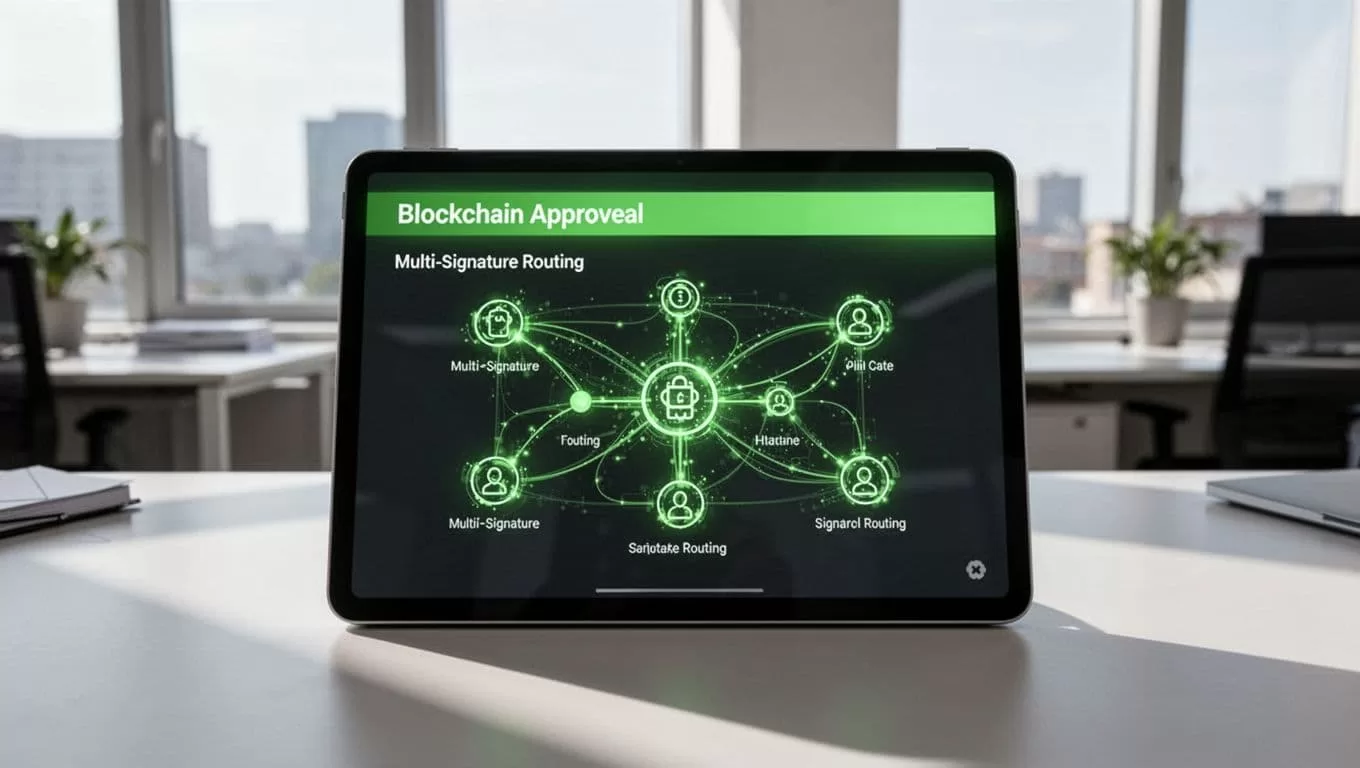
Use Twin to prepare and route the approval request. The workflow can collect the proposal ID, approved vote result, target action, destination address, requested amount, and supporting documents. It can then notify the designated reviewers and record which people acknowledged the request.
Twin Browser supports human handoffs for approval and MFA gates. It also provides a per-tenant credential vault and an audit log for browser activity. These controls are useful when a workflow must stop at a portal login, MFA challenge, or final review step.
A safe routing sequence looks like this:
- Confirm that the proposal passed according to the DAO’s recorded rules.
- Match the execution request to the original proposal ID.
- Send the request to the approved signer group.
- Pause for human validation and MFA.
- Let signers complete the transaction in the DAO’s approved multisig interface.
- Record the transaction reference after a signer confirms it.
Twin should not receive seed phrases or private keys. It should not determine whether a transaction is safe based only on generated text. The final signature, signer quorum, address check, and transaction review remain human-controlled.
This boundary also protects transparency. A workflow can route information and reduce missed approvals without pretending that automation is the same as authorization.
Create post-vote tasks and protect the audit trail
A passed vote is an operational trigger. It isn’t the end of the workflow.
When the voting source shows a final result, Twin can create a task record in an approved connected app or add an execution row to a controlled spreadsheet. The record should include the proposal ID, result, responsible owner, due date, dependencies, and source link.
Examples include creating follow-up work for:
- Updating governance documentation.
- Publishing a decision summary.
- Preparing a multisig transaction.
- Revising a treasury operating record.
- Scheduling a contributor or community announcement.
- Requesting a second review for a failed or disputed proposal.
Add an exception path for every automated action. If the proposal result is missing, the deadline changed, the source page is unavailable, or the proposal ID doesn’t match, stop the run and notify an operator. A message such as “workflow failed” isn’t enough. Identify the failed step, source, timestamp, proposal, and required correction.
Store the workflow name, run ID, authenticated account, source system, timestamps, output record, and reviewer decision. Twin’s audit log can support operational traceability, but it isn’t an immutable on-chain governance record. Keep the DAO’s official proposal and execution records in their designated systems.
The ENS discussion about automated DAO workflows reflects the same operating need: teams want fewer manual handoffs without weakening the governance process.
Roll out DAO governance automation with strict controls
Use a read-only pilot first. Let Twin inspect proposal status and produce draft reports without sending messages or creating tasks. Compare its output with several real governance cycles.
Then enable low-risk actions. Good first actions include writing status records, preparing reminder drafts, and creating internal review tasks. Keep public posts, signer notifications, and execution handoffs behind human approval.
Set clear access boundaries before deployment:
- Give each workflow only the credentials and apps it needs.
- Separate read access from write access.
- Require MFA for sensitive browser actions.
- Define who can approve each handoff.
- Keep proposal IDs and source URLs in every output.
- Test missing data, duplicate runs, expired deadlines, and changed proposal pages.
- Review logs after every pilot run.
A governance workflow should fail closed. If Twin cannot verify the source or match the proposal record, it should stop instead of guessing.
Conclusion
DAO governance automation works best when it handles coordination, not authority. Twin.so can check status, send neutral reminders, prepare delegation reports, route multisig requests, and create post-vote tasks across approved tools.
Keep voting logic, signer control, and final execution in the systems and hands responsible for them. Use Twin to make every operational handoff visible, reviewable, and easier to repeat.
