Scale Day Trading Automation Safely With Twin.so
Day trading automation can remove repetitive clicks, but it can also repeat a bad decision faster than a person. The system needs more than a market signal and an order button. Twin.so can coordinate market data, browser tasks, API calls, r...
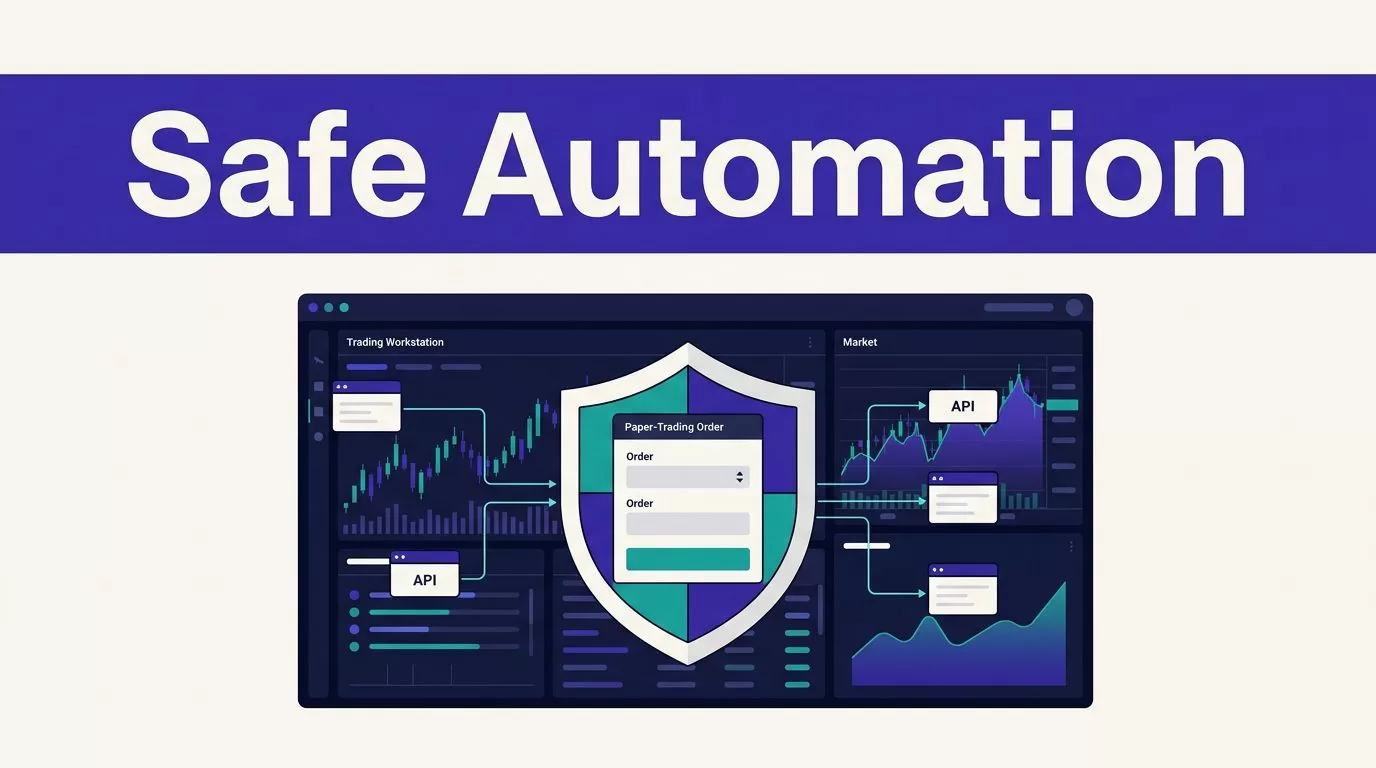
Day trading automation can remove repetitive clicks, but it can also repeat a bad decision faster than a person. The system needs more than a market signal and an order button.
Twin.so can coordinate market data, browser tasks, API calls, reports, and scheduled workflows. It shouldn’t receive unrestricted trading authority on day one. Build the controls first, test with paper capital, then increase access in measured stages.
How Twin.so Fits Into Day Trading Automation
Twin.so is a cloud-based AI agent platform. Its agents can run scheduled and event-driven workflows across websites, applications, APIs, email, and other connected tools. The platform’s public materials also describe an autonomous trading system that can work with exchanges, TradingView, CoinGecko, X, Telegram, and email.
That description doesn’t make Twin.so a low-latency trading terminal. It is better treated as an orchestration layer around a trading system. The broker, market-data provider, risk service, and monitoring tools still need clear responsibilities.
Use Twin.so for coordination
A useful workflow might collect approved market data, apply a defined signal rule, create a trade proposal, send the proposal through a risk check, and notify a human reviewer. Another workflow might reconcile broker fills with internal records and produce a daily report.
These tasks benefit from scheduling, data movement, browser access, and natural-language workflow construction. They don’t require the agent to make every decision without limits.
Browser automation can help when a provider has no usable API. It adds failure points when pages change, sessions expire, or a form behaves differently. Use a direct API when it provides the same approved data or order function.
Confirm every integration before building
Twin’s public integrations page lists more than 41,000 connected applications. It also references TradingView workflows and OANDA practice-account tasks for positions, history, and performance reports. Review the Twin.so integrations directory before you design around a connector.
Public pages do not confirm dedicated support for every broker. Interactive Brokers, Alpaca, Robinhood, Schwab, and other providers should be treated as unconfirmed until Twin’s current documentation or support team verifies them.
Check these points before connecting an account:
- The exact broker or exchange connector.
- Paper and live account support.
- Available order types and time-in-force settings.
- Authentication method and permission scope.
- Rate limits, concurrency limits, and webhook behavior.
- Run logs, screenshots, alerts, and retention periods.
- Whether the connector can query order status after a timeout.
The Twin quickstart documentation describes scheduled agents, event triggers, OAuth integrations, and browser workflows. Use it to confirm the current setup path instead of assuming that a general app integration supports order execution.
Build a Safer Architecture Before You Scale
A trading agent should sit inside a system that can reject its instructions. Don’t let one prompt control market data, strategy logic, position sizing, order submission, and emergency response.

Separate signals, decisions, and execution
Use separate stages:
- Market data enters through an approved source.
- A strategy component creates a signal.
- Twin.so turns that signal into a structured trade proposal.
- An independent risk layer checks the proposal.
- The broker API receives only an approved order.
- The system records the broker response and reconciles the result.
This separation gives you a place to stop bad data before it becomes a live order. It also makes testing easier. You can test the signal without sending orders. You can test the risk layer with rejected proposals. You can test reconciliation with recorded fills.
Give each proposal a unique signal ID and client order ID. Store the symbol, side, quantity, price limit, strategy version, data timestamp, and approval result. These fields help you identify duplicates and investigate an unexpected order.
Put hard limits outside the agent
The risk layer should reject orders that break rules such as:
- Maximum order value.
- Maximum position size per symbol.
- Maximum total exposure.
- Maximum number of open orders.
- Maximum daily loss.
- Maximum number of trades per session.
- Allowed symbols and trading hours.
- Maximum spread, slippage, or data age.
- Duplicate signal prevention.
Use broker-side controls when the broker supports them. Keep a separate emergency mechanism that can cancel open orders, block new submissions, or revoke the execution credential.
An agent can follow instructions and still be wrong. A hard limit must not depend on the agent recognizing its own mistake.
Start With Paper Trading and Small Batches
Paper trading doesn’t prove that a live strategy will make money. It tests whether your workflow behaves correctly when data changes, orders fail, and the broker returns unexpected states.
Define test cases before live orders
Start with at least 25 approved test cases. Include normal signals and failure conditions. Test stale quotes, missing fields, duplicate signals, rejected orders, partial fills, timeouts, market-closed responses, expired authentication, malformed data, and process restarts.
Use the paper account to check the complete chain:
- Does the trigger run at the expected time?
- Does the workflow use the correct symbol and account?
- Does the risk layer reject an oversized order?
- Does a timeout trigger a status lookup before any retry?
- Does a partial fill update exposure correctly?
- Does the system record the broker’s order ID?
- Can a person find the last trusted state?
Compare expected events with actual events. Don’t measure only whether Twin.so reports a completed run. A completed run can still omit a position update or create a duplicate order.

Use deployment gates
Move through access levels instead of switching directly from development to full-size live trading.
| Stage | Allowed action | Promotion condition |
|---|---|---|
| Paper | Generate simulated orders | Required events and risk rejections match expectations |
| Shadow | Read live data without sending orders | Signals, timing, and data quality remain consistent |
| Small live | Trade with strict size and symbol limits | Reconciliation works and no unresolved incidents remain |
| Controlled scale | Increase limits in small steps | Cost, error rate, exposure, and review results stay within limits |
Keep the original strategy version and configuration for every stage. If you change the signal rule, risk limit, broker connector, or data source, treat the workflow as a new release.
Connect APIs and Credentials Carefully
The broker connection is one of the highest-risk parts of the system. A successful API call can create a real financial obligation.
Prefer direct APIs when they fit
Direct APIs normally provide clearer responses than a browser session. They can expose order IDs, status values, fills, errors, and account data in structured form.
Interactive Brokers documents Web API, TWS API, Excel API, and FIX options through its official API documentation. Its Web API documentation states a global limit of 10 requests per second for each authenticated username, so your workflow needs pacing and concurrency controls if that connection is used.
Alpaca also provides APIs for stock, options, and crypto trading through its official developer platform. That doesn’t confirm Twin.so support. It gives you the broker-side documentation needed to evaluate authentication, order types, paper trading, and limits.
Never assume that an AI agent can safely infer broker rules. Pass explicit values and validate the response schema before the execution step.
Restrict secrets and account permissions
Create separate credentials for development, paper trading, and live trading. Give the workflow the minimum access it needs.
A market-data workflow doesn’t need order permission. A reporting workflow may need read-only account access. An execution workflow shouldn’t have withdrawal, transfer, or administrative permissions.
Twin states that it uses isolated cloud execution environments and provides security controls such as least-privilege access and auditability. It also states that the platform is SOC 2 compliant. Review the current Twin security information and ask for the exact report scope, audit period, credential handling, log retention, and deployment options.
Don’t place passwords, API keys, or recovery codes inside prompts. Use approved secrets storage and confirm whether the current Twin plan supports the controls your broker connection requires.
Design the Workflow for Failure
Trading systems fail in ordinary ways. A network call times out. A broker accepts an order but the response never reaches your application. A page layout changes. A market-data feed returns an old timestamp.
Make reruns safe
Save progress using stable identifiers. In a trading workflow, useful identifiers include the signal ID, bar timestamp, broker order ID, account ID, and strategy version.
Before retrying a timed-out order submission, query the broker for the existing order. Never submit the same order again simply because the first response was missing.
Make each write operation idempotent. If the same signal arrives twice, the second event should produce a status lookup or a duplicate warning, not another order.
Store the state before and after every side effect. The record should show what the system intended, what the broker received, and what the broker confirmed.
Use bounded retries and exception queues
Retry temporary network failures with a short limit and increasing delays. Don’t retry permission errors, invalid credentials, changed schemas, or rejected orders indefinitely. Those conditions need correction or human review.
Stop the write step when:
- Market data is stale.
- Required fields are missing.
- Two sources disagree.
- The broker response doesn’t match the expected schema.
- The workflow loses account context.
- A position cannot be reconciled.
- The risk service is unavailable.
Route these cases to an exception queue. Record the proposed action, the reason for the stop, the source evidence, and the person responsible for review.
Write the manual fallback before production. State who checks the broker account, where the last trusted state is stored, how open orders are reviewed, and when the kill switch is activated.
Monitor Every Order and Control Your Costs
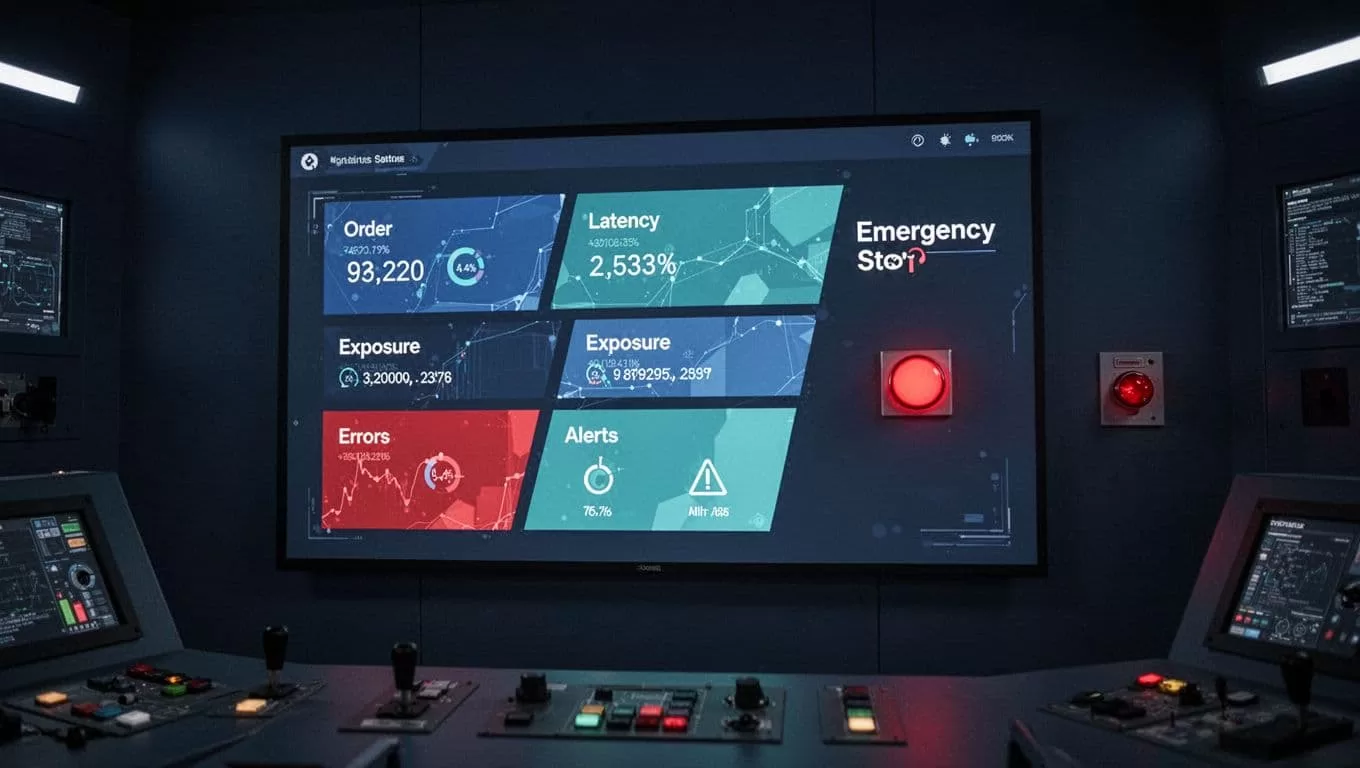
Automation creates more events to monitor, not fewer. You need visibility into data freshness, order status, exposure, errors, retries, and credit usage.
Measure accepted output
Track results that a trader or operator can actually use:
- Credits used per run.
- Signals received and signals rejected.
- Orders submitted and orders confirmed.
- Missing, duplicate, or unmatched records.
- Failed runs and retry counts.
- Human review minutes.
- Correction time.
- Cost per accepted run.
- Unreconciled positions and open incidents.
A workflow that removes ten minutes of manual work but creates thirty minutes of correction work has failed its operating test. Count accepted results, not browser actions or completed agent steps.
Twin uses credits for building, running, browsing, research, and generated output. Current planning ranges place a simple API, filter, and notification workflow around 15 to 30 credits. A 100-item scrape may use about 20 to 70 credits, while a browser session with roughly 20 steps may use 100 to 200 credits.
These are planning ranges, not fixed quotes. Page behavior, retries, searches, document volume, and output size affect actual usage. Run a small approved batch before forecasting monthly spend.
Twin’s public pricing page lists credit bundles such as 2,000 credits for $20, 5,000 for $50, 10,000 for $95, and 20,000 for $189. New users receive trial credits under the published trial terms. Check the current Twin pricing before committing to a production budget.
Add alerts and a kill switch
Set alerts for:
- Stale or missing market data.
- Unusual order latency.
- Rejected or partially filled orders.
- Exposure above the configured limit.
- Duplicate signals.
- Unexpected symbol or quantity values.
- Authentication failures.
- Run failures and repeated retries.
- Credit usage above the expected range.
The kill switch should be simple and tested. It may disable the execution credential, block the order route, cancel open orders, or stop the agent schedule. Test it in paper trading and again during a limited live deployment.
Do not bury the kill switch inside the same workflow that can malfunction. Use a separate control path and confirm that someone can activate it without relying on the agent.
Review Broker and Regulatory Controls
Automation doesn’t remove broker obligations or trading rules. It only changes how orders are created and monitored.
Check the current rules
FINRA’s 2026 materials discuss changes involving pattern day trader treatment and intraday margin standards. The FINRA Regulatory Notice 26-10 lists a June 4, 2026 effective date and discusses pattern day trader designation. FINRA also published information about new intraday margin standards.
Don’t build a risk rule from an old article or a broker screenshot. Review the current broker agreement, account type, margin terms, short-sale rules, options permissions, order restrictions, and applicable market rules.
FINRA’s algorithmic trading guidance also shows why firms need controls around development, testing, supervision, and trading activity. Retail traders still need to understand the rules that apply to their account and venue.
Keep records and human oversight
Store the strategy version, signal inputs, data timestamps, risk decision, broker request, broker response, fill details, and operator actions. Retain enough information to reconstruct an incident without depending on a browser screenshot.
Twin’s public security material mentions auditability, but the public pages don’t establish every logging detail. Verify whether you can export run history, step-level events, screenshots, alerts, and execution traces. Confirm retention periods before you rely on them for incident review.
This article provides operational information. It isn’t personalized financial, investment, tax, or legal advice. Ask a qualified professional about requirements that apply to your account, business, jurisdiction, or trading activity.
Use a Controlled Rollout Plan
Scaling should increase evidence and access together. More agents, symbols, accounts, or order size create more failure combinations.
Start with one narrow workflow
Choose one strategy, one broker or exchange, one account, and a small symbol list. Define the exact trigger and expected output.
A suitable first workflow might collect market data, calculate a signal, check risk limits, create a paper order, and produce a reconciliation report. Don’t add social signals, news analysis, multiple brokers, and live execution in the first release.
Run 25 to 100 approved scenarios. Include clean cases and difficult cases. Fix missing fields, duplicate handling, retry rules, and review queues before expanding.
Promote only after measured checks
Use these promotion conditions:
- Every test case produces the expected result.
- Duplicate signals don’t create duplicate orders.
- Timeouts trigger status checks before retries.
- Broker fills reconcile with internal records.
- Risk limits reject invalid orders.
- Alerts arrive through a channel someone monitors.
- The kill switch stops new orders.
- A manual fallback restores control.
Increase one variable at a time. Raise order size only after the workflow remains stable at the current size. Add symbols only after data quality and exposure controls work for the existing list.
Review the system on a fixed schedule
Review failed runs, rejected orders, stale data, unexpected costs, correction time, and credit usage each week during the pilot. Compare actual behavior with the approved strategy specification.
Pause scaling when the broker changes an API, the market-data source changes, Twin changes a relevant feature, or the workflow starts using more retries than planned. If the design spans several systems and approval boundaries, Book A Call to map the controls before expanding the workflow.
Conclusion
Twin.so can coordinate useful trading workflows, but it shouldn’t be treated as a profit engine or an unrestricted execution account. Use it for controlled orchestration, keep hard risk limits outside the agent, and verify every broker integration before live access.
The safest path is staged: paper trading, shadow mode, small live limits, measured monitoring, and gradual expansion. Day trading automation is ready to scale only when the system can reject bad inputs, recover from failures, explain every order, and stop without depending on the agent.
