Depop Bot Alternative: Build Safer Workflows in Twin.so
A Depop bot alternative should remove repetitive work without putting your seller account at risk. That rules out tools that auto-like listings, follow users, refresh products, scrape profiles, or send bulk messages. Twin.so is useful when...
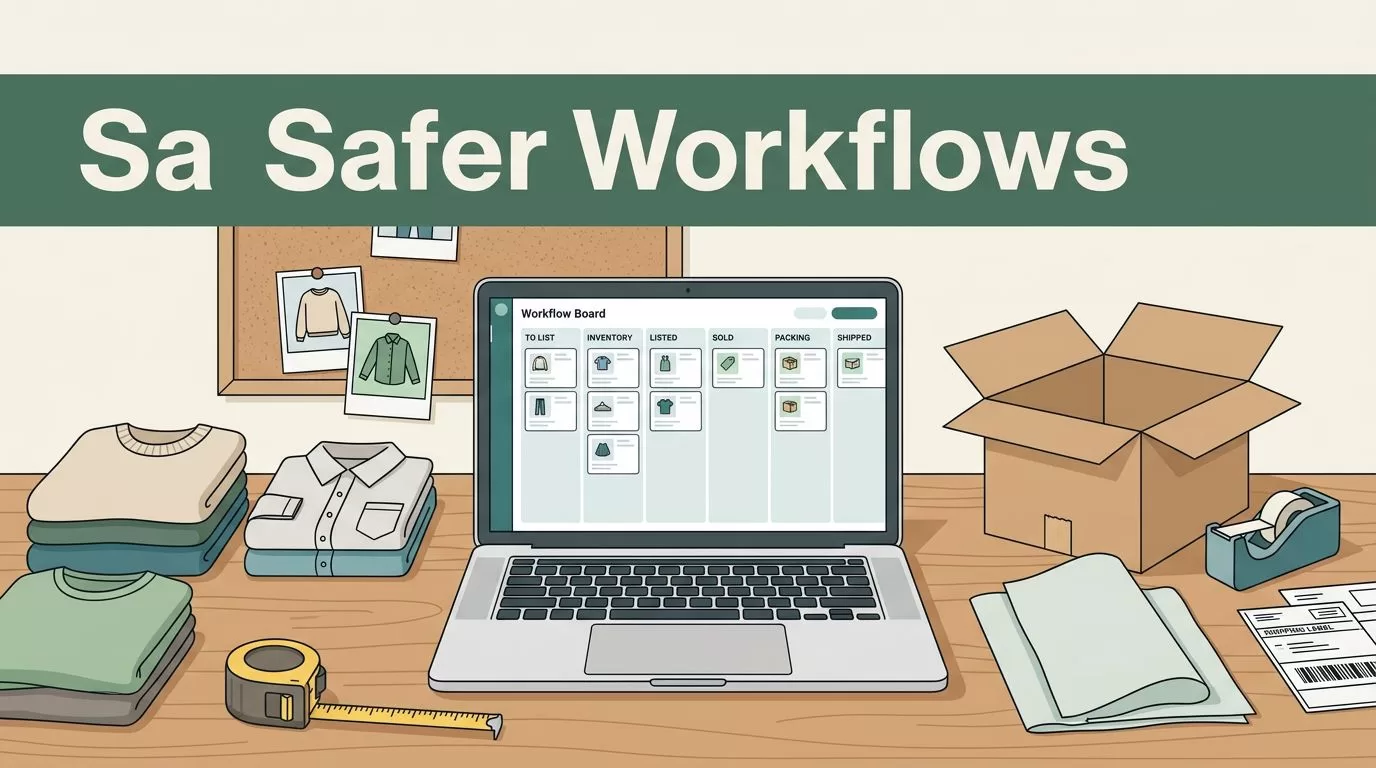
A Depop bot alternative should remove repetitive work without putting your seller account at risk. That rules out tools that auto-like listings, follow users, refresh products, scrape profiles, or send bulk messages.
Twin.so is useful when you treat it as a workflow system, not a way around Depop’s rules. You can use it to prepare listings, organize inventory, route approvals, track sales, and create shipping tasks. The first step is separating safe back-office automation from unauthorized activity inside Depop.
Why Sellers Are Looking for a Depop Bot Alternative
Most sellers don’t need a bot to click buttons all day. They need fewer manual tasks around each item.
A single listing can require photography, measurements, title writing, description writing, pricing, inventory entry, cross-listing, buyer communication, and shipping. Multiply that process by 50 or 500 items, and repetitive administration becomes a serious operating cost.
Traditional Depop bots usually focus on engagement actions. They may like products, follow accounts, send offers, bump listings, or perform repeated browser actions. These features sound useful because they create visible activity. They also create account risk when Depop hasn’t authorized the behavior.
Depop’s current rules prohibit unauthorized automated access, scraping, crawling, browser extensions, and systems that collect or analyze marketplace data. The platform also prohibits activity that artificially inflates views, ratings, reviews, or other engagement metrics.
A safer alternative focuses on work that happens before and after the marketplace interaction. You can automate the preparation of a listing without automating suspicious engagement. You can create a shipping task after a sale without sending unsolicited messages to buyers.
Depop allows sellers to list an item on multiple marketplaces, but inventory must stay accurate. If the item sells elsewhere, you need to remove it from Depop. If it sells twice, you’re responsible for the refund and the buyer impact. That makes inventory control more important than automated activity.
You can review the current marketplace experience directly on Depop’s official site. Seller discussions in the Depop community can also reveal common workflow problems, but community advice isn’t a replacement for Depop’s current terms.
Depop Bot Alternative: What Twin.so Should Handle
Twin.so should handle structured tasks that use your own data and require clear approval points. It should not be used as an excuse to automate every action in your seller account.
Start with your inventory database. Each item needs a unique SKU, product title, brand, category, size, color, condition, cost, target price, storage location, photo folder, and listing status. Add fields for other marketplaces if you sell on more than Depop.
A basic workflow can then follow this sequence:
- You add a new item and upload its photos.
- Twin.so reads the approved product information.
- It creates a draft title and description using your formatting rules.
- It calculates a target price from your pricing inputs.
- It saves the draft for review.
- You approve, edit, and publish it through an authorized method.
The approval step matters. AI can misread a size tag, miss a flaw, or describe a fabric incorrectly. A human must confirm the listing before it reaches a buyer.
Twin.so can also prepare several versions of the same listing. You might use a shorter title for Depop, a longer description for another marketplace, and a structured internal record for your inventory system. The source data stays in one place, so you don’t retype the same details into every channel.
Do not allow the workflow to invent information. If the brand, material, measurements, or condition is missing, send the record to an exception queue. A missing value should create a review task, not a confident guess.
Three Legitimate Twin.so Workflows for Depop Sellers
1. Create listing drafts from your inventory records
This is the most practical starting point.
Build a standard listing template with fixed fields. Include the title format, condition language, measurements, shipping notes, and return information you use across your store. Twin.so can use those fields to generate a consistent draft.
For example, your title rule might require:
Brand + item type + size + color
Your description rule might require:
- Condition and visible flaws
- Measurements
- Material, if confirmed
- Fit notes based only on your own observations
- Shipping information
- A reminder that colors may vary by screen
The workflow can save the completed draft in a spreadsheet, database, document, or task board. You then review the output and manually paste it into Depop unless you have an authorized integration that permits publishing.
This process reduces typing without creating fake engagement. It also gives you a consistent record of what was published.
2. Manage cross-platform inventory
Cross-listing creates a stock-control problem. The same vintage jacket may appear on Depop, eBay, Grailed, and another marketplace. A sale on one channel must change the status everywhere else.
Create one primary inventory record for each item. Use a status such as:
- Draft
- Listed
- Reserved
- Sold
- Shipped
- Archived
When you mark an item as sold, Twin.so can create a task to remove or pause the other listings. It can also send an internal alert with the SKU, buyer channel, storage location, and shipping deadline.
The important limit is execution. If the system needs to log into Depop and automatically delete or edit listings through browser clicks, confirm that the method is authorized before enabling it. If authorization is unclear, let Twin.so create the task and keep the final marketplace action manual.
This workflow still saves time. The system finds the affected listings and tells you what to change. You don’t need to search every channel from memory.
3. Build a post-sale shipping queue
Shipping tasks are a safer automation target because they rely on your own order information.
When a sale appears in an approved order source, Twin.so can create a fulfillment task. The task can include the item SKU, storage bin, buyer address from the authorized order record, packaging type, and dispatch deadline.
You can add checks before the task becomes active:
- Confirm the item is physically in stock.
- Match the SKU to the sold listing.
- Confirm the buyer’s shipping details.
- Select tracked delivery.
- Mark the order as packed.
- Add the tracking number.
- Update the order status through an approved process.
Depop’s seller guidance recommends shipping promptly with tracking when possible. Your workflow should support that manual operating standard, not replace it with unauthorized account activity.
How to Build the Workflow in Twin.so
Use a narrow workflow first. Do not connect every marketplace, storage folder, spreadsheet, and messaging channel on day one.
Create the inventory source before adding automation. A simple table is enough. The critical fields are SKU, item status, listing URLs, purchase cost, sale price, and storage location.
Next, define the trigger. A trigger could be a new row, a completed photo upload, an approved draft, or a manually changed status. Avoid vague triggers such as “new marketplace activity” unless the data source and authorization are clear.
Then define each action in order. A listing preparation workflow might look like this:
- Read the new inventory record.
- Check whether required fields are complete.
- Pull the approved product photos.
- Generate a title within your character limit.
- Generate a description from confirmed facts.
- Calculate the target price from your pricing rules.
- Create a review task.
- Wait for approval.
- Save the final listing copy and publish it only through an authorized channel.
Add an exception route. If the photo folder is missing, the item has no SKU, or the condition field says “review needed,” the workflow should stop and create a correction task.
Use a test set of real items before processing your entire catalog. Select five listings with different categories, conditions, and price points. Compare the generated drafts with your existing standards. Check factual accuracy first. Speed is not useful if every draft needs a full rewrite.
Keep an activity log. Record when the workflow ran, what it changed, who approved the result, and whether a manual correction was required. This helps you find failed steps and gives you a clear record if a listing issue occurs.
Before paying for a Twin.so plan, check its current limits for tasks, seats, connected services, browser actions, API access, and execution volume. Pricing and plan features can change. Your resale operation needs a plan that supports the actual number of items and workflows you process each month.
What Twin.so Should Not Automate
Avoid any workflow that imitates human engagement at scale. That includes auto-liking, auto-following, auto-commenting, auto-refreshing, bulk offers, and unsolicited messages.
Scraping is also a poor fit. Do not collect Depop listings, user profiles, shop data, prices, or engagement information through an unauthorized browser process. Depop’s API terms place limits on authorized use and prohibit automated access outside those permissions.
Do not use automation to inflate shop statistics. Extra views or follows may look useful in a dashboard, but artificial activity can create a larger account problem.
Dropshipping creates another issue. Depop’s prohibited-items guidance does not permit sellers to list products they don’t possess. Your inventory workflow should begin with an item that you own and can ship.
Keep buyer communication controlled. Twin.so can remind you to answer a message or create a response draft from approved templates. It shouldn’t send high-volume messages without review, especially when the content could be interpreted as spam or promotion.
A simple rule works well:
Automate your records, drafts, reminders, and internal tasks. Review every action that changes marketplace data or contacts another user.
That boundary gives you the time savings most sellers want without treating account risk as part of the business model.
How to Measure Whether the Setup Works
Track operational metrics instead of vanity activity.
Measure the time required to move an item from photography to approved listing. Record the number of manual corrections per draft. Track duplicate listings, missed delistings, shipping delays, and inventory mismatches.
A useful starting dashboard contains:
- Average listing preparation time
- Draft approval rate
- Number of missing-data exceptions
- Duplicate or oversold items
- Average time from sale to shipment
- Manual tasks completed each week
Compare results for two weeks before and after implementation. If listing preparation falls from 12 minutes to five minutes, the workflow is helping. If it creates incorrect descriptions or missed inventory updates, reduce its scope.
Revenue still matters. A faster listing process has limited value if your prices are wrong or your descriptions reduce buyer confidence. Compare sell-through rate, average sale price, cancellation rate, and buyer issues alongside time savings.
Use the data to adjust the system. Add a required measurement field if buyers ask about sizing. Add a condition review if drafts miss stains or wear. Add a storage-location field if fulfillment takes too long.
Conclusion
The right Depop bot alternative doesn’t try to manufacture activity on your account. It removes repetitive work around listing preparation, inventory control, approvals, and shipping.
Twin.so is a better fit when it operates as a controlled workflow layer. Keep your data structured, add human approval before publishing, and stop any process that depends on unauthorized scraping or browser automation.
Start with five real items. Test the listing draft workflow, measure corrections and time saved, then add cross-platform inventory and post-sale tasks. Your automation should make the business easier to manage, not make your Depop account harder to protect.
