Launch Developer Free Testing Campaigns On Mida.so
Running experiments on production code used to mean building clunky routing scripts from scratch or dealing with bloated enterprise platforms that required months of procurement. If you manage web products, you know the friction of validati...

Running experiments on production code used to mean building clunky routing scripts from scratch or dealing with bloated enterprise platforms that required months of procurement. If you manage web products, you know the friction of validating new UI features or pricing tweaks without breaking the core stack. You need a fast way to deploy developer testing campaigns without locking your budget into expensive enterprise tiers.
Mida.so gives technical teams a streamlined environment to run experiments directly on live applications. It handles traffic splitting, variant rendering, and metric tracking without adding massive JavaScript payloads to your client-side bundle. You can set up your first experiment in minutes and keep your infrastructure lightweight while gathering statistically valid user data.
Key Takeaways
- Mida.so offers a permanently free tier capped at 100,000 monthly tested users, letting you run developer testing campaigns without a credit card or trial expiration.
- Writing a precise hypothesis with a single variable change prevents noisy data and helps isolate what actually drove user behavior.
- Monitoring Core Web Vitals alongside your primary conversion metric ensures a winning variant does not degrade mobile performance or page speed.
- Storing test documentation, hypotheses, and decision notes inside your workspace prevents team memory loss and builds a searchable archive for future experiments.
Setting Up Your First Campaign
Getting started requires connecting your web application to the Mida platform and defining your test parameters. You don’t need a heavy SDK rewrite to begin. Drop the lightweight snippet into your header or initialize via your module bundler, and the system starts listening for traffic.
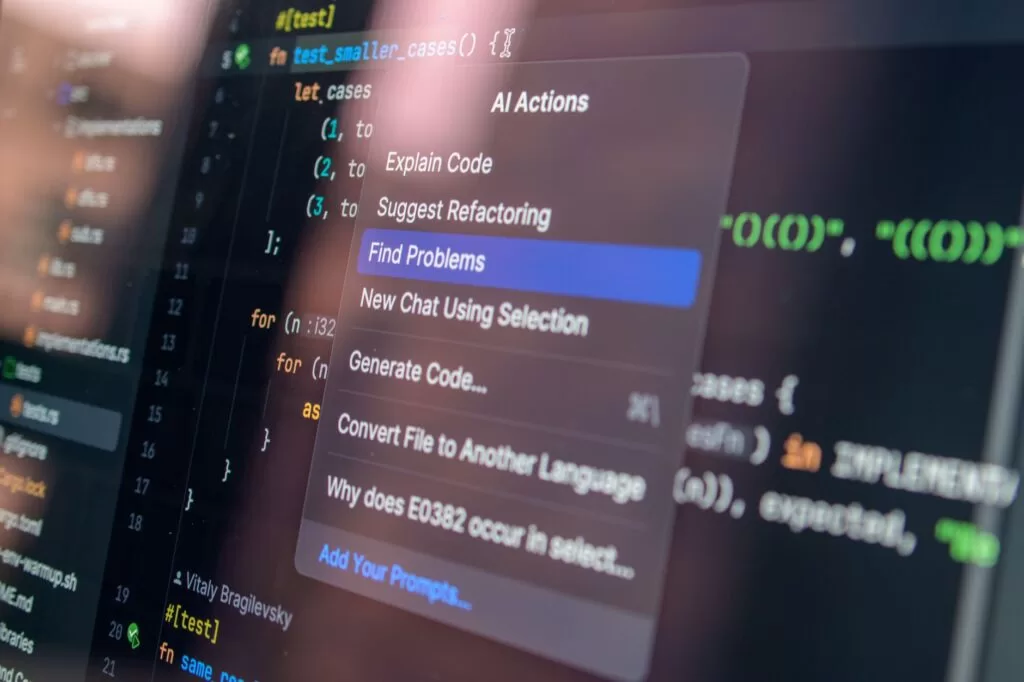
Photo by Daniil Komov
Create a dedicated project container inside your workspace for the specific web property you want to optimize. Define your targeting rules using clean URL parameters or specific device triggers so traffic splits only where you want it. For more details on targeting specific acquisition channels, review this guide on testing campaigns with Google and Meta ads to ensure your paid acquisition lands on the correct variant.
+-----------------------------------+-----------------------------------+
| Configuration Step                | Action Required                   |
+-----------------------------------+-----------------------------------+
| Snippet Installation              | Add async script to head tag      |
| Traffic Allocation                | Split 50/50 between control/test  |
| Primary Goal                      | Select target click or form ID    |
+-----------------------------------+-----------------------------------+
Keep your initial configuration simple by sticking to a single active test per domain. Running concurrent experiments on the same user session creates conflicting DOM manipulations and skews your conversion data. Once your snippet fires reliably and traffic populates your dashboard, you are ready to write your first experiment hypothesis.
Defining Your Testing Hypothesis
A vague test brief ruins experiments before they start. Saying you want to improve the homepage tells your team nothing about what to build or measure. Write your hypothesis as a single declarative statement that connects a specific UI change to an expected user action.
State the change, the target metric, and the reason behind the expectation clearly in your project notes. For example, changing the primary CTA button from blue to high-contrast orange will increase demo requests because mobile visitors can spot the action faster without scrolling. This gives your designers, developers, and product managers one shared reference point.
Build your control version first, which is the existing production experience receiving standard traffic. Then build one meaningful variant that tests your hypothesis. If you change five unrelated elements at once, you will never know which modification caused the performance shift.
Managing Free Tier Limits and Scaling
Resource constraints matter when you run developer testing campaigns on free infrastructure. Mida provides a robust free tier that covers up to 100,000 monthly tested users without a time limit or credit card requirement. This capacity is plenty for early-stage features, landing page variations, and small-scale traffic splits.
If you compare this setup with other developer-focused experimentation platforms, you will find various guardrails and user caps across the market. For instance, platforms like Optibase offer tiered entry points, while other tools limit active concurrent tests on their starter plans, as outlined in this review of the best free A/B testing tools.
Monitor your monthly tested user count inside your dashboard as your traffic grows. If your application scales past the free threshold, you can upgrade your plan smoothly without altering your deployed tracking code or rewriting your experiment configuration rules.
Protecting Performance and Core Web Vitals
A winning variant means nothing if it damages page performance. Slow load times or layout shifts will tank your long-term retention even if short-term clicks go up. Keep a close eye on your performance metrics while running experiments.
Interaction to Next Paint measures how quickly your page responds to user clicks, while Cumulative Layout Shift tracks unexpected element movement during loading. You can review current measurement standards directly in Google’s Core Web Vitals documentation.
Mida.so should sit inside this technical measurement plan to handle variant rendering and visitor assignment without replacing your core monitoring tools. Always confirm whether your test affects loading speed or visual stability on mobile devices before declaring a permanent winner.
Storing Results and Documentation
Teams often forget why an experiment ran six months after it concluded. Prevent this knowledge gap by recording every completed test directly in your workspace notes. Store the hypothesis, launch date, primary metric, sample size, and final decision date together.
Documenting why a variant failed is just as valuable as recording a win because it stops your team from repeating dead-end design patterns later.
When a test concludes, mark it as won, lost, or inconclusive based on both statistical confidence and practical business value. A statistically reliable improvement can still be too small to justify permanent engineering maintenance if the absolute conversion gain is negligible.
Conclusion
Running developer testing campaigns doesn’t require a massive enterprise budget or complex internal tooling. You can set up clean, high-impact experiments on Mida.so using a lightweight snippet and a structured workflow that protects your site performance. Focus on one clear hypothesis at a time, watch your monthly tested user counts, and document your decisions so your product team learns from every deploy.
